

If you run an IT managed service provider, or handle HR for one, you already know the staffing mix is awkward: service desk staff, field technicians, a few engineers, sales, and often remote workers spread across several states. A PEO can take on part of the payroll, benefits and compliance load for that group. It also adds a co-employment layer that touches your contracts, your benefits control and your insurance setup.
These options were chosen for fit with small and mid-sized IT services firms: multi-state technician coverage, benefits access, technology integration, contract flexibility, and how openly each vendor shares pricing and terms. Before you weigh pros and cons, read our PEO pros and cons guide and our PEO comparison hub for the broader picture.
Quick Comparison of PEO Options for MSPs
- PEO Metrics: best for MSPs still deciding whether a PEO is worth it; pricing on request via its website; the one place to compare several PEOs vendor-neutrally before requesting quotes.
- Justworks: best for small MSPs without a dedicated HR person; per employee per month, see its site for current plans; a self-serve platform with plan pricing shown publicly.
- TriNet: best for growing MSPs that want technology-industry experience; quote-based; industry-tailored plans built around tech and professional-services firms.
- Insperity: best for owners who want an HR partner for hiring and employee relations; quote-based; a service model built on assigned HR support.
- ADP TotalSource: best for multi-state MSPs or existing ADP customers; quote-based; continuity with ADP’s payroll and workforce platform.
- Paychex PEO: best for MSPs already running Paychex payroll; quote-based; the easiest transition for existing Paychex Flex users.
- Rippling PEO: best for MSPs wanting HR and internal IT access control in one system; quote-based; ties HR records to device and app provisioning.
1. PEO Metrics
PEO Metrics is not a PEO. It is an advisory and comparison service that helps businesses evaluate PEO providers side by side, with metrics and pricing analysis. It does not run payroll, administer benefits or act as a co-employer, so it belongs on this list as the step before you pick a provider, not as a substitute for one.
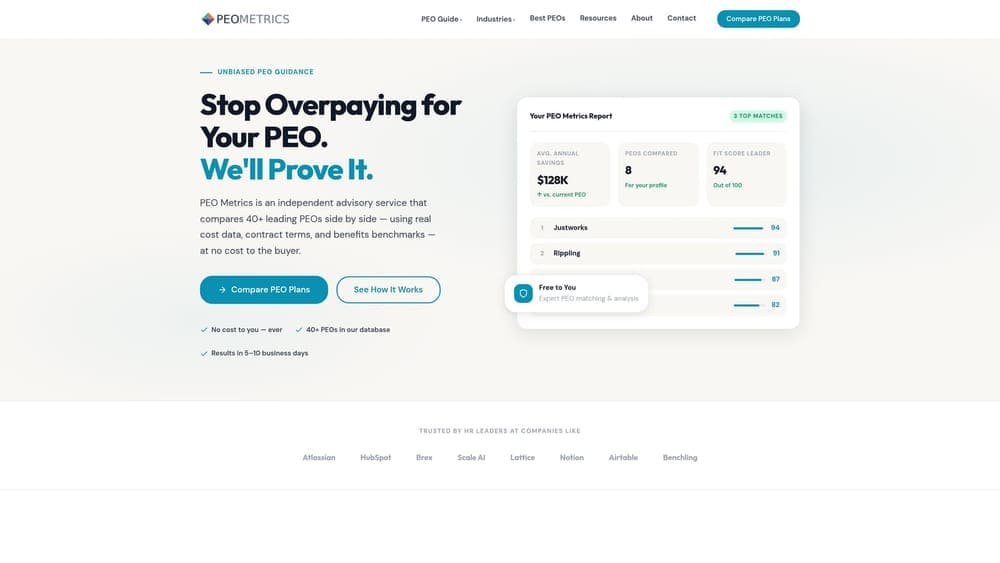
Its main strength for an MSP is that the comparison happens before you commit to quotes. PEO proposals often bundle administrative fees, benefits markups and contract terms differently, which makes them hard to line up. A vendor-neutral view of several providers in one place lets you see which ones fit a technician-heavy firm before you spend weeks in sales cycles.
- Side-by-side PEO comparisons, so you can weigh providers on the same criteria instead of reconciling mismatched proposals.
- Pricing analysis that shows what you would pay for and helps you spot bundled fees or markups.
- Guidance on provider fit, which matters when your staff mix spans service desk, field work and multiple states.
- Detailed metrics across providers, giving you more data to bring to contract negotiations.
Integrations don’t apply, since this is an advisory service. Setup is a conversation and a data review rather than a system rollout, and the owner or HR lead typically handles it.
The limits are plain. PEO Metrics may receive vendor placement fees, so you should treat it as a comparison aid and still read each provider’s contract yourself. It advises but doesn’t process a single paycheck, so you still need to choose and onboard a PEO afterward. It is also a poor fit if you have already decided on a specific vendor and only need implementation help.
Pricing details are on the PEO Metrics website; confirm current terms there.
Best for: MSPs that have not yet decided whether a PEO is worth it and want to compare options first.
2. Justworks
Justworks is a PEO built for small and growing businesses, with a self-serve platform covering payroll, benefits and compliance. It suits an MSP where the owner or an office manager handles HR on the side and wants software that doesn’t need a specialist to run.
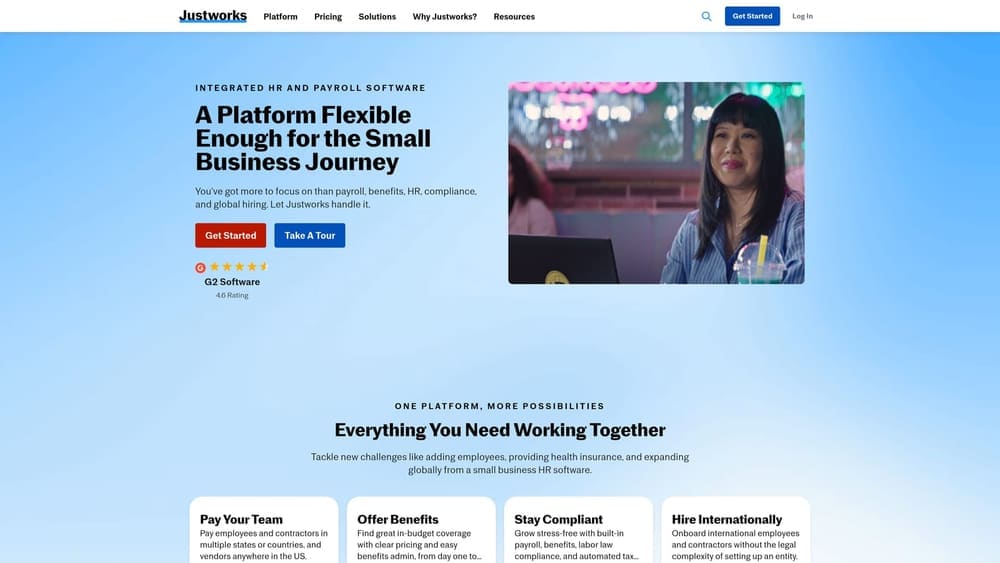
What sets it apart on this list is the small-business orientation and the fact that plan pricing is shown on its site. Most other providers here quote privately, so Justworks makes early budgeting easier for a ten-to-fifty-person firm that wants a rough number before talking to sales.
- Payroll and tax filing, which takes recurring filings off your desk once the setup is done.
- Benefits administration, giving a small team access to group plans it might not secure alone.
- An employee self-service platform where technicians handle their own pay stubs, time off and enrollment without emailing you.
- HR compliance support for the questions that come up as you hire in new states.
It offers accounting and time-tracking integrations; check its site for the current list and confirm that your PSA or time system connects the way you need, since technician time often drives billing. Setup is largely self-serve, which keeps implementation light.
The trade-off is service depth. If you want heavy-touch HR advisory or highly customized benefits, this is less likely to fit. Confirm state availability, plan options and any workers’ compensation handling for field technicians who work on client sites before you sign.
Pricing is per employee per month; see the Justworks site for current plans, as of this writing subject to change. Headcount is the main driver, along with the plan tier you choose.
Best for: Small MSPs without a dedicated HR person.
3. TriNet
TriNet is a PEO with a long record of serving technology and professional-services companies. It bundles HR, benefits, payroll and compliance support, and it markets industry-focused plans, which is relevant if your MSP wants a provider that already understands tech-company staffing.
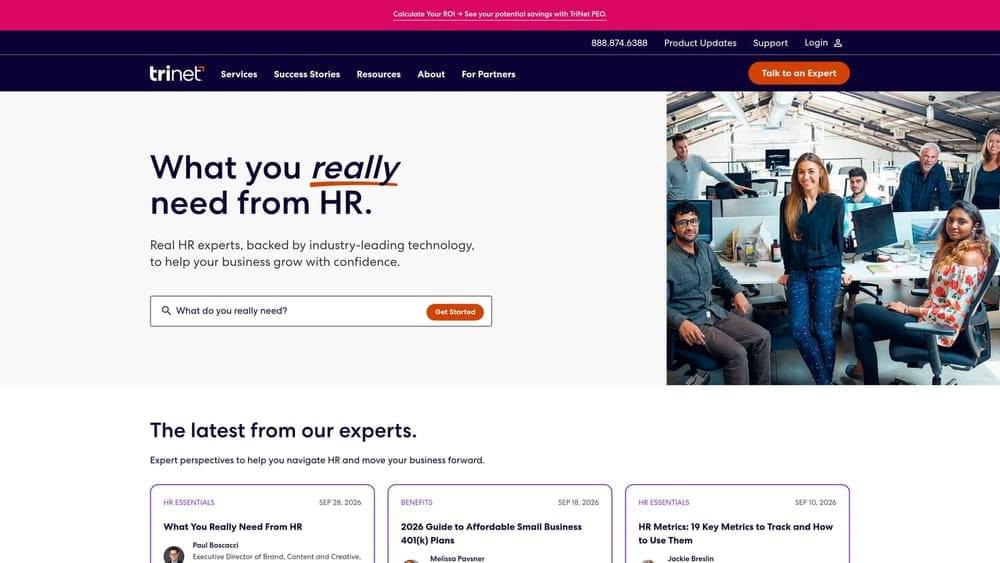
The distinguishing point against this list is the technology-sector positioning. Where other providers sell broadly to any small employer, TriNet tailors its offerings by industry, which can mean benefits packages and HR guidance framed around firms like yours, including competing for technical talent against larger employers.
- Industry-focused PEO plans, so the package starts closer to what an IT services firm needs.
- Benefits access that can help you compete for technicians and engineers.
- Payroll and compliance services that cover multi-state filings as your team spreads out.
- HR advisory for hiring, terminations and policy questions.
It connects with HR, accounting and other business systems; see its site for specifics and ask how it exchanges data with your PSA or accounting tool. Expect a guided implementation with a sales and onboarding team, which means more handholding than a self-serve tool but also more lead time.
The main limitation is pricing transparency. Pricing is quote-based, and possible minimums may make early comparison harder for very small firms. Ask directly about minimum headcount, fees and contract length as of today, since these terms can change.
Cost is quote-based and typically moves with headcount, benefits selections and your risk profile.
Best for: Growing MSPs wanting a PEO with technology-industry experience.
4. Insperity
Insperity pairs payroll, benefits and compliance with hands-on HR service. Its model centers on assigned HR support, so you work with people rather than only a portal, which suits owners who would rather hand off employee relations than learn them.
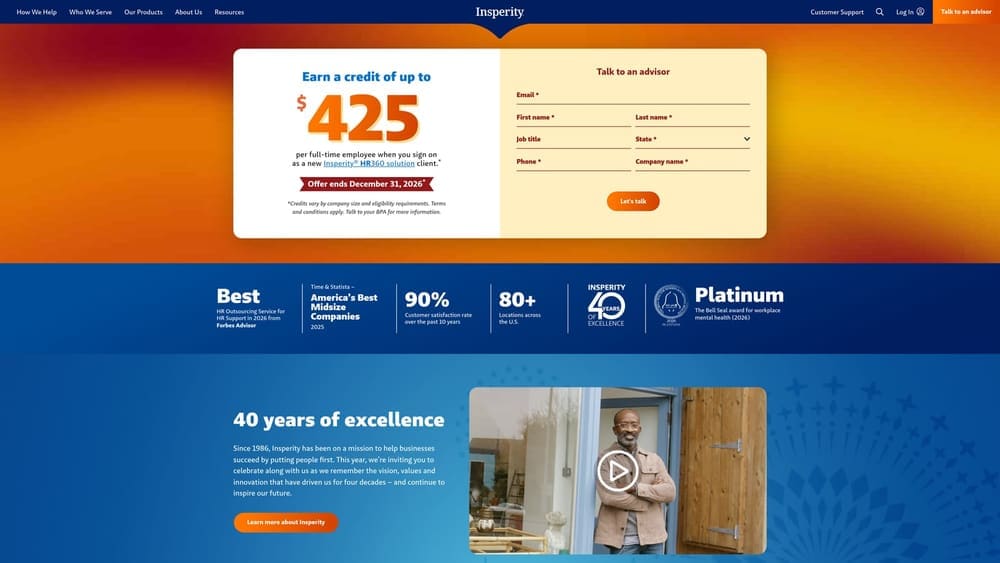
That service-first approach is what separates it from self-service options like Justworks. When a technician issue arises, such as a performance problem, a leave request or a complicated termination, you have someone to call. That can matter in an MSP where the owner is also the lead engineer and has little time for HR.
- Assigned HR support, giving you a point of contact for day-to-day people questions.
- Benefits administration, including plan enrollment and ongoing management for your team.
- Payroll and tax services, which move filings and processing off your plate.
- Employee relations and performance help for managing a team of technical staff.
Check Insperity’s site for integration details and ask how payroll and time data move between its platform and your PSA. Setup involves onboarding with the Insperity team, so plan for a structured rollout rather than a same-week switch.
The caution is scale. A very small MSP may find this is more service than it needs and may pay for support it rarely uses. Confirm minimums, contract terms and what the service model covers as of your quote.
Pricing is quote-based and generally depends on headcount, benefits choices and the level of service.
Best for: MSP owners who want an HR partner for hiring and employee relations.
5. ADP TotalSource
ADP TotalSource is ADP’s PEO offering, delivered on ADP’s payroll and workforce platform, with benefits, compliance and risk services included. If your payroll already runs on ADP, this is the most direct route into co-employment without changing systems entirely.
Its standout is scale and continuity. For an MSP with technicians in several states, ADP’s multi-state administration and long-running payroll infrastructure are the draw, and an existing ADP relationship can shorten the transition.
- Payroll on the ADP platform, keeping pay data in a system you may already use.
- Benefits access that supports a larger or more distributed team.
- Risk and compliance support for employment rules across different states.
- Multi-state administration, which helps when technicians or remote staff work outside your home state.
It works within the ADP ecosystem and with third-party integrations; see the ADP site for details and ask which ones apply to your PSA and accounting tools. Implementation is typically led by ADP’s onboarding team, and HR or finance staff manage it day to day.
The limitation is fit. Pricing is quote-based, and the offering is generally oriented to mid-sized employers, so a small MSP should ask about eligibility and minimums early.
Cost is quote-based, driven by headcount, benefits, and your workers’ compensation exposure.
Best for: Multi-state MSPs or existing ADP customers.
6. Paychex PEO
Paychex PEO is Paychex’s co-employment service, tied to its payroll and HR platform, with benefits, compliance and risk support. It makes the most sense when you already pay your team through Paychex.
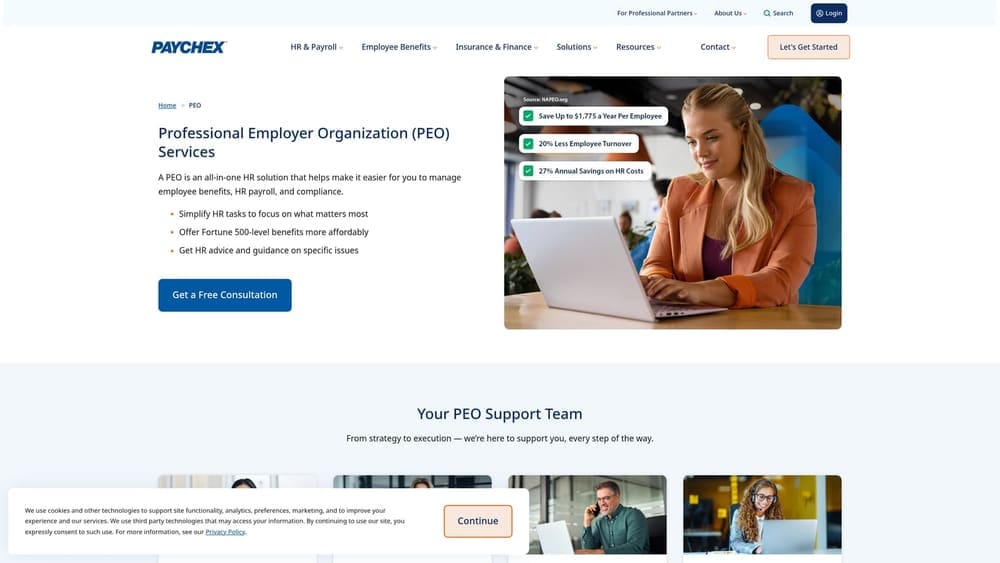
The advantage versus the rest of the list is a gentle transition. Your payroll data and workflows may already live in Paychex Flex, so moving to a PEO tier can mean fewer new systems for your staff to learn.
- Payroll integration with Paychex Flex, which keeps pay processing in a familiar system.
- Benefits administration to give technicians access to group plans.
- Workers’ compensation and risk support, relevant for field staff visiting client sites.
- HR compliance help for hiring and employment questions.
It runs with Paychex Flex and other business tools; confirm specifics on the Paychex site. Setup is usually simpler for existing customers, with HR or finance owning the relationship afterward.
The key limitation is clarity. Pricing isn’t published, and Paychex offers both PEO and non-PEO services, so confirm in writing which tier you’re being quoted and whether co-employment applies. Don’t assume a Paychex HR product is a PEO.
Pricing is quote-based and depends on headcount, benefits and service tier.
Best for: MSPs already using Paychex payroll.
7. Rippling PEO
Rippling PEO is Rippling’s PEO option, built on a platform that connects HR, payroll, benefits and IT management, including devices and apps. It is the one product here that speaks directly to an IT firm’s own internal tech operations.
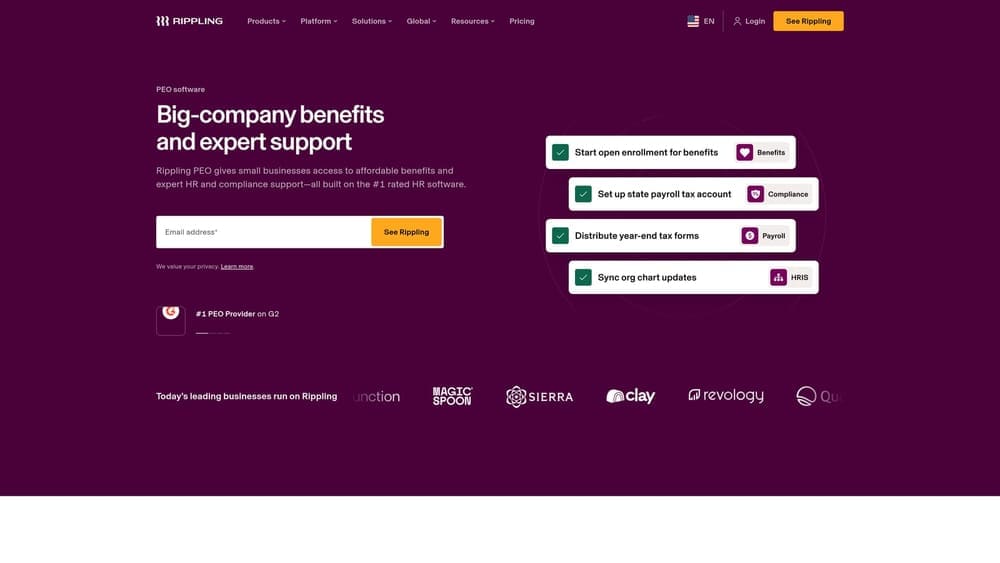
The distinctive feature is that HR records and IT access live in one system. When you hire a technician, you can tie their start date to device and app provisioning, and when someone leaves, access removal follows the same record. For an MSP that holds client credentials, that link matters.
- A unified HR, payroll and IT platform, reducing the number of systems that need to agree.
- Device and app provisioning, so new technicians have what they need on day one.
- Benefits administration for the whole team.
- PEO compliance support for employment obligations across states.
Rippling advertises wide app integrations; see its site for the list. Setup takes more effort than a basic payroll switch because you are adopting a platform, and someone with both HR and IT awareness should own it.
Be clear about scope. It does not replace your PSA, RMM or client-contract controls, and availability and scope for the PEO offering need confirmation for your states and headcount.
Pricing is quote-based and typically depends on headcount and the modules you choose.
Best for: MSPs wanting HR and internal IT access control in one system.
Matching a PEO to Your MSP, and Weighing Co-Employment Itself
For a very small MSP, Justworks is the most natural starting point, given its self-serve model and public plan pricing. For multi-state growth, look hardest at ADP TotalSource and TriNet. If you already use ADP or Paychex for payroll, start with that vendor’s PEO and confirm you’re being quoted a true PEO tier. If you want HR and device or app access in one place, Rippling is the one to examine. Owners who’d rather have a person handling employee issues should talk to Insperity.
Co-employment itself has trade-offs. On the plus side: pooled benefits, compliance help, payroll tax filing handled through the PEO, and HR support. On the downside: fees, less control over benefit plans, contract terms that can limit flexibility, and the fact that a PEO is not a source of E&O or cyber coverage, so your client-contract insurance stays your responsibility. A PEO also doesn’t replace a PSA or RMM. Keep the terms distinct: a CPEO is an IRS-certified PEO, an ASO provides services without co-employment, an EOR employs workers on your behalf, and payroll-only providers just process pay. Workers’ comp pricing depends on class codes and on-site client work, so verify it in each quote, along with minimums, state availability and CPEO status as of the date you ask.
Before you sign that PEO renewal, make sure you’re not leaving money on the table.
Many businesses unknowingly overpay because of bundled fees, hidden administrative markups, and contracts designed to limit flexibility. We give you a clear, side-by-side breakdown of pricing, services, and contract terms, so you can see exactly what you’re paying for and choose the option that truly fits your business. PEO Metrics may receive vendor placement fees, and we disclose that so you can weigh our guidance accordingly.
