

If you run an IT managed service provider, your payroll looks different from most small businesses. You have help desk staff on shifts, field technicians visiting client sites, engineers working remotely from other states, and on-call pay that has to be classified correctly. You also compete for technical talent against larger IT employers with stronger benefits. This list covers six PEOs and one comparison service, judged on multi-state payroll and compliance, benefits strength, HR and IT technology fit, support model, and pricing transparency. Pricing details are as of October 2026, and most PEOs quote by request, so confirm current terms with each vendor.
Quick Comparison of the Options
- PEO Metrics: best for MSP owners comparing PEO quotes on equal terms; see website for pricing; the only option here that compares multiple PEOs on one consistent set of metrics (it is not a PEO itself).
- TriNet: best for tech-oriented service firms; quote-based; industry-focused packaging that has included technology companies.
- Justworks: best for lean MSPs with no dedicated HR person; see website for pricing; a self-service, small-business-first experience.
- Insperity: best for growing MSPs wanting hands-on HR help; quote-based; relationship-driven advisory with a named representative model.
- ADP TotalSource: best for multi-state MSPs with hourly payroll complexity; quote-based; ADP’s payroll scale and infrastructure.
- Paychex PEO: best for MSPs already on Paychex payroll; quote-based; a natural upgrade path from Paychex payroll to co-employment.
- Rippling PEO: best for MSPs prioritizing automated onboarding and offboarding; quote-based; HR combined with IT provisioning and device management on one platform.
Terms to Get Straight Before You Compare
The labels get mixed up in sales conversations, and the differences matter for your obligations. A PEO (professional employer organization) enters a co-employment arrangement: it runs payroll, benefits, and HR support under its own umbrella while you keep day-to-day control of the work. A CPEO is a PEO certified by the IRS, which carries specific payroll tax implications; verify any vendor’s status on the IRS’s CPEO list rather than trusting a brochure. An ASO (administrative services organization) handles administration without co-employment, so you remain the sole employer. Payroll-only providers process pay and taxes but do not provide pooled benefits or shared employer responsibilities.
Whichever model you choose, a PEO does not replace your errors and omissions, cyber, or professional liability coverage. Those protect you against client claims about your services, which sit outside what a PEO covers.
For MSPs, a few technician-specific questions should drive every conversation: how the vendor handles exempt versus non-exempt classification for help desk and on-call techs (the Department of Labor’s FLSA guidance is the reference point), how it registers and supports remote workers across states, how workers’ comp class codes separate office staff from on-site field technicians, whether background checks are supported for staff with access to client systems, how competitive the benefits are for IT talent, and what the contract says about leaving.
1. PEO Metrics
PEO Metrics is a comparison and consulting service, not a PEO. It helps businesses compare PEO providers side by side using detailed metrics and pricing analysis, which suits an MSP that has collected quotes in different formats and cannot tell what is actually being offered.
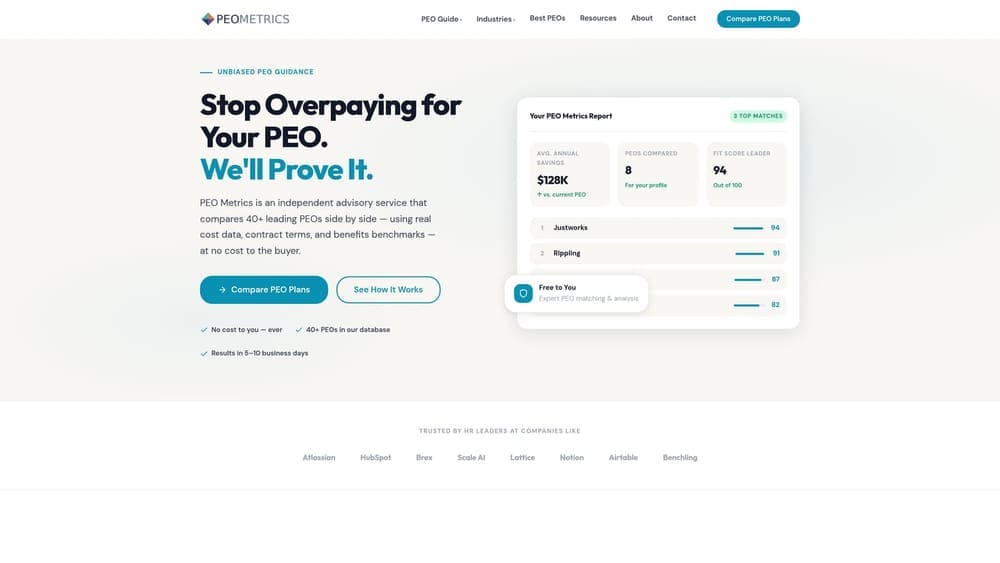
Its distinctive strength on this list is consistency. Each PEO below will present fees, benefits, and services in its own structure, and bundled pricing can hide where the money goes. PEO Metrics puts multiple providers on one set of measures before you sign with any of them, so you can see the differences in administrative fees, benefit options, and contract terms rather than guessing.
- Side-by-side PEO provider comparisons show how vendors differ on the same criteria.
- Pricing analysis breaks down what you would pay and what drives the cost.
- Detailed provider metrics give you data to weigh against your technician headcount and state footprint.
- Consultative selection guidance helps you decide which questions matter for your MSP.
There is nothing to integrate, since it is an advisory service. Your owner or HR lead would work with it during the selection phase, not day to day afterward.
The limits are straightforward. PEO Metrics does not provide payroll, benefits, or co-employment, so you still contract with a PEO and manage that relationship yourself. It may also receive vendor placement fees, so treat that as context when weighing any recommendation and ask for the data behind it. Pricing: see the website for current details as of October 2026.
Best for: MSP owners who want to compare PEO quotes on equal terms before committing.
2. TriNet
TriNet is a PEO that has been oriented toward technology-industry employers, offering HR, payroll, benefits, and compliance services. For an MSP, the appeal is a vendor that already understands tech-company workforce patterns, including competitive benefits expectations and fast hiring.
What sets it apart on this list is industry-focused packaging. Several others here are built for general small business or for broad scale. TriNet’s industry orientation has included technology companies, though you should verify which current offerings apply to a services firm like yours.
- An HR and payroll platform that keeps employee records and pay in one place.
- Benefits access that can help you compete for technicians against larger IT employers.
- Risk and compliance support for multi-state employment questions.
- Industry-focused offerings, which you should verify are current and relevant to MSPs.
Check current integrations on the website, especially for the systems your service desk and finance teams already use. Implementation typically involves HR or finance leads coordinating a payroll and benefits transition.
The main limitations are pricing and size fit. Pricing is quote-based and may involve minimums, so confirm whether your headcount qualifies. Very small MSPs should verify fit early to avoid wasting time. Pricing as of October 2026: quote-based, with cost typically moving with headcount and chosen benefits.
Best for: Tech-oriented service firms wanting an industry-aware PEO.
3. Justworks
Justworks is a software-first PEO aimed at small businesses, offering payroll, benefits, and compliance support. It fits an MSP of a few people that has no HR department and wants employees to handle most tasks themselves online.
Its distinctive trait is the self-service, small-business-first experience. Where Insperity leans on named representatives, Justworks leans on the platform, so routine tasks like onboarding and time off happen without waiting on a person.
- Payroll that runs from the same system as employee records.
- Benefits administration so a small team can offer coverage it could not easily arrange alone.
- Compliance support to cover filings and employment rules you would otherwise track yourself.
- Onboarding and PTO tools that reduce admin for the owner or office manager.
Verify current integrations on the website. Setup is generally something a lean team can manage, and day-to-day use usually falls to the owner or an office administrator.
The trade-off is support depth. It is more digital and less hands-on than service-heavy PEOs, and an MSP with technicians across many states, mixed exempt and non-exempt roles, and on-call pay may want more human guidance than a self-service model gives. Pricing: see the website as of October 2026, as costs depend on headcount and plan choices.
Best for: Lean MSPs with no dedicated HR person.
4. Insperity
Insperity is known for a service-heavy PEO model, pairing payroll and benefits with HR advisory support. For an MSP, that matters when questions are messy: whether a dispatch coordinator is exempt, how to handle on-call pay, or how to document a performance issue with a technician.
Its standout feature here is relationship-driven advisory with a named representative model. Verify the current assignment structure for your size, but the idea is that you reach people who know your account rather than a general queue.
- Assigned HR support (verify current terms) gives you a point of contact for employee relations.
- Payroll administered alongside HR records.
- Benefits options to help recruit and keep technicians.
- HR advisory and compliance support for classification and policy questions.
Verify current integrations on the website. Implementation usually involves a transition team and your HR lead or owner, with ongoing contact through your representative.
Pricing is quote-based, and it may suit growing teams better than the smallest shops, so confirm minimums and what services are bundled. Pricing as of October 2026: quote-based, generally influenced by headcount, benefits selected, and service level.
Best for: Growing MSPs that want hands-on help with employee relations and classification questions.
5. ADP TotalSource
ADP TotalSource is ADP’s PEO offering, combining co-employment services with ADP’s payroll infrastructure. It is a natural look for MSPs with technicians in many states and hourly staff whose pay includes overtime, shift differentials, and on-call premiums.
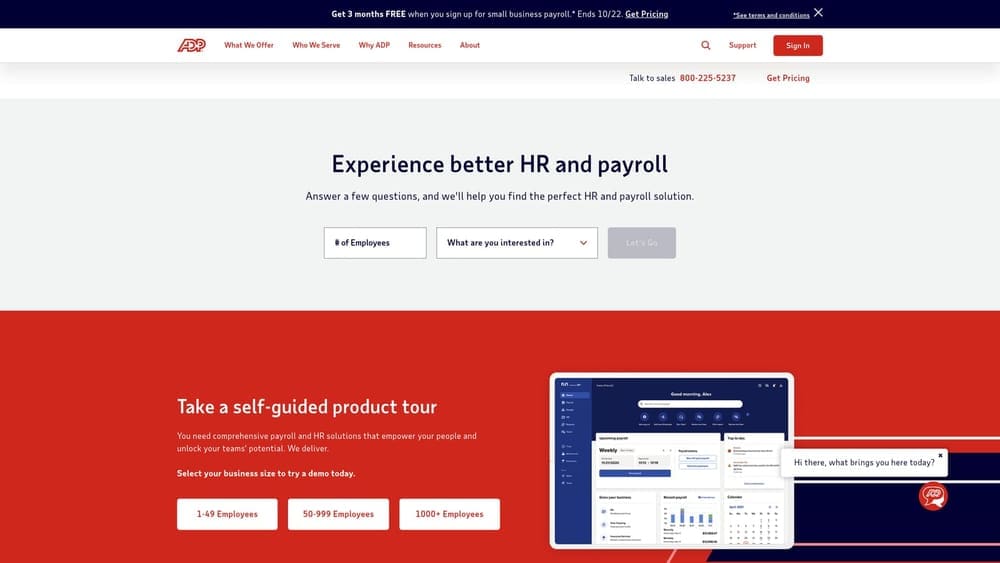
The differentiator is scale. ADP’s payroll infrastructure is built for complex, multi-location workforces, which matters when you have field techs and remote engineers under different state rules.
- Payroll that handles hourly and multi-state pay structures.
- A benefits marketplace for comparing plan options for technician recruiting.
- A workers’ comp program, relevant when office staff and on-site field techs carry different risk.
- Time and attendance tools for hourly help desk and field schedules.
- HR compliance support for employment-law questions.
It sits within the ADP ecosystem, so verify other integrations on the website. Setup is typically a coordinated implementation, and ongoing administration often falls to an HR lead or finance manager.
Pricing is quote-based. Confirm minimums, state availability, and carrier options, and ask how workers’ comp class codes would apply to your office and field roles. As of October 2026, cost typically moves with headcount, benefits, and coverage choices.
Best for: Multi-state MSPs with complex or hourly payroll needs.
6. Paychex PEO
Paychex PEO is Paychex’s co-employment offering built on its payroll and HR ecosystem. It matters most to MSPs already running payroll through Paychex, where moving to a PEO can mean less disruption than switching to an unfamiliar platform.
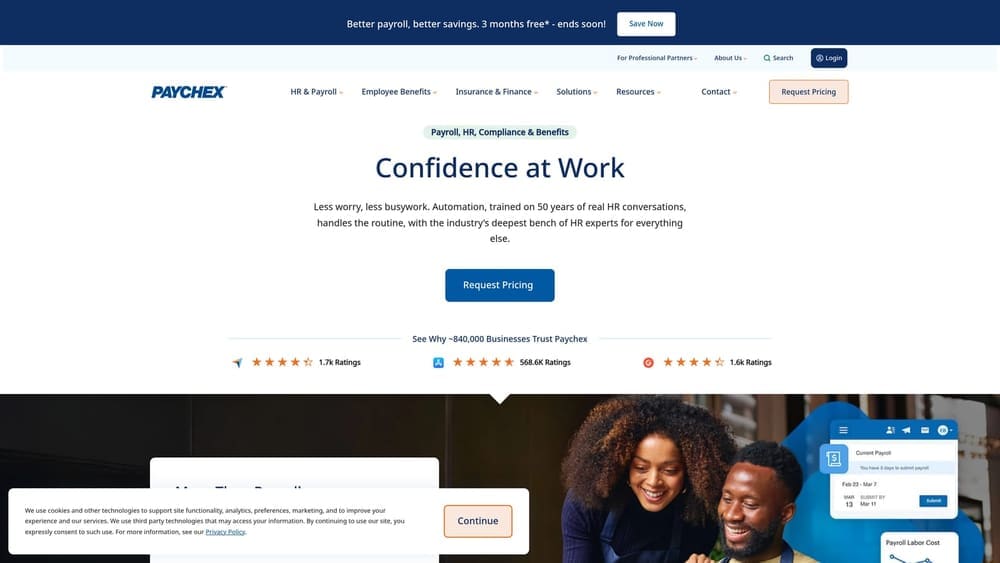
That upgrade path is its distinguishing feature on this list. Your payroll history, employee records, and familiarity with the system carry over, so the change is about adding co-employment rather than replacing everything.
- Payroll through Paychex Flex keeps pay processing in a familiar environment.
- Benefits options to help you compete for technician talent.
- Workers’ comp coverage to address office versus field risk.
- HR support for classification, policies, and employee questions.
- Retirement plan options, which matter when recruiting experienced IT staff.
Integrations center on the Paychex Flex ecosystem; verify others on the website. Your existing payroll administrator will likely stay the day-to-day owner.
Pricing is quote-based. Compare carrier flexibility and platform depth against more tech-forward options, particularly if you want automated provisioning or deep app connections. Pricing as of October 2026: quote-based, generally shaped by headcount and selected services.
Best for: MSPs already on Paychex payroll who want to move to co-employment.
7. Rippling PEO
Rippling PEO is Rippling’s PEO option on a platform that unifies HR, payroll, and IT functions. Since an MSP is itself an IT business, the idea of one system controlling a new hire’s pay, benefits, laptop, and app access is unusually relevant.
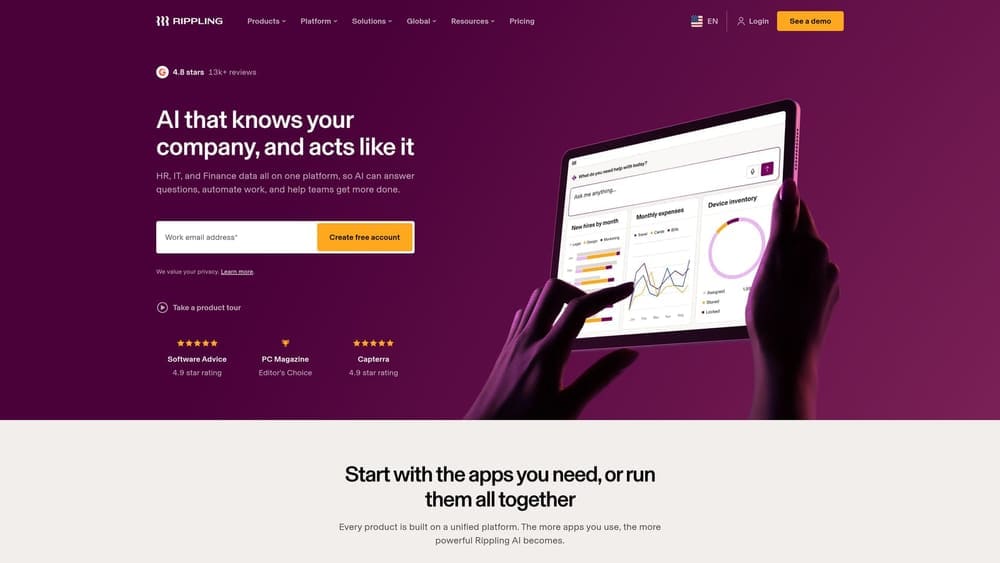
No one else on this list combines HR with IT provisioning and device management on one platform. When a technician leaves, the same workflow that ends payroll can revoke access, which supports the security expectations your clients place on you.
- Unified HR and payroll data removes duplicate entry between systems.
- Device and app management lets you control hardware and software for staff.
- Automated provisioning and offboarding grants and removes access based on role and status.
- Benefits administration keeps enrollment in the same place as everything else.
It offers a large app integration catalog; verify specifics on the website for your PSA, ticketing, and identity tools. Because it touches IT, setup may need both an HR lead and whoever manages your internal systems.
Pricing is modular and quote-based, so costs can grow as you add modules. Verify PEO availability in the states where your technicians work. As of October 2026, expect cost to move with headcount and the number of modules selected.
Best for: MSPs that prioritize automated onboarding and offboarding of access and devices.
Matching a PEO to Your MSP’s Situation
Three picks stand out for different reasons. Rippling PEO is the most distinctive for a business whose clients scrutinize who has access to what. ADP TotalSource fits best where multi-state hourly payroll is the hardest problem. Insperity suits MSPs that expect classification and employee-relations questions and want a person to call.
- Lean MSP with no HR staff: Justworks, if you are comfortable with self-service.
- Service-heavy, growing MSP: Insperity or TriNet.
- Multi-state technician workforce: ADP TotalSource.
- Already on a payroll vendor: Paychex PEO if you use Paychex; otherwise ask your current vendor what it offers.
- HR-IT automation priority: Rippling PEO.
Whatever you choose, ask each vendor for itemized quotes, including administrative fees, benefit costs, workers’ comp treatment, and exit terms, and compare them line by line. Remember that co-employment does not replace your E&O, cyber, or professional liability coverage. This article is informational, not individualized legal, tax, or benefits advice.
Before you sign that PEO renewal, make sure you’re not leaving money on the table.
Many businesses unknowingly overpay because of bundled fees, hidden administrative markups, and contracts designed to limit flexibility. We give you a clear, side-by-side breakdown of pricing, services, and contract terms, so you can see exactly what you’re paying for and choose the option that truly fits your business.
