

If you run a quick service restaurant, or a handful of franchised units, the PEO versus in-house HR question rarely has a single answer. Most operators end up with a stack: some HR bought through a co-employment arrangement, some built internally, and a few specialized tools filling the gaps. The nine tools below were chosen for how well they help you model that decision, run HR and payroll in whichever model you pick, or cover work a PEO would otherwise absorb. Product names, pricing, and state availability change, so verify each on the vendor’s official site before you commit.
Quick Comparison of the Tools
- PEO Metrics: best for operators who want to benchmark PEO quotes before deciding; pricing on its website; the only tool here built around independent side-by-side PEO comparison.
- Gusto: best for single-unit owners building lightweight in-house HR; pricing on its website; self-serve setup with published pricing.
- ADP Run / Workforce Now: best for growing franchisees who may change models later; quote-based; spans payroll through a PEO (ADP TotalSource) under one vendor.
- Paychex Flex: best for multi-location operators wanting HR advice with payroll; quote-based; pairs HR advisory with payroll for owners without an HR hire.
- Homebase: best for small QSRs fixing shift management first; free tier plus paid plans; free basic hourly scheduling and time tracking.
- 7shifts: best for multi-shift QSRs controlling labor cost; tiered pricing on its website; restaurant-native labor forecasting against sales.
- Paycor: best for mid-size operators measuring turnover cost; quote-based; turnover and labor analytics that support the in-house case.
- Workstream: best for high-turnover QSRs with constant hiring; quote-based; mobile-first hourly recruiting flow.
- Justworks: best for small QSR owners who want a PEO with visible pricing; published pricing on its website; published PEO pricing that makes benchmarking easy.
1. PEO Metrics
PEO Metrics is our own service, so read this entry with that in mind. It is a PEO comparison service for businesses choosing among providers: it lays quotes and provider details side by side, with pricing analysis and consultative guidance on top. It is not a PEO, a payroll system, or an HR platform, and it doesn’t run anything for you day to day.
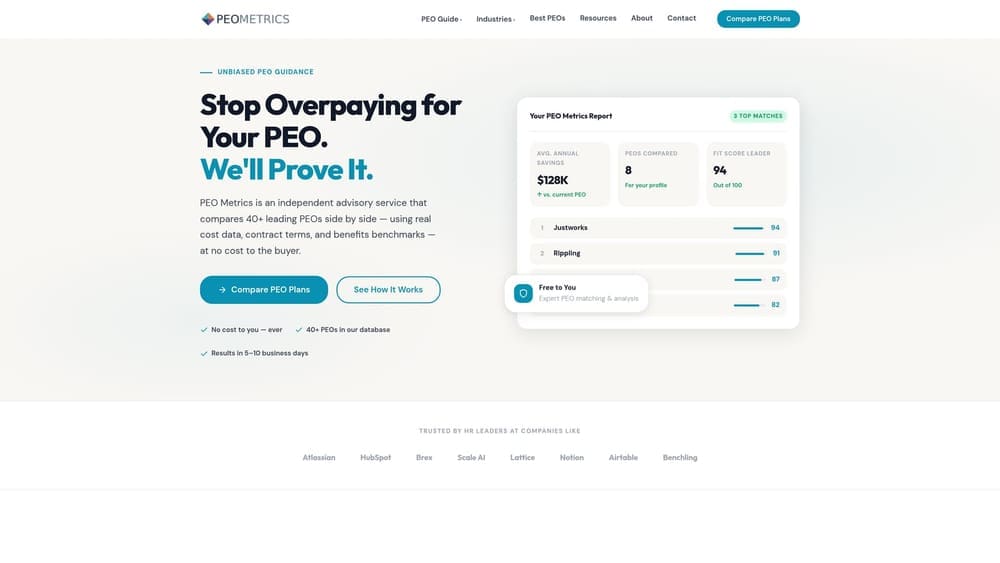
Its distinctive value on this list is independence from any single provider’s proposal. A PEO quote bundles payroll processing, benefits, workers’ comp, and administrative fees, and the packaging makes quotes hard to compare. For a QSR, where workers’ comp and per-employee costs matter a great deal, seeing those components separated is the point of the exercise.
- Side-by-side PEO comparisons so you can line up providers on the same terms.
- Pricing analysis that helps you see what you’re paying for inside a bundled quote.
- Detailed provider metrics that go beyond a sales deck.
- Consultative guidance from advisors who talk through your headcount, locations, and priorities.
There are no integrations to set up, because nothing is installed. Effort is limited to gathering your current payroll, benefits, and workers’ comp information and any quotes in hand. An owner or HR lead typically handles that.
Limitations are straightforward. PEO Metrics covers the PEO route only, so it won’t help you price out a fully in-house build or choose scheduling software. It may also receive vendor placement fees from providers, which you should weigh when considering any referral-based service. Pricing details are on the website.
Best for: Operators who want to benchmark PEO quotes before deciding.
2. Gusto
Gusto is a small-business payroll, benefits, and hiring platform, and it’s the most natural starting point for an owner who chooses the in-house route at a single location. You run payroll, offer benefits, onboard new hires, and track time in one place without talking to a sales team first.
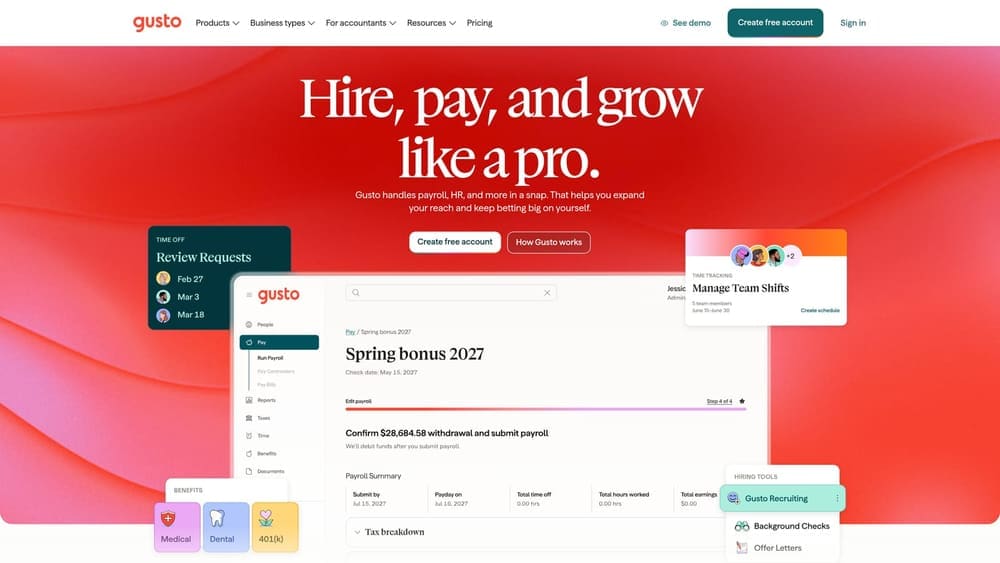
What sets it apart here is the self-serve setup and published pricing. You can see the structure before you commit, which makes cost modeling against a PEO quote simple.
- Payroll that handles hourly wages and overtime calculations, so weekly runs don’t depend on spreadsheets.
- Benefits administration so you can offer health coverage without a broker-heavy process.
- Onboarding tools that collect new-hire paperwork digitally, useful when you hire often.
- Time tracking that feeds hours straight into payroll.
It connects with accounting and time tracking tools, and setup is light enough that an owner or office manager can do it. Check the current integration list against your POS and scheduling software.
The key limitation: Gusto is not a PEO. There is no co-employment and no shared employer liability, so compliance responsibility stays with you. It also isn’t built around restaurant scheduling or tip handling, so most QSRs will pair it with another tool. Pricing is a monthly base plus a per-employee charge; confirm current rates on the website as of 2026.
Best for: Single-unit owners building lightweight in-house HR.
3. ADP Run / Workforce Now
ADP sells payroll and HR platforms, and also offers a PEO, ADP TotalSource. That range is the draw. A franchisee can start on a payroll product and, if turnover, compliance burden, or growth makes it worthwhile, move toward a PEO without changing vendors entirely.
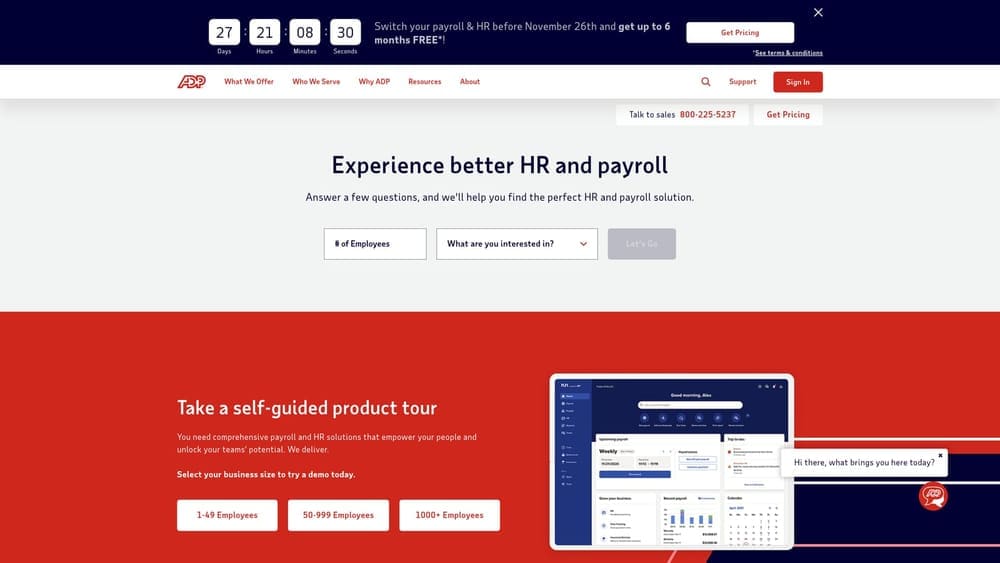
Its standout on this list is spanning the full spectrum, from payroll-only to co-employment, under one vendor. That makes it useful when you’re unsure which model you’ll want in two years.
What you get
- Payroll and tax filing so deposits and filings are handled for you.
- HR compliance resources to help you keep up with hourly-worker rules.
- Benefits administration for managing enrollment as your headcount grows.
- A PEO option for when you want shared employer responsibilities.
Fit and friction
Integrations with POS and scheduling tools exist, but verify which ones your setup needs. Implementation effort scales with the product tier, and a larger rollout usually involves an ADP implementation team plus someone on your side, often an operations or finance lead.
The limitation is pricing opacity and support structure. Pricing is quote-based, and support is tiered, so what you get depends on the product you buy. If you want to know your costs before talking to a salesperson, this isn’t the tool. Quote-based pricing generally moves with headcount, product tier, and bundled services.
Best for: Growing franchisees who may change models later.
4. Paychex Flex
Paychex Flex is a payroll and HR suite with PEO services available. Its angle is practical: if you have no HR hire and don’t plan to make one soon, you can pair payroll with HR advisory support and get answers on everyday employee questions.
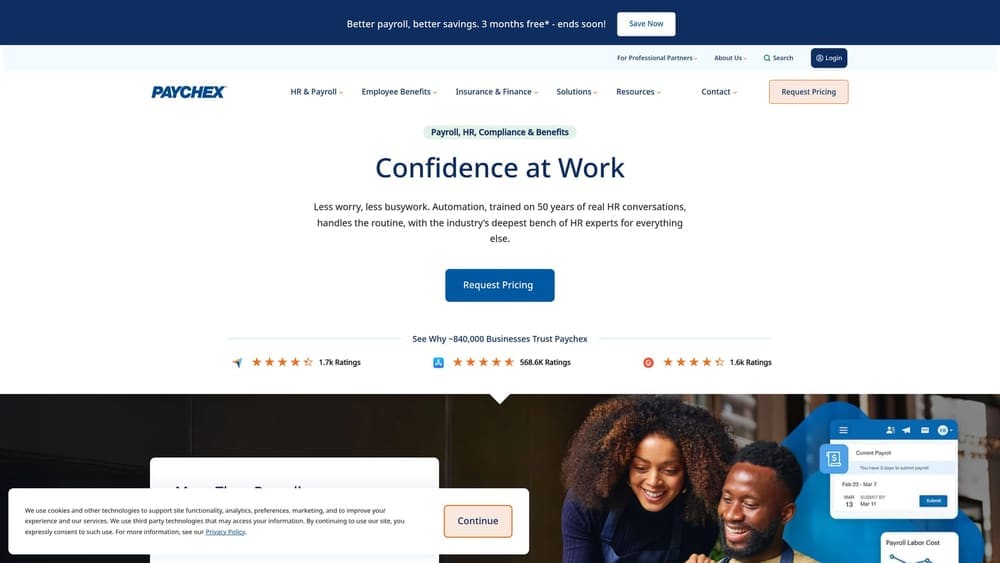
Compared with others here, the distinctive piece is that HR advice comes bundled with payroll for owners who lack in-house expertise. That’s a middle path between a payroll-only tool and full co-employment.
- Payroll that covers hourly pay runs and tax handling.
- HR support that gives you someone to ask when a termination, leave request, or wage question comes up.
- Benefits services so you can offer coverage to eligible staff.
- A PEO option if you later want shared employer responsibilities.
It works with accounting and time tools; confirm POS and scheduling compatibility directly. Setup is handled with Paychex’s onboarding team, and day-to-day use usually falls to an owner, GM, or bookkeeper.
Pricing is quote-based, and what’s bundled varies, so two operators can end up with different packages. That makes apples-to-apples comparison harder, and you’ll want itemized quotes. It’s less appealing if you want fixed, visible pricing up front or already employ a capable HR manager. Cost generally depends on headcount, locations, and the services you select.
Best for: Multi-location operators wanting HR advice with payroll.
5. Homebase
Start with the limitation: Homebase is not a full HRIS or benefits system. It’s a scheduling, time clock, and team communication tool for hourly teams, with a payroll add-on. If you expect it to replace HR administration, it won’t.
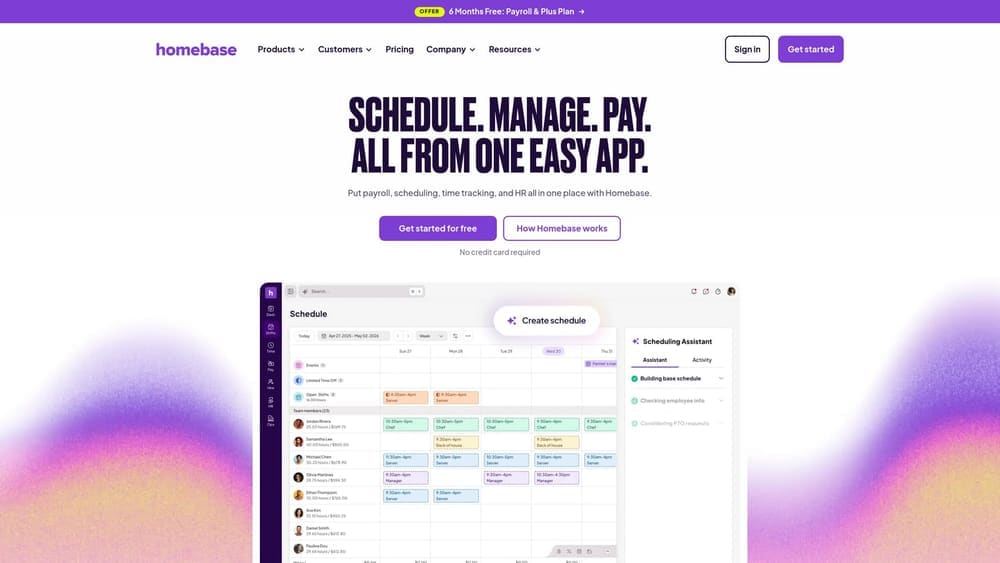
What it does well is lower the barrier to fixing shift chaos. It has a free tier for basic scheduling and time tracking, which no other tool on this list matches, and that matters for a small QSR testing whether better scheduling reduces no-shows and last-minute coverage scrambles.
- Scheduling that lets you build and publish shifts so staff see them on their phones.
- A time clock that records hours accurately for payroll and overtime review.
- Team messaging that replaces scattered group texts.
- A payroll add-on for owners who want hours and pay in one system.
It integrates with POS and payroll tools; verify your specific systems. Setup is quick, and a shift lead or owner can run it daily.
Pricing combines a free tier with paid plans; check current tiers on the website as of 2026. Costs typically rise with the plan level and the features you add. It’s a weaker fit for operators who need benefits administration, compliance support, or co-employment, and those needs point toward the PEO and payroll platforms above.
Best for: Small QSRs fixing shift management first.
6. 7shifts
7shifts is a restaurant scheduling and labor management platform. Unlike general workforce tools, it is built for restaurants, and its strength is forecasting labor against sales so you schedule to demand instead of habit.
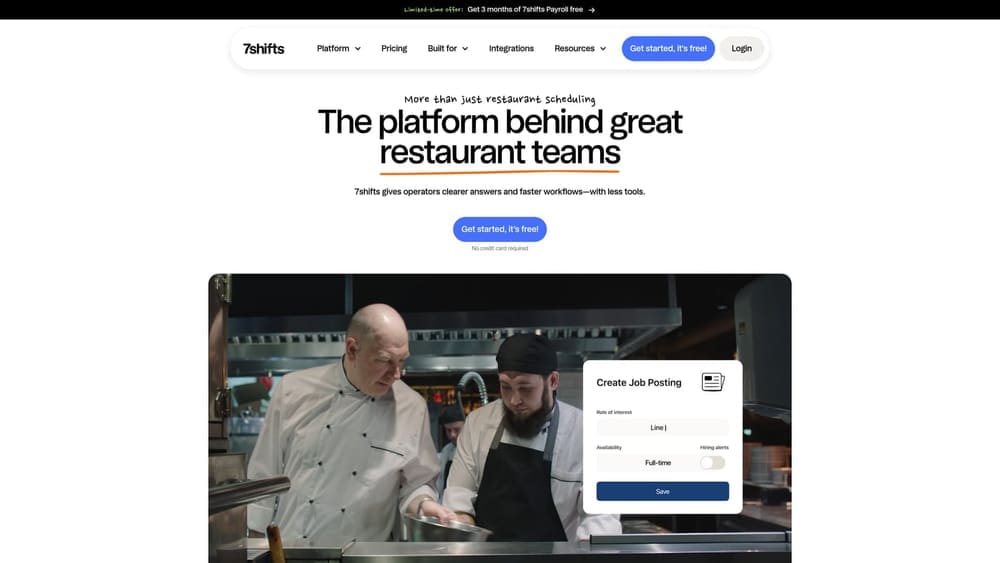
That restaurant-native design is the standout. Labor is one of the largest controllable costs in a QSR, and a tool that shows scheduled labor against projected sales helps you decide how much HR support you can afford.
- Scheduling built around restaurant roles, shifts, and availability.
- Labor cost tracking so you can see overspending before payroll closes.
- Tip pooling tools that reduce manual calculation and disputes.
- Team communication that keeps shift swaps and announcements in one place.
It connects with POS systems and payroll providers; confirm your exact POS and payroll vendor on the official integrations list. Setup involves connecting sales data and building schedules, and a GM or shift manager normally runs it day to day.
The limitation is scope: it offers no benefits or compliance coverage, so it complements a PEO or payroll platform rather than replacing one. Pricing is tiered, and the right tier depends on the features and locations you need. Check current plans on the website as of 2026.
Best for: Multi-shift QSRs controlling labor cost.
7. Paycor
Paycor offers HR, payroll, and time tools aimed at employers with many hourly workers. It earns its place here because of its analytics: if you’re trying to build the case for in-house HR, you need to know what turnover actually costs your stores.
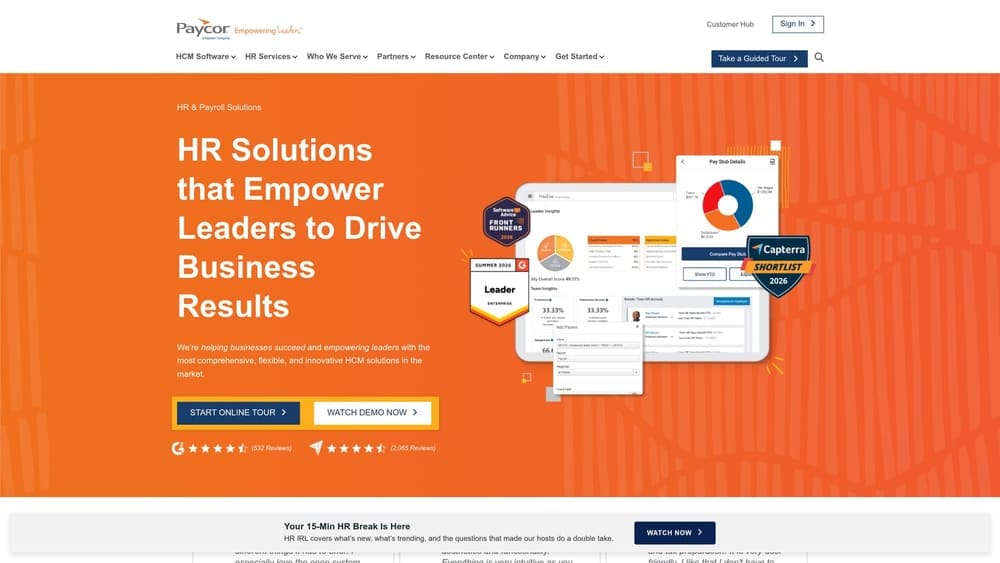
Among the tools here, its distinguishing strength is turnover and labor analytics. Those figures give you a baseline to test against a PEO’s promised value, rather than relying on a sales pitch.
- Payroll that handles hourly pay and tax filing.
- Time and attendance tracking that ties hours to payroll accuracy.
- Workforce analytics that highlight turnover and labor patterns across locations.
- Talent tools for hiring and development as your team grows.
Integration details aren’t something to assume; verify them on Paycor’s official site against your POS and accounting software. Rollout typically involves vendor onboarding plus an HR, finance, or operations owner on your side.
Paycor has no co-employment structure, so you carry employer responsibilities yourself. Pricing is quote-based and generally depends on headcount and the modules you choose. It’s more tool than a single-unit owner likely needs, and it suits operators with enough scale to use the reporting.
Best for: Mid-size operators measuring turnover cost.
8. Workstream
Workstream focuses on one problem: hiring hourly workers quickly. Candidates apply from a phone, get screened by text, and complete onboarding digitally, which suits a QSR where the next opening is always around the corner.
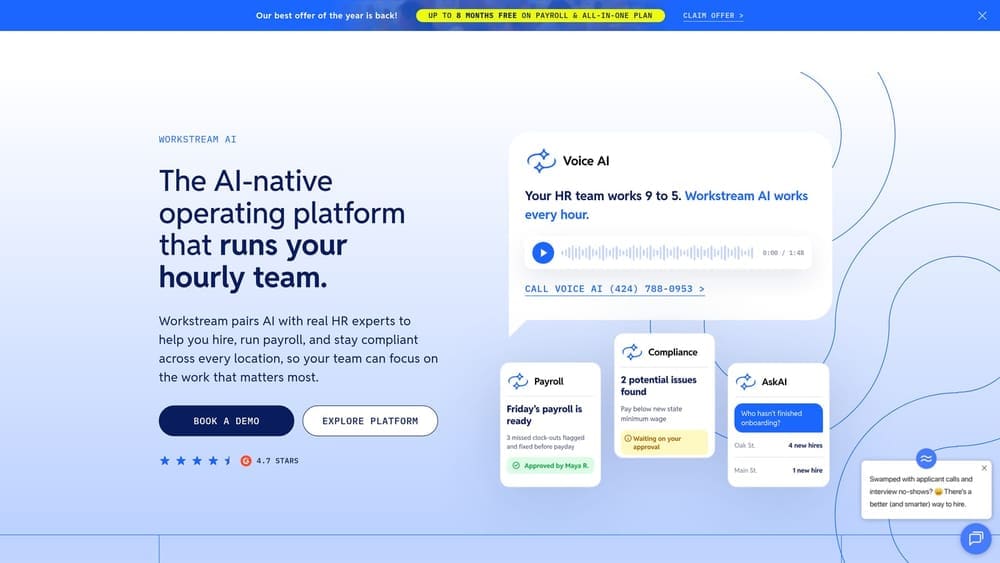
Its standout is the mobile-first recruiting flow. A PEO won’t do this for you, and generic HR suites often treat hiring as an afterthought, so it fills a real gap in either model.
- Mobile applications that let candidates apply in minutes without a desktop.
- Text-based screening that filters candidates before a manager spends time.
- Digital onboarding that collects new-hire documents electronically.
- Interview scheduling that cuts back-and-forth between managers and applicants.
Verify integrations on the official site, particularly with your payroll system, since new-hire data needs to flow somewhere. Setup is mostly configuring job postings and screening questions, and store managers or a district lead usually use it daily.
It’s recruiting only, with no payroll or benefits, so it sits alongside whichever HR model you pick. Pricing is quote-based and typically relates to the number of locations and hiring volume. Operators who hire only occasionally may not need it.
Best for: High-turnover QSRs with constant hiring.
9. Justworks
Justworks is a PEO that bundles payroll, benefits, and compliance support, and it includes workers’ comp coverage. Because a PEO shares certain employer responsibilities through co-employment, it’s the clearest example here of buying HR rather than building it. That does not remove your own obligations as an employer.
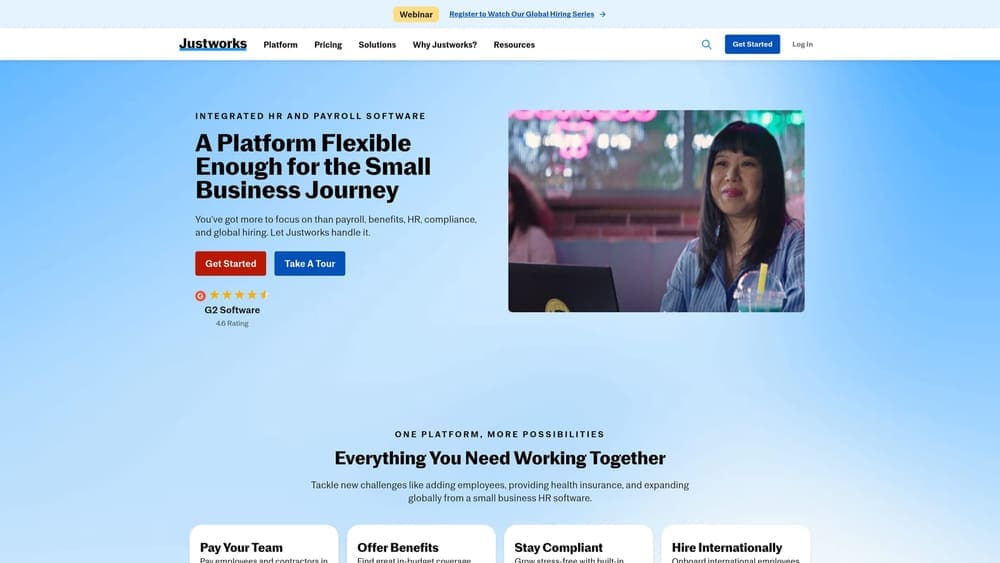
Its standout is published PEO pricing. Most PEOs quote privately, so having a visible price makes Justworks a useful benchmark when you’re collecting other proposals.
- Payroll so wages and tax filings run through one provider.
- Benefits that you can offer through the PEO’s plans.
- Compliance support to help you keep up with employment rules.
- Workers’ comp coverage handled inside the bundle instead of through a separate policy.
It works with accounting and time tools; check your POS and scheduling setup. Implementation means migrating payroll and benefits, which takes planning, and an owner or office manager typically handles the ongoing admin.
The limitation is fit. It tends to suit smaller teams, so larger multi-unit operators should test whether it scales, and state availability should be verified before you assume coverage. Pricing is published; confirm current rates as of 2026, and expect cost to move with headcount and plan choices.
Best for: Small QSR owners who want a PEO with visible pricing.
Matching the Stack to Your Restaurant Setup
A few tools stand out depending on where you are. If you run a single unit, Gusto paired with Homebase gives you in-house HR and shift control without a large commitment. If you’re a multi-unit franchisee, ADP or Paychex gives you room to change models later, and 7shifts or Paycor helps you measure labor cost and turnover before you decide. If you operate across several states, verify state availability and wage-rule coverage with any PEO or payroll vendor, and consider Justworks as a visible-price benchmark against other proposals.
PEO and in-house models aren’t mutually exclusive with scheduling and hiring tools. Workstream, 7shifts, and Homebase can sit alongside either approach. If you’re in a franchise system, also check how your franchisor’s brand standards and joint-employer exposure might affect the choice.
PEO Metrics may receive vendor placement fees, so weigh our guidance accordingly, and we’d rather you see the numbers than take our word for them.
Before you sign that PEO renewal, make sure you’re not leaving money on the table.
Many businesses unknowingly overpay because of bundled fees, hidden administrative markups, and contracts designed to limit flexibility. We give you a clear, side-by-side breakdown of pricing, services, and contract terms, so you can see exactly what you’re paying for and choose the option that truly fits your business.
