

If you run a childcare center, you already know payroll is not a back-office afterthought. Ratio-driven scheduling, split shifts, part-time aides, and constant turnover mean your HR and payroll setup has to bend around the classroom, not the other way around. This list is for directors and owners deciding between a PEO, a payroll-only platform, or something in between.
Each option was weighed on how it handles hourly and part-time staff, workers’ comp for classroom roles, benefits for a mostly hourly workforce, compliance support, and pricing transparency. PEOs, one payroll-first platform, one advisory service, and one operations tool are kept clearly separate, because they solve different problems. Vendor details change often, so confirm eligibility, minimums, and pricing on each vendor’s site before you decide. PEO Metrics may receive vendor placement fees from providers.
Quick Comparison of the Eight Options
- PEO Metrics: best for centers still deciding which PEO to choose; starting price on its website; compares multiple PEOs side by side rather than selling one.
- Justworks: best for small single-site centers; pricing on its website; one dashboard built for teams with little admin staff.
- TriNet: best for growing or multi-site operators; quote-based; benefits and compliance depth aimed at scaling employers.
- Insperity: best for centers wanting hands-on HR guidance; quote-based; a dedicated HR representative.
- ADP TotalSource: best for centers already on ADP tools; quote-based; ties into ADP’s wider payroll and time ecosystem.
- Paychex PEO: best for centers expecting growth; quote-based; a staged path from payroll and HR services into a PEO.
- Gusto: best for very small centers and home daycares; pricing on its website; published tiers with no co-employment.
- Procare Solutions: best for centers wanting attendance data to feed payroll; pricing on its website; software built around childcare center operations.
1. PEO Metrics
PEO Metrics is an advisory and comparison service, not a PEO. It helps childcare businesses evaluate PEO providers side by side on pricing structure and service detail before signing anything. It does not process payroll and it does not act as your co-employer.
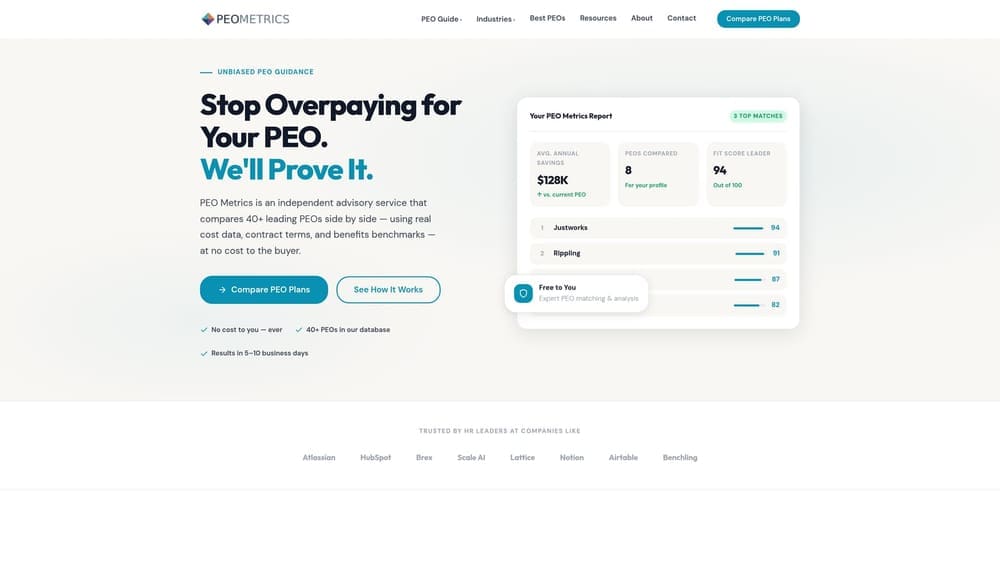
Its distinctive strength on this list is vendor-neutral comparison. Every other entry here sells you its own service; PEO Metrics puts several PEOs next to each other so you can see how fee structures and service levels differ for your headcount and staffing mix. For a center with many hourly and part-time employees, that matters, because a per-employee-per-month fee and a percent-of-payroll fee can land very differently on a workforce with low average wages and high turnover.
- Side-by-side PEO comparison, so you weigh providers against each other instead of against a single sales pitch.
- Pricing analysis across fee structures, which shows how bundled fees and administrative charges affect your real cost.
- Detailed provider metrics that go deeper than a brochure feature list.
- Guidance on selecting a provider, useful if no one on your team has bought a PEO before.
Integrations are not applicable, since this is an advisory service. Setup is simply a conversation about your center, and the director or owner who would sign the PEO contract is the usual user. Be clear about the limits: it will not run your payroll, hold your workers’ comp policy, or share employer liability. Also, PEO Metrics may receive vendor placement fees, so treat it as one input and ask any provider the same hard questions on pricing and contract terms. Pricing details are on the PEO Metrics website.
Best for: Centers still deciding which PEO to choose and wanting to compare cost and service before signing.
2. Justworks
Justworks is a PEO that combines payroll, benefits, and compliance in one platform aimed at small and growing businesses. Under the PEO model, Justworks acts as a co-employer for certain employment functions, which is the main difference from a payroll-only tool.
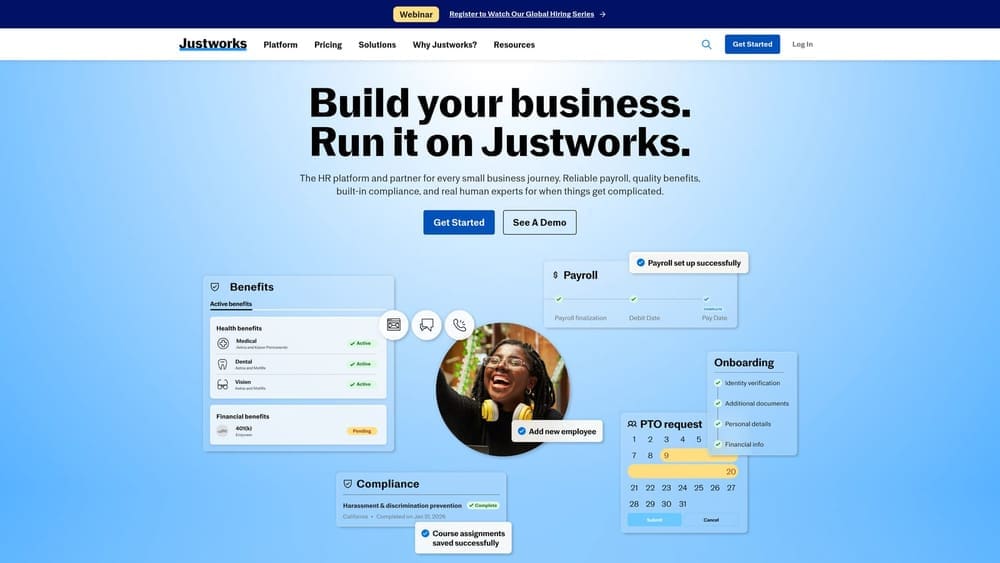
What it does distinctively well here is the single-dashboard experience. A director who also handles scheduling, parent calls, and hiring rarely has time to learn several systems, and Justworks is built for small teams with minimal admin staff.
- PEO co-employment, so some employer administration is shared instead of sitting entirely on you.
- Payroll and benefits administration in one place, which cuts the reconciliation between separate systems.
- Workers’ comp coverage through the PEO, relevant for classroom staff who carry injury risk.
- Employee self-service, so teachers can view pay and benefits without asking the director.
Check its integrations on the vendor site, particularly any link to a scheduling or attendance tool. Setup is typically owner-led for a small center. The real caveats: eligibility, state availability, and how well its benefits fit part-time hourly staff all need verification, and you should confirm that childcare businesses and child-care workers’ comp classes are accepted. Larger multi-site operators may outgrow a small-business-oriented platform. Pricing is listed as see website; cost usually moves with headcount, so confirm the current structure on the vendor site.
Best for: Small single-site centers wanting one simple platform for HR and payroll.
3. TriNet
TriNet is a PEO offering HR, benefits, and compliance services with an industry-oriented approach for growing employers. It is a co-employment arrangement, so it is a different category from payroll software.
Its edge on this list is benefits and compliance depth aimed at scaling employers. If you are adding classrooms or a second location and want benefit options that can help recruit and keep lead teachers, that depth is the reason to put TriNet on a shortlist.
What you get
- PEO co-employment, shifting part of the employer administrative load to the provider.
- Benefits access, which can give a growing center options a single small employer may struggle to arrange alone.
- HR compliance support, helpful as employee counts and locations multiply.
- Payroll and tax administration bundled into the same relationship.
What to check
Minimums and industry eligibility may exclude very small centers, so confirm both before investing time in a demo. Integrations should be verified on the vendor site. Implementation usually involves an HR lead or owner working with onboarding staff from the provider, and a multi-site center should plan for more setup effort than a one-room program. Pricing is quote-based, and what moves the quote is typically headcount, benefits selections, and your workforce profile. Remember that a PEO does not take over your licensing obligations; those stay with the center and the state licensing agency.
Best for: Growing or multi-site childcare operators needing deeper benefits.
4. Insperity
Insperity is a PEO built around an assigned HR representative and hands-on support. If your biggest headache is people problems rather than payroll mechanics, that service model is the draw.
Childcare centers deal with a steady stream of onboarding, attendance issues, staff conflicts, and terminations. A dedicated HR contact who learns your center is a different experience from a ticket queue or a self-service portal. That high-touch advisory model is what Insperity does distinctively compared with the rest of the list.
- A dedicated HR representative, so questions about employee relations go to someone who knows your situation.
- PEO co-employment, with shared administration of employer functions.
- Payroll and benefits administration under one contract.
- Risk and compliance support, useful when workplace policies and safety practices need attention.
Verify integrations on the vendor site, especially if you rely on separate attendance or scheduling software. Setup involves onboarding with the provider, and the owner or director typically stays the main contact alongside the assigned rep. The limitations are practical: pricing is quote-based, and size minimums may not suit the smallest centers. A hands-on model can also cost more than a self-service one, so compare quotes carefully, including any administrative fees. Confirm that your childcare classification is accepted and how workers’ comp is handled for classroom roles.
Best for: Centers that want hands-on HR guidance on employee relations and onboarding.
5. ADP TotalSource
ADP TotalSource is ADP’s PEO offering, and it is separate from ADP’s payroll-only products. That distinction trips up many buyers: running ADP payroll does not mean you are in a PEO, and the contract, liability, and co-employment terms differ.
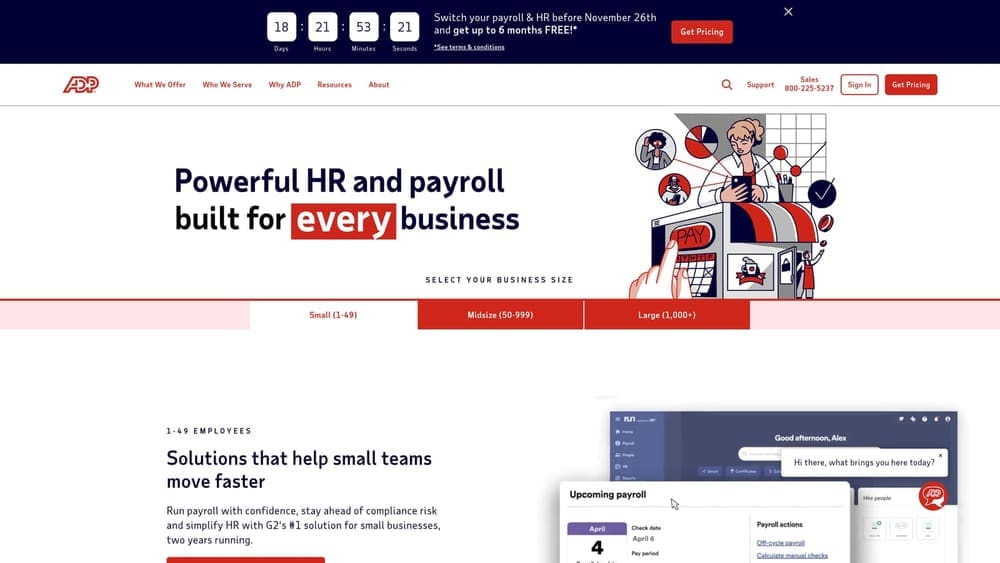
Its standout feature here is the connection to ADP’s broader payroll and time-tracking ecosystem. For a center that already tracks staff hours in an ADP tool, adding PEO services can mean fewer new systems and less retraining for the people who run payroll each week.
- PEO co-employment, adding shared employer administration on top of payroll.
- Payroll processing, so pay runs sit in the same relationship as HR.
- Benefits administration, covering enrollment and ongoing management.
- Time and attendance tie-ins, which matter for hourly staff whose pay depends on accurate punches.
Integrations center on ADP ecosystem products, and you should verify the specifics for your setup. Implementation is usually led by an owner, office manager, or HR lead working with ADP onboarding. Eligibility and minimums may suit larger centers better, so a small program should confirm fit early. Pricing is quote-based; headcount, benefits choices, and add-on modules are the usual drivers. If you are not already in the ADP world, the ecosystem advantage mostly disappears, and you would be judging it as a standalone PEO.
Best for: Centers already using ADP tools that want to add PEO services.
6. Paychex PEO
Paychex PEO is a PEO that Paychex offers alongside its separate payroll and HR products. That product ladder is the reason it earns a spot.
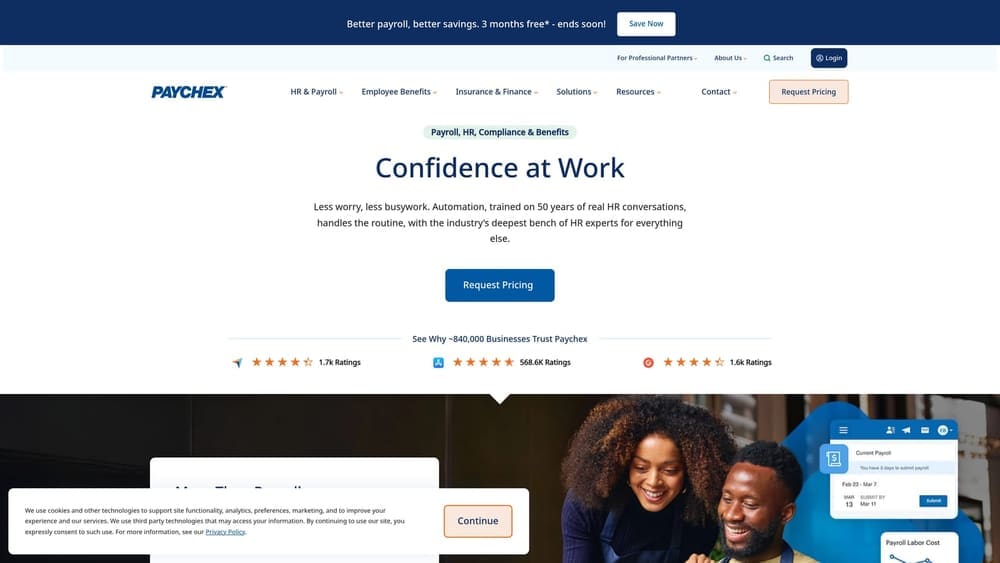
Many centers are not ready for a PEO on day one. They may have a handful of staff and a tight budget now, but plan to open more rooms or another site. Paychex gives a path to start with payroll and HR services and move into a PEO as headcount grows, which avoids switching vendors at each stage.
- PEO co-employment once your center is ready for shared employer responsibilities.
- Payroll processing as the foundation, whichever tier you start on.
- Benefits and workers’ comp access, which matters for classroom roles and recruiting.
- HR support for hiring, policies, and employee questions.
Verify integrations on the vendor site, particularly with any attendance tools you use. Expect an onboarding process run by an owner or HR lead with Paychex staff. The main limitation is clarity: pricing is quote-based, and you should confirm which tier actually includes benefits and workers’ comp, since a payroll or HR tier is not the same thing as a PEO. Ask what triggers a move between tiers and whether pricing changes when you do. The cost drivers generally include headcount and the services bundled.
Best for: Centers expecting growth that want a staged path from payroll to PEO.
7. Gusto
Gusto is a payroll and HR platform, and it is not a PEO. It is on the list as a lighter alternative for small centers that want clean payroll without handing over any employer functions.
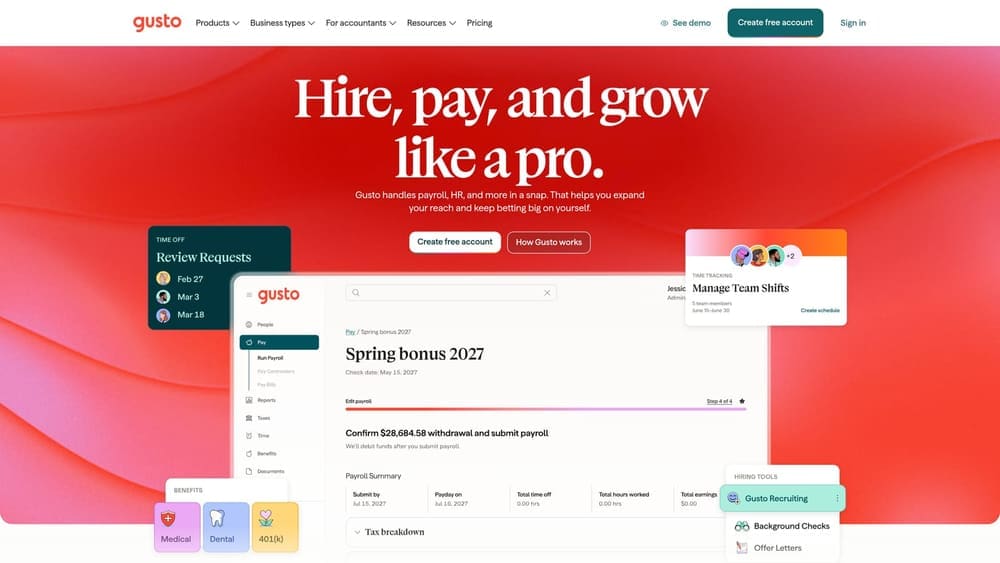
That is also its most important trade-off. With no co-employment, the center keeps full employer responsibility for compliance and workers’ comp. You buy your own workers’ comp policy, handle your own state obligations, and own licensing requirements, as every childcare center does regardless of provider.
- Payroll processing that handles hourly and part-time pay without a PEO contract.
- Benefits administration, so you can offer coverage without a co-employment arrangement.
- Onboarding tools that make adding new aides and substitutes quicker.
- Tiered published plans, so you can see what each level includes.
What sets it apart on this list is the published tiered pricing and a simple interface without co-employment. Verify integrations on the vendor site, especially any link to attendance software. Setup is light enough that an owner can usually run it alone, which suits home daycares and very small programs. It is a weaker fit for centers that want HR guidance, pooled benefits purchasing, or relief from compliance administration. Pricing is listed as see website; plan tier and headcount are the usual levers, so confirm current plans on the vendor’s site.
Best for: Very small centers or home daycares that do not need a PEO.
8. Procare Solutions
Procare Solutions is childcare management software for attendance, billing, and parent communication. It is not a payroll provider or a PEO, and it sits on this list because it complements one.
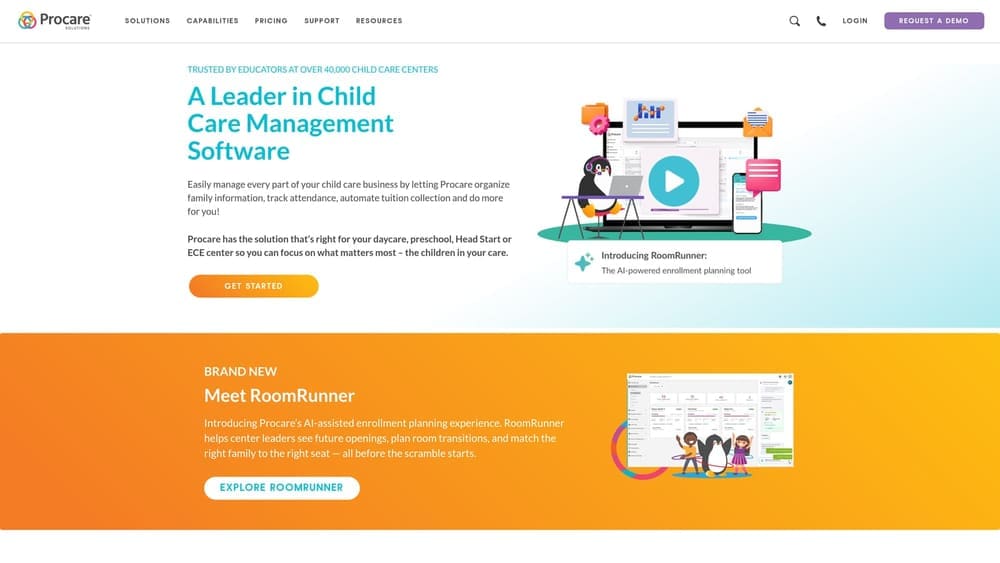
Its distinct value is that it is built specifically around childcare center operations. Staff attendance and hours data live where classroom reality lives: check-ins, ratios, and room assignments. When that data can feed a separate payroll or PEO platform, the director spends less time reconciling timesheets and fixing pay errors.
- Childcare attendance tracking, which creates a record of who was in the building and when.
- Billing and tuition management, keeping family revenue organized alongside the staffing side.
- Parent communication tools that reduce phone calls and paper notices.
- Center operations tools that fit how childcare programs actually run day to day.
Verify payroll integrations on the vendor site before assuming it will connect to your payroll or PEO of choice. An administrator or director typically runs it, and setup involves loading classrooms, families, and staff. The limitation is plain: no PEO services, no co-employment, no workers’ comp, and no benefits. Do not buy it expecting it to solve payroll or HR compliance. Pricing is listed as see website; center size and the modules you choose usually drive the cost.
Best for: Centers wanting staff attendance and hours data to feed into a separate payroll or PEO.
Matching the Right Option to Your Center
Start with a PEO versus payroll decision, because it shapes everything else. A PEO shares employer responsibilities through co-employment, while payroll-only tools and childcare software do not. Neither one replaces your obligations to your state licensing agency.
- Comparing before you commit: PEO Metrics, since it puts several PEOs side by side on cost and service.
- Small, lean centers: Justworks for a PEO with a simple interface, or Gusto if you do not need co-employment.
- Multi-site operators: TriNet, Insperity, or ADP TotalSource, depending on whether you value benefits depth, hands-on HR, or ADP integration. Paychex PEO suits operators planning staged growth.
- Payroll-only needs: Gusto, with the understanding that compliance and workers’ comp stay with you.
- Childcare operations software: Procare Solutions, paired with whichever payroll or PEO you choose.
Whatever you shortlist, confirm childcare eligibility, workers’ comp classification for classroom staff, and minimum headcounts directly with each vendor. This article is informational and is not legal, tax, or benefits advice.
Before you sign that PEO renewal, make sure you’re not leaving money on the table.
Many businesses unknowingly overpay because of bundled fees, hidden administrative markups, and contracts designed to limit flexibility. We give you a clear, side-by-side breakdown of pricing, services, and contract terms, so you can see exactly what you’re paying for and choose the option that truly fits your business.
