
Most businesses don’t realize their PEO is underperforming until the damage is already done. By the time you notice the admin fees have crept up, the compliance guidance feels stale, or your employees are frustrated with HR support, you’re usually months deep into a contract cycle with limited leverage.
The problem rarely announces itself. It’s a slow drift. Response times get a little longer. Benefits renewal costs climb a bit faster than market rates. Payroll errors start showing up occasionally. None of it is dramatic on its own, but the cumulative effect is real money and real risk.
This list covers tools that give you an independent view of your PEO’s performance. Not your PEO’s own dashboards. Not their quarterly check-in call. Your own data. Some tools here are PEO-specific, others are broader HR and analytics platforms, but each one helps you track the metrics that actually matter for catching underperformance early.
Selection criteria: we focused on tools that give business owners and HR leaders genuine visibility into cost, compliance, service quality, and workforce outcomes. Anything that just repackages your PEO’s own reporting didn’t make the cut.
1. PEO Metrics
Best for: Benchmarking your current PEO against alternatives with unbiased, data-driven comparisons
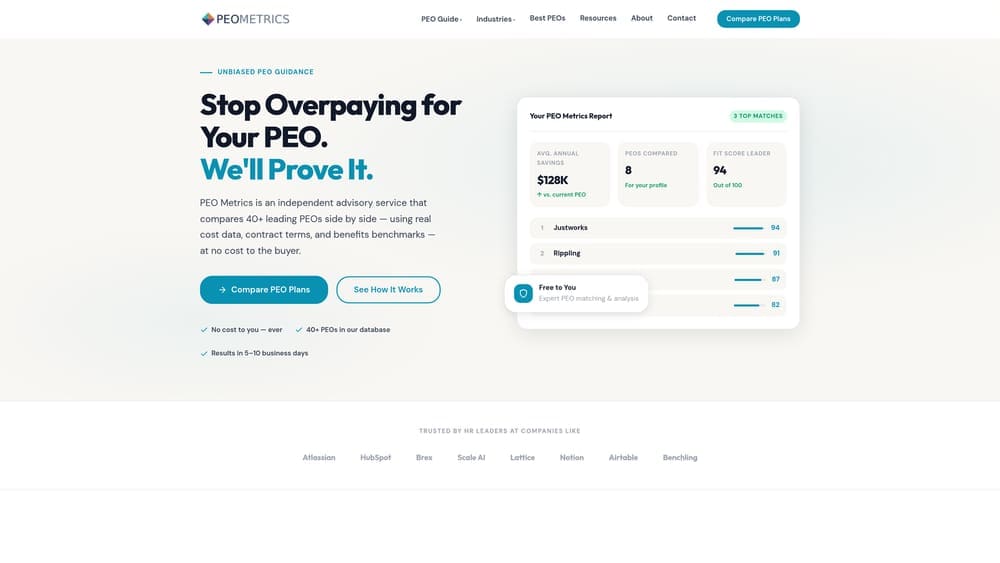
PEO Metrics is a PEO comparison platform built specifically to give businesses an independent, data-driven view of how their current provider stacks up.
Where This Tool Shines
Most PEO evaluation happens at contract signing, then goes quiet for years. PEO Metrics changes that by giving you a structured way to benchmark your current provider against the broader market on cost, service quality, and coverage depth. The platform isn’t affiliated with any PEO provider, which matters more than it might seem. Affiliated comparison tools have obvious incentives to steer you toward certain providers.
The pricing transparency analysis is particularly useful for catching cost creep. Admin fees and benefit markups tend to drift upward gradually, and without external benchmarks, you have no frame of reference for whether what you’re paying is reasonable. This tool gives you that frame.
Key Features
Side-by-Side Provider Comparisons: Granular, multi-dimensional comparisons across PEO providers so you can see exactly where your current provider is strong or weak.
Pricing Transparency Analysis: Helps you identify cost creep, administrative markups, and fee structures that may not be visible in your current contract review.
Service Quality Benchmarking: Evaluates provider performance across multiple dimensions, not just cost, so you get a complete picture of value delivered.
Unbiased Guidance: No affiliation with any PEO provider, which means the analysis isn’t shaped by referral incentives or commission structures.
Best For
Business owners and HR leaders approaching PEO renewal, evaluating a first PEO contract, or simply wondering whether their current provider is still the right fit. Especially useful if you’ve been with the same PEO for several years and haven’t done a formal review since signing.
Pricing
Contact for pricing; the model is consultation-based rather than self-serve, which means you get guided analysis rather than raw data you have to interpret yourself.
2. SHRM Benchmarking Tools
Best for: Comparing your HR outcomes against industry peers to see if your PEO is keeping you competitive
SHRM Benchmarking Tools provide industry-standard HR metrics from one of the most credible data sources in the profession.

Where This Tool Shines
Your PEO will tell you your turnover rate is within normal range or that your benefits package is competitive. SHRM’s benchmarking data lets you verify that independently. With data segmented by industry, company size, and geography, you can make apples-to-apples comparisons rather than relying on your PEO’s self-reported benchmarks.
It’s particularly useful for benefits and compensation benchmarking, where PEO performance gaps are often hidden behind market complexity. If your benefits renewal costs are consistently outpacing what SHRM data shows for your industry peers, that’s a signal worth investigating.
Key Features
HR Metrics Benchmarks: Data across industries and company sizes covering a wide range of workforce performance indicators.
Turnover, Benefits, and Compensation Data: The three areas most likely to reveal PEO underperformance when compared against peer benchmarks.
Customizable Reports: Filter by industry, geography, and company size to get comparisons that are actually relevant to your business.
Institutional Credibility: SHRM’s data depth and membership base make this one of the more reliable benchmarking sources available to HR practitioners.
Best For
HR leaders who want credible third-party data to validate or challenge what their PEO is reporting. Also useful for internal stakeholder conversations where you need recognized data sources to make the case for a PEO review.
Pricing
Included with SHRM membership; some specific benchmarking tools require additional fees depending on the depth of reporting you need.
3. BambooHR
Best for: Getting an independent view of workforce performance and employee lifecycle data outside your PEO’s reporting
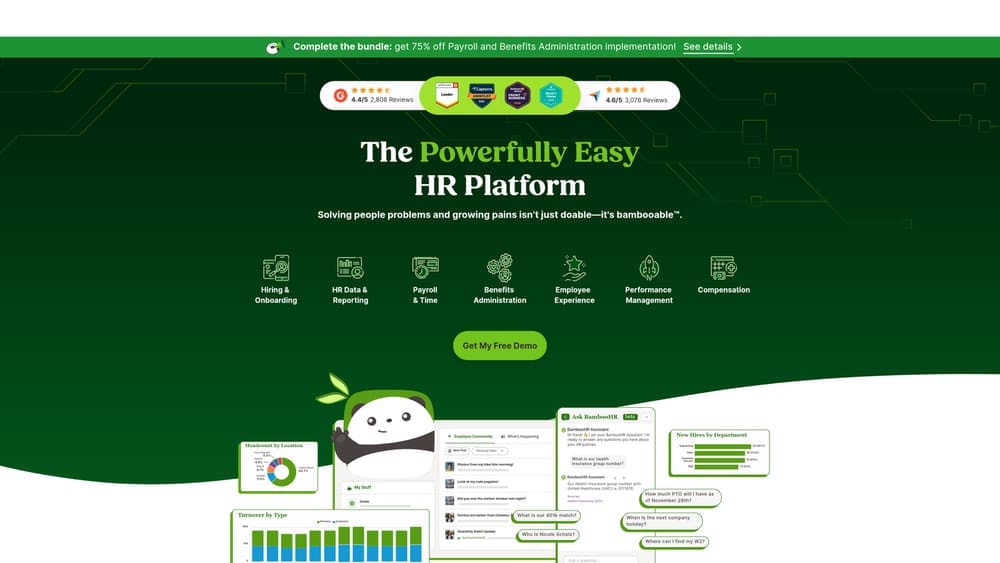
BambooHR is an HR platform with strong reporting capabilities that gives you your own data infrastructure, separate from whatever your PEO provides.
Where This Tool Shines
One of the underappreciated risks of relying entirely on your PEO’s reporting is that you’re seeing the data they choose to surface. BambooHR gives you independent tracking of employee satisfaction, turnover trends, and onboarding experience. If your PEO’s HR support is degrading, these metrics will show it before your PEO’s own dashboards do.
The eNPS and satisfaction tracking features are particularly valuable here. A drop in employee satisfaction with HR processes is often one of the earliest signals that something is off with your PEO’s service quality, and it’s the kind of signal that rarely appears in a PEO’s own reporting.
Key Features
Employee Satisfaction and eNPS Tracking: Capture how employees actually feel about HR support and processes, independent of your PEO’s framing.
Turnover and Retention Analytics: Track voluntary and involuntary turnover trends over time to spot patterns that may correlate with PEO service changes.
Onboarding Workflow Monitoring: See where onboarding breaks down, which often reveals gaps in your PEO’s new hire processing.
Custom Reporting Dashboards: Build the reports you actually need rather than working with whatever your PEO chooses to provide.
Best For
Small to mid-size businesses that want an independent HR data layer alongside their PEO. Particularly useful if you suspect service quality is declining but don’t have the internal data to make the case for a review.
Pricing
Starts around $6-8 per employee per month; contact BambooHR for an exact quote based on your team size and feature needs.
4. Mineral (formerly ThinkHR / Mammoth)
Best for: Cross-checking your PEO’s compliance guidance against independent, real-time regulatory intelligence
Mineral is a compliance intelligence platform that provides real-time regulatory alerts and HR guidance, giving you a second opinion on the compliance support your PEO is supposed to be delivering.
Where This Tool Shines
Compliance is one of the primary reasons businesses use a PEO in the first place. But compliance guidance can go stale quickly, especially with state and local regulatory changes moving at a faster pace than many PEOs can track. Mineral gives you an independent stream of regulatory alerts so you can see whether your PEO is keeping up or falling behind.
The live HR advisor access is useful when you want a real answer on a compliance question without waiting for your PEO’s support queue. If you’re regularly finding faster, more accurate answers through Mineral than through your PEO, that’s a concrete warning sign worth documenting.
Key Features
Real-Time Compliance Alerts: Federal, state, and local regulatory updates delivered as they happen, not weeks after the fact.
HR Compliance Library: Actionable guidance on a wide range of compliance topics, useful for verifying whether your PEO’s advice is current and accurate.
Live HR Advisor Access: Direct access to HR professionals for compliance questions, independent of your PEO’s support structure.
Employee Handbook Builder: Auto-updating handbook tool that reflects regulatory changes, useful for catching gaps in your PEO’s handbook support.
Best For
Businesses operating across multiple states or in industries with complex compliance requirements. Also a strong fit for any company that has experienced compliance gaps or late guidance from their current PEO.
Pricing
Subscription-based with pricing that varies by company size; contact Mineral directly for a quote.
5. Zenefits (TriNet Zenefits)
Best for: Gaining transparency into benefits costs and utilization to see whether your benefits spend is justified
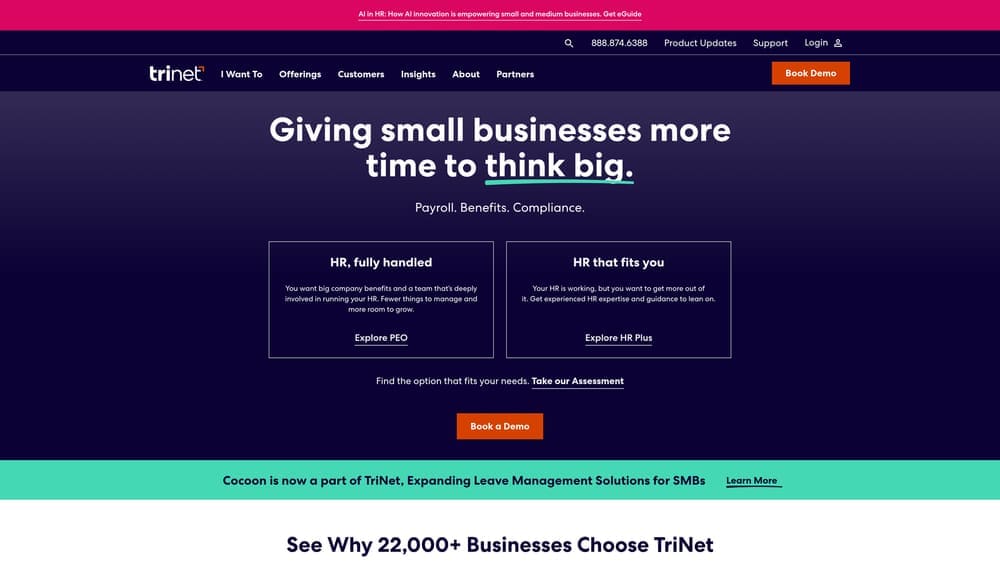
Zenefits is a benefits and HR administration platform with transparent dashboards that let you see exactly what you’re spending on benefits and whether employees are actually using them.
Where This Tool Shines
Benefits opacity is a common PEO problem. You’re often paying a bundled rate that makes it difficult to see what the actual cost per benefit is, what utilization looks like, or whether you’re getting competitive pricing. Zenefits surfaces that data in a way that most PEO-provided benefits summaries don’t.
The cost and utilization dashboards are particularly useful at renewal time. If your PEO is recommending a benefits renewal with a significant cost increase, Zenefits data gives you the utilization context to evaluate whether that increase is justified or whether you’re being moved into a higher-cost plan without a corresponding improvement in coverage or usage.
Key Features
Benefits Cost and Utilization Dashboards: Clear visibility into what you’re spending and how employees are actually using their benefits.
Automated Benefits Enrollment and Tracking: Streamlines open enrollment and gives you a clean record of elections and changes over time.
Payroll Integration with Cost Breakdowns: Connects benefits costs to payroll data so you can see total compensation spend in one view.
Compliance Calendar and Alerts: Tracks key compliance deadlines relevant to benefits administration.
Best For
Companies that feel like their PEO’s benefits reporting is a black box. If you can’t easily answer “what are we actually spending on benefits per employee and is it being used,” Zenefits gives you that visibility.
Pricing
Base plan starts at $8 per employee per month; additional modules are priced separately.
6. Paychex Flex Analytics
Best for: Independent payroll accuracy auditing and labor cost trend analysis outside your PEO’s reporting
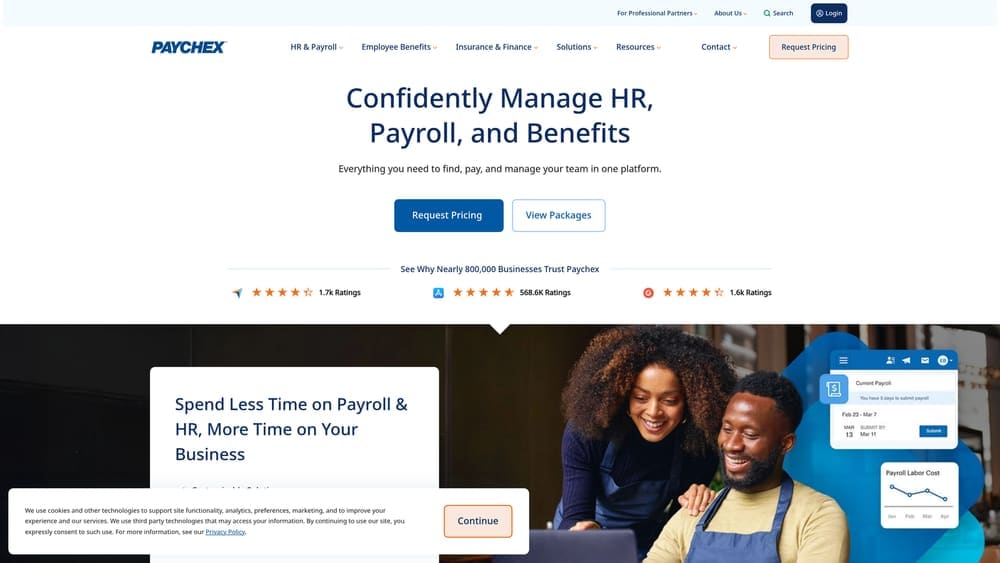
Paychex Flex Analytics provides payroll and workforce analytics that can serve as an independent audit layer for catching payroll errors, tax filing issues, and labor cost trends.
Where This Tool Shines
Payroll errors are one of the clearest PEO warning signs, but they’re easy to miss if you’re relying on your PEO’s own payroll reports to catch them. Paychex Flex Analytics gives you a separate analytical lens on payroll accuracy, tax filing verification, and labor cost movement over time.
The labor cost trend analysis is useful beyond just error detection. If your total labor costs are drifting upward faster than headcount or compensation changes would explain, the analytics layer can help you isolate where the variance is coming from, whether that’s PEO admin fees, benefits cost increases, or something else entirely.
Key Features
Payroll Accuracy and Error Tracking: Reporting that flags discrepancies and patterns in payroll processing that might otherwise go unnoticed.
Labor Cost Trend Analysis: Tracks total labor costs over time so you can spot unexplained increases before they compound.
Tax Filing Verification Tools: Gives you independent visibility into tax filing accuracy and timing, a common area of PEO failure.
Workforce Analytics Dashboards: Broader workforce data to connect payroll patterns to headcount and operational changes.
Best For
Businesses that have experienced payroll errors or tax filing issues with their current PEO, or those that want an independent analytical layer on labor costs without switching payroll providers entirely.
Pricing
Custom pricing; typically bundled with Paychex payroll services rather than sold as a standalone analytics product.
7. Lattice
Best for: Surfacing downstream effects of PEO underperformance through employee engagement and performance data
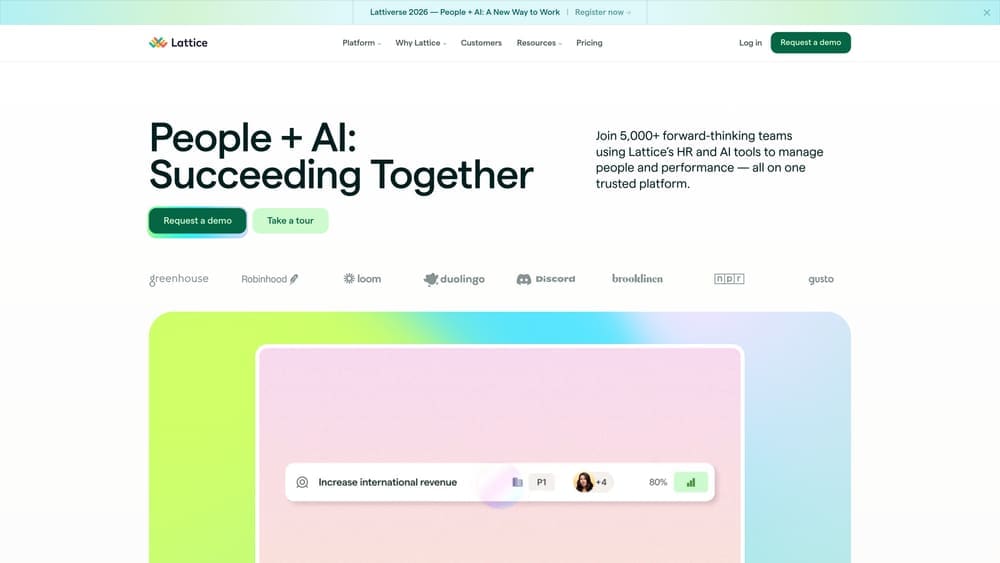
Lattice is an employee engagement and performance management platform that can reveal the workforce impact of PEO service degradation before it shows up in turnover numbers.
Where This Tool Shines
PEO underperformance often shows up in employee experience before it shows up in hard metrics. Slow HR response times, confusing benefits communications, and payroll errors erode trust and satisfaction over time. Lattice’s pulse surveys and engagement scoring give you a real-time view of how employees feel about the HR experience, which is a leading indicator of the retention and turnover data that comes later.
The connection between engagement scores and retention analytics is particularly useful for making the business case internally. If engagement drops correlate with specific PEO service changes or issues, you have a documented pattern that justifies a formal PEO review.
Key Features
Pulse Surveys and Engagement Scoring: Frequent, lightweight surveys that capture sentiment shifts before they become retention problems.
Performance Review Cycle Management: Tracks whether performance processes are running smoothly, which can reveal PEO process gaps.
Goal Tracking and Alignment Tools: Connects individual performance to organizational goals, useful for assessing overall HR effectiveness.
Engagement-to-Retention Analytics: Links engagement data to retention outcomes so you can see the downstream cost of declining HR experience.
Best For
Companies with 50 or more employees where the human impact of PEO underperformance is likely showing up in engagement and retention before it’s visible in financial data. Strong fit for HR leaders who need data to drive internal conversations about PEO performance.
Pricing
Starts at $11 per person per month; contact Lattice for pricing on specific module combinations.
8. CompAnalyst by Salary.com
Best for: Verifying whether your PEO’s compensation recommendations are actually keeping you competitive in your market
CompAnalyst by Salary.com is a compensation benchmarking platform with deep market data across roles, industries, and geographies.
Where This Tool Shines
Compensation guidance is a service most PEOs offer, but the quality varies considerably. If your PEO is giving you salary recommendations based on outdated data or broad national averages rather than your specific market, you may be either overpaying or losing candidates without knowing why. CompAnalyst gives you current, granular market data to verify what your PEO is telling you.
The pay equity analysis tools are increasingly important from a compliance standpoint as well. If your PEO isn’t proactively flagging pay equity exposure, CompAnalyst can help you identify it independently before it becomes a legal or reputational issue.
Key Features
Market Compensation Data: Role-by-role, region-by-region salary data that reflects current market conditions rather than lagging survey averages.
Pay Equity Analysis Tools: Identifies potential pay disparities across your workforce that your PEO may not be surfacing proactively.
Job Pricing and Salary Structure Modeling: Helps you build or validate compensation structures independent of your PEO’s recommendations.
HRIS Integration: Connects with major HR platforms so you can run compensation analysis against your actual workforce data.
Best For
Companies in competitive hiring markets where compensation accuracy directly affects talent acquisition and retention. Also useful for businesses that have noticed unexplained turnover in specific roles and want to check whether compensation is a contributing factor.
Pricing
Custom pricing; contact Salary.com directly for a quote based on your company size and feature requirements.
9. SLA Tracking via Airtable, Notion, or Spreadsheets
Best for: Documenting PEO response times, issue resolution patterns, and service degradation over time
Airtable and similar tools aren’t built for PEO monitoring specifically, but a well-structured tracking setup can be one of the most powerful tools on this list for documenting service degradation.
Where This Tool Shines
Here’s something most businesses skip entirely: logging their PEO interactions. You submit a question, you get an answer eventually, and you move on. But if you’re not tracking response times, escalation frequency, and issue resolution quality over time, you have no way to prove that service has declined. Memory is unreliable. A log isn’t.
A simple Airtable base or Notion database that captures every PEO support interaction, the issue type, the response time, and whether it was resolved correctly gives you a factual record. When you approach renewal negotiations or decide to switch providers, that log is far more persuasive than a general feeling that “things have gotten worse.”
Key Features
Custom SLA Tracking Templates: Build a log structure that captures the specific PEO interaction types most relevant to your business.
Response Time Logging and Trend Analysis: Track average response times over months or quarters to see whether service speed is declining.
Issue Categorization for Pattern Detection: Tag issues by type (compliance, payroll, benefits, onboarding) to identify where your PEO is consistently falling short.
Low Cost and Fully Customizable: Unlike purpose-built platforms, you control the structure and can adapt it as your monitoring needs evolve.
Best For
Any business that wants to build a factual, documented case for PEO performance over time. Especially useful for companies that suspect service degradation but don’t yet have the data to act on it. This is also a strong complement to every other tool on this list.
Pricing
Free to low cost depending on the tool: Airtable has a free tier for small teams, Notion offers a free plan for individuals and small teams, and a basic spreadsheet costs nothing.
Which Tool Fits Your Warning Sign
The right tool depends on what you’re trying to catch. Here’s a quick breakdown by warning sign type.
If cost creep is your concern, start with PEO Metrics for provider-level benchmarking and CompAnalyst for compensation-specific verification. These two together give you a solid picture of whether you’re overpaying at the macro and micro level.
For compliance gaps, Mineral is the most targeted solution for real-time regulatory intelligence, with SHRM Benchmarking Tools as a strong complement for broader HR outcome comparisons. If your PEO’s compliance guidance feels slow or generic, these tools will surface the gaps quickly.
Service degradation is harder to quantify, but Lattice’s engagement data and a disciplined SLA tracking setup in Airtable or Notion will give you the documentation you need. Employee satisfaction with HR processes tends to decline before turnover does, and your SLA log turns that intuition into evidence.
Benefits opacity is where Zenefits and BambooHR earn their place. If you can’t clearly see what you’re spending on benefits per employee, what utilization looks like, or how your workforce feels about the HR experience, those two platforms fill the gap independently of your PEO’s own reporting.
The bigger point here: the most expensive mistake in a PEO relationship isn’t choosing the wrong provider upfront. It’s not monitoring the relationship at all. PEO performance tends to erode gradually, and without your own data infrastructure, you won’t notice until renewal when the leverage has already shifted to the provider.
If you’re approaching a PEO renewal or simply haven’t done a formal review in a few years, the first step is an independent benchmark. Don’t auto-renew. Make an informed, confident decision.
