
If you run a backflow testing or plumbing services business, you’ve probably hit a wall trying to figure out whether a PEO or a basic payroll company is the smarter move. They sound similar on the surface — both handle payroll, both deal with taxes — but the gap between them widens fast once you factor in workers’ comp classifications, compliance exposure, and what happens when an employee gets hurt on a job site.
This guide breaks down the tools, platforms, and resources that actually help you make this decision with real data, not a sales pitch. Whether you’re a solo operator adding your first few field techs or a mid-sized backflow testing outfit with crews across multiple counties, the right infrastructure matters. We’ve ranked these based on practical usefulness for trade businesses specifically — not generic small business advice.
1. PEO Metrics
Best for: Comparing PEO providers side-by-side before entering any sales conversation
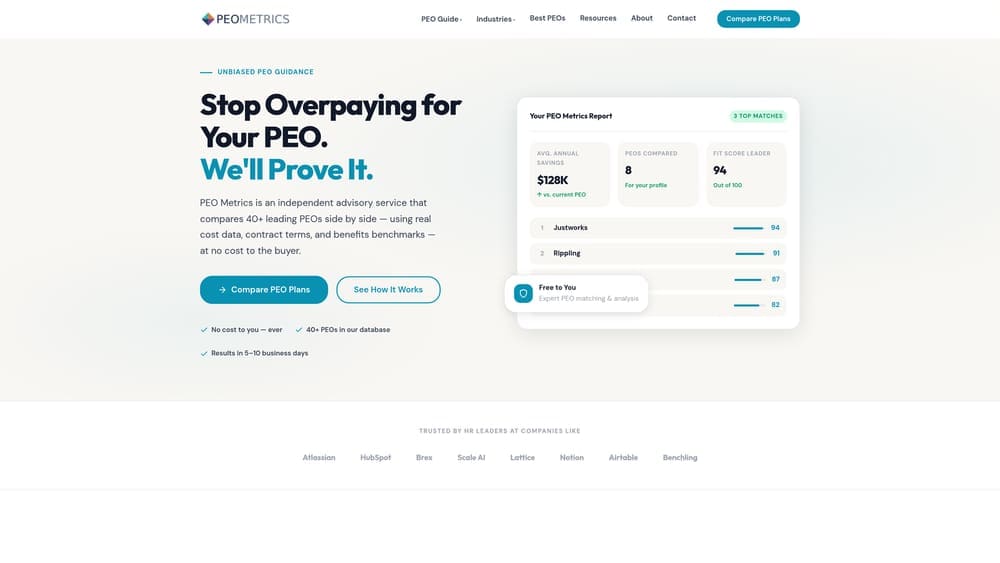
PEO Metrics is an independent comparison platform that helps businesses evaluate PEO providers using actual pricing data and service metrics — without running a full sales cycle with every vendor.
Where This Tool Shines
Most PEO providers don’t publish pricing. You have to request a demo, sit through a pitch, and wait for a quote — and by the time you’ve done that with three or four vendors, you’ve spent weeks just trying to understand what things cost. PEO Metrics cuts that process down significantly by surfacing pricing and service data in a structured, comparable format.
For backflow testing businesses specifically, this matters because workers’ comp structure and administrative fees vary considerably across PEOs. A platform that lets you see those differences before you’re in a contract negotiation is genuinely useful — especially if you’re evaluating whether a PEO is even worth it compared to a standalone payroll solution.
Key Features
Side-by-Side Provider Comparisons: Compare multiple PEOs on pricing, services, and contract terms without going through individual sales cycles.
Pricing Transparency: Surfaces cost data that most PEO providers don’t publish openly, including administrative fees and bundled costs.
Unbiased Guidance: Not affiliated with any single PEO provider, so the comparisons aren’t skewed toward a preferred vendor.
Hidden Fee Identification: Helps flag markups and bundled charges that can inflate actual cost beyond the headline rate.
PEO vs. Payroll Decision Support: Useful for businesses still deciding whether a PEO relationship makes sense at all, not just which PEO to pick.
Best For
Backflow testing businesses in active evaluation mode — particularly those who’ve received a PEO quote and want to know if it’s competitive, or those who want to understand the real cost difference between PEO and payroll-only options before committing.
Pricing
Free to use for comparisons. Consult the website for details on additional service tiers.
2. Justworks
Best for: Small businesses that want predictable, transparent PEO pricing without complex negotiations
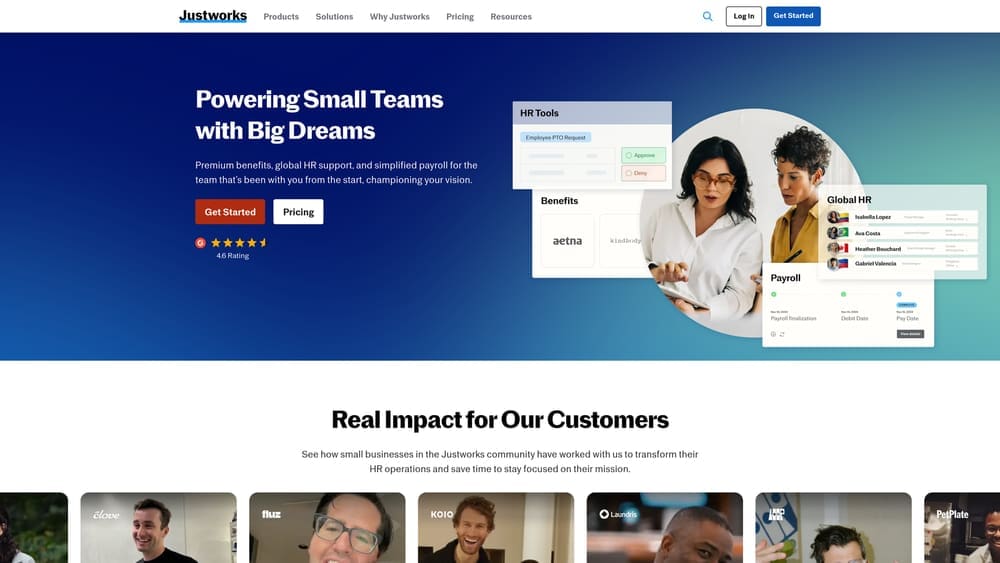
Justworks is a PEO platform known for flat per-employee pricing, making it easier to forecast costs without decoding a percentage-of-payroll model.
Where This Tool Shines
Justworks is one of the few PEOs that publishes its pricing openly, which is rare in this space. That transparency is genuinely valuable when you’re trying to budget for HR infrastructure without going through a negotiation process. The onboarding experience is clean and the platform is accessible for business owners who don’t have a dedicated HR person.
The honest caveat for backflow testing businesses: Justworks is better suited to lower-risk employee profiles. If your team carries elevated workers’ comp classifications due to field work and equipment handling, you may find that the flat-rate model doesn’t deliver the same cost advantages it would for an office-based workforce.
Key Features
Flat Per-Employee Pricing: Predictable monthly cost per employee rather than a percentage of total payroll.
Bundled Benefits Access: Health insurance, dental, vision, and 401(k) options available through the co-employment structure.
Multi-State Payroll Compliance: Handles tax filings and compliance across state lines, relevant if your crews work across jurisdictions.
24/7 HR Support: Support access outside normal business hours, which matters for field-based operations.
Simple Onboarding: Straightforward setup for small teams without a dedicated HR department.
Best For
Backflow testing businesses with 5–50 employees, relatively clean loss histories, and a preference for predictable pricing. Less ideal if workers’ comp cost reduction is the primary driver for exploring a PEO.
Pricing
Starts around $59/employee/month. Verify current pricing on their website, as rates and tiers change periodically.
3. TriNet
Best for: Multi-state backflow testing operations that need industry-aware HR support
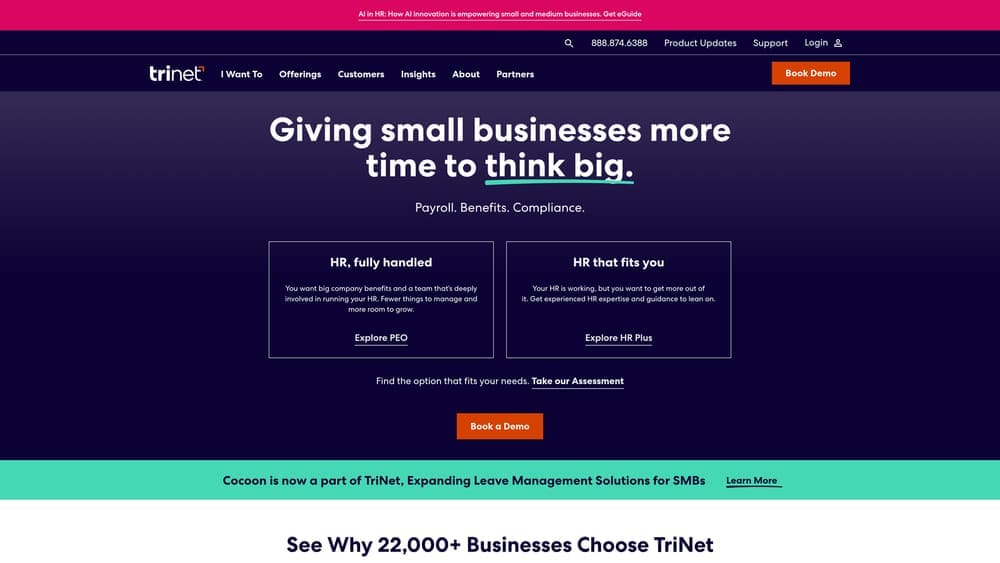
TriNet is a full-service PEO with dedicated HR support teams organized by industry vertical and strong multi-state compliance capabilities.
Where This Tool Shines
The industry-vertical support model is what sets TriNet apart here. Rather than routing you to a generalist HR rep, TriNet assigns support teams with experience in specific sectors. For a backflow testing business operating across county or state lines — where licensing requirements, compliance obligations, and workers’ comp classifications can shift — that contextual knowledge reduces the risk of getting generic advice that doesn’t account for trade-specific nuances.
Multi-state compliance handling is also a real differentiator if your crews regularly cross jurisdictions. Managing payroll tax registrations, workers’ comp filings, and state-specific labor law requirements across multiple states is genuinely complex, and TriNet’s infrastructure is built to handle that at scale.
Key Features
Industry-Vertical HR Teams: Support staff with sector-specific experience rather than generalist HR reps.
Multi-State Compliance: Payroll tax, workers’ comp, and labor law compliance across multiple states handled within the co-employment structure.
Workers’ Comp Coverage: Provided through the PEO’s master policy as part of the co-employment arrangement.
Benefits Administration: Health, dental, and vision benefits included with dedicated support for enrollment and changes.
Dedicated HR Contacts: Named HR support contacts rather than anonymous help desk routing.
Best For
Backflow testing businesses with operations across multiple states or counties, or those dealing with complex licensing and compliance requirements that benefit from HR reps who understand trade industry context.
Pricing
Custom pricing based on headcount and services. Contact TriNet directly for a quote.
4. Gusto
Best for: Small backflow testing operators who need clean payroll processing without PEO complexity
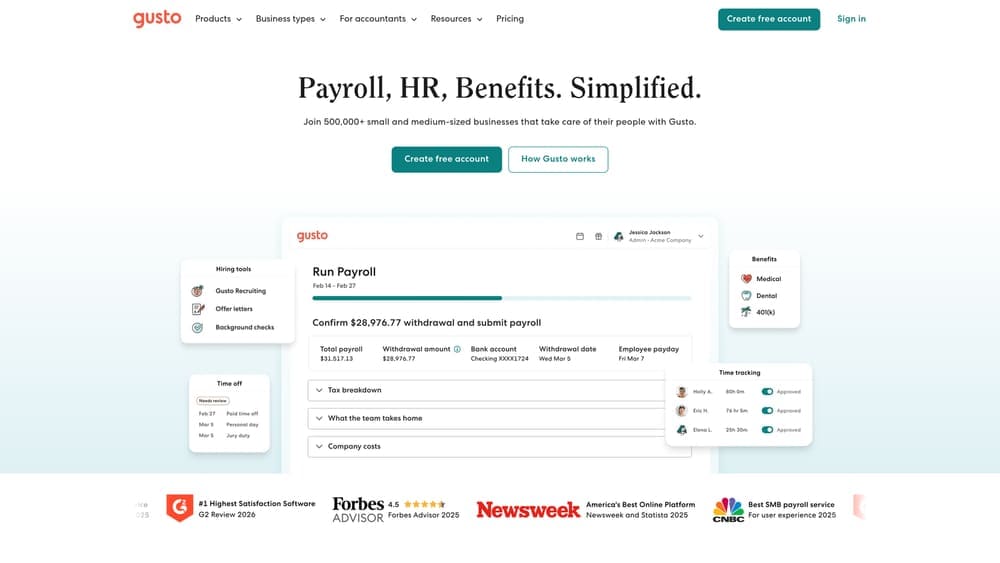
Gusto is a payroll and HR software platform — not a PEO — that handles W-2 payroll, contractor payments, and basic HR administration in a clean, accessible interface.
Where This Tool Shines
Gusto is the right answer for a lot of small backflow testing businesses that aren’t ready for a PEO relationship. If you have a small crew, a manageable workers’ comp situation, and you mostly need payroll to run cleanly every two weeks without a lot of overhead, Gusto handles that well. It’s not trying to be a co-employer — it’s software that processes payroll and files taxes, and it does both reliably.
The contractor payment functionality is worth noting specifically. Backflow testing businesses often run a mix of W-2 employees and 1099 subcontractors. Gusto handles both in the same platform, which keeps things clean from a recordkeeping standpoint without requiring you to manage two separate systems.
Key Features
Automated Payroll Processing: Handles W-2 employees and 1099 contractors in the same platform with automated tax calculations.
State and Federal Tax Filing: Files payroll taxes automatically, including year-end W-2s and 1099s.
Basic HR Tools: Onboarding checklists, document management, and offer letter templates included.
Benefits Integration: Health insurance broker integration available as an add-on for businesses that want to offer benefits without a PEO structure.
No Co-Employment: You remain the employer of record — full control, full responsibility.
Best For
Solo operators and small backflow testing businesses with 1–15 employees who need reliable payroll without the cost or complexity of a PEO. Also a strong fit for contractor-heavy operations where co-employment structure doesn’t add value.
Pricing
Starts around $46/month base plus a per-employee fee. Verify current pricing on their website.
5. ADP TotalSource
Best for: Backflow testing businesses with complex risk profiles and workers’ comp needs
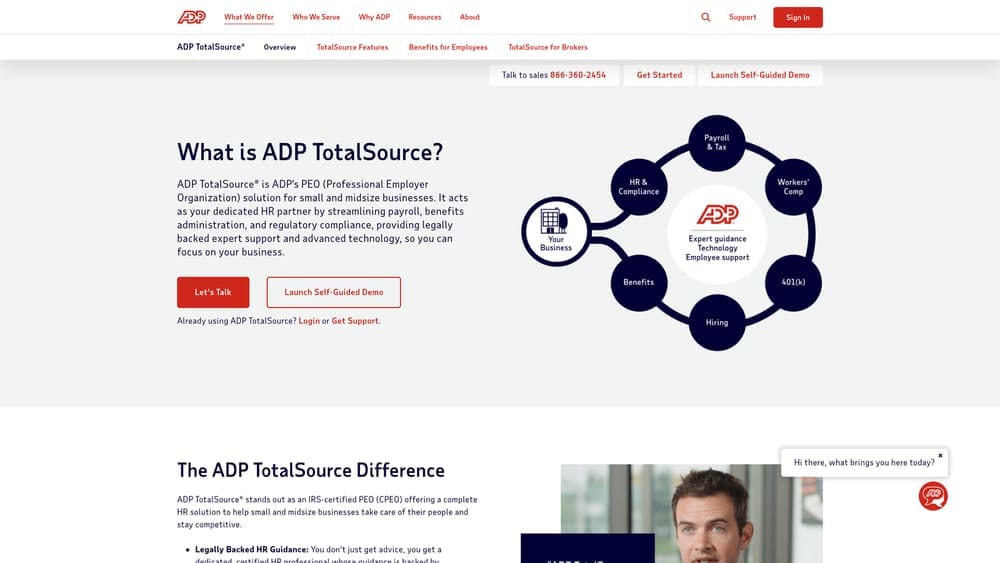
ADP TotalSource is one of the largest PEOs in the U.S., with deep workers’ comp infrastructure and risk management programs built for field-based businesses.
Where This Tool Shines
Workers’ comp is the core reason a trade business evaluates ADP TotalSource seriously. The scale of ADP’s co-employment structure means access to workers’ comp coverage that a small backflow testing company couldn’t negotiate independently. For businesses with elevated risk classifications — which plumbing and backflow work often carries — that access can translate into meaningful cost differences compared to sourcing coverage on the open market.
The risk management and safety program support is also genuinely useful, not just a checkbox feature. Field-based trade businesses benefit from documented safety protocols and incident response support, both for employee protection and for maintaining favorable loss history over time.
Key Features
Comprehensive Workers’ Comp Coverage: Master policy access through co-employment, with risk management support built in.
Safety Program Support: Resources and tools for building documented safety programs relevant to field-based operations.
Multi-State HR Compliance: Handles state-specific labor law requirements across jurisdictions.
Benefits Administration: Full benefits suite including health, dental, vision, and retirement options.
ADP Ecosystem Integration: Connects with ADP’s broader payroll and HR platform if you’re already using ADP tools.
Best For
Mid-sized backflow testing businesses with 15+ employees, elevated workers’ comp classifications, or a history of claims that make independent coverage expensive. Less cost-effective for very small operators.
Pricing
Custom pricing; typically structured as a percentage-of-payroll or per-employee model. Contact ADP for a quote.
6. Paychex PEO
Best for: Trade businesses that value local representative relationships and established workers’ comp carrier access
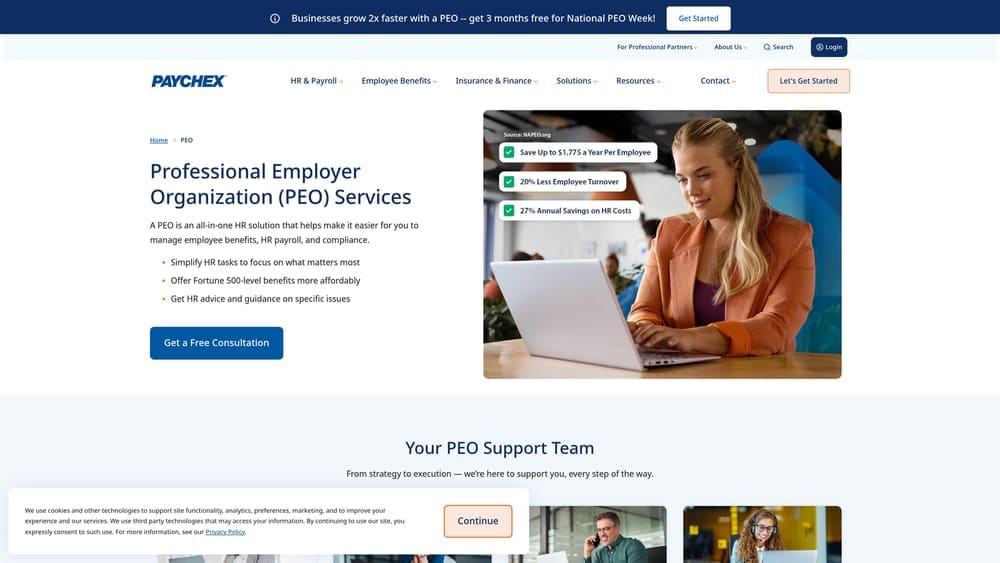
Paychex PEO combines PEO co-employment structure with a strong local rep network — a practical fit for business owners who want a real person they can call, not just a support ticket system.
Where This Tool Shines
In the trades, relationships matter. Paychex has built a local representative model that gives you a dedicated contact who knows your account, understands your business, and can escalate issues without you navigating a call center. That’s not a small thing when you’re dealing with a workers’ comp audit or a compliance question that has a real deadline attached to it.
The workers’ comp carrier relationships are also a genuine differentiator. Paychex has established relationships with carriers that can benefit trade businesses with field-based risk profiles, and the PEO structure means those rates are negotiated at scale rather than as a single small account.
Key Features
Local Dedicated HR Representative: Named local contact rather than anonymous support routing — valuable for trade businesses with hands-on service needs.
Workers’ Comp Coverage: Established carrier relationships with coverage structured through the PEO co-employment arrangement.
Integrated Payroll Processing: Payroll runs within the PEO structure, not as a separate system.
Employee Benefits Administration: Health, dental, vision, and retirement plan administration included.
HR Compliance Tools: Employee handbook development, compliance support, and HR documentation assistance.
Best For
Backflow testing businesses that prioritize local service relationships and want workers’ comp handled within a PEO structure. Particularly useful for businesses that have had frustrating experiences with anonymous support models from larger platforms.
7. Rippling
Best for: Tech-forward backflow testing businesses that want automation and unified workforce management
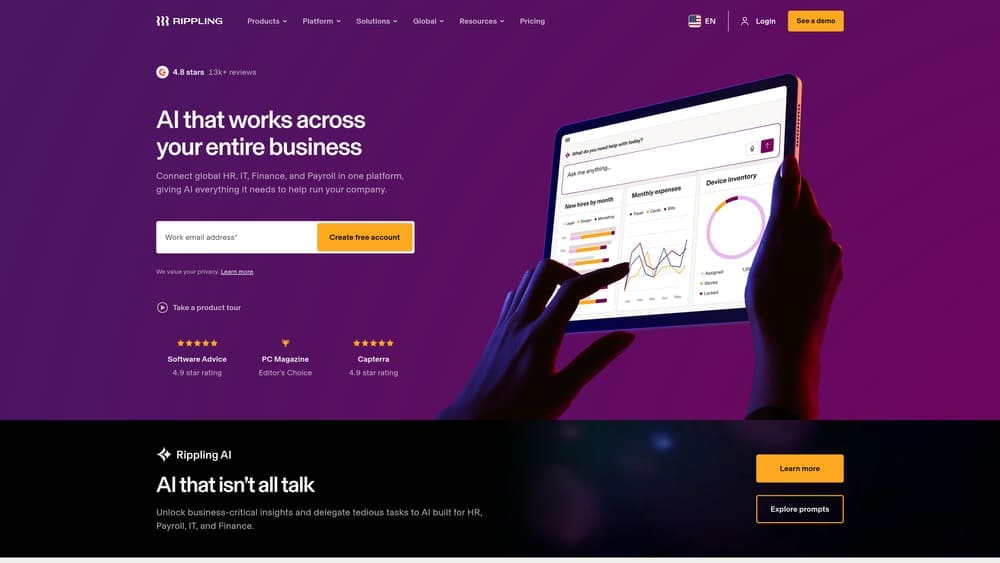
Rippling is a workforce management platform that combines payroll, HR, and IT management in a single system, with PEO co-employment available as an option through Rippling PEO.
Where This Tool Shines
Rippling is software-first, services-second. If your business values automation, integration depth, and a single platform for managing everything from payroll to device management, Rippling delivers that more cleanly than most PEOs. The time tracking and scheduling tools are relevant for field crews, and the automation capabilities reduce manual HR admin meaningfully for businesses that are growing quickly.
It’s worth being clear about what Rippling is and isn’t, though. It’s not a traditional HR-services-first PEO. If you’re evaluating a PEO primarily for workers’ comp access, benefits scale, or hands-on HR support, Rippling’s PEO offering is more limited in that dimension than ADP TotalSource or Paychex PEO. The platform shines for operations that want technology-driven efficiency.
Key Features
Unified Platform: Payroll, HR, and IT management in a single system — no switching between tools.
PEO Co-Employment Option: Rippling PEO available for businesses that want co-employment structure within the platform.
Automation-Heavy Workflows: Onboarding, offboarding, and HR admin tasks automated to reduce manual work.
Time Tracking and Scheduling: Built-in tools relevant for managing field crews and job-based hours.
Integration Library: Connects with a wide range of third-party tools for accounting, project management, and operations.
Best For
Backflow testing businesses that prioritize operational efficiency and technology integration over traditional HR services. Better fit for businesses where the owner or office manager is comfortable with software-driven workflows.
Pricing
Core platform starts around $8/employee/month. PEO pricing is custom. Verify current rates on their website.
8. QuickBooks Payroll
Best for: Businesses already using QuickBooks that need payroll without any co-employment complexity
QuickBooks Payroll is the clearest “payroll company only” option in this comparison — straightforward payroll processing that integrates natively with QuickBooks accounting.
Where This Tool Shines
If your business already runs on QuickBooks for accounting and bookkeeping, adding QuickBooks Payroll is the path of least resistance. The native integration means payroll entries flow directly into your books without manual reconciliation or third-party connectors. For a small backflow testing operation that values simplicity and already has QuickBooks embedded in the workflow, this is a practical and cost-effective choice.
The important distinction: QuickBooks Payroll is not a PEO. There’s no co-employment, no workers’ comp master policy, and no HR services beyond basic payroll administration. You remain the employer of record for everything — which is exactly what some business owners want, and the wrong fit for others depending on their risk exposure and compliance complexity.
Key Features
Native QuickBooks Integration: Payroll data flows directly into QuickBooks accounting with no manual reconciliation needed.
Automated Tax Calculations and Filings: Federal and state payroll taxes calculated and filed automatically.
W-2 and 1099 Processing: Handles both employee and contractor year-end tax documents.
Same-Day or Next-Day Direct Deposit: Faster funding options available on higher-tier plans.
No Co-Employment: Full employer status retained — no shared liability, no PEO relationship to manage.
Best For
Small backflow testing businesses already using QuickBooks that need reliable payroll processing without PEO overhead. Ideal for operations with simple payroll needs, minimal multi-state complexity, and manageable workers’ comp situations.
Pricing
Starts around $45/month plus a per-employee fee. Verify current pricing and plan tiers on their website.
9. NAPEO (National Association of Professional Employer Organizations)
Best for: Business owners researching PEO options who want to verify credentials and understand what they’re getting into
NAPEO is the industry association for PEOs in the U.S. — not a payroll tool or a platform, but an essential research resource for business owners evaluating PEO relationships before signing anything.
Where This Tool Shines
Before you commit to a PEO, it’s worth understanding what CPEO (Certified Professional Employer Organization) status means and why it matters. CPEO certification from the IRS carries specific tax and liability implications that affect how payroll taxes are handled in the co-employment relationship. NAPEO’s educational resources explain this clearly without a sales agenda attached.
The member directory is also a practical vetting tool. If a PEO isn’t a NAPEO member, that’s worth noting. It doesn’t automatically disqualify them, but membership signals a baseline commitment to industry standards. For a backflow testing business owner who’s never worked with a PEO before, NAPEO is the right starting point for understanding what you’re evaluating — before you talk to any vendor.
Key Features
Searchable PEO Directory: Free directory of NAPEO member PEO providers, searchable by location and other criteria.
CPEO Certification Information: Explains IRS Certified Professional Employer Organization status and what it means for your business.
Educational Resources: Plain-language explanations of co-employment structure, PEO contracts, and what to expect from a PEO relationship.
State-by-State Regulatory Context: Information on how PEO regulations vary by state — relevant for backflow testing businesses operating across jurisdictions.
Provider Vetting Support: Useful for confirming credentials before entering a service agreement with any PEO.
Best For
Any backflow testing business owner at the beginning of the PEO evaluation process, particularly those who want to understand the landscape before engaging with vendors. Also useful for verifying the credentials of a PEO you’ve already been quoted by.
Pricing
Free to access as a business owner. No membership required to use the educational resources or directory.
Which Path Is Right for Your Backflow Testing Business
Here’s the honest summary: the PEO vs. payroll company decision for a backflow testing business comes down to three factors — your headcount, your workers’ comp situation, and how much compliance complexity you’re actually carrying.
If you’re running a small operation with 1–4 employees, a contractor-heavy workforce, or a clean loss history with existing workers’ comp coverage you’re happy with, a payroll-only solution like Gusto or QuickBooks Payroll is probably the right answer. You’ll pay less, retain full employer control, and avoid the overhead of a co-employment relationship that isn’t adding proportional value at your scale.
If you have 10 or more W-2 employees, field crews carrying elevated workers’ comp classifications, or operations spanning multiple states or counties, a PEO starts to make more financial sense. The workers’ comp access, compliance support, and benefits scale that a PEO provides can offset the administrative fees — but only if you’re comparing the right providers for your specific risk profile.
That’s where the comparison work matters. Most PEOs don’t publish pricing, and the difference between a well-matched PEO and a poorly-matched one can be significant once you factor in administrative markups, workers’ comp structure, and contract flexibility.
Start with NAPEO to understand the landscape, use PEO Metrics to compare providers on actual pricing data, and be honest about whether your business is at a stage where a PEO relationship adds real value or just adds cost.
Many businesses unknowingly overpay because of bundled fees, hidden administrative markups, and contracts designed to limit flexibility. A clear, side-by-side breakdown of pricing, services, and contract terms lets you see exactly what you’re paying for and choose the option that truly fits your operation. Don’t auto-renew. Make an informed, confident decision.
Before you sign that PEO renewal, make sure you’re not leaving money on the table.
Many businesses unknowingly overpay because of bundled fees, hidden administrative markups, and contracts designed to limit flexibility. We give you a clear, side-by-side breakdown of pricing, services, and contract terms—so you can see exactly what you’re paying for and choose the option that truly fits your business.
