

Your shop runs on a mix of flat-rate techs and hourly service writers, your workers’ comp class codes carry real risk weight, and your state may have wage and hour rules that bite hard on final paychecks and rest breaks. A payroll company processes the numbers you hand it. A PEO takes on co-employment responsibilities, pools your workers’ comp under a master policy, and gives you access to large-group benefits your shop probably cannot reach on its own.
Neither option is automatically right. The decision turns on your headcount, your loss history, your benefits goals, and how much HR work you want to manage yourself. If you want a grounding explanation of what a PEO actually does before reading further, start with the PEOMetrics explainer on what a PEO does.
Here are the top tools and resources to help you compare your options and make the call with real data, not a vendor’s sales pitch.
1. PEO Metrics
Best for: Auto repair shop owners who want to compare PEO providers side by side before signing anything.
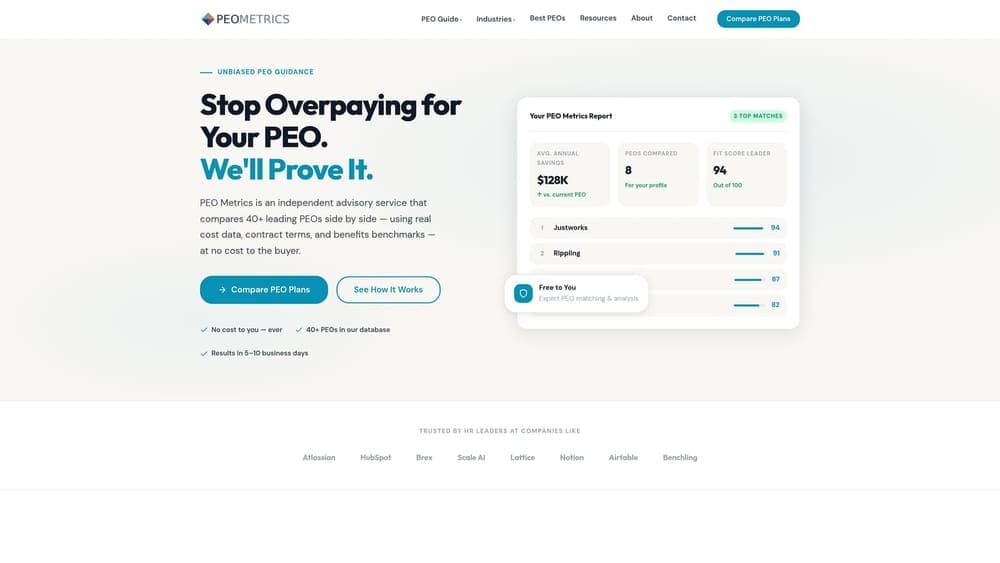
PEO Metrics is an independent PEO comparison resource built for business owners who are evaluating providers and want to see pricing, service structure, and fit criteria in one place rather than piecing it together from vendor sales calls.
Where This Tool Shines
Most PEO evaluation processes start with a quote that arrives as a black box. PEO Metrics is built to open that box. You can compare providers on pricing structure, co-employment terms, workers’ comp program design, and benefits access, which matters a lot when you’re trying to figure out whether a PEO’s admin fee actually pencils out against what you’d pay to source workers’ comp and benefits independently.
For auto repair specifically, the workers’ comp angle is worth paying attention to. Shops with elevated loss history sometimes end up in the assigned risk pool, and a PEO master policy can sometimes change that situation. The site covers workers’ comp class code restructuring under a PEO and the path of transitioning from the assigned risk pool to a PEO master policy, both of which are directly relevant to repair shops.
Key Features
Side-by-side provider comparisons: View PEO providers against each other on pricing structure, service scope, and contract terms rather than evaluating each in isolation.
Workers’ comp program analysis: Covers how different PEOs handle class code placement and master policy coverage, which is a real differentiator for trades businesses.
PEO vs. payroll-only fit guidance: Helps you identify whether your shop’s headcount, benefits goals, and risk profile actually warrant a PEO relationship or whether a payroll platform is sufficient.
Co-employment structure explainers: Breaks down what transfers to the PEO and what stays with you as the client, so there are no surprises in the client service agreement.
Consultative approach: Focused on fit and cost transparency rather than steering you toward any single vendor.
Best For
Shop owners who have received a PEO quote and want to pressure-test it, or owners who are trying to decide whether to stay with a payroll company or move to a PEO. Also useful if you’ve been auto-renewing with a PEO and want to know whether better terms exist elsewhere.
Pricing
[CONFIRM: pricing or free-to-use model before publication. Verify at peometrics.com before this article goes live.]
2. Justworks
Best for: Small and mid-size shops that want PEO co-employment with upfront, published pricing.
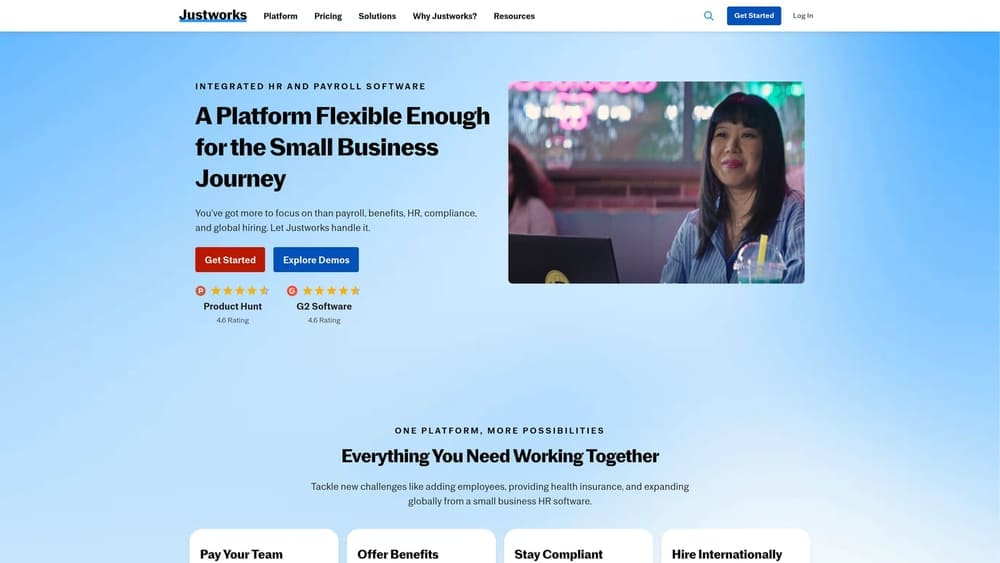
Justworks is a PEO platform that publishes its pricing tiers openly, which is genuinely uncommon in the PEO market. It provides co-employment, health benefits, workers’ comp, payroll processing, and compliance support under a single relationship.
Where This Tool Shines
The pricing transparency is the real differentiator here. Most PEOs require you to sit through a discovery call before you see a number. Justworks puts its tiers on the website, which makes it easier to do a preliminary cost comparison before you’ve committed time to a sales process. For a shop owner who wants to know whether a PEO is even in the budget before engaging further, that’s a meaningful time saver.
The co-employment structure means your workers’ comp runs under Justworks’s master policy, and your employees gain access to large-group health benefits that a shop with a small headcount typically cannot access on its own. That combination is often the core financial case for a PEO relationship.
Key Features
Published pricing tiers: Pricing is listed on the Justworks website; verify current rates before publication as tiers and amounts change.
Large-group health benefits: Access to health, dental, and vision coverage through the co-employment relationship’s purchasing scale.
Workers’ comp under PEO master policy: Your shop’s workers’ comp moves under Justworks’s master policy, which can affect your effective rate depending on your loss history.
Payroll processing: Handles multiple pay types; verify that flat-rate technician pay configurations are supported for your shop’s specific setup.
Compliance and HR tools: Onboarding, document management, and compliance support included in the platform.
Best For
Shops with roughly 5 to 25 employees that want co-employment benefits and transparent pricing without a lengthy negotiation process. Less suited to shops with very complex multi-state payroll or highly customized benefits requirements.
Pricing
Verify current published pricing at justworks.com before publication. Do not hard-code a number without a named source and an as-of date.
3. Gusto
Best for: Shops that want modern payroll software without co-employment.
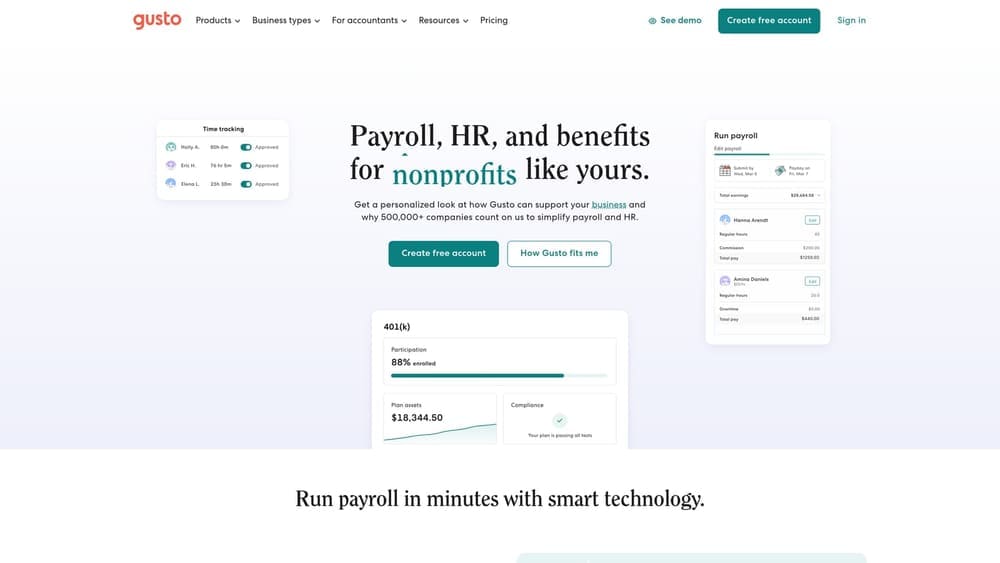
Gusto is a payroll and HR software platform, not a PEO. It handles payroll processing, basic benefits administration, and HR tools for small businesses. Your shop remains the sole employer of record throughout.
Where This Tool Shines
If your shop has manageable workers’ comp costs, you’re comfortable sourcing your own benefits, and you mainly need reliable payroll software with a clean interface, Gusto fits that profile well. It’s built for small business owners who want to stop running payroll out of a spreadsheet without taking on the cost and structure of a full PEO relationship.
The tradeoff is that you carry all the employer responsibilities yourself. Workers’ comp, benefits sourcing, and compliance decisions stay with you. For shops in states with complex wage and hour rules around flat-rate pay, that’s worth thinking through carefully before choosing a payroll-only platform over a PEO.
Key Features
Payroll processing: Handles hourly and salaried employees; verify flat-rate technician pay configuration before committing, as this varies by setup.
Benefits administration: Offers health insurance brokerage and basic benefits tools, though you remain the employer and group size affects your rates.
HR and onboarding tools: Document management, offer letters, and onboarding workflows included in higher tiers.
No co-employment: You stay as the sole employer of record. This is a feature for shops that want full control, and a limitation for shops that want workers’ comp pooling or compliance coverage.
Tiered pricing: Multiple plan tiers published on the website; verify current pricing before publication.
Best For
Shops that have their workers’ comp situation handled, don’t need large-group benefits access, and want straightforward payroll software at a lower price point than a PEO. Not a substitute for a PEO if workers’ comp pooling or co-employment compliance is the actual need.
4. ADP TotalSource
Best for: Shops that want a full-service PEO backed by a large, established HR infrastructure.
ADP TotalSource is the PEO division of ADP, one of the largest payroll and HR companies in the United States. It operates under a full co-employment model and serves businesses across a wide range of industries and headcount sizes.
Where This Tool Shines
ADP TotalSource’s main advantage is scale. The company’s size means significant purchasing power on benefits, a well-established workers’ comp master policy program, and deep compliance resources across states. For a shop with employees in multiple states, or one that has grown to a headcount where HR complexity is a real operational drag, that infrastructure matters.
The integration with ADP’s broader technology suite is also worth noting if you’re already using ADP products elsewhere in your business. Consolidating payroll, time tracking, and HR administration on a single platform reduces the friction of managing multiple vendor relationships.
Key Features
Full PEO co-employment: Workers’ comp runs under ADP TotalSource’s master policy, and employees gain access to large-group benefits through the relationship.
Benefits purchasing scale: Access to health, dental, vision, and retirement options through ADP’s carrier relationships.
Compliance support: State and federal regulatory guidance included, which is relevant for shops in high-complexity states like California, New York, or Illinois.
ADP technology integration: Connects with ADP’s payroll and HR platform suite for reporting, time management, and workforce analytics.
Dedicated HR support: HR professionals assigned to client accounts to support day-to-day questions and compliance issues.
Best For
Shops with 15 or more employees that want a full-service PEO with strong compliance depth and benefits infrastructure. Also worth evaluating if you’re already in the ADP ecosystem and want to consolidate under one vendor relationship.
Pricing
Quote-based. Pricing is not publicly listed. Contact ADP TotalSource directly for a quote specific to your shop’s headcount and workers’ comp profile.
5. Paychex PEO
Best for: Shops that want a local account representative as their primary point of contact.
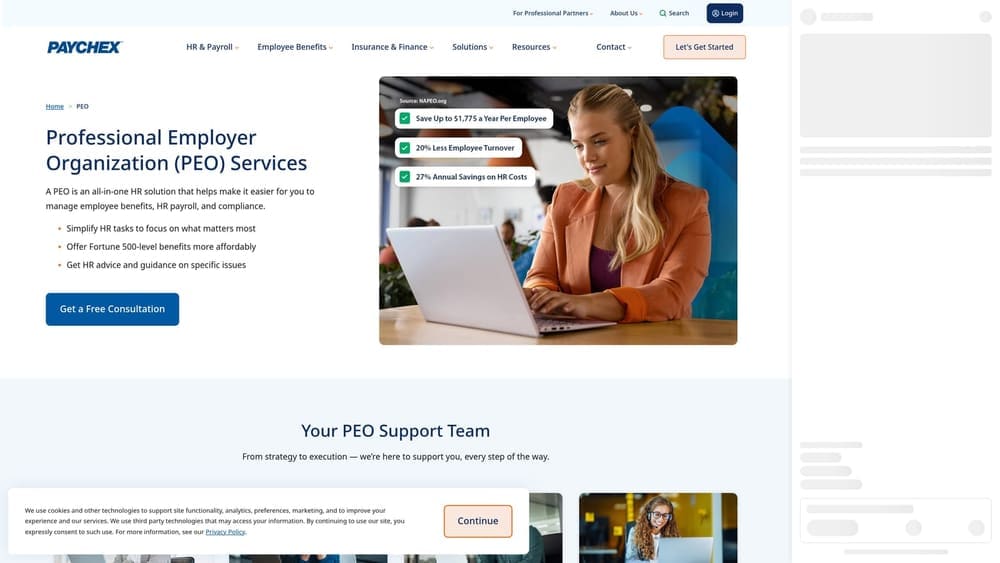
Paychex PEO is the PEO offering from Paychex, structured around a local representative model that emphasizes direct client relationships rather than a purely technology-driven service experience.
Where This Tool Shines
The local rep model is a genuine differentiator. If you’d rather pick up the phone and talk to someone who knows your account than navigate a support portal, Paychex PEO’s service structure is built for that. For a shop owner who doesn’t want to become an HR expert and wants a human point of contact for compliance questions, that matters.
Paychex has been in the small and mid-market HR space for a long time. The company’s carrier relationships and workers’ comp program are well-established, and the PEO product benefits from that infrastructure even though it operates as a distinct offering from Paychex’s payroll-only products.
Key Features
Co-employment with workers’ comp master policy: Your shop’s workers’ comp moves under the Paychex PEO master policy program.
Local HR generalist: A dedicated HR professional assigned to your account as the primary service contact.
Benefits administration: Health, dental, vision, and retirement options through the co-employment relationship.
Payroll processing with compliance support: Handles payroll across pay types with regulatory compliance support included.
Small and mid-market focus: Service model is designed for businesses in the range that most independent auto repair shops occupy.
Best For
Shop owners who want a relationship-based service model and a human contact for HR questions, rather than a self-service platform. Works well for shops that have tried payroll software and found the lack of support frustrating.
Pricing
Quote-based. Pricing is not publicly listed. Contact Paychex directly for a quote.
6. TriNet
Best for: Larger dealership service departments or shops with significant administrative and professional staff.
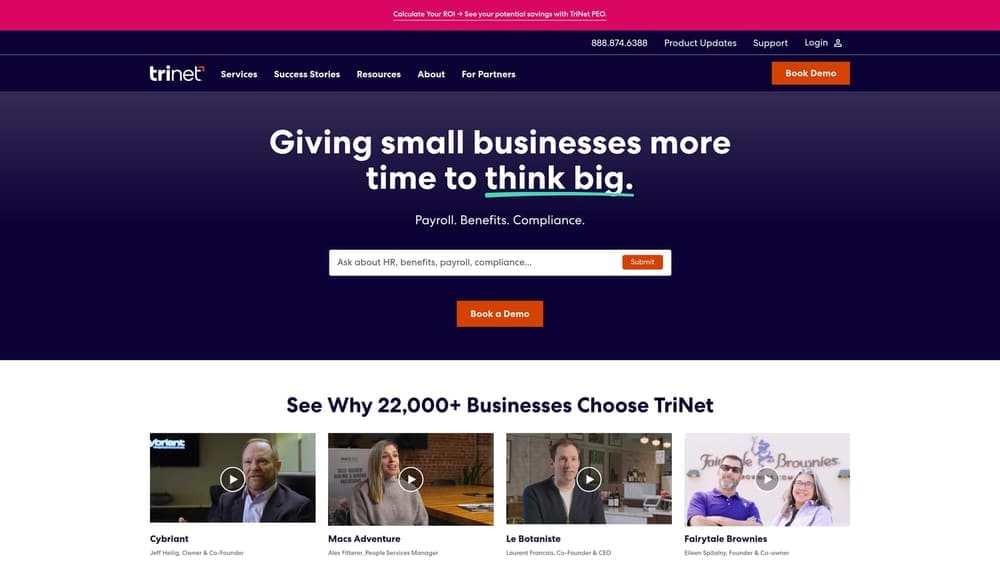
TriNet is a PEO that organizes its service offerings around industry verticals. Its benefit packages and HR tools are designed to align with the workforce profile of each segment it serves.
Where This Tool Shines
TriNet’s vertical approach means the benefit packages are designed around the employee profile of each industry group rather than a one-size-fits-all offering. For a business with a mix of technical staff and professional or administrative employees, that design can produce benefit options that are genuinely competitive for recruiting.
It’s worth being direct about fit: TriNet has historically been stronger in white-collar and professional services segments. A single-location independent repair shop with mostly technician-level staff may find that other PEOs are a better match. A larger dealership service operation with a more varied workforce is a different profile and worth evaluating.
Key Features
Industry-vertical benefit design: Benefits packages aligned to workforce profiles by industry segment rather than generic offerings.
Full co-employment: Workers’ comp under PEO master policy, compliance support, and HR administration included.
Large-group benefits access: Health, dental, and vision coverage through TriNet’s purchasing scale.
HR technology platform: Reporting, payroll, and HR administration tools available through the TriNet platform.
Compliance support: State and federal regulatory guidance included in the co-employment relationship.
Best For
Larger shop operations or dealership service departments with a workforce that includes administrative and professional roles alongside technicians. Less likely to be the strongest fit for a small independent shop with a primarily technician workforce.
7. Rippling
Best for: Shops that want to start with payroll and add HR or PEO services as they grow.
Rippling is a modular workforce management platform that can operate as payroll software, an HR system, or a full PEO depending on which modules you select. That flexibility is the core proposition.
Where This Tool Shines
Most platforms lock you into a model from day one. Rippling lets you start with payroll processing and layer in HR tools or the PEO relationship later without switching vendors. For a shop that’s growing and not sure yet whether co-employment makes sense, that flexibility has real value.
The automation and workflow tools are also genuinely strong. If you’re spending time on manual HR tasks like onboarding paperwork, policy distribution, or time-off tracking, Rippling’s automation capabilities can reduce that lift regardless of whether you’re using the payroll-only or PEO configuration.
Key Features
Modular design: Select payroll-only, HR platform, or PEO layer based on your current needs, with the ability to add modules over time.
Rippling PEO option: The PEO module provides co-employment, workers’ comp master policy coverage, and benefits access when selected.
Automation and workflows: Strong automation tools for onboarding, document management, and HR task routing.
Third-party integrations: Connects with a wide range of software tools, useful if your shop uses other management systems.
Pricing structure: Base pricing with per-module add-on costs; PEO tier is quote-based. Verify current rates at rippling.com before publication.
Best For
Shops that want flexibility to grow into a more comprehensive HR setup without switching platforms, and shops that value automation for routine HR tasks. Be clear about which Rippling configuration you’re evaluating: payroll-only and PEO are meaningfully different products.
8. Oasis (a Paychex Company)
Best for: Small to mid-size shops that want a dedicated PEO product within the Paychex ecosystem.
Oasis is a PEO brand operating within the Paychex ecosystem, acquired by Paychex in 2018. It focuses specifically on PEO services for small and mid-size businesses and maintains a distinct product identity from the core Paychex PEO offering.
Where This Tool Shines
The Oasis product was built specifically around PEO services rather than evolving from a payroll platform. That focus means the co-employment structure, HR support model, and benefits administration are the core product rather than an add-on layer. For a shop owner who wants a PEO-first product rather than a payroll company that also offers a PEO tier, that distinction is worth understanding.
Operating within the Paychex family also means access to Paychex’s carrier relationships and benefits purchasing scale, which affects the quality and cost of health benefits available through the co-employment relationship.
Key Features
PEO co-employment model: Workers’ comp and benefits administration run through the Oasis co-employment structure.
Small-to-mid-market focus: Service model and product design oriented toward businesses in the headcount range most independent shops occupy.
Dedicated HR support: HR professionals available to support compliance questions and day-to-day HR administration.
Paychex benefits scale: Access to Paychex’s carrier relationships for health, dental, and retirement options.
Distinct brand identity: Operates as a separate PEO product from Paychex PEO; verify current product positioning at oasisadvantage.com as branding has evolved since the 2018 acquisition.
Best For
Shops that want a PEO-focused product and are comfortable in the Paychex ecosystem. Worth comparing directly against Paychex PEO to understand how the two products differ in service model and pricing before choosing between them.
Pricing
Quote-based. Verify current product positioning and pricing at oasisadvantage.com before publication, as the product has evolved post-acquisition.
Which Option Fits Your Shop
The honest answer is that the right choice depends on three things: your workers’ comp situation, your benefits goals, and how much HR complexity you want to manage yourself.
If your shop is in the assigned risk pool or your workers’ comp costs are a real financial pressure, a PEO master policy is worth evaluating seriously. That’s the scenario where the PEO’s admin fee often pays for itself. The path from the assigned risk pool to a PEO master policy isn’t automatic or guaranteed, but it’s worth understanding before you renew your current policy.
If your workers’ comp costs are manageable and you mainly need reliable payroll processing, a platform like Gusto may be sufficient. You stay as the sole employer of record, you source your own benefits, and you pay less in administrative fees. That’s a reasonable trade for shops that don’t need what co-employment provides.
For shops that want co-employment but want to compare providers before committing, the PEO field includes real differences in pricing structure, workers’ comp program design, and service model. ADP TotalSource and Paychex PEO bring scale and established infrastructure. Justworks brings pricing transparency. Rippling brings modular flexibility. Oasis brings a PEO-first product focus within the Paychex family. TriNet is worth evaluating for larger or more complex operations with mixed workforce profiles.
If you run a trades business in a different segment, the same PEO vs. payroll evaluation applies. The tree service PEO vs. payroll comparison and the water damage restoration PEO vs. payroll guide cover similar ground for those industries if you want to see how the decision framework applies across trades.
Before you sign a PEO renewal or commit to a new vendor, make sure you’re looking at the full picture. Bundled fees, administrative markups, and contract terms that limit flexibility are common across the PEO market, and most shop owners don’t have time to dissect every line of a client service agreement. PEO Metrics gives you a side-by-side breakdown of pricing, services, and contract terms so you can see exactly what you’re paying for. Don’t auto-renew. Make an informed, confident decision.
Before you sign that PEO renewal, make sure you’re not leaving money on the table.
Many businesses unknowingly overpay because of bundled fees, hidden administrative markups, and contracts designed to limit flexibility. We give you a clear, side-by-side breakdown of pricing, services, and contract terms—so you can see exactly what you’re paying for and choose the option that truly fits your business.
