

If you run a childcare or daycare center, you’re likely deciding between a PEO and a payroll-only provider while managing thin margins, ratio-driven scheduling, and staff who come and go. This list is for owners, directors, and HR leads at centers of any size. The options were chosen for how they handle childcare payroll, benefits access, workers’ comp, and compliance support, and each is judged on what it covers and what it leaves with you.
Pricing for most of these vendors is quote-based or published on their own sites and changes often, so confirm current figures, minimums, state availability, and childcare eligibility directly with each vendor before you commit. Nothing here is legal, tax, or benefits advice.
Quick Comparison of the Eight Options
- PEO Metrics: best for directors who want to compare PEOs and payroll options before choosing; pricing on its website; the only entry here that compares several providers side by side without being one of them.
- Paychex: best for centers expecting to grow into a PEO; quote-based; offers payroll and a PEO under one vendor, so you can start small and move up.
- Justworks: best for small centers wanting easy benefits access; see website for pricing; a single-platform setup designed for small teams.
- TriNet: best for mid-size or multi-site centers prioritizing benefits; quote-based; a broad benefits portfolio suited to larger headcounts.
- Insperity: best for multi-site operators needing HR guidance; quote-based; a service-heavy model built around dedicated HR advisors.
- Gusto: best for owner-run centers with simple needs; see website for pricing; payroll-only control without co-employment.
- ADP TotalSource: best for larger centers wanting an established vendor; quote-based; a PEO and separate payroll lines from one large provider.
- OnPay: best for small centers with straightforward payroll; see website for pricing; simple payroll that handles multiple pay rates.
1. PEO Metrics
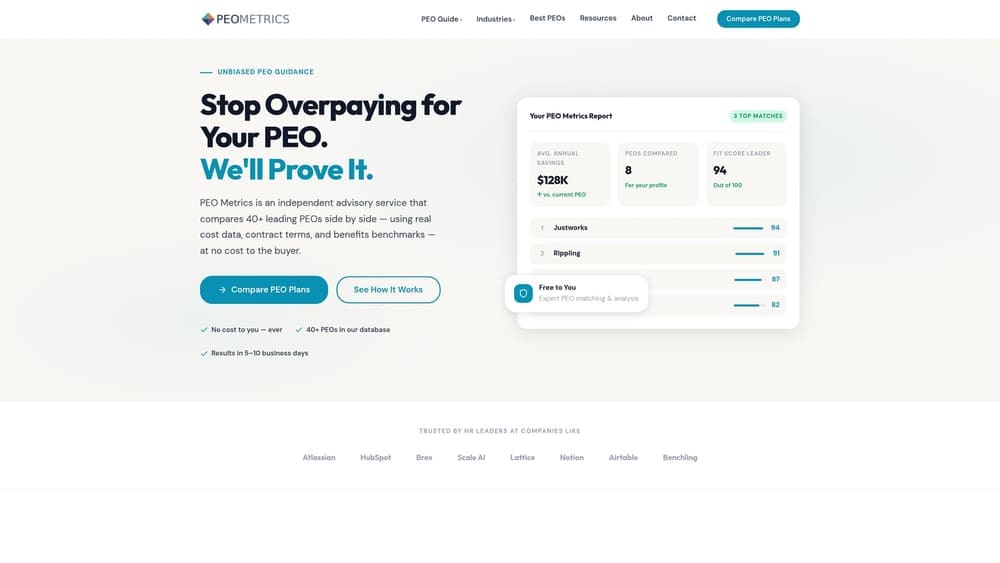
PEO Metrics is an independent comparison service, not a payroll processor or a PEO. It helps childcare centers line up PEO providers side by side, with provider metrics and pricing analysis, and decide whether co-employment is worth it compared with staying on payroll only. It’s built for directors who haven’t yet picked a direction and don’t want to rely on a single salesperson’s framing.
The real decision for most centers isn’t which brand has the nicest dashboard. It’s who carries employer liability, and who buys workers’ comp and health benefits. A PEO shares employer responsibilities with you through co-employment and pools benefits across its client base. A payroll company processes pay and taxes while your center stays the sole employer. CPEOs, employer of record services, and ASOs are separate models with different legal setups, and a comparison should keep them apart. That’s the kind of sorting this service is meant to do.
- Side-by-side PEO comparison, so you can see differences in services and terms in one view rather than across several proposals.
- Pricing analysis that shows what you’d pay for, helping you spot bundled fees and administrative markups.
- Detailed provider metrics that go deeper than a brochure comparison.
- Guidance on PEO versus payroll-only decisions, which matters when margins are tight and a PEO isn’t always the cheaper route.
There’s no integration or setup work, since nothing is installed. You share your situation and review the comparison. The limits are plain: PEO Metrics doesn’t run your payroll, doesn’t act as your employer of record, and may receive vendor placement fees from providers. It also can’t change the fact that a PEO leaves licensing duties with you. State childcare licensing, staff-to-child ratios, and background checks stay with the center under any model.
Pricing: see the website for current details.
Best for: Directors who want to compare PEOs and payroll options before choosing.
2. Paychex
Paychex sells payroll products and a PEO under the same vendor. That gives a center a way to start with payroll, keep its own employer status, and move into co-employment later if headcount, benefits needs, or compliance workload grow.
The upgrade path is what sets it apart on this list. Most other options are either a PEO or a payroll tool. Moving within one vendor can mean less data migration and fewer new relationships when you outgrow payroll alone, though you should confirm how the transition works and whether terms change.
- Payroll processing that covers pay runs and tax filings for hourly and salaried staff.
- A PEO option for centers ready to share employer responsibilities and access pooled benefits.
- Benefits administration so enrollment and deductions sit alongside pay.
- HR support for day-to-day questions, which helps a director who also wears the HR hat.
Integrations aren’t listed in our notes, so verify them on the vendor site, especially anything touching childcare management or attendance software. Setup effort depends on whether you choose payroll or the PEO, and the PEO route will take more work. The main limitation is pricing: it isn’t transparent, so ask about minimums, fees, and availability in your state, and confirm childcare eligibility for workers’ comp.
Pricing: quote-based. Cost typically depends on the product chosen and your headcount, so request quotes for both payroll and PEO.
Best for: Centers expecting to grow into a PEO.
3. Justworks
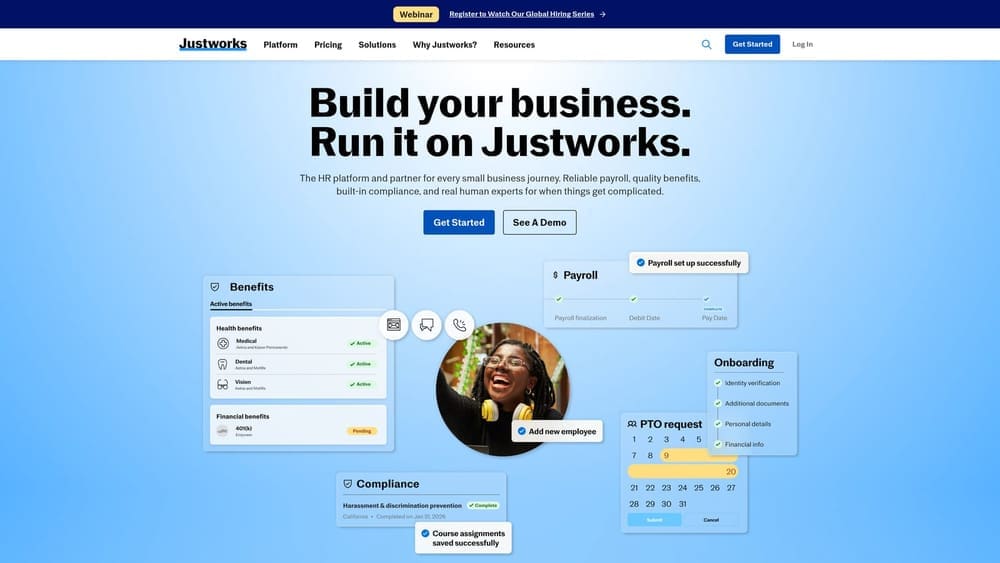
Justworks is a PEO that puts payroll, benefits, and compliance support on one platform, aimed at small businesses. For a center with a small team and no dedicated HR person, the appeal is having one place where onboarding, pay, and benefit enrollment live.
Start with the caveat: confirm childcare workers’ comp eligibility before you go further. Workers’ comp classification is one of the most common stumbling blocks for childcare employers, and under a PEO the coverage is typically arranged through the PEO’s program. If a vendor can’t cover your class of work in your state, the rest of the platform doesn’t matter.
- Payroll that runs from the same system as benefits, reducing duplicate entry.
- Benefits access through the PEO relationship, which can open options a small center may not get alone.
- Compliance support to help with employer obligations that a small team may not have time to track.
- Employee self-service so teachers and aides can handle paperwork and view pay information themselves.
Check the vendor site for integrations, particularly with any scheduling or time tracking you already use. Setup is positioned as simple for small teams, but you’ll still need to move employees into a co-employment arrangement. It’s less suited to centers that want to remain the sole employer, and licensing, ratios, and background checks remain your job.
Pricing: see the vendor website for current pricing. Cost generally moves with the number of employees.
Best for: Small centers wanting easy benefits access.
4. TriNet
TriNet is a PEO with a broad benefits portfolio and industry-oriented offerings for growing employers. It tends to make more sense once a center has enough staff that benefits choice, rather than basic payroll, becomes the main cost and retention lever.
That focus is its distinguishing trait here. Where Justworks emphasizes simplicity, TriNet leans toward range, which can matter when you’re trying to compete for teachers and lead staff with benefits packages. In a high-turnover field, benefits can be one of the few non-wage levers you have.
- PEO services that share employer administration with the center through co-employment.
- A wide benefits menu, useful if you want to offer tiers for different staff groups.
- Payroll built into the same service, so pay and benefit deductions line up.
- Compliance support for employer-side requirements, not for state childcare licensing.
Verify integrations on the vendor site, and ask about implementation timelines, since larger PEO setups can take real effort. A person at the center, often a director or office manager, will still own day-to-day data entry and approvals. TriNet may not fit very small single-site centers, so verify minimums and eligibility. Confirm childcare workers’ comp availability for your state too.
Pricing: quote-based. Expect cost to vary with headcount, benefit selections, and location.
Best for: Mid-size or multi-site centers prioritizing benefits.
5. Insperity
Insperity is a PEO built around a service-heavy model, with dedicated HR advisors as a central feature. If your director spends hours on employee relations, hiring questions, and policy issues instead of running the classrooms, the advisor model addresses that directly.
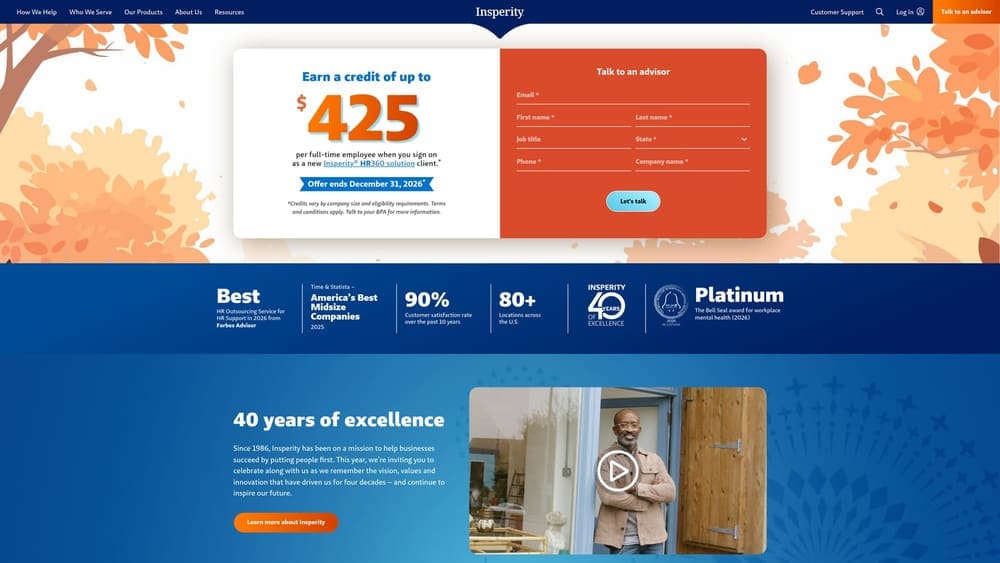
Among the PEOs on this list, hands-on HR guidance is what it emphasizes most. That can be valuable for multi-site operators where consistent handling of hiring, discipline, and documentation across locations is hard to maintain. It’s less relevant if you already have solid HR capacity in-house.
- HR advisors who can talk through personnel issues rather than leaving you with a help center.
- Payroll included, so the advisor and the pay data sit with one provider.
- Benefits access through the PEO’s pooled arrangements.
- Compliance support for employer obligations, while licensing and ratios stay with you.
Check the vendor site for integrations. Setup is typically a guided implementation, and you’ll want to know who at the center will be the main contact. The likely limitation is size: it may be too large for tiny operations, so verify minimums and whether single-site centers qualify. Confirm childcare eligibility and workers’ comp handling directly.
Pricing: quote-based. Cost generally depends on headcount, services, and benefit choices.
Best for: Multi-site operators needing HR guidance.
6. Gusto
Gusto is a payroll platform with HR and benefits tools, and the center remains the sole employer. That’s the defining difference from the PEOs above: there’s no co-employment, so you keep control of your employer relationship and your own insurance decisions.
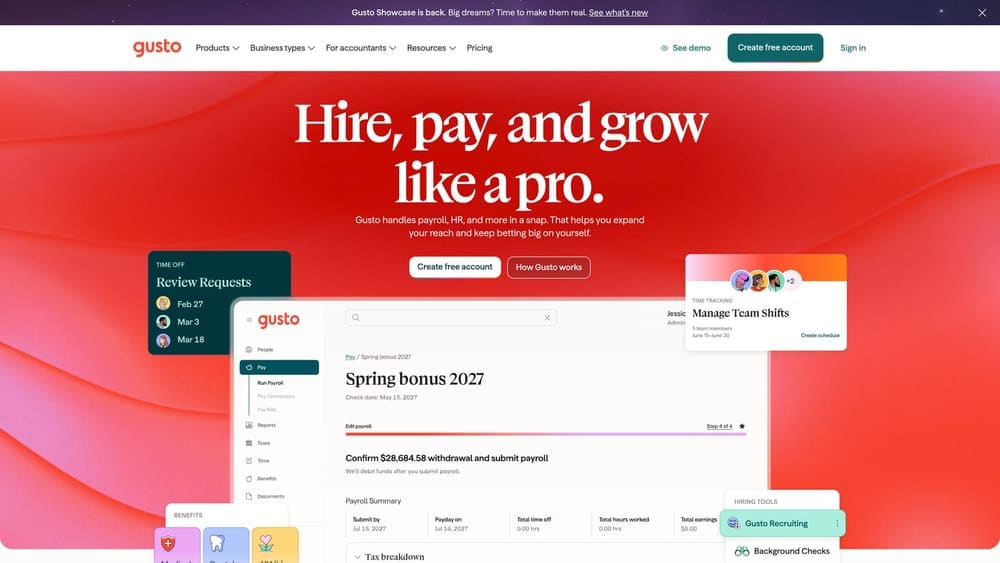
For a small center with a capable director, that control can be a feature. You choose your own workers’ comp carrier, or work with a broker, rather than relying on a PEO’s program. The trade-off is that nothing is pooled, and compliance stays with you.
- Payroll that handles hourly and salaried pay and tax filings.
- Benefits administration to enroll staff in plans you buy on your own.
- Time tracking so hours, which drive pay for hourly classroom staff, feed straight into payroll.
- Workers’ comp integrations that connect pay data to coverage, reducing manual reporting.
Verify the specific integrations on the vendor site. Setup is lighter than a PEO since you aren’t entering a co-employment agreement, and an owner or office manager can usually run it. It doesn’t suit centers that want pooled benefits or someone else to share employer liability. Licensing, ratios, and background checks remain yours either way.
Pricing: see the vendor website for current plans. Price typically moves with the plan tier and the number of employees paid.
Best for: Owner-run centers with simple needs.
7. ADP TotalSource
ADP TotalSource is ADP’s PEO offering, and ADP also sells separate payroll products. The scale of the vendor is the draw, along with having both a PEO and payroll lines available if your needs shift.
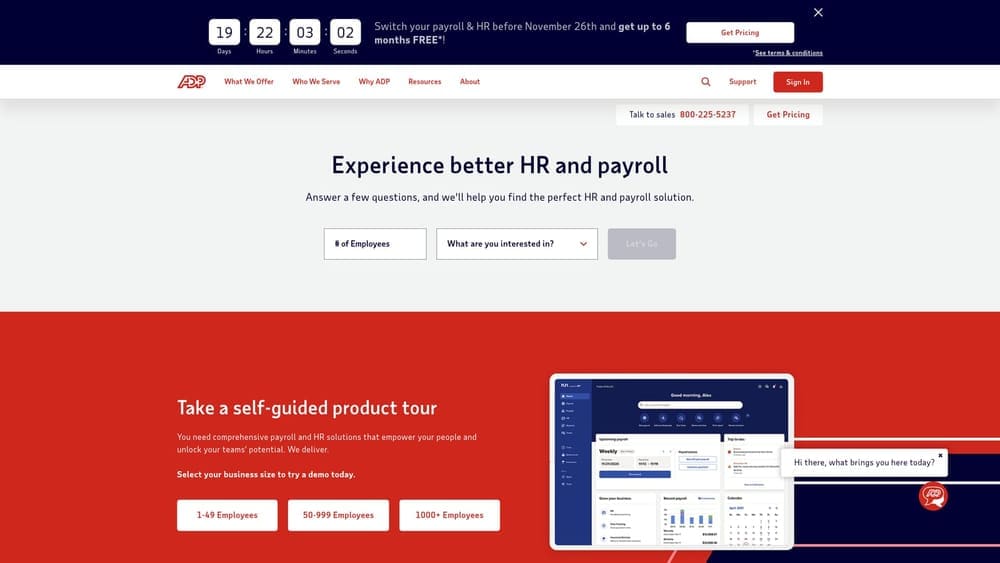
Be careful to keep the products straight. TotalSource is the PEO, with co-employment. ADP’s standalone payroll products are a different arrangement where your center stays the sole employer. When you request a quote, specify which one you’re asking about so the proposal compares like with like.
- PEO services that share employer administration through co-employment.
- Payroll included in the PEO bundle.
- Benefits access through the vendor’s pooled arrangements.
- Compliance support for employer obligations, not state licensing.
Check the vendor site for integrations. Onboarding may be heavy for small centers, so ask about the implementation timeline and who handles it on your side. Ask about minimums, state availability, and childcare workers’ comp eligibility before investing time. It’s better suited to larger centers than to a single small site.
Pricing: quote-based. Cost generally depends on headcount, services, and benefits selected.
Best for: Larger centers wanting an established vendor.
8. OnPay
OnPay is a payroll provider with straightforward pricing and HR features for small employers. It’s a payroll-only option, so your center remains the sole employer, with no co-employment and no pooled PEO benefits.
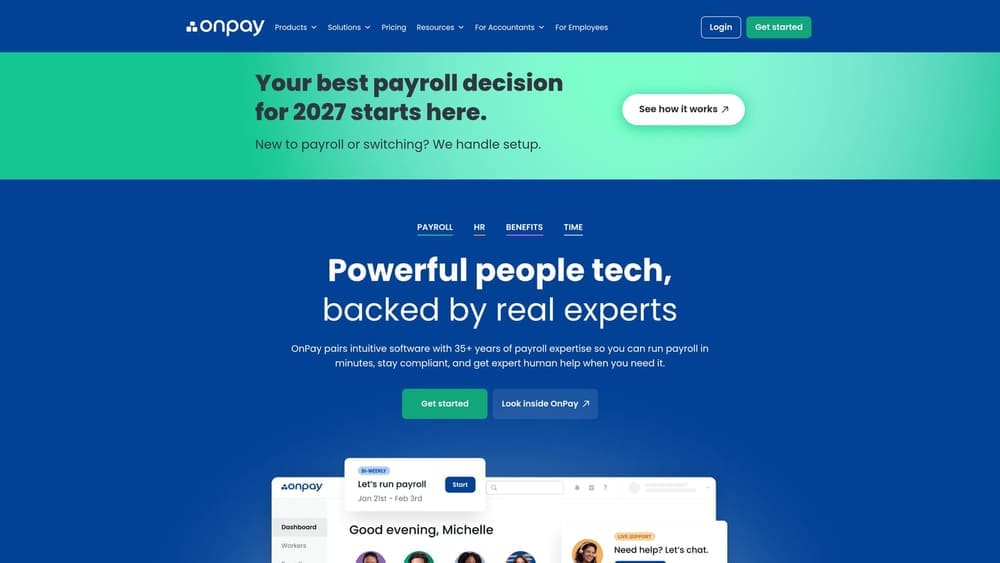
Its handling of multiple pay rates is a practical fit for childcare, where one employee may earn different rates for lead teaching, aftercare, or substitute shifts. If your payroll is mostly about getting varied hourly rates right and filing taxes cleanly, a simple tool may serve you better than a PEO contract.
- Payroll processing for hourly and salaried staff with tax filing support.
- Multiple pay rates per employee, reducing manual adjustments when roles vary.
- Benefits administration to manage plans you purchase separately.
- HR tools for basic records and onboarding tasks.
Verify integrations on the vendor site. Setup is typically quick, and an owner or office manager can run it. The limitation is the model itself: no pooled benefits, and compliance, workers’ comp, and licensing all stay with you. Centers that want someone else to carry part of the employer burden should look at the PEOs above.
Best for: Small centers with straightforward payroll.
Matching the Option to Your Center’s Situation
If you run a small, simple center with a strong director who’s comfortable owning compliance, a payroll-only tool such as Gusto or OnPay keeps control with you and avoids co-employment. If you’re growing, running several sites, or struggling with benefits and workers’ comp, a PEO such as TriNet, Insperity, or ADP TotalSource deserves a serious quote. Paychex is worth a look if you want to start on payroll and keep a PEO option open.
If you’re not sure which camp you’re in, compare before you commit. PEO Metrics can help you weigh providers side by side. It may receive vendor placement fees, so treat it as one input and verify vendor terms yourself. Whatever you choose, remember that a PEO doesn’t take over state childcare licensing, ratios, or background checks, and it isn’t always cheaper.
Before you sign that PEO renewal, make sure you’re not leaving money on the table.
Many businesses unknowingly overpay because of bundled fees, hidden administrative markups, and contracts designed to limit flexibility. We give you a clear, side-by-side breakdown of pricing, services, and contract terms, so you can see exactly what you’re paying for and choose the option that truly fits your business.
