

If you run an MSP or manage HR for one, you’re likely weighing co-employment against a payroll tool while hiring technicians in several states and trying to match the benefits of larger IT employers. This list is for owners and ops or HR leads at small-to-midsize technology services firms. The options were chosen for fit with that profile and judged on benefits depth, compliance support for hourly and exempt technicians, technology, state coverage, and pricing transparency.
Vendor details such as pricing, minimums, and state availability change often, so confirm each one directly with the provider before you decide.
Quick Comparison of the PEO Options for MSPs
- PEO Metrics: best for MSPs comparing PEO quotes for the first time or at renewal; pricing on its website; normalizes quotes from multiple PEOs into one comparable view.
- Insperity: best for mid-size MSPs wanting hands-on HR support; quote-based; a hands-on, in-person HR advisor model.
- TriNet: best for MSPs wanting a PEO familiar with technology employers; quote-based; technology-industry specialization.
- Justworks: best for small MSPs wanting predictable pricing; see its website for current rates; published pricing with a modern interface.
- Paychex PEO: best for MSPs already on Paychex payroll; quote-based; payroll-first provider with local service teams.
- ADP TotalSource: best for growing MSPs needing scale and reporting; quote-based; breadth of ADP integrations and reporting depth.
- Rippling PEO: best for MSPs wanting automated tech onboarding and offboarding tied to HR; see its website for pricing; HR and IT device and app management in one system.
- Gusto: best for very small MSPs wanting payroll and benefits admin without co-employment; see its website for pricing; low-friction administration with no co-employment.
1. PEO Metrics
PEO Metrics is a PEO comparison and consulting service, and it is not a PEO itself. It helps businesses evaluate providers side by side using detailed metrics and pricing analysis. For an MSP, that matters because PEO quotes rarely arrive in the same format: one bundles fees into a per-employee charge, another uses a percentage of payroll, and a third lists admin markups separately.
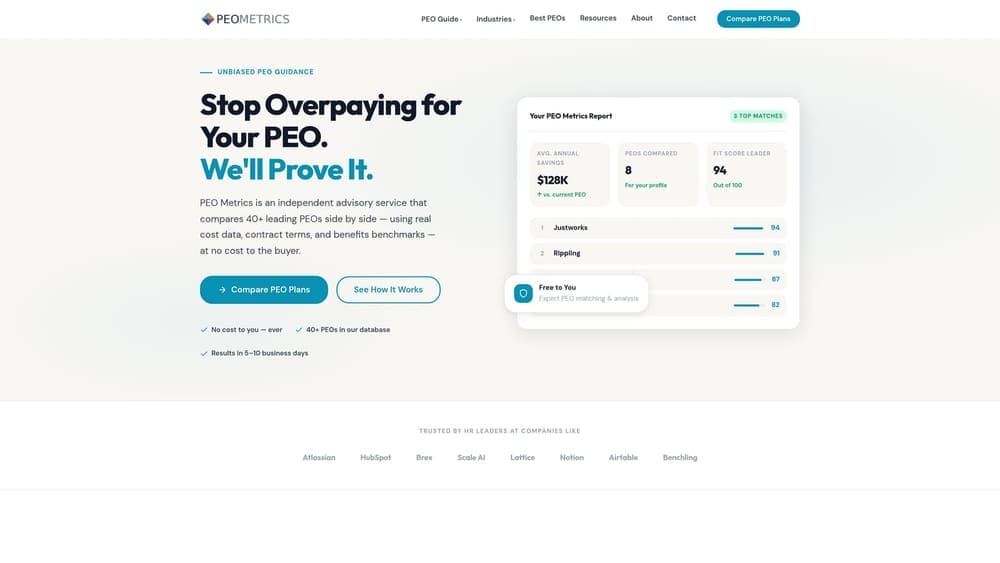
What it does that nothing else here does is normalize quotes from several PEOs into one comparable view before you commit. That is useful whether you’re choosing a first provider or deciding at renewal whether to stay put.
- Side-by-side provider comparison, so you can weigh benefits, services, and costs in one place instead of across eight PDFs.
- Pricing analysis across fee structures, which shows what a per-employee fee versus a percentage-of-payroll fee means for your technician headcount and wage mix.
- Unbiased guidance for provider selection, framed around your situation rather than a single vendor’s pitch.
- Detailed metrics on benefits and costs, so benefit competitiveness for recruiting technicians can be judged on data.
Integrations don’t apply, since this is an advisory service. Setup is a conversation and a data exchange, and typically an owner or HR lead handles it.
The limits are plain. PEO Metrics does not run payroll, administer benefits, or take on any employer obligations. It may also receive vendor placement fees, so you should weigh its guidance with that in mind and ask how any recommendation was reached. If you’ve already decided against a PEO and want only a payroll tool, it won’t help much.
Pricing: see the PEO Metrics website for current details.
Best for: MSPs comparing PEO quotes for the first time or at renewal.
2. Insperity
Insperity is a full-service PEO known for assigning a dedicated HR representative, and it is generally aimed at mid-size firms. For an MSP with a growing technician bench, that model can help when people issues pile up: performance conversations, leave questions, or on-call disputes.
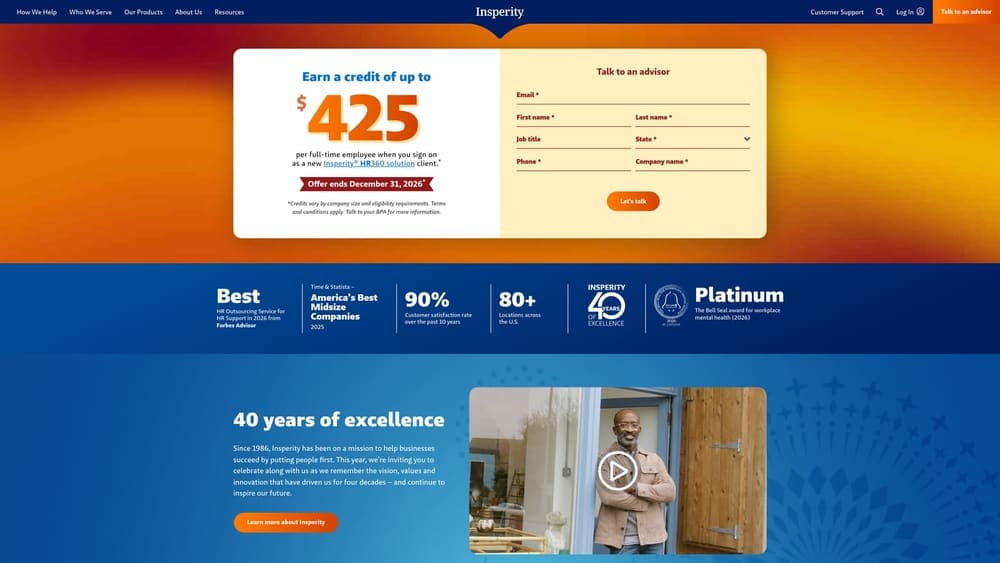
Its distinguishing trait on this list is the hands-on, in-person HR advisor approach. Most competitors lean more heavily on self-service portals and call centers.
What you get
- Dedicated HR advisory support, which gives your ops lead a named person to call about employee relations and policy questions.
- Benefits administration, so open enrollment and plan management don’t land on your desk.
- Payroll and tax filing, including the multi-state filings a remote technician team creates.
- Risk and compliance services, useful when you’re sorting out exempt versus non-exempt technician roles and overtime exposure.
Fit and limits
Integrations should be verified on Insperity’s website against your PSA, ticketing, and accounting stack. Day to day, a company contact works with the HR advisor, and the platform handles routine payroll and benefits tasks.
Insperity is often positioned for larger small businesses, and it doesn’t publish pricing, so a very small MSP may find it more than it needs. Expect a quote, and compare its fee structure against others before committing. Cost drivers typically include headcount, benefits selections, and the fee model proposed.
Pricing: quote-based.
Best for: Mid-size MSPs wanting hands-on HR support for people issues.
3. TriNet
TriNet is a PEO with industry-focused offerings, including a technology vertical. That orientation can matter to an MSP because the provider may already understand technology employers’ typical needs, such as competitive benefits for technical talent and a mix of salaried and hourly roles.
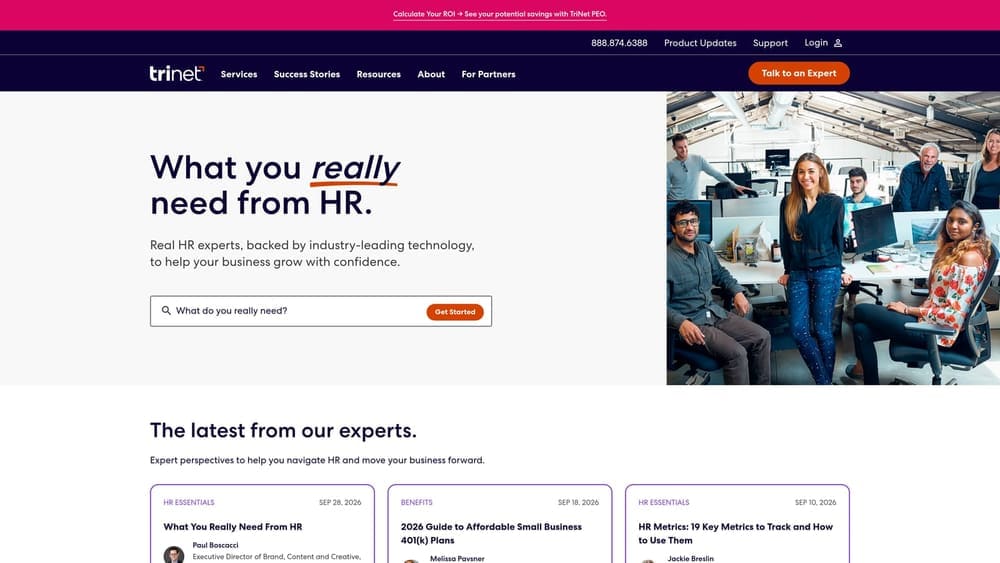
The one thing it does that others here don’t is specialize by industry, and tech is one of its focus areas. Verify exactly what the technology packaging includes on TriNet’s site, since “vertical” can mean anything from tailored plan menus to little more than marketing.
- Technology-sector packaging (verify), which may shape plan options and services around tech employers.
- Benefits plan options, so you can build an offering that competes for technicians.
- Payroll and compliance support covering multi-state employees.
- An HR technology platform where employees and managers handle routine tasks themselves.
Verify integrations on TriNet’s website before assuming your tools connect. Setup typically involves a sales and onboarding process, and an HR or ops lead usually owns the relationship afterward.
Pricing is quote-based, so ask directly about minimums and contract terms, including how you’d exit. Its tech focus is less compelling if your MSP is small enough that a published-price option would serve you well, and the tech vertical shouldn’t substitute for comparing fee structures. Price moves with headcount, benefits choices, and the fee model.
Best for: MSPs that want a PEO already familiar with technology employers.
4. Justworks
Justworks is a self-service PEO built around a simple platform for small teams. Its appeal for a small MSP is predictability: pricing is published, so you can estimate costs before talking to sales.
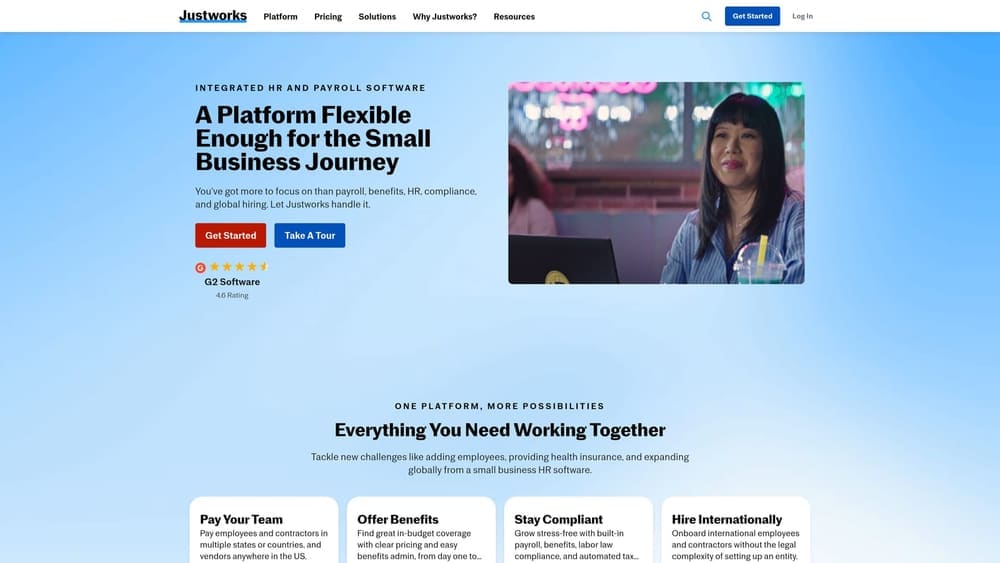
Compared with the rest of this list, its standout is that combination of transparent pricing and a modern interface. Confirm the current published rates on its site, since they change.
- Published pricing (verify current), which lets you model cost per technician without waiting on a quote.
- Payroll and benefits in one system, reducing the number of vendors a small team manages.
- Compliance support, helpful for registrations and filings when technicians work remotely across states.
- A self-service employee portal so technicians handle routine requests without involving you.
Verify integrations on its website against your accounting and time-tracking tools. Setup is designed to be light, and in a small MSP the owner or an office manager can often run it.
It is less suited to complex multi-entity structures, so if you operate several related companies, check fit early. Also verify state availability. Price depends on headcount and the plan and benefits you choose; see its website for current figures.
Best for: Small MSPs that want simple, predictable PEO pricing.
5. Paychex PEO
Paychex PEO pairs PEO and HR services with a company whose roots are in payroll. For an MSP already running payroll there, adding benefits and risk services can mean fewer vendor changes.
Its distinctive angle is that payroll-first heritage combined with local service teams. Some owners value having a regional contact over a national call queue.
- Payroll and PEO under one provider, so records and support sit in one relationship.
- Benefits administration, so you can offer plans without running enrollment yourself.
- HR and compliance support for wage-and-hour questions common to technician roles.
- Local service teams, which can help when you want a nearby contact.
Integration is naturally strongest with Paychex payroll; verify others against your stack. Setup is simplest if you’re already a payroll client, and an HR or finance lead usually owns it.
Confirm which services are bundled and which are add-ons, and ask about minimums. If you aren’t a Paychex customer, the payroll-continuity advantage largely disappears and you should compare it more critically against others here.
Pricing: quote-based, driven by headcount, services chosen, and benefits.
Best for: MSPs already on Paychex payroll adding benefits and risk services.
6. ADP TotalSource
ADP TotalSource is a large PEO tied to ADP’s payroll and HCM ecosystem. It tends to suit MSPs that are scaling and want reporting depth as they add technicians, service desk staff, and managers.
Compared with the others here, its distinction is the breadth of ADP integrations and the analytics behind them. If leadership wants turnover and labor-cost reporting, that can matter.
- Enterprise-style benefits options that can help you compete with larger IT employers.
- Payroll and tax handling for multi-state workforces.
- Compliance and risk services to support classification and overtime decisions.
- Reporting and analytics so you can see workforce costs and trends.
Integrations center on the ADP ecosystem; verify others against your tools. Setup is typically a structured implementation, and an HR lead or dedicated administrator usually runs it afterward.
It can feel heavy for very small firms, and you should review contract and exit terms carefully before signing. If your team is under a dozen people and wants light administration, a simpler platform may fit better.
Pricing: quote-based, shaped by headcount, benefits, and fee structure.
Best for: Growing MSPs needing scale and reporting.
7. Rippling PEO
Rippling combines HR, payroll, and IT management in one platform, with a PEO option. That combination is unusual, and for an MSP it is the hook: employee records can drive device and app provisioning directly.
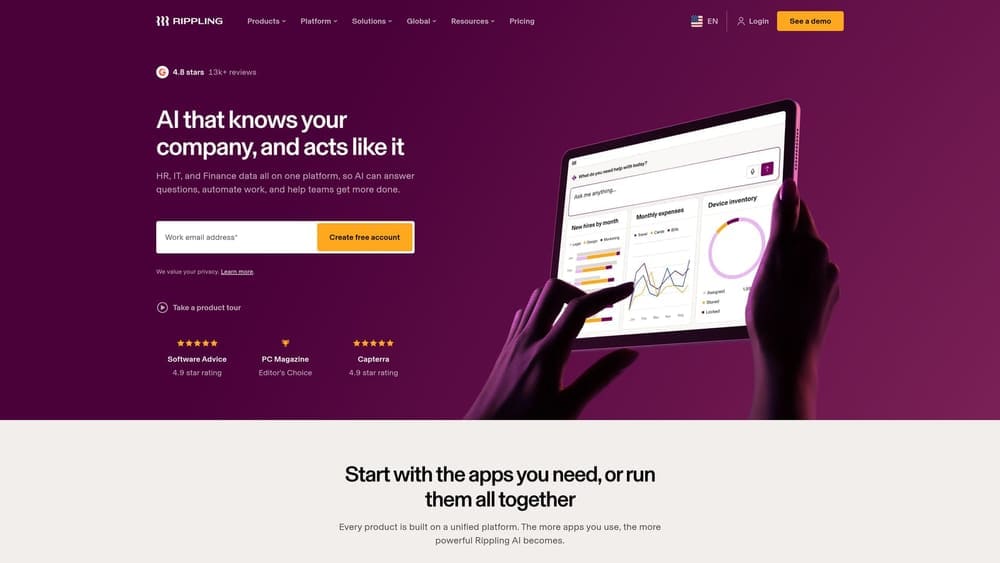
Its standout is HR and IT device and app management in the same system, which matters when offboarding a technician means revoking access to client environments quickly.
- Unified HRIS and payroll, so one employee record feeds both.
- Device and app management to help control hardware and software access.
- Automated onboarding and offboarding, tying account creation and removal to HR events.
- A PEO option (verify availability), which adds co-employment services if offered in your states.
Integrations are broad, but verify the list against your PSA and other tools. Setup is more involved than a basic payroll tool because you’re configuring HR and IT together; an ops lead or internal IT person typically owns it.
Verify PEO availability and the states covered before building a plan around it. It may also be more platform than a tiny MSP needs. Starting price: see its website; pricing is quote-based and varies with modules, headcount, and whether you add the PEO.
Best for: MSPs wanting automated tech onboarding and offboarding tied to HR.
8. Gusto
Gusto is primarily payroll and HR software, and it’s here as the non-co-employment alternative. It is often confused with PEOs, but its core product is not one. You remain the sole employer, which means you keep the compliance responsibilities a PEO might share.
What sets it apart on this list is low-friction payroll and benefits administration without co-employment. Some MSPs prefer that control, especially when they already have an HR advisor or outside counsel.
- Payroll that handles runs and tax filings for your team.
- Benefits administration so you can offer plans without a spreadsheet.
- Basic HR tools for handbooks, time off, and employee records.
- Onboarding that gets new technicians set up quickly.
Integrations reach accounting and time-tracking tools; verify against yours. Setup is quick, and an owner or office manager can run it day to day.
The limit is structural: without a verified PEO product, you don’t get pooled-plan buying power or shared employer risk. If you need heavy compliance help for multi-state technicians or on-call classification, this may leave gaps. Pricing: see its website; cost typically depends on plan tier and headcount.
Best for: Very small MSPs that want payroll and benefits admin without co-employment.
Matching the Right Option to Your MSP’s Situation
Start with how far along you are. If you’re collecting quotes, or a renewal is approaching, PEO Metrics is the logical first step because it puts different fee structures on one footing before you commit. It doesn’t replace a provider, but it can keep you from picking the lowest-looking number that hides admin markups.
For small teams that want predictability, Justworks is worth a close look. Mid-size MSPs that want a human advisor for employee issues should evaluate Insperity, while TriNet suits those who want a provider with a technology focus. If you already use Paychex payroll, its PEO is the easiest add-on to test, and ADP TotalSource fits firms that need scale and reporting.
When the priority is tech-stack integration, especially tight onboarding and offboarding, Rippling deserves a demo. If you’d rather avoid co-employment entirely, Gusto is the lighter route, though you keep full employer responsibility.
Whichever you choose, verify current minimums, state availability, and contract terms directly with each provider. PEO Metrics may receive vendor placement fees, so ask for the reasoning behind any recommendation.
Before you sign that PEO renewal, make sure you’re not leaving money on the table.
Many businesses unknowingly overpay because of bundled fees, hidden administrative markups, and contracts designed to limit flexibility. We give you a clear, side-by-side breakdown of pricing, services, and contract terms, so you can see exactly what you’re paying for and choose the option that truly fits your business.
