
When you’re evaluating PEO providers, the master policy is often where the biggest cost surprises hide. Two PEOs might quote nearly identical admin fees, but their underlying insurance arrangements — workers’ comp rates, EPLI coverage, liability structures — can differ by thousands of dollars annually depending on how they allocate risk, set loss ratios, and apply experience modifications.
The problem is that most businesses have no easy way to compare these costs side by side. PEOs typically quote a blended per-employee rate or a percentage of payroll that bundles everything together, making it genuinely difficult to isolate what you’re paying for the master policy versus administrative services.
That’s what this list is about. We evaluated the tools below based on how well they surface master policy cost components, whether they enable real provider comparisons, and how actionable the output is for someone who actually has to make a decision. Fair warning: this niche doesn’t have a single dominant self-service platform. What exists is a mix of comparison platforms, broker tools, industry benchmarking resources, and proprietary calculators. We’ll be straight about what each one actually is.
1. PEO Metrics
Best for: Businesses that want disaggregated, unbiased PEO cost breakdowns including master policy components
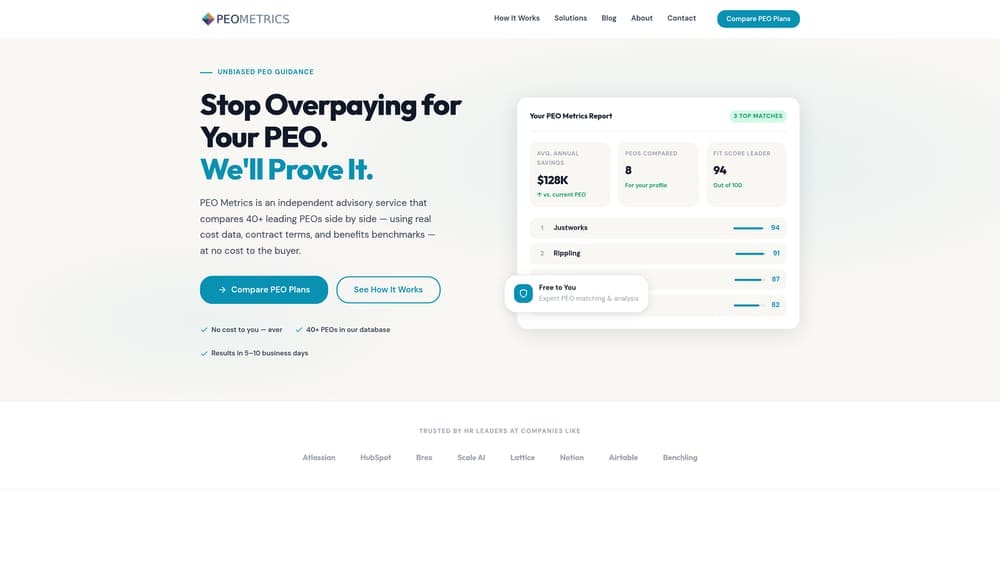
PEO Metrics is a data-driven PEO comparison platform built to break down bundled PEO pricing into its actual components — including what you’re paying for master policy coverage versus administration.
Where This Tool Shines
Most PEO comparison resources give you a total cost number and call it a day. PEO Metrics goes a layer deeper by isolating the insurance cost components — workers’ comp, EPLI, general liability — so you can see what you’re actually buying, not just what you’re paying in aggregate.
The platform is also not tied to any specific PEO provider, which matters more than it sounds. Broker platforms and proprietary tools have structural incentives to steer you toward certain providers. PEO Metrics operates on an advisory model, which means the analysis is built around your situation rather than a commission structure.
Key Features
Disaggregated Cost Breakdowns: Separates master policy costs from admin fees so you’re comparing like-for-like across providers.
Side-by-Side Provider Comparisons: Presents multiple PEO options in a structured format that makes differences in coverage and cost visible at a glance.
Master Policy Component Isolation: Specifically surfaces workers’ comp rates, EPLI coverage limits, and liability structures — the pieces most tools bundle together.
Service Quality Metrics: Goes beyond pricing to include coverage depth and service quality indicators, which matter when you’re evaluating total value.
Unbiased Analysis: Not affiliated with any single PEO provider, so recommendations reflect your needs rather than provider relationships.
Best For
Companies that have already received PEO quotes and want a structured way to compare them honestly. Particularly useful for businesses where workers’ comp costs are a meaningful line item — manufacturing, construction-adjacent industries, staffing, healthcare — where master policy differences can be substantial.
Pricing
Consultation-based model; contact for pricing. Not a self-service SaaS product, which means you get human analysis alongside the data.
2. NAPEO PEO Cost Estimator
Best for: Establishing baseline cost expectations before you start soliciting PEO quotes
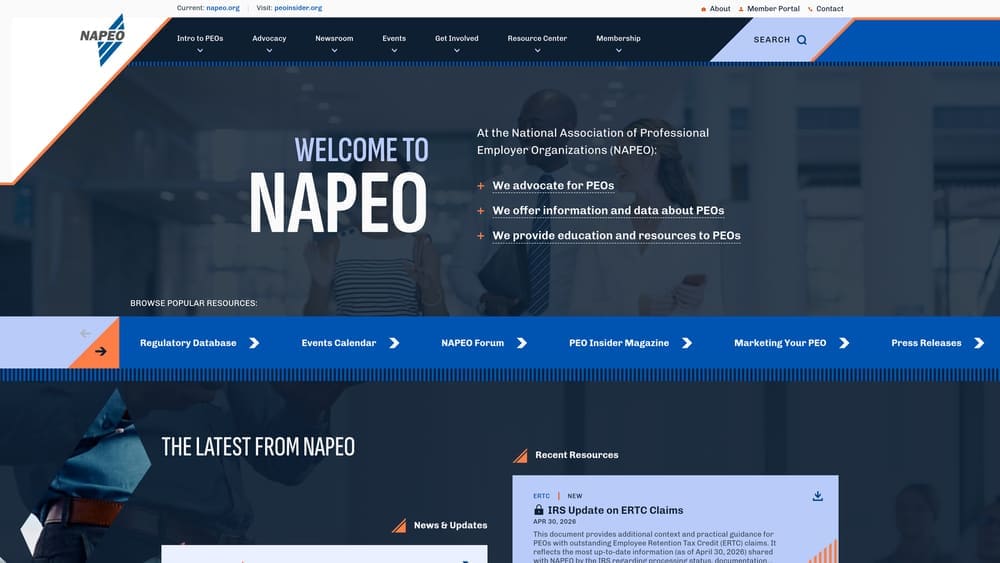
NAPEO is the National Association of Professional Employer Organizations — the primary trade association for the PEO industry — and their resources include benchmarking data and cost guidance that can serve as a useful reference point early in your evaluation process.
Where This Tool Shines
Before you can evaluate whether a PEO quote is competitive, you need a baseline. NAPEO provides industry-level benchmarks that help you understand what PEO costs typically look like for your company size and industry. It’s not a comparison tool in the head-to-head sense, but it gives you the context to know whether you’re being quoted in a reasonable range.
Their educational resources on PEO cost structures — including how master policies work and what typically drives pricing — are genuinely useful for buyers who are new to the space and trying to get oriented before talking to providers.
Key Features
Industry-Level Benchmarking: Cost data segmented by industry and company size to establish realistic baseline expectations.
Trade Association Backing: Data comes from the primary PEO industry body, giving it credibility as a reference point.
Educational Resources: Explains PEO cost structures including how master policies are typically priced and what factors affect them.
Pre-Quote Orientation: Helps you ask better questions before you start talking to providers.
Best For
HR leaders and business owners who are earlier in the PEO evaluation process and want to build foundational knowledge before engaging providers. Also useful as a sanity check when quotes come in.
Pricing
Many resources are free. Some data and research is behind a membership wall. Worth checking what’s publicly accessible before assuming you need to pay.
3. Decisely PEO Comparison Platform
Best for: Small businesses under 50 employees evaluating PEO providers alongside benefits plan options
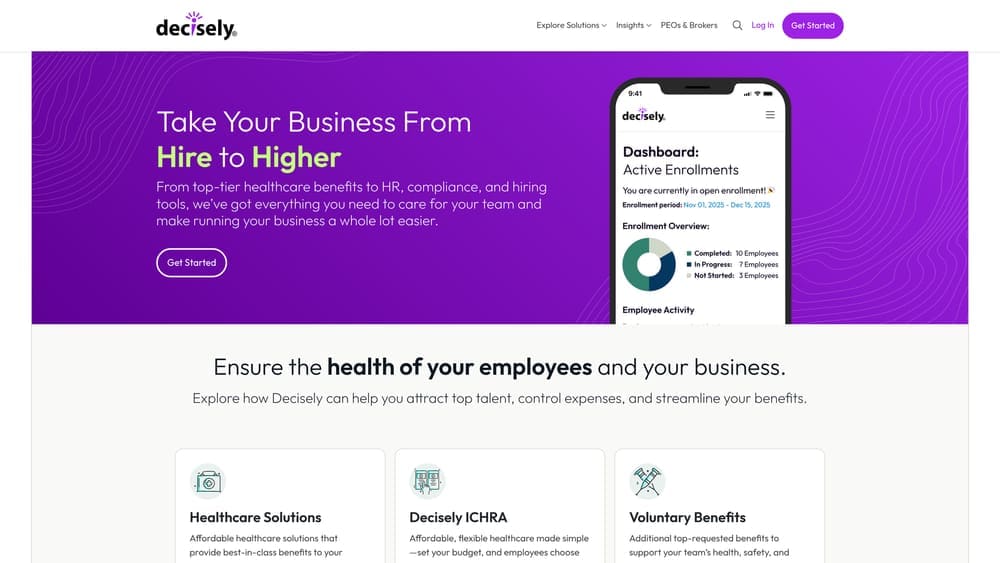
Decisely is a small business-focused platform that combines PEO provider matching with benefits plan comparison, giving smaller companies a way to evaluate insurance costs alongside administrative services in one place.
Where This Tool Shines
For smaller businesses, the challenge is often that health insurance and workers’ comp costs are so intertwined within a PEO arrangement that it’s hard to evaluate them separately. Decisely integrates both sides of that equation, which is genuinely useful when you’re trying to understand total cost of a PEO relationship rather than just the admin fee.
The platform is built for companies that don’t have a dedicated HR team doing this analysis. The broker-assisted model means you’re getting guidance rather than just a data dump, which can be helpful if PEO evaluation isn’t something you do regularly.
Key Features
PEO Provider Matching: Matches your company profile to appropriate PEO providers rather than showing you a generic list.
Integrated Benefits Comparison: Evaluates health insurance plan options alongside PEO cost analysis.
Small Business Focus: Designed specifically for companies under 50 employees where PEO evaluation resources are often thinner.
Combined Cost Visibility: Surfaces both health insurance and master policy cost components in a single comparison view.
Best For
Small businesses under 50 employees that want a guided comparison process and aren’t equipped to do deep independent analysis of PEO cost structures. Less useful for mid-market companies with more complex needs.
Pricing
Free comparison service. Broker-assisted model means Decisely earns compensation from PEO providers — worth keeping in mind when evaluating recommendations.
4. NetPEO Broker Comparison Tool
Best for: Businesses that want multiple PEO quotes solicited and presented side by side with broker support
NetPEO is a broker-model platform that solicits quotes from their PEO network and presents them with cost breakdowns covering insurance and administrative components.

Where This Tool Shines
The practical value here is that NetPEO does the quote solicitation work for you. Instead of approaching five PEO providers individually and trying to normalize their proposals into a comparable format, you submit your information once and get multiple quotes back through a single channel.
The broker-guided process also means someone is helping you interpret what you’re looking at, which matters when you’re trying to parse workers’ comp rate structures, EPLI coverage limits, and admin fee components across providers that all present their pricing differently.
Key Features
Multi-Provider Quote Solicitation: Reaches out to their PEO network on your behalf and consolidates responses.
Cost Breakdown Presentation: Covers workers’ comp, benefits, and admin fee components rather than just total cost.
Broker-Guided Process: Human support throughout the comparison process for businesses that prefer guided evaluation.
Network Coverage: Access to multiple PEO providers through a single engagement.
Best For
Businesses that want someone else to manage the quote-gathering process and prefer a hands-on advisory experience. Keep in mind that broker compensation comes from PEO providers, which can influence which providers get surfaced.
Pricing
Free to the client. NetPEO earns a commission from the PEO provider you ultimately select — a standard broker model, but worth factoring into how you evaluate their recommendations.
5. Vensure Cost Analysis Dashboard
Best for: Businesses already evaluating Vensure-affiliated PEO brands and wanting to model workers’ comp scenarios
Vensure Employer Solutions offers a proprietary cost modeling tool for analyzing workers’ comp rates and master policy scenarios across their family of PEO brands.

Where This Tool Shines
Vensure has built out a significant portfolio of PEO brands, and their dashboard lets prospective clients model how different class code assignments and experience modification factors would affect workers’ comp costs within their system. For businesses with complex workforce compositions, this kind of scenario modeling can be genuinely useful.
The experience modification factor impact modeling is particularly valuable. Your e-mod directly affects your workers’ comp costs within a PEO master policy, and most comparison tools don’t let you model that variable explicitly. Vensure’s tool does, at least within their own network.
Key Features
Workers’ Comp Rate Modeling: Models rates by class code, which matters significantly for businesses with varied workforce classifications.
Experience Modification Factor Analysis: Shows how your e-mod affects total workers’ comp costs within the master policy.
Master Policy Scenario Analysis: Compares scenarios across Vensure’s affiliated PEO brands.
Prospective Client Access: Available to businesses evaluating Vensure, not just existing clients.
Best For
Businesses that have already narrowed their PEO search to include Vensure-affiliated providers and want to model specific cost scenarios before committing. Not useful as a cross-provider comparison tool since it’s limited to the Vensure ecosystem.
Pricing
Available to prospective and current Vensure clients. Contact Vensure directly to access the dashboard during your evaluation process.
6. Mineral (formerly ThinkHR) Compliance Cost Calculator
Best for: HR teams trying to quantify employment liability risk exposure to evaluate whether PEO master policy coverage is worth the cost
Mineral is a compliance-focused HR platform that helps organizations model the cost of employment-related risks — the same risks that PEO master policies, particularly EPLI coverage, are designed to protect against.

Where This Tool Shines
This one approaches the comparison question from a different angle. Rather than comparing PEO quotes directly, Mineral helps you understand what you’re actually buying when you pay for EPLI and compliance coverage within a master policy. That’s useful for the build-vs-buy analysis: is it cheaper to carry PEO master policy coverage, or to self-insure and invest in compliance infrastructure?
The compliance gap analysis that maps to EPLI coverage needs is particularly relevant for companies in states with aggressive employment law environments — California, New York, Illinois — where EPLI exposure is meaningfully higher and the value of master policy coverage changes accordingly.
Key Features
Employment Liability Risk Modeling: Quantifies the potential cost of employment-related claims your business could face.
Compliance Gap Analysis: Identifies where your current practices create EPLI exposure that master policy coverage would address.
Build-vs-Buy Framework: Helps evaluate whether PEO insurance is worth the premium compared to self-insured alternatives.
Risk Quantification: Translates compliance gaps into cost terms, which makes the master policy premium easier to evaluate.
Best For
HR teams that need to justify PEO master policy costs internally, or organizations evaluating whether PEO insurance coverage is worth the premium relative to their actual risk exposure. Also useful for companies that have received PEO quotes and want to contextualize the EPLI component specifically.
Pricing
Subscription-based. Contact Mineral for current pricing — their model has evolved since the ThinkHR rebrand and pricing varies by company size and feature set.
7. NCCI Workers’ Comp Cost Modeler
Best for: Validating whether a PEO’s master policy workers’ comp rates are actually competitive for your class codes and state
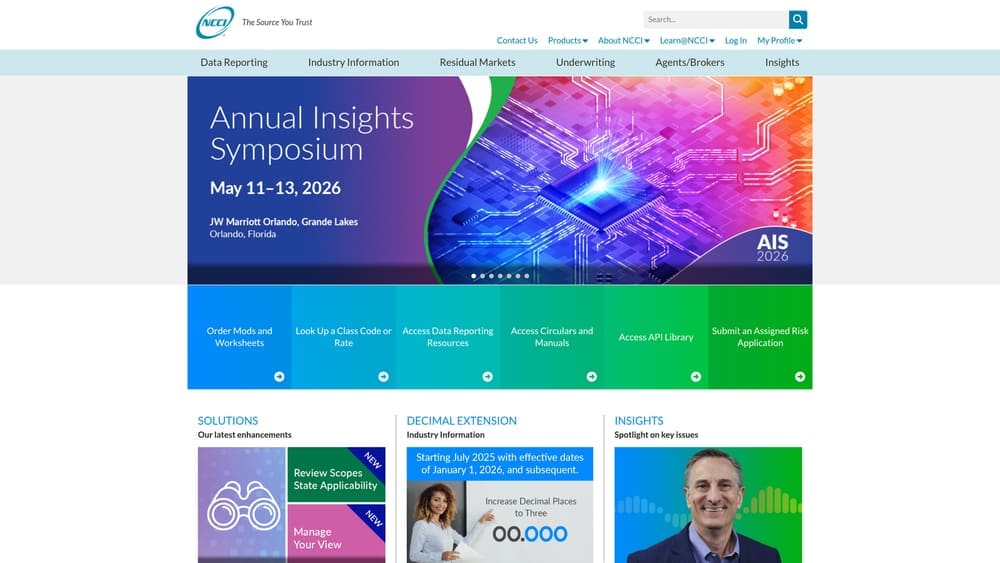
NCCI (National Council on Compensation Insurance) maintains the industry-standard workers’ compensation rate data for most U.S. states and is the reference source that insurers and PEOs themselves use for class code pricing.
Where This Tool Shines
Here’s a scenario that comes up more than you’d think: a business gets a PEO quote, the workers’ comp component looks reasonable on paper, but they have no independent way to verify whether the rates are actually competitive. NCCI solves that problem. Their class code rate data is the same benchmark that carriers and PEOs use when setting prices, so you can check whether what you’re being quoted is in line with market rates.
The experience modification rate lookup is equally valuable. Your e-mod is a multiplier on your workers’ comp costs, and understanding how it’s being applied within a PEO’s master policy — versus how it would affect a standalone policy — is one of the more important cost comparisons you can make.
Key Features
Class Code Rate Data: Workers’ comp rates by classification code and state — the industry-standard reference for benchmarking.
Experience Modification Lookup: Access to e-mod data for validating how PEOs are applying modification factors to your account.
State-Level Coverage: Rate data for most U.S. states, which matters because workers’ comp rates vary significantly by state.
Independent Benchmarking: Not affiliated with any PEO or broker, so the data is genuinely neutral.
Best For
Businesses with meaningful workers’ comp exposure — manufacturing, logistics, healthcare, construction-adjacent industries — where the workers’ comp component of a PEO master policy is a major cost driver and independent rate validation is worth the effort. Also useful for anyone who wants to verify a PEO’s pricing claims rather than take them at face value.
Pricing
Some tools and rate data are publicly accessible at no cost. Full data access, including deeper analytics and modeling tools, typically requires a subscription or carrier relationship.
Picking the Right Tool for Your Situation
The honest reality is that no single tool here does everything. The comparison tool landscape for PEO master policy costs is fragmented, and the right approach depends on where you are in your evaluation and what you’re trying to answer.
If you’re early in the process and just trying to get oriented, start with NAPEO’s resources to build baseline knowledge, then use NCCI data to understand what workers’ comp rates should look like for your class codes. That gives you a foundation before you start talking to providers.
If you’ve already received quotes and want to understand what you’re actually comparing, PEO Metrics is the most useful resource for breaking down bundled pricing into components and doing a genuine apples-to-apples comparison. The fact that it’s not tied to any provider matters — you’re not getting analysis shaped by commission incentives.
If you want someone to manage the quote-gathering process, NetPEO and Decisely both offer broker-assisted comparison. Just go in clear-eyed about how they’re compensated, and use NCCI data independently to sanity-check the workers’ comp components of whatever quotes come back.
If you’re evaluating whether PEO master policy coverage is worth the cost at all, Mineral’s compliance risk modeling is a useful frame. Quantifying your actual EPLI exposure makes the insurance premium easier to evaluate on its merits.
And if you’re already deep into a Vensure evaluation specifically, their cost analysis dashboard gives you scenario modeling within their ecosystem that you won’t get from a general comparison tool.
The master policy is often the single largest cost component inside a PEO relationship, and it’s also the piece that’s most opaque in standard proposals. Before you sign that PEO renewal, make sure you’re not leaving money on the table. Many businesses unknowingly overpay because of bundled fees, hidden administrative markups, and contracts designed to limit flexibility. Don’t auto-renew. Make an informed, confident decision.
