
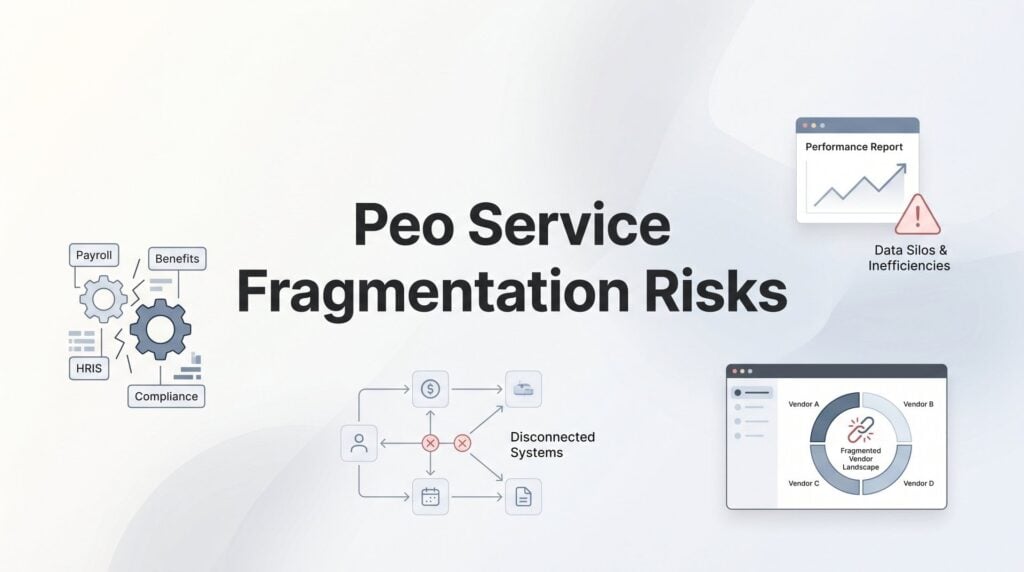
When your HR stack is spread across multiple vendors, you’re not just dealing with administrative messiness. You’re carrying real operational risk. Compliance obligations fall between vendors. Employee records get duplicated and drift out of sync. Benefits data lives in three places and matches in none of them. And when something goes wrong, nobody can tell you with confidence who was actually responsible.
The frustrating part is that fragmentation rarely happens all at once. You add a point solution to fill a gap. You keep your existing benefits broker when you move to a PEO. You layer a compliance tool on top because the PEO’s coverage felt thin. Before long, you’ve got a vendor web that’s expensive to maintain and nearly impossible to audit.
This list covers tools built to address different stages of that problem. Some prevent fragmentation before it starts by helping you choose a PEO with the right service scope. Others connect what’s already broken through integration middleware or audit what’s already at risk through compliance monitoring. Here’s what’s worth looking at in 2026.
1. PEO Metrics
Best for: Businesses evaluating PEO providers who want to prevent fragmentation at the selection stage
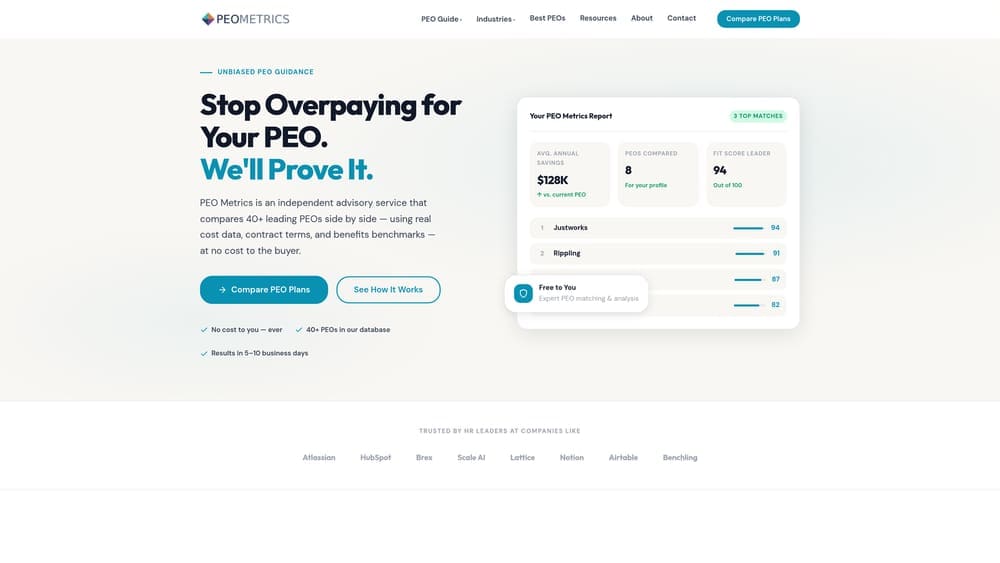
PEO Metrics is a data-driven PEO comparison platform that helps businesses evaluate providers side-by-side on service scope, pricing, and coverage before they sign anything.
Where This Tool Shines
Most fragmentation problems start at the selection stage. A business picks a PEO based on price or a sales conversation, signs a contract, and then discovers the PEO doesn’t handle workers’ comp in their state, or doesn’t include a certain benefits tier, or offloads compliance filings to the employer. That gap becomes a new vendor relationship, and the fragmentation begins.
PEO Metrics addresses this by giving businesses a clear, structured view of what different PEOs actually cover and what they don’t. The comparison is unbiased, which matters. Most PEO “comparison” resources are affiliated with providers and steer toward preferred partners. PEO Metrics isn’t built that way.
Key Features
Side-by-Side Provider Comparisons: Detailed metrics across multiple PEO providers so you can evaluate service scope, not just price.
Pricing Transparency: Cost analysis across providers helps surface hidden markups and administrative fees before you commit.
Service Scope Mapping: Identifies coverage gaps in a provider’s offering before you sign, so you know upfront if you’ll need supplemental vendors.
Unbiased Guidance: Not affiliated with any single PEO provider, which keeps the analysis grounded in your needs rather than someone else’s commission structure.
Best For
Businesses actively evaluating PEOs, companies approaching a PEO renewal who want to benchmark their current provider, and HR leaders who need to build an internal business case for switching or consolidating vendors.
Pricing
Contact for pricing. A free initial consultation is available, which is a reasonable starting point before committing to a full comparison engagement.
2. Rippling
Best for: Companies that want a single platform handling HR, payroll, IT, and benefits without stitching systems together
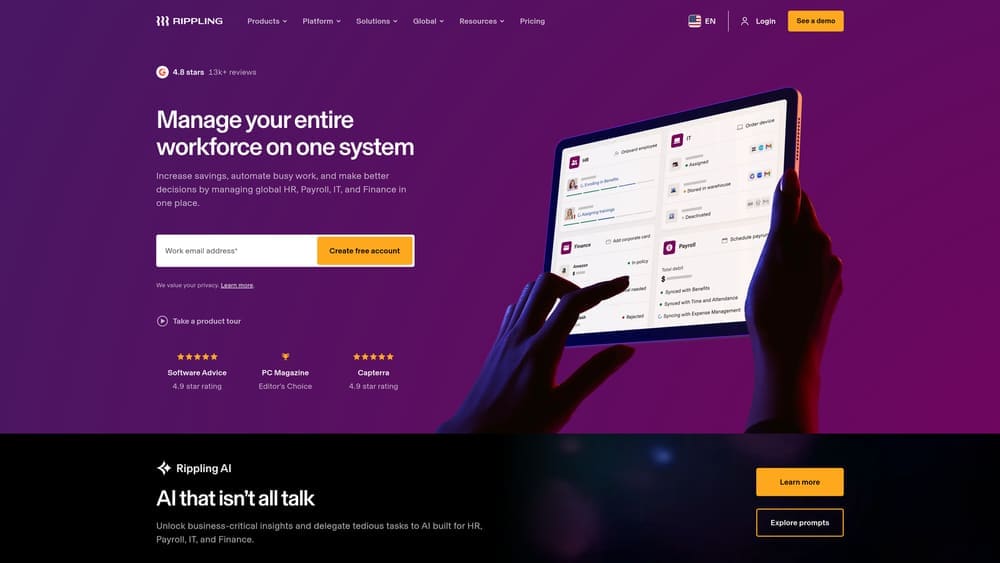
Rippling is a unified HR, payroll, IT, and benefits platform with a native PEO offering built directly on top of its own infrastructure.
Where This Tool Shines
The core fragmentation problem Rippling solves is the disconnect between PEO services and your underlying HR system. With most PEO arrangements, the PEO runs payroll and benefits on their own platform while your internal team uses a separate HRIS. That means two systems, two employee records, and constant reconciliation. Rippling eliminates that by being both the PEO and the platform.
The IT management layer is genuinely differentiated. Tying device provisioning and app access to the employee lifecycle means offboarding actually works across all systems simultaneously. For companies that have experienced the compliance risk of lingering system access after termination, that’s not a minor feature.
Key Features
Native PEO Integration: PEO services run on the same system as payroll and HRIS, eliminating the data sync problem entirely.
Single Employee Record: One source of truth across all HR functions reduces duplicate records and data drift.
Automated Cross-Function Workflows: Payroll, benefits, compliance, and IT actions trigger together based on employee lifecycle events.
App and Device Management: IT provisioning tied to HR data, so access changes happen in sync with employment status changes.
Best For
Tech-forward companies in the 50 to 500 employee range that want to consolidate HR and IT management under one roof. Less suited for companies with complex legacy payroll setups or heavily customized benefits structures.
Pricing
Core platform starts at $8 per employee per month. PEO pricing is custom and quoted separately based on headcount and service scope.
3. Workday Adaptive Planning
Best for: Finance and HR teams that need to model the true cost of fragmented vendor setups versus consolidated arrangements
Workday Adaptive Planning is an enterprise financial planning tool that helps HR and finance teams build cost models around their HR vendor structure.
Where This Tool Shines
Fragmentation is expensive, but the cost is usually invisible because it’s distributed across multiple budget lines. A PEO fee here, a benefits broker commission there, a compliance consultant retainer somewhere else. Nobody ever adds it up against a consolidated alternative. Workday Adaptive Planning makes that comparison concrete.
The scenario modeling capability is the most relevant feature for fragmentation analysis. You can build a current-state model with all your vendor costs mapped against a consolidated PEO model, and see the actual delta. That kind of analysis is often what it takes to get executive buy-in for a consolidation project.
Key Features
Scenario Modeling: Build and compare cost structures across multi-vendor setups versus consolidated arrangements with real numbers.
Headcount Planning Integration: Benefits and payroll cost data tied to headcount projections, so growth scenarios reflect fragmentation costs at scale.
Spend Overlap Dashboard: Visibility into where vendor costs overlap across providers, surfacing redundant spend.
HR and Finance Collaboration Tools: Shared planning workspace so HR and finance are working from the same model.
Best For
Mid-market and enterprise companies with dedicated finance teams. The tool’s complexity and price point make it overkill for smaller businesses, but for companies spending meaningfully on HR vendors, the modeling capability pays for itself quickly.
Pricing
Custom enterprise pricing. Typically positioned for mid-market and above. Budget accordingly and expect a sales process before you see numbers.
4. Merge.dev
Best for: Engineering teams managing data sync across fragmented HRIS, payroll, and benefits platforms
Merge.dev is a unified API platform that connects fragmented HR systems through a single integration layer, normalizing data across more than 60 HR platforms.
Where This Tool Shines
If your fragmentation problem is already baked in and you’re not ready to rip and replace, Merge.dev offers a practical middle path. Instead of building point-to-point integrations between every vendor pair, you connect everything through one normalized API. Employee records, payroll data, and benefits information flow through a consistent data model regardless of which platform they originate from.
The value is clearest when you’re dealing with a PEO that uses its own proprietary platform alongside an internal HRIS. Rather than manually reconciling those systems, Merge handles the translation layer. That reduces the data entry duplication that causes compliance errors and audit headaches.
Key Features
Single Unified API: Connects 60+ HRIS, payroll, and ATS platforms through one integration rather than dozens of point connections.
Normalized Data Models: Translates different vendor data schemas into a consistent structure, so records match across systems.
Managed Authentication and Syncing: Handles the credential management and sync scheduling so your team doesn’t have to.
Reduced Manual Reconciliation: Eliminates the spreadsheet-based data matching that creates errors in fragmented setups.
Best For
Companies with existing technical resources who need to integrate fragmented HR systems without rebuilding their vendor stack. Requires engineering involvement to implement effectively.
Pricing
Free tier available for limited use. Paid plans start at $650 per month, scaling with usage and number of integrations.
5. Mineral (formerly ThinkHR)
Best for: Companies that need compliance coverage across vendor boundaries without a full-time HR compliance team
Mineral is an HR compliance platform with live advisor access that audits risk across fragmented HR setups.

Where This Tool Shines
Compliance gaps are the most dangerous output of service fragmentation. When your PEO handles federal filings and your broker handles state-level benefits compliance and your internal team handles everything else, it’s almost guaranteed that something falls through the cracks. Mineral’s live advisor model addresses this by giving you a vendor-agnostic compliance resource who can look across your entire setup.
The multi-jurisdiction capability is worth highlighting for companies operating in multiple states. Fragmentation risk multiplies when you add state-specific compliance requirements that each vendor may or may not be covering. Mineral’s compliance engine tracks both federal and state obligations in one place.
Key Features
Live HR Compliance Advisors: Vendor-agnostic guidance from real advisors who can assess your full setup, not just one platform’s scope.
Intelligent Compliance Engine: Tracks federal and state regulatory requirements across jurisdictions, flagging gaps in coverage.
Employee Handbook and Policy Management: Centralized policy management across jurisdictions, useful when different vendors are applying different standards.
Compliance Training Library: Employee-facing training that works across your existing platforms regardless of vendor structure.
Best For
Small to mid-size companies with fragmented HR setups who need compliance oversight without hiring a dedicated compliance team. Also useful as a second opinion layer for companies already using a PEO but unsure about coverage completeness.
Pricing
Custom pricing based on company size. Typically bundled through broker or PEO partners, so pricing may vary depending on how you access it.
6. Bennie
Best for: HR teams managing benefits across multiple carriers, PEO-provided plans, and broker relationships simultaneously
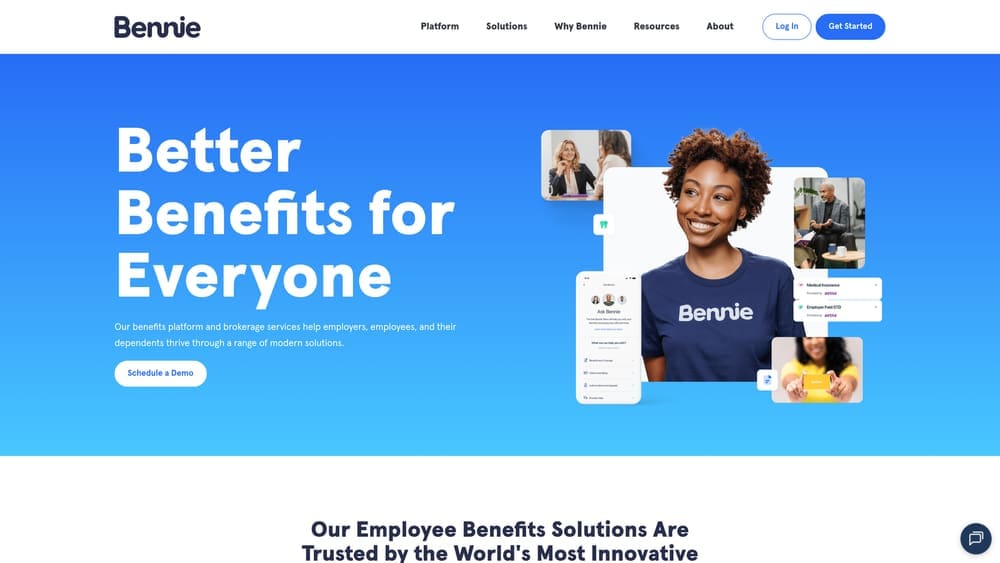
Bennie is a benefits management platform that aggregates plan data across carriers and PEO-provided plans into a single dashboard.
Where This Tool Shines
Benefits fragmentation is its own specific problem. Many companies use a PEO for some benefits while maintaining separate plans through a broker for others. The result is that employees don’t know where to look for their information, HR can’t get a complete utilization picture, and plan data never fully reconciles. Bennie solves the visibility problem without forcing you to consolidate all your plans under one carrier.
The broker-agnostic design is a practical strength. You don’t have to blow up your existing broker relationship to use it. It works alongside what you already have, which makes adoption much smoother than platforms that require a full benefits migration.
Key Features
Unified Benefits Dashboard: Aggregates plan data from multiple carriers and PEO-provided plans into one view for HR and employees.
Employee Self-Service: Employees access all their benefits information in one place regardless of how many providers are behind the scenes.
Broker-Agnostic Design: Works alongside existing broker relationships without requiring a full benefits overhaul.
Claims and Utilization Insights: Cross-plan analytics that give HR a complete picture of benefits usage and cost across all providers.
Best For
Companies with 50 or more employees that have accumulated multiple benefits relationships over time and need a unified view without consolidating everything under one carrier.
Pricing
Custom pricing. Designed for companies with 50 or more employees. Expect a sales conversation before getting specific numbers.
7. Drata
Best for: Companies in regulated industries where audit trail gaps from fragmented HR and IT systems create compliance exposure
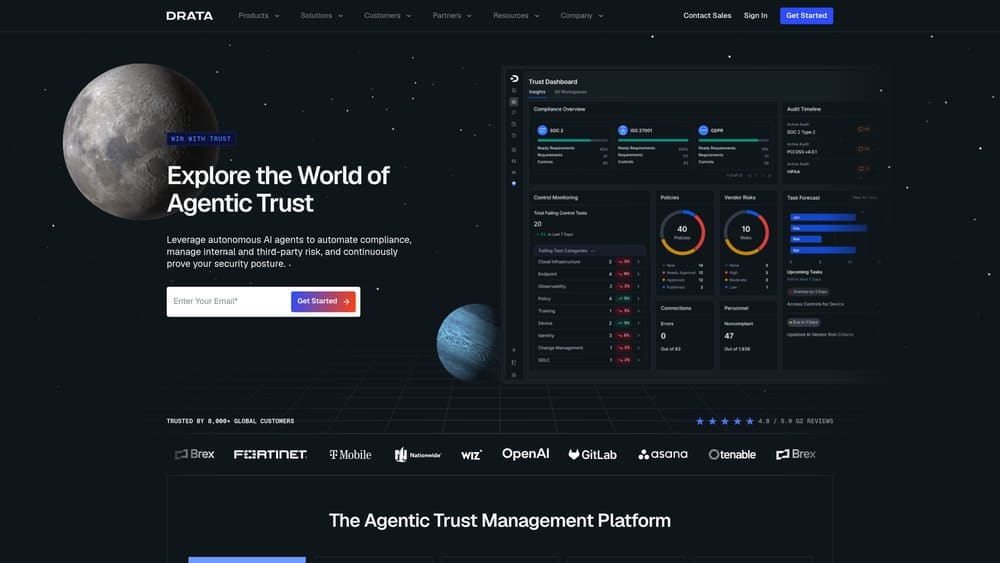
Drata is an automated compliance monitoring platform that collects evidence across fragmented HR and IT systems continuously.
Where This Tool Shines
Drata isn’t primarily an HR tool, but it addresses a real fragmentation risk that HR teams often don’t see coming: audit trail gaps. When employee data lives across a PEO platform, an internal HRIS, a benefits system, and an IT provisioning tool, the evidence trail for compliance audits becomes inconsistent. Drata’s continuous monitoring catches those gaps before an auditor does.
The specific value for fragmented HR setups is the flagging capability when systems fall out of sync. If your HRIS shows an employee as terminated but your PEO platform hasn’t updated, Drata catches that discrepancy. That’s the kind of data drift that creates both compliance risk and security exposure.
Key Features
Continuous Compliance Monitoring: Automated evidence collection across 75+ integrations, running continuously rather than point-in-time.
Multi-Framework Coverage: Supports SOC 2, ISO 27001, HIPAA, and other frameworks in one platform.
Fragmentation Gap Detection: Flags when HR systems fall out of sync, catching the compliance risks that form at vendor boundaries.
Real-Time Compliance Posture Dashboard: Live view of where you stand across all monitored systems and frameworks.
Best For
Companies in regulated industries (SaaS, healthcare-adjacent, financial services) where compliance audits require documented evidence across HR and IT systems. Less relevant for businesses without formal compliance frameworks.
Pricing
Custom pricing. Typically starts in the mid-four-figures annually. Scales with the number of integrations and frameworks you’re monitoring.
8. Sapling (by Kallidus)
Best for: HR teams losing new hires and offboarding completeness to gaps between PEO and internal HR systems
Sapling is a people operations platform focused on onboarding and offboarding workflows that sync across fragmented HRIS and PEO systems.
Where This Tool Shines
New hire onboarding is where fragmentation shows its face most visibly. The PEO needs to enroll the employee in payroll and benefits. The internal HRIS needs a profile. IT needs to provision equipment. When those systems don’t talk, employees show up on day one without system access, missing from benefits enrollment, or enrolled twice. Sapling’s workflow automation bridges those gaps without requiring you to consolidate platforms.
Offboarding is equally important and often more neglected. When an employee leaves, clean exits across all systems matter for both compliance and security. Sapling’s offboarding automation ensures that the PEO, HRIS, and IT systems all receive termination signals in a coordinated sequence rather than depending on manual handoffs between teams.
Key Features
Automated Onboarding Workflows: Triggers actions across multiple HR and PEO systems simultaneously when a new hire is created, preventing enrollment gaps.
Profile Completeness Tracking: Monitors for missing data across platforms, catching the records that fall through cracks between systems.
Cross-Platform Integrations: Connects with major HRIS, payroll, and PEO platforms so workflows span your full vendor stack.
Offboarding Automation: Coordinates clean exits across all systems, reducing the compliance and security risk of incomplete termination processes.
Best For
Growing companies in the 50 to 500 employee range where onboarding and offboarding volume is high enough that manual coordination between fragmented systems has become a consistent source of errors.
Pricing
Custom pricing based on employee count. Request a demo to get specific numbers for your headcount.
Which Tool Actually Fits Your Situation
The right starting point depends on where your fragmentation problem lives. Here’s a practical breakdown.
If you’re evaluating PEOs or approaching a renewal, start with PEO Metrics. Most fragmentation is preventable if you choose a PEO with the right service scope upfront. A side-by-side comparison before you sign is worth more than any integration tool you’ll buy later to fix a mismatched contract.
If you want to consolidate HR, payroll, and IT under one roof, Rippling is the most complete native option. It’s not the cheapest path, but it eliminates the integration problem entirely rather than managing around it.
If your fragmentation is already baked in and you’re not ready to switch platforms, Merge.dev handles the data sync problem at the API level, and Sapling handles the workflow coordination problem at the process level. They address different layers of the same issue.
For compliance exposure across vendor boundaries, Mineral gives you a human expert who can look across your whole setup, while Drata automates the evidence trail for companies in regulated industries.
And if benefits visibility is the specific pain point, Bennie solves it without requiring you to consolidate carriers or change broker relationships.
One honest note: no single tool on this list eliminates fragmentation risk entirely. The most effective approach combines prevention at the selection stage with integration and monitoring tools for what’s already in place. That’s why the PEO evaluation step matters so much before anything else.
Before you sign that PEO renewal, make sure you’re not leaving money on the table. Many businesses unknowingly overpay because of bundled fees, hidden administrative markups, and contracts designed to limit flexibility. Don’t auto-renew. Make an informed, confident decision.
