

If you run hourly, seasonal, multi-location staff, the real question is whether a PEO’s co-employment model or a payroll company’s lighter service suits your stores. The nine options below were chosen on retail fit: hourly and seasonal workforce handling, multi-state payroll, workers’ comp and benefits access, pricing transparency, and how much compliance burden each model moves off your desk.
A few terms first. A PEO shares employer responsibilities with you through co-employment. A CPEO is a PEO certified by the IRS, which you can check on the IRS’s CPEO list. An ASO handles HR tasks without co-employment, and payroll-only providers run pay and taxes while you keep the legal employer role. Details such as minimums, retail eligibility and workers’ comp class restrictions change, so confirm them in writing with each vendor. For a broader look at the model question, see [LINK CHECK: PEO vs payroll guide].
Quick Comparison of the Retail PEO and Payroll Options
- PEO Metrics: retailers deciding between PEOs and payroll providers; pricing on request via the website; compares multiple PEOs and their pricing in one view, though it runs no payroll itself.
- ADP TotalSource: larger or multi-state retailers; quote-based; PEO tied closely to the wider ADP product ecosystem.
- Insperity: growing retailers with turnover and employee-relations issues; quote-based; relationship-led HR support from assigned representatives.
- TriNet: retailers wanting industry-tailored benefits; quote-based; industry-specific plan design.
- Justworks: small retailers wanting clear costs; see website for published per-employee plans; simple app with published pricing.
- Paychex: retailers unsure which model fits; quote-based; payroll-only and PEO under one brand with a path between them.
- Gusto: small retailers who want control; see website for tiered plans; easy payroll-only alternative with no co-employment.
- Rippling: retailers with corporate or tech-heavy teams; quote-based; HR, payroll and IT on one data model.
- Homebase: hourly shop teams struggling with scheduling; free basic tier, see website for paid plans; shift scheduling and team messaging built for floor staff.
1. PEO Metrics
PEO Metrics is a PEO comparison and consulting service, not a PEO or a payroll provider. It is built for retail owners and HR leads who already suspect a PEO might fit but don’t want to take one vendor’s pitch at face value.
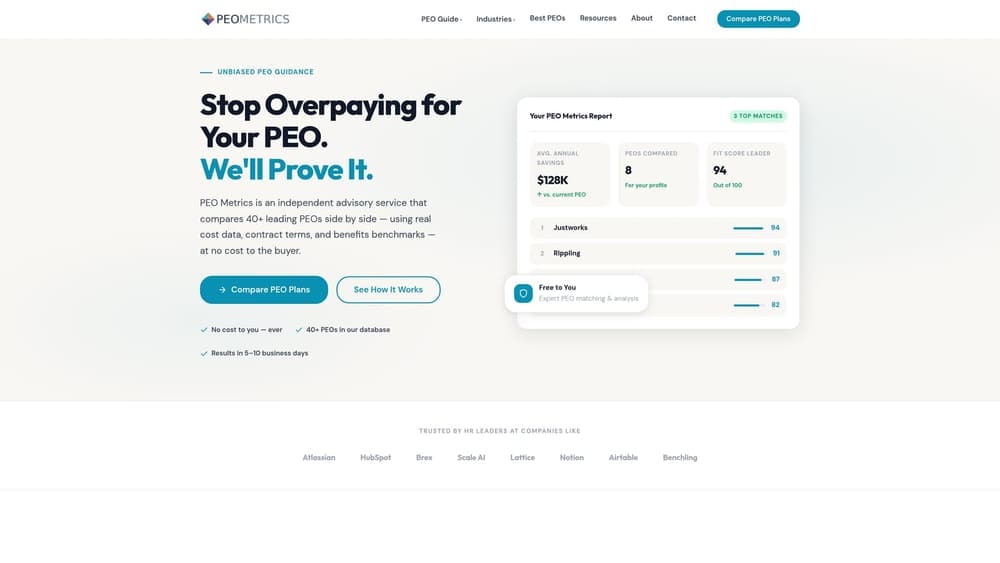
Its distinctive strength on this list is neutrality across providers: you see several PEOs and their pricing in one view, rather than one vendor’s quote framed on its own terms. That matters in retail, where bundled fees and contract terms can vary a lot between providers for the same headcount.
- Side-by-side PEO comparison, so you can weigh services and terms against each other instead of in separate sales calls.
- Pricing analysis that shows what you would pay and what is bundled into it.
- Detailed provider metrics to check against your needs, such as seasonal headcount swings or multi-state locations.
- Consultative guidance on whether a PEO is the right model at all, or whether payroll-only would do.
There is nothing to install and no integrations, since this is an advisory service rather than software. Setup is a conversation about your headcount, states and benefits goals, and whoever owns HR or finance at your company typically handles it.
The limits are plain. PEO Metrics does not run payroll, administer benefits or provide HR support, so you still need a provider at the end of the process. It may also receive vendor placement fees, which you should factor in when weighing its guidance. Pricing details are on the website.
Best for: Retailers deciding between PEOs and payroll providers who want quotes compared before committing.
2. ADP TotalSource
ADP TotalSource is ADP’s PEO, combining co-employment with ADP payroll, benefits and HR services. It is aimed at retailers large enough to value a big vendor’s infrastructure, particularly those operating across several states.
What sets it apart here is scale and ecosystem. If your stores already use ADP time and attendance or other ADP payroll products, the PEO connects to them directly, which reduces the number of systems your managers touch.
- Payroll and tax filing handled across the locations you operate in, so you aren’t juggling filings state by state.
- Benefits access through the PEO’s group, which can widen options for hourly staff.
- Workers’ comp coverage included in the arrangement, a major consideration for stockroom and floor roles.
- HR compliance support for wage-and-hour and onboarding questions.
- A time and attendance tie-in that feeds hours into payroll.
Integrations center on ADP’s own time and attendance and payroll products. Setup is a managed onboarding, and day-to-day use usually sits with an HR lead or office manager, with store managers entering time.
Pricing is quote-based, and possible minimums may not suit very small stores. Confirm retail eligibility and any minimums directly. A single-location shop with a handful of employees will probably find the model heavier than it needs.
Best for: Larger or multi-state retailers wanting a big-vendor PEO with integrated time tracking.
3. Insperity
Start with the trade-off: Insperity is a full-service PEO, and the depth of service may exceed what a single-location shop needs. Pricing is quote-based, so you won’t see a number until you’ve gone through a sales process.
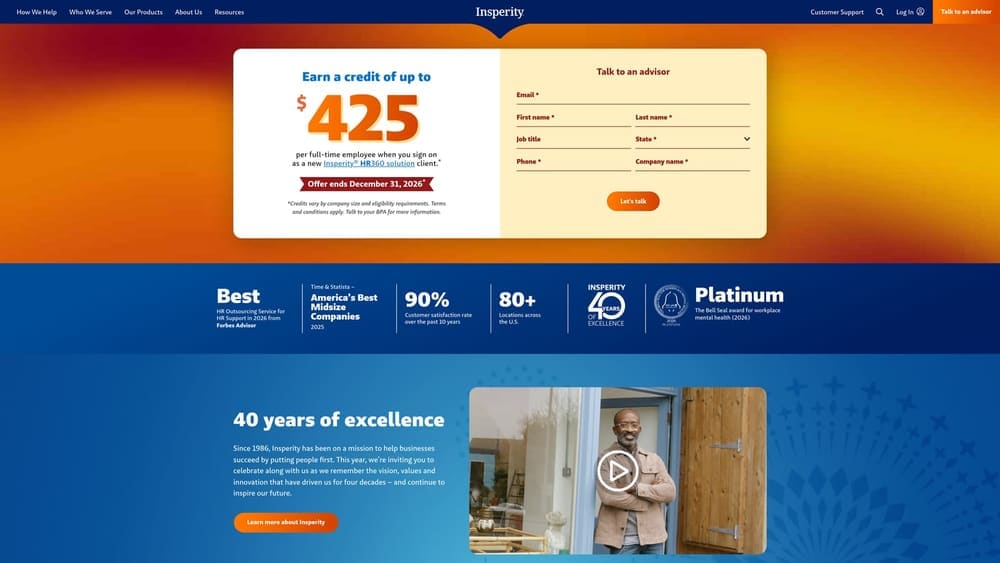
The payoff is its high-touch, relationship-led approach. Insperity is known for assigning HR representatives to client companies, which suits retailers with turnover, disciplinary issues or manager-training gaps and no in-house HR expert to call.
- Dedicated HR support, giving store managers a person to ask about terminations, leave and scheduling disputes.
- Benefits administration that takes enrollment and carrier management off your plate.
- Payroll for hourly and salaried staff within the same platform.
- Workers’ comp and risk services to help manage safety and claims exposure.
- Employee relations guidance for handling complaints before they escalate.
Insperity runs on its own platform tools, and you should verify third-party integrations, such as accounting or time clock systems, on its site. Onboarding is guided, and the person who owns HR at your company will be the main contact with the representative.
If your problem is mostly scheduling or simple payroll, you will be paying for support you don’t use. Confirm retail eligibility and minimums in writing.
Best for: Growing retailers with turnover and employee-relations issues who want human HR support.
4. TriNet
TriNet is a PEO offering HR, payroll, benefits and compliance services, with plan options organized around industries. For a retailer, the appeal is benefits and services shaped for a segment rather than a generic package.
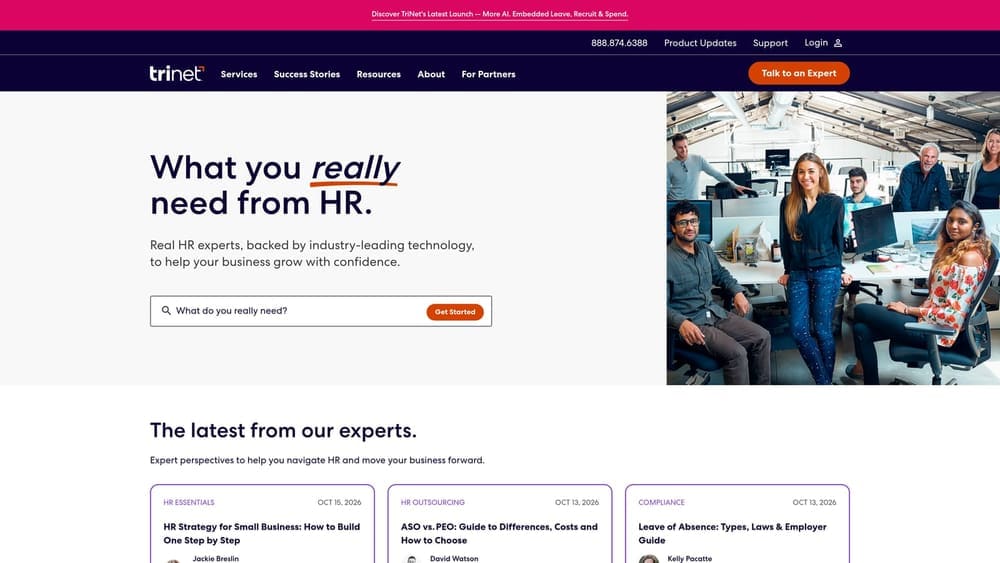
Its standout on this list is industry-specific plan design. Where other PEOs sell one core offering, TriNet frames its packages around the type of business, which can make the benefits conversation more relevant for your workforce mix.
- Industry-tailored packages that start from your segment’s typical needs.
- Benefits plans for staff, which can help with recruiting and retention in a tight hourly labor market.
- Payroll and tax handling under the same contract.
- Compliance support so employment-law questions have a place to go.
- Risk and workers’ comp services to manage injury exposure.
Verify integrations on the vendor site, particularly with your POS, accounting and time systems. Setup follows the usual PEO onboarding, and HR or finance typically manages it day to day.
Two cautions. Retail eligibility and minimums need confirmation before you invest time in a proposal, and pricing is quote-based. Ask what is bundled and what is billed separately.
Best for: Retail businesses wanting benefits tailored to their industry segment.
5. Justworks
Justworks is a PEO with a self-service platform and published per-employee pricing. It is designed for small employers who want co-employment without a lengthy sales cycle.
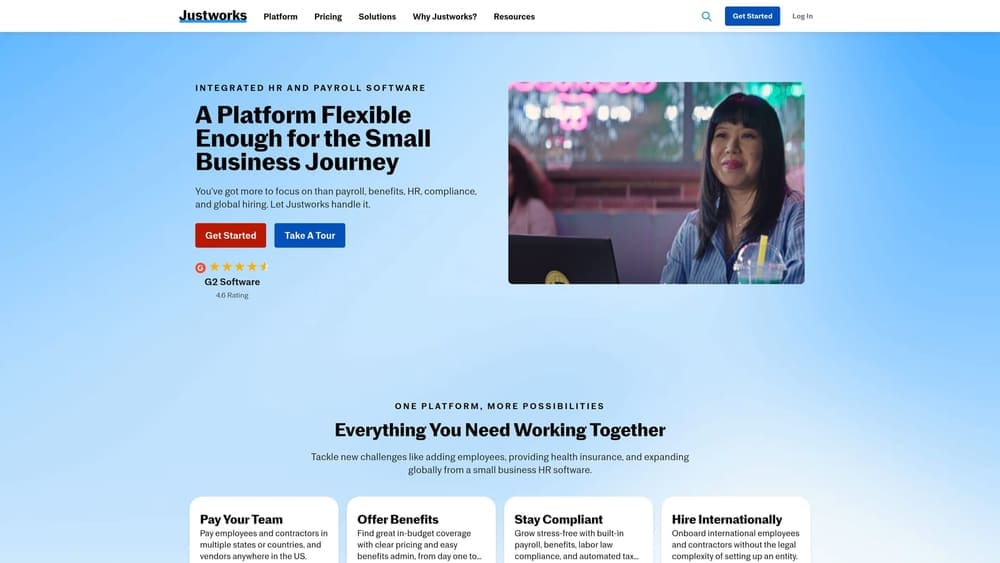
Transparent pricing is the differentiator. Most PEOs on this list make you request a quote, while Justworks publishes monthly per-employee plans. Pricing changes, so verify the current figures on its website before budgeting.
- Payroll that runs from one system, with tax filing included.
- Benefits enrollment through the platform, which employees can handle themselves.
- Workers’ comp as part of the PEO arrangement.
- An employee app so staff can view pay and benefits without calling a manager.
- Compliance support for common employer obligations.
Check which accounting and time integrations are supported. Setup is lighter than with enterprise PEOs, and one owner or office lead can usually run it.
The trade-off is less customized HR service than a relationship-led PEO offers. Scheduling tools usually need a separate vendor, which matters for shift-heavy stores. If you expect heavy employee-relations support, look at Insperity instead.
Best for: Small retailers wanting a clear-cost PEO without a long sales process.
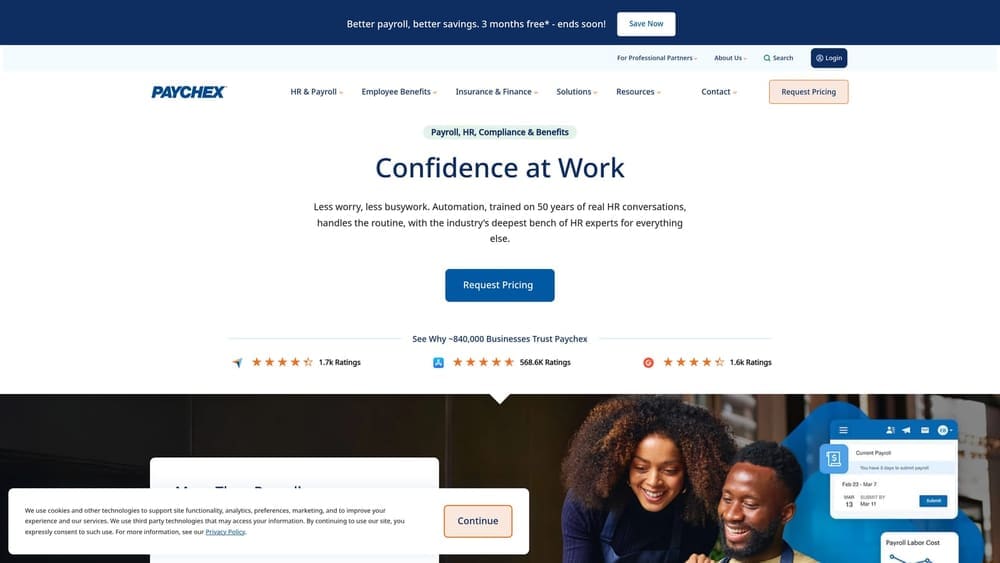
6. Paychex
Paychex sells payroll-only products and a PEO option under one brand. That makes it useful for retailers who aren’t sure yet whether co-employment is worth it.
Why the path matters
You can begin on payroll with time and attendance, then move to the PEO if benefits, workers’ comp or compliance burdens grow, for example when you add locations or states. Other providers here are one or the other, so this upgrade path is Paychex’s distinct strength.
What you get and where to be careful
- Payroll and tax filing for hourly and salaried employees.
- A PEO option when you want shared employer responsibility.
- Benefits administration to manage enrollment and carriers.
- HR support for policy and compliance questions.
- Time and attendance to capture hours accurately.
Bundles and product names vary, so get written confirmation of which services are PEO and which are payroll-only, because the legal relationship differs. Verify integrations on the vendor site. Pricing is quote-based. Setup effort depends on the product, and HR or finance usually owns the relationship.
Best for: Retailers unsure which model fits and wanting an upgrade path.
7. Gusto
Gusto is a payroll, benefits and HR platform for small businesses. It is not a PEO and does not use co-employment, so it represents the payroll-company side of this comparison.
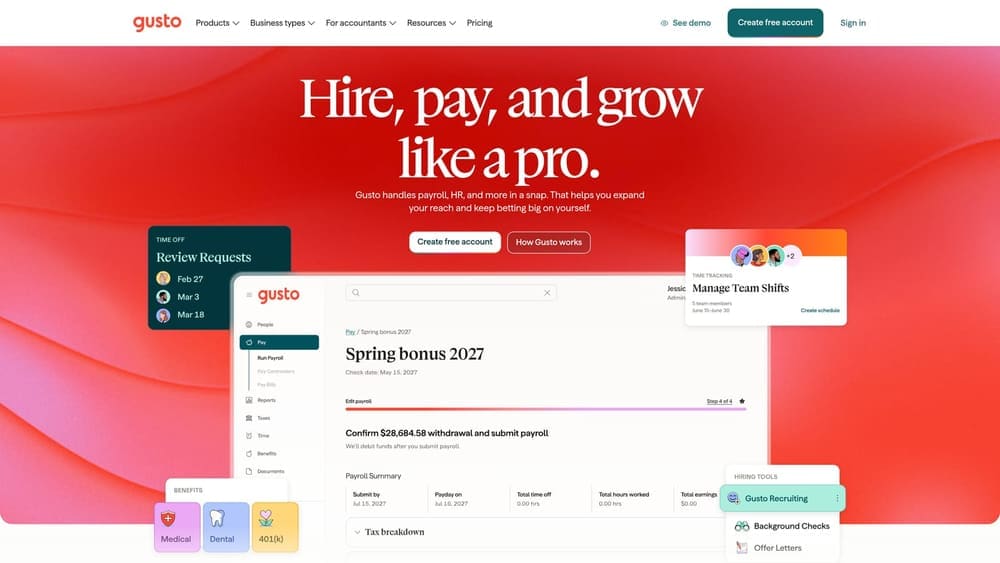
Its standout is ease of use with published tiered pricing. Plans combine a base fee with a per-person fee, though you should verify current figures on its website. For a small retailer who wants to keep control, it is the simplest route on this list.
- Payroll and tax filing, so pay runs and filings are handled for you.
- Benefits administration, letting you offer plans through the platform.
- Hiring and onboarding tools that speed up new-hire paperwork, useful for seasonal ramp-ups.
- Hourly time tracking that feeds hours into payroll.
- Contractor payments for non-employee workers.
It connects with accounting and time tracking apps, which you should verify on the vendor site. One owner or bookkeeper can run it.
The limit is structural: without co-employment or pooled workers’ comp and benefits, more compliance stays with you. You buy your own workers’ comp policy and carry employer liability. That can mean lower cost and more control, but also more responsibility.
Best for: Small retailers who want control and simple payroll over PEO co-employment.
8. Rippling
Rippling combines HR, IT and payroll in one platform and also offers a PEO option alongside non-PEO payroll. It suits retailers whose headquarters teams manage devices and apps as well as people.
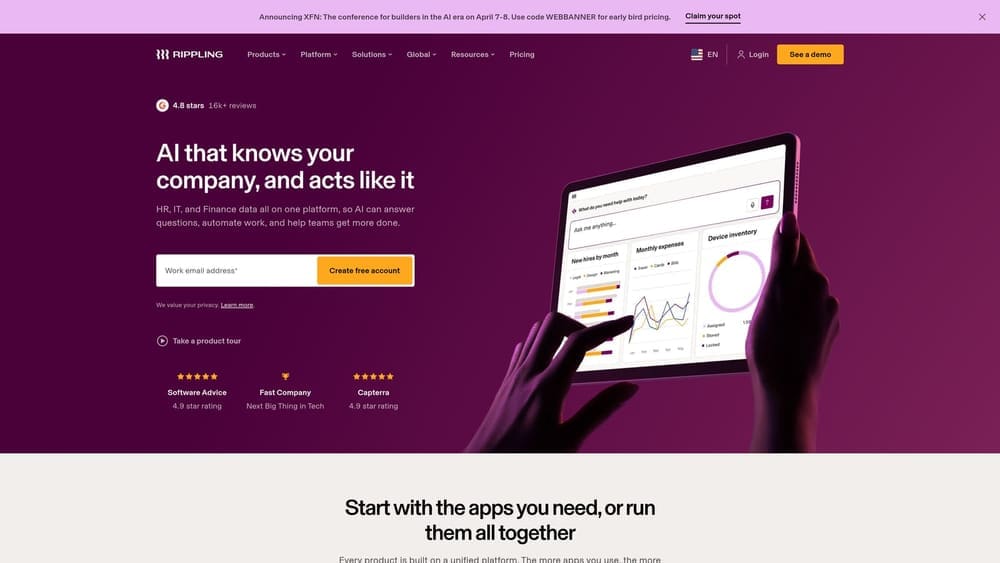
The distinctive piece is a single data model linking HR, payroll and IT. When someone is hired or leaves, accounts, devices and pay records change together, which matters if you employ corporate, e-commerce or warehouse staff alongside store teams.
- Payroll that works with or without the PEO option.
- An HR system holding employee records in one place.
- Device and app management for laptops, tablets and accounts.
- Benefits administration and enrollment.
- A PEO option for shared compliance and workers’ comp.
It has a wide app marketplace, so verify your POS, accounting and time tools on the vendor site. Setup is more involved than a simple payroll tool because it is modular, and it typically needs an HR or operations lead, sometimes IT.
The limitation is cost creep. Modular add-ons can raise the bill for lean store teams, and pricing is quote-based. A shop with no IT needs gains little from the IT side.
Best for: Retailers with corporate or tech-heavy teams that want one system for HR and IT.
9. Homebase
Homebase is a scheduling, time clock and payroll tool for hourly, shift-based businesses. It is the lightest option here and is not a PEO, so there is no co-employment, benefits pooling or workers’ comp coverage.
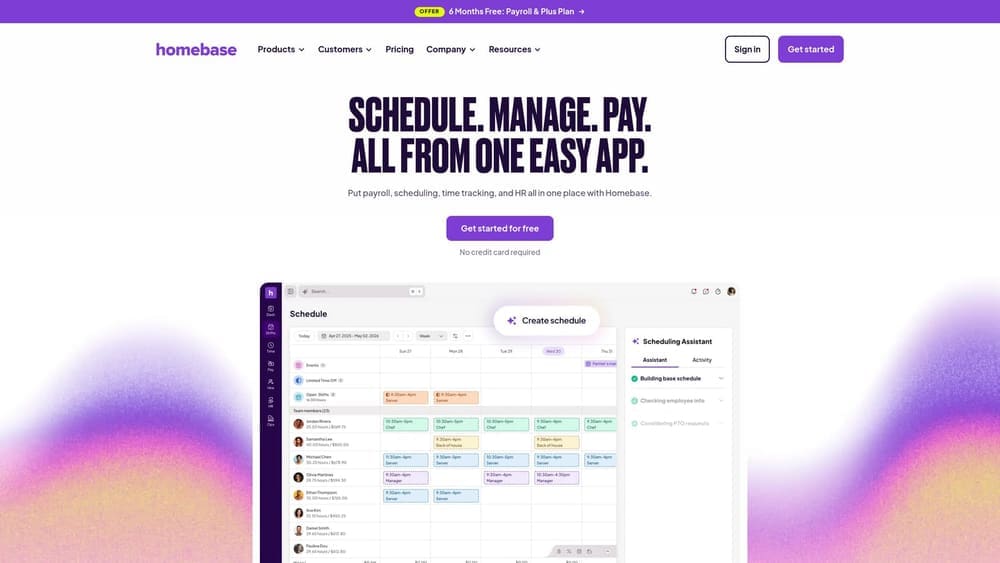
What it does better than anything else on this list is the floor-level work: building shifts, tracking clock-ins and keeping staff in touch. For many stores, the daily headache is scheduling and timesheets, not co-employment.
- Shift scheduling that lets managers build and adjust rosters quickly.
- A time clock that records hours for payroll accuracy.
- Team messaging so shift changes don’t depend on texts and group chats.
- An hourly payroll add-on to run pay from the same tool.
- Labor cost tracking to compare scheduled hours against budget.
It integrates with POS and payroll systems, which you should verify on the vendor site. Setup is quick, and store managers can run it themselves. Plans are tiered and include a free basic tier, but check current pricing.
Because it covers none of the benefits, comp or compliance functions of a PEO, you’ll need those elsewhere. It works best alongside another payroll or benefits provider, or as a first step for very small teams.
Best for: Hourly retail and shop teams whose main pain is scheduling and timesheets.
Matching the Model to Your Retail Operation
Choose a PEO such as ADP TotalSource, Insperity or Justworks if you want shared compliance, group benefits and workers’ comp handled alongside payroll. Choose a payroll company or software such as Gusto, with Homebase for scheduling, if you want control and a lower-touch setup and are comfortable holding more employer responsibility. If you can’t tell which fits, Paychex lets you start with one and move to the other.
Not every PEO accepts every retailer, and a PEO doesn’t always save money, so compare terms before you commit. PEO Metrics may receive vendor placement fees, and the comparison is meant to help you weigh options, not replace your own review of each contract. For side-by-side provider data, see [LINK CHECK: PEO comparison hub].
Before you sign that PEO renewal, make sure you’re not leaving money on the table.
Many businesses unknowingly overpay because of bundled fees, hidden administrative markups, and contracts designed to limit flexibility. We give you a clear, side-by-side breakdown of pricing, services, and contract terms, so you can see exactly what you’re paying for and choose the option that truly fits your business.
