

If you run a growing business and can’t decide between a PEO that markets itself as modern software and a standard payroll company, the software interface is the smaller question. The bigger one is who carries employer responsibilities: you alone, or you and a co-employer.
This list is for founders and HR leads at companies with a few to a few hundred employees. It pairs a comparison service with PEO and payroll platforms that represent each path, chosen for how clearly they explain their model, the software experience, service depth, pricing transparency, and fit by company stage. Vendor details change often, so confirm current pricing, plan names, state availability, and minimums directly with each provider.
Side-by-Side Snapshot of Each Option
- PEO Metrics: best for buyers comparing quotes across several PEOs before choosing a model; pricing on its website; the only option here that compares multiple PEOs without being one.
- Justworks: best for small office-based teams wanting a clean PEO experience; pricing on its website; a single simple platform built around small-team ease of use.
- Rippling: best for growing companies that want HR, payroll, and IT in one system; quote-based; links device and app management to HR, with a PEO as an add-on option.
- TriNet: best for businesses in specialized industries; quote-based; industry-oriented service packages.
- Insperity: best for owners who want a named HR advisor; quote-based; a high-touch, relationship-based service model.
- ADP: best for companies that want to test both models with one vendor; quote-based; offers both a PEO (ADP TotalSource) and payroll-only products.
- Gusto: best for small teams that want to remain sole employer; pricing on its website; self-serve payroll with HR tools and no co-employment.
- OnPay: best for cost-conscious owners wanting predictable payroll fees; pricing on its website; flat, easy-to-model payroll pricing.
1. PEO Metrics
PEO Metrics is our own service, so read this entry with that in mind. It is a PEO comparison and consulting service, not a payroll or HR platform. It helps businesses line up PEO providers side by side, with detailed metrics and pricing analysis, which makes it useful for testing a PEO against a payroll-only path before you commit to either.
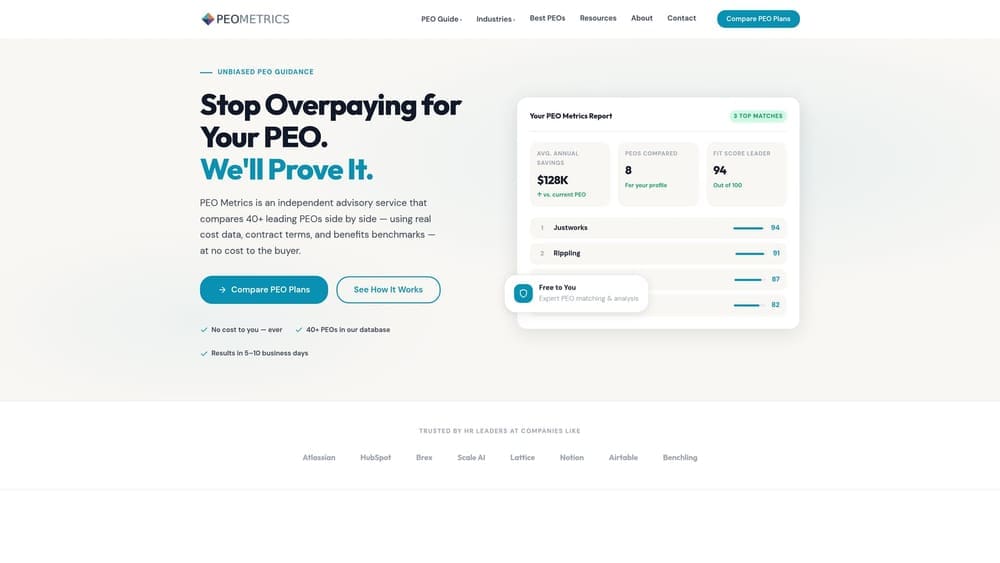
Its distinctive strength on this list is vendor-neutral comparison across multiple PEOs before any contract is signed. Every other tool here is a vendor describing its own offer. PEO Metrics is where you check those offers against each other.
- Side-by-side PEO provider comparisons, so differences in services and terms are visible in one place.
- Pricing analysis that helps you see what you’d pay beyond a headline per-employee fee.
- Detailed provider metrics to support a decision with data rather than sales claims.
- Guidance on selecting a provider once you’ve narrowed the field.
Integrations don’t apply, because this is an advisory service and not software. Setup is a conversation rather than an implementation, and whoever owns the PEO or payroll decision at your company is the person who uses it.
The limits are plain. PEO Metrics does not run payroll, administer benefits, or act as your employer’s HR department. It informs the decision. It may also receive vendor placement fees, so you should weigh its guidance with that in mind and verify any figures directly with providers. If you already know you want a payroll-only tool, you probably don’t need it.
Pricing: see the PEO Metrics website for current details.
Best for: Buyers who want to compare quotes across several PEOs before choosing between a PEO and a payroll provider.
2. Justworks
Justworks is a technology-forward PEO that combines payroll, benefits, and compliance support in one employee-facing platform. It is built for small teams that want the co-employment model without a heavy administrative experience.
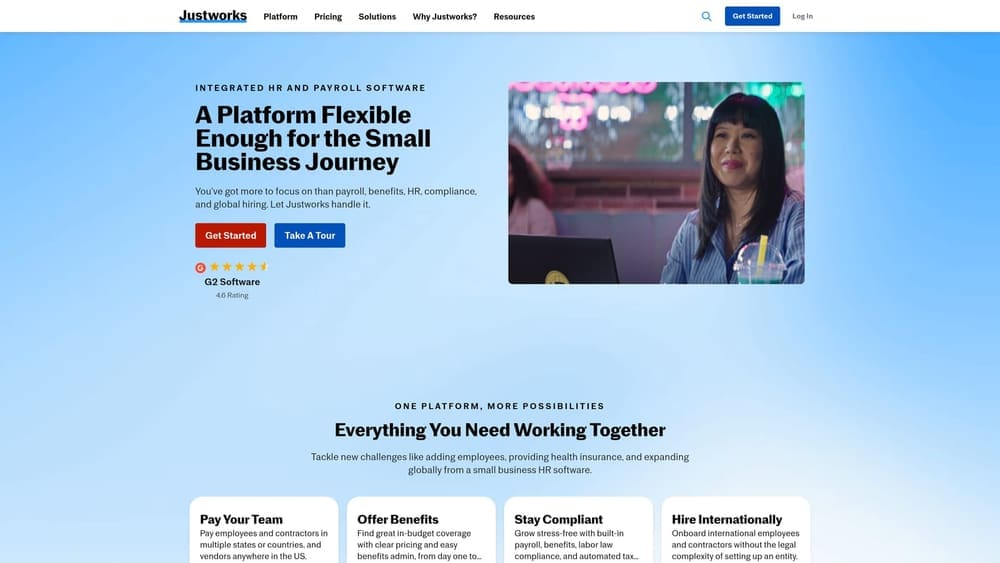
What sets it apart here is simplicity. Where Rippling is modular and Insperity is service-led, Justworks centers on one straightforward platform, which suits a founder who doesn’t have a dedicated HR person.
- Co-employment through its PEO model, so certain employer responsibilities are shared with Justworks.
- Payroll and benefits in one platform, which reduces the number of systems an employee touches.
- Compliance support that covers some of the administrative burden a payroll-only tool leaves with you.
- An employee self-service app so staff can handle routine tasks themselves.
Integrations vary, so verify the current list on the vendor’s site against your accounting and time-tracking tools. Setup is typically led by the owner or an office manager, which is part of why it fits small teams.
The main limitation is for buyers who want a dedicated in-person HR advisor; a software-first design may feel thin if you expect a named contact who knows your business. Because it is a PEO, you also accept the co-employment relationship, including its renewal and exit considerations. Confirm whether payroll-only options exist and what eligibility rules apply to you.
Pricing: see the Justworks website. As with any PEO, the total cost depends on headcount and on benefits and insurance choices, so compare against a payroll-plus-benefits alternative, not just a payroll fee.
Best for: Small office-based teams wanting a clean software experience with PEO benefits.
3. Rippling
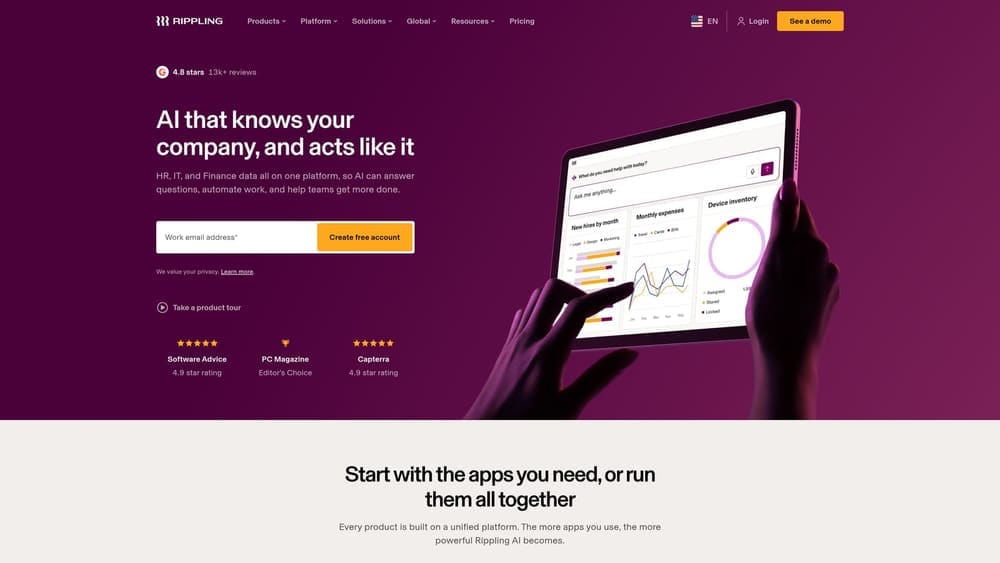
Rippling is a modular workforce platform that includes a PEO offering alongside HRIS, payroll, and IT management. It suits companies that see HR, payroll, and device management as one operational problem.
What it does differently
The distinguishing idea is that the PEO is one option within a broader system, not the whole product. You can choose modules, and the HR data, payroll, and IT functions connect. That makes it the clearest example on this list of a software company that offers a PEO, rather than a PEO that built software.
- A PEO offering for companies that want co-employment within the same system.
- HRIS and payroll that share one employee record.
- Device and app management that ties onboarding and offboarding to IT access.
- Modular product selection so you pay for the pieces you need.
Setup, limits, and cost
Verify current app integrations on the vendor’s site. Breadth means more configuration than very small teams usually need, and someone with HR or operations ownership will want to run it day to day. If you have ten employees and no IT complexity, much of the platform may sit unused. Also confirm directly whether payroll-only use is available and how it compares with the PEO option.
Pricing is quote-based and moves with the modules you select and your headcount.
Best for: Growing companies that want one system spanning HR, payroll, and IT.
4. TriNet
TriNet is a PEO offering HR, benefits, payroll, and compliance services, with plans oriented toward particular industries. It is designed for businesses that want a co-employment provider familiar with their sector.
The limitation comes first because it shapes how you shop. Pricing is quote-based, so you can’t compare TriNet to a payroll tool from a rate card. You need a proposal, and you should verify minimums and contract terms directly before treating any figure as comparable.
Its distinctive strength is industry focus. Where Justworks aims at broad small-team simplicity, TriNet packages services around sector needs, which can matter if your compliance or benefits questions are specialized.
- Co-employment through its PEO model, sharing certain employer responsibilities.
- Industry-oriented offerings that tailor services to how your sector operates.
- Access to benefits that a lone small employer may find harder to arrange.
- Payroll and compliance services bundled into the same relationship.
Verify current integrations on the vendor’s site. Implementation is usually a guided onboarding, with an owner or HR lead as the main contact. It is less natural for a business that only wants to run payroll, and a business wanting to keep full control as sole employer should look at the payroll options further down.
Pricing: quote-based, shaped by headcount, industry, and the benefits and services you select.
Best for: Businesses in specialized industries wanting a PEO with sector experience.
5. Insperity
Insperity is a PEO known for hands-on HR service with assigned support staff. It is designed for owners who would rather talk to a person than navigate a help center.
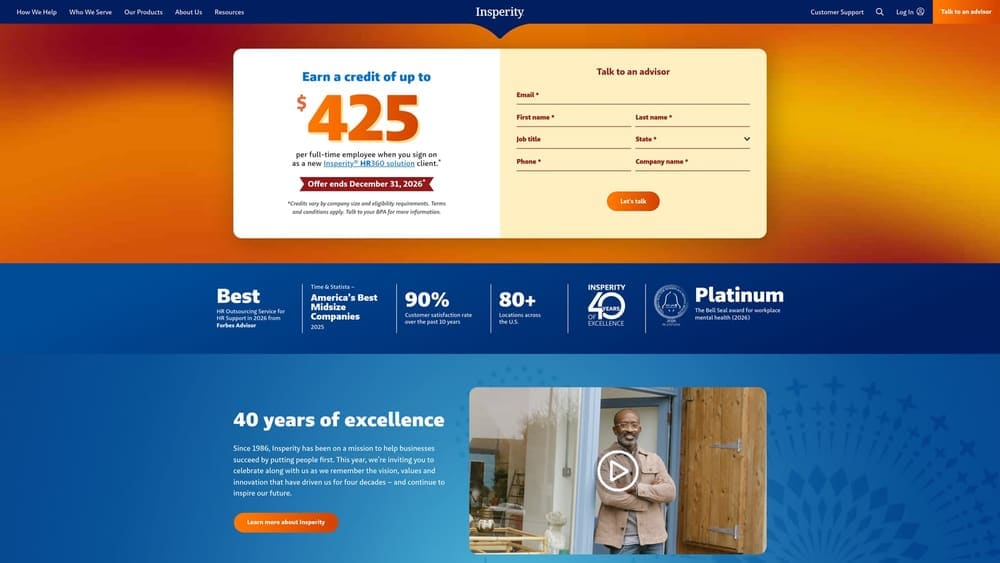
That service model is what separates it on this list. If the main reason you are considering a PEO is to offload HR judgment calls, not just payroll mechanics, an assigned advisor is a different proposition from an app-first experience.
- Co-employment through its PEO model, with shared employer responsibilities.
- Assigned HR support, so questions go to someone familiar with your account.
- Benefits and payroll administration handled in one relationship.
- Risk and compliance guidance for situations that go beyond routine processing.
Verify current integrations on the vendor’s site. Setup involves more relationship management than a self-serve tool, and the day-to-day contact is often the owner or an HR lead working with the assigned team.
It is less suited to teams wanting a purely self-serve app. A high-touch model also means you are buying service, so weigh whether you will use it. Contract terms, minimums, and exit conditions should be confirmed directly, as with any PEO.
Pricing is quote-based and depends on headcount and the services and benefits you choose.
Best for: Owners who want an HR advisor rather than a help center.
6. ADP (TotalSource and ADP payroll products)
ADP offers a PEO, ADP TotalSource, and separate payroll products. That makes it the one vendor here where you can price both models from the same company.
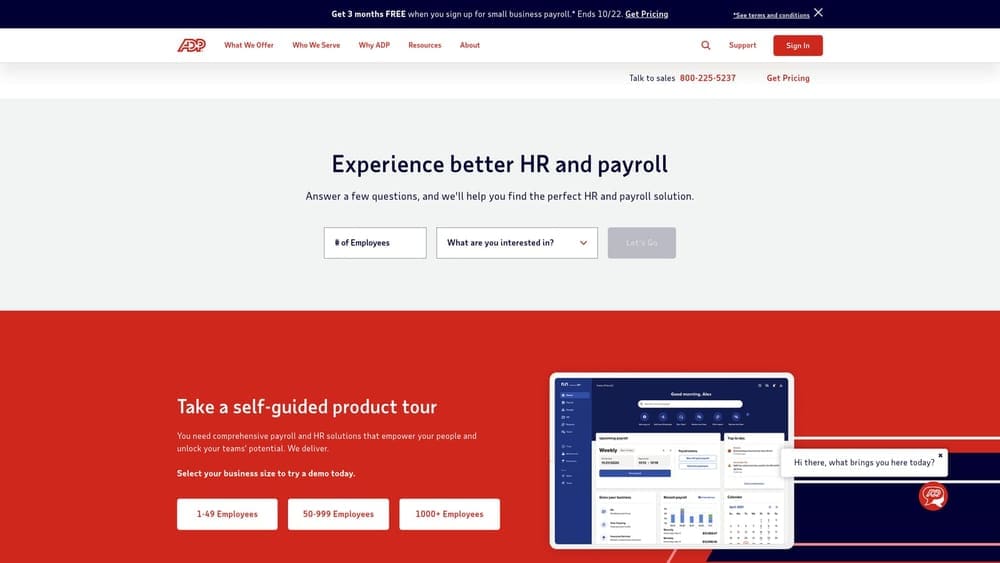
The benefit is a cleaner comparison: the same brand can quote you a co-employment arrangement and a payroll-only arrangement, so differences in cost and responsibility are easier to isolate. The risk is the reverse. Product breadth means you need to be exact about which offering a quote covers. A payroll quote and a PEO quote are not interchangeable, and the legal relationship differs.
- ADP TotalSource, its PEO, for companies wanting co-employment.
- Payroll products scaled for different company sizes, for those staying sole employer.
- Benefits administration across the offerings, so you can see how benefits are handled in each model.
- Compliance tools that support filings and employer obligations.
Verify current integrations on the vendor’s site. Implementation effort depends heavily on which product you choose, and the day-to-day owner is typically HR or finance. Ask for each quote in writing, labeled by product, and verify eligibility, minimums, and contract terms for the PEO.
Pricing is quote-based and varies by product, headcount, and the services and benefits included.
Best for: Companies that want to test both models with one established vendor.
7. Gusto
Gusto is a payroll and HR platform for small businesses. It is not a PEO, so your business remains the employer of record and keeps the associated responsibilities.
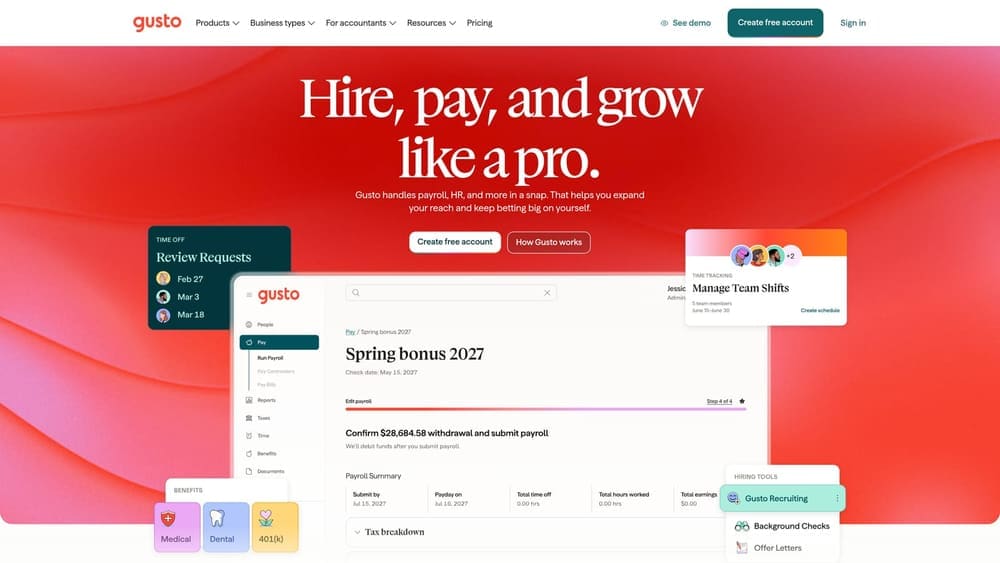
Its place on this list is as the clearest picture of the lighter path: self-serve payroll with HR tools and no co-employment. If your instinct is to stay in control and keep the arrangement simple, this is the benchmark to price against a PEO.
- Payroll and tax filing, so routine runs and filings are handled in the platform.
- Onboarding tools that move new hires through paperwork without manual steps.
- Benefits administration, so you can offer plans without a PEO.
- Self-serve setup that a business owner can complete without a long implementation.
Verify current accounting and time-tracking integrations on the vendor’s site. A founder, office manager, or bookkeeper can usually run it day to day.
The trade-off is what you give up. There is no pooled large-group benefits arrangement and no shared employer liability support, so compliance judgment and risk stay with you. If you have a growing headcount, multi-state complexity, or no one to own HR, that can become a real gap.
Pricing: see the Gusto website. Cost generally depends on the plan tier and the number of people you pay, plus any add-ons.
Best for: Small teams that want to keep control as sole employer and run payroll themselves.
8. OnPay
OnPay is a payroll provider with a simple pricing structure and optional HR and benefits administration, without co-employment. It is built for owners who want to model costs easily.
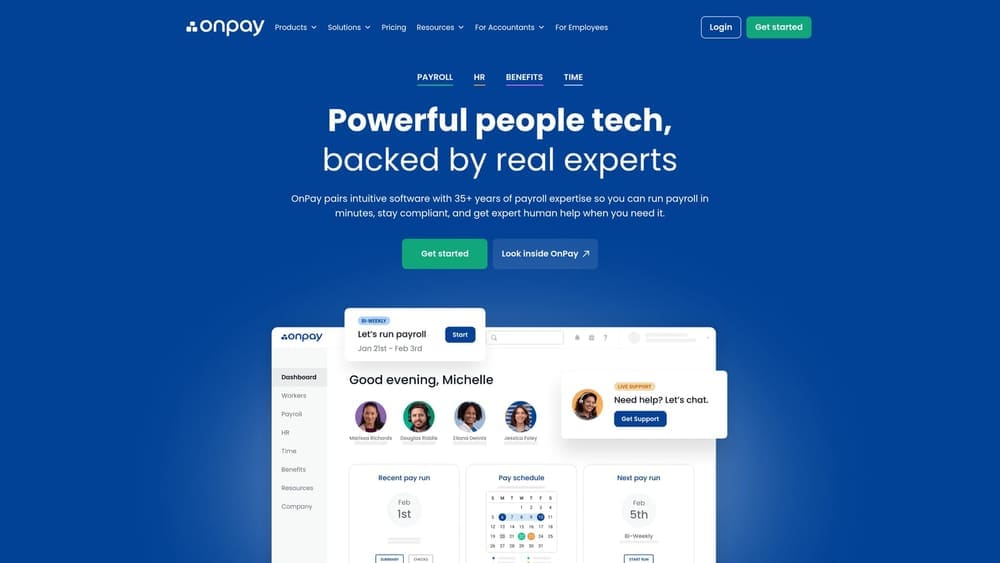
Its standout is flat, easy-to-model payroll pricing. That helps most when you are building the honest comparison: a payroll fee, plus separately sourced benefits and insurance, set against a PEO’s bundled cost.
- Full-service payroll, with filings handled for you.
- Multi-state support for teams employing people in more than one state.
- Benefits administration, so you can manage plans you source yourself.
- HR add-ons you can include when needed instead of buying a full suite.
Verify current integrations on the vendor’s site. Setup is typically owner-led or handled by whoever manages bookkeeping.
The limitation is advisory depth. OnPay has fewer built-in HR advisory resources than a PEO, so questions about handbooks, employee relations, or risk are yours to solve or outsource. As a non-PEO, it also doesn’t offer pooled benefits or shared employer responsibility.
Pricing: see the OnPay website. Costs generally scale with the number of employees paid and any add-ons selected.
Best for: Cost-conscious owners wanting predictable payroll fees without a PEO commitment.
Matching the Model to Your Situation
“SaaS PEO” is a marketing label, not a legal category. A PEO shares employer responsibilities through co-employment; a payroll company processes pay and filings while you remain the sole employer. Compare them on that basis, and include benefits, workers’ comp, and renewal or exit terms in the math, not just the headline fee.
- Start with PEO Metrics if you’re weighing several PEOs, or testing a PEO against a payroll-only path, and want quotes lined up side by side. Note that PEO Metrics may receive vendor placement fees.
- Pick a software-first PEO such as Justworks or Rippling if bundled benefits and compliance support matter more than full control. Choose Insperity if you want a named advisor.
- Choose a payroll company such as Gusto or OnPay if you want to keep control and see your costs clearly. ADP is worth a look if you want both models quoted by one vendor.
Verify current pricing, eligibility, and contract terms directly with each provider, since they change.
Before you sign that PEO renewal, make sure you’re not leaving money on the table.
Many businesses unknowingly overpay because of bundled fees, hidden administrative markups, and contracts designed to limit flexibility. We give you a clear, side-by-side breakdown of pricing, services, and contract terms, so you can see exactly what you’re paying for and choose the option that truly fits your business.
