

Oilfield services companies operate in one of the most demanding HR environments in the country. Fluctuating headcounts, high workers’ comp exposure, remote worksites across multiple states, and strict OSHA and DOT compliance requirements make the PEO vs in-house HR decision genuinely consequential. Choose wrong and you either overpay for services you don’t need or leave your company exposed to compliance gaps that can be costly.
This guide covers tools that help oilfield services operators, HR leaders, and business owners make a structured, data-driven decision. These range from comparison platforms and cost calculators to compliance trackers and workforce analytics tools. Each serves a different part of the evaluation process, and used together, they give you a clearer picture of which model actually fits your operation.
This content is informational. It is not legal, tax, or benefits advice.
1. PEO Metrics
Best for: Structured, side-by-side PEO provider comparisons with pricing analysis for high-risk industries
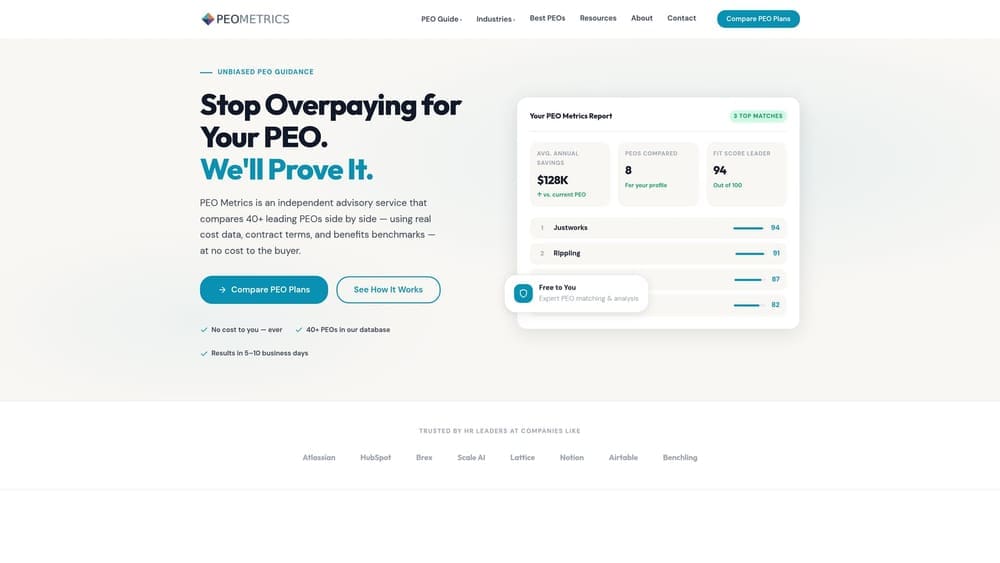
PEO Metrics is a comparison platform built to help businesses evaluate PEO providers using detailed metrics and pricing analysis rather than generic directory listings.
Where This Tool Shines
Most PEO directories tell you who the providers are. PEO Metrics goes further by helping you understand what you’d actually be paying and what you’d be getting. For oilfield services companies, where workers’ comp class codes carry elevated rates and compliance obligations span multiple jurisdictions, that depth matters. A surface-level comparison can produce a misleading cost picture.
The consultative approach is particularly relevant here. Oilfield HR leaders aren’t shopping for generic payroll processing. They need a provider that understands OSHA oil and gas standards, multi-state payroll complexity, and how workers’ comp pricing works under a PEO master policy versus a standalone quote. PEO Metrics is designed to surface those distinctions.
Key Features
Side-by-Side Provider Comparisons: Evaluate multiple PEO providers against each other using detailed metrics rather than marketing materials.
Pricing Analysis: Designed to help companies identify where they may be overpaying due to bundled fees or administrative markups.
Industry-Specific Guidance: Relevant to high-risk sectors like oilfield services where provider capability and pricing vary significantly.
Consultative Framework: Structured evaluation process rather than a passive directory experience.
Best For
Oilfield services companies actively weighing PEO providers against each other or against an in-house model. Particularly useful for companies that have already done initial research and are ready to move toward a structured comparison rather than starting from scratch.
Pricing
Contact PEO Metrics directly for details. PEO Metrics may receive vendor placement fees from providers listed on the platform.
2. NAPEO PEO Finder
Best for: Building an initial longlist of PEO providers filtered by state and industry
NAPEO PEO Finder is a searchable directory maintained by the National Association of Professional Employer Organizations, covering member PEOs across the country.
Where This Tool Shines
If you’re at the very beginning of the PEO evaluation process, you need a starting point. NAPEO membership provides a baseline indicator of industry standing. It signals that a provider has committed to the association’s code of conduct and stays current with industry developments, though membership alone does not confer CPEO certification or guarantee service quality.
For oilfield services companies operating in states like Texas, North Dakota, Wyoming, or New Mexico, the ability to filter by state served helps narrow the field quickly. Not every PEO is equipped to handle multi-state oilfield operations, and filtering by geography at the outset saves time.
Key Features
Searchable Directory: Find NAPEO member PEOs by state and industry served.
Industry Filters: Useful for identifying providers with stated experience in energy or high-risk sectors.
No Account Required: Free and accessible without registration.
Longlist Building: A practical first step before moving to deeper comparison tools.
Best For
HR leaders and business owners at the early research stage who need to build a credible list of PEO candidates before beginning detailed evaluation. Not a substitute for deeper due diligence on pricing, workers’ comp handling, or compliance capabilities.
Pricing
Free to use.
3. BambooHR
Best for: Benchmarking what an in-house HRIS stack would cost and cover
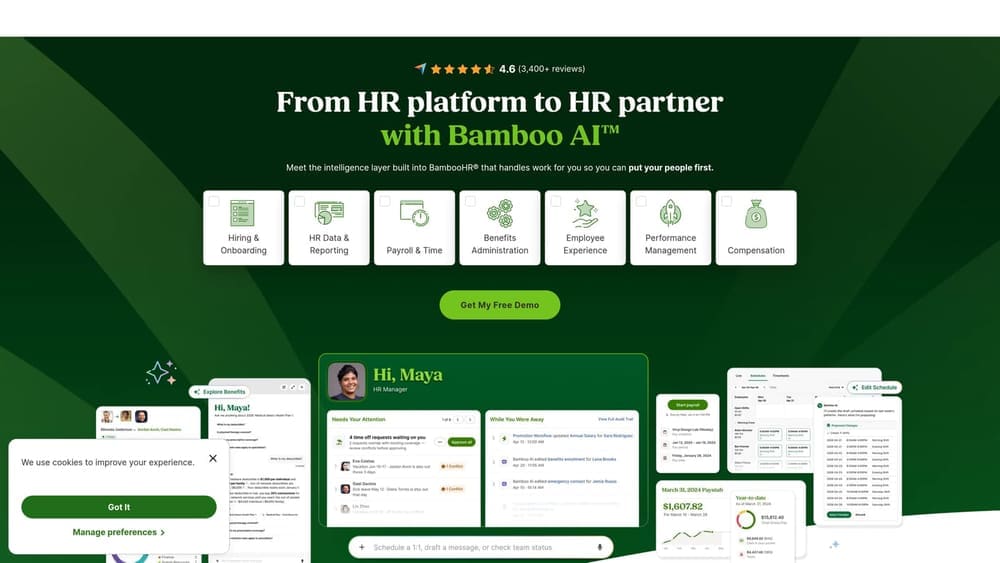
BambooHR is a widely used HR information system covering onboarding, performance management, time tracking, and reporting for small and mid-sized businesses.
Where This Tool Shines
One of the most common mistakes in the PEO vs in-house comparison is modeling the in-house side too loosely. “We’d hire an HR manager and get some software” is not a cost model. BambooHR gives you a concrete reference point for what a real in-house HRIS investment looks like, including what’s included, what’s not, and where you’d need to add adjacent tools.
For oilfield services companies, BambooHR’s time tracking and onboarding features are worth examining closely. High workforce turnover and frequent new-hire cycles are common in the sector. Understanding what it takes to manage those processes in-house, versus having a PEO handle them, is a meaningful part of the comparison.
Key Features
Core HRIS Functions: Covers employee records, onboarding workflows, performance reviews, and time tracking in one platform.
Tiered Pricing: Clear feature differentiation across tiers makes it easier to model what level of capability you’d actually need.
Payroll Integrations: Connects with payroll providers, though payroll processing is not native to all plans.
In-House Cost Baseline: Useful for understanding the software cost component of a fully in-house HR operation.
Best For
Companies seriously considering the in-house HR path who want a realistic software cost benchmark. Also useful for companies already using BambooHR who want to understand what a PEO would add or replace in their current stack.
Pricing
Tiered pricing is available on the BambooHR website. Verify current pricing at the time you’re evaluating, as tiers and features change.
4. Gusto
Best for: Understanding payroll-only and light HR costs as a comparison baseline
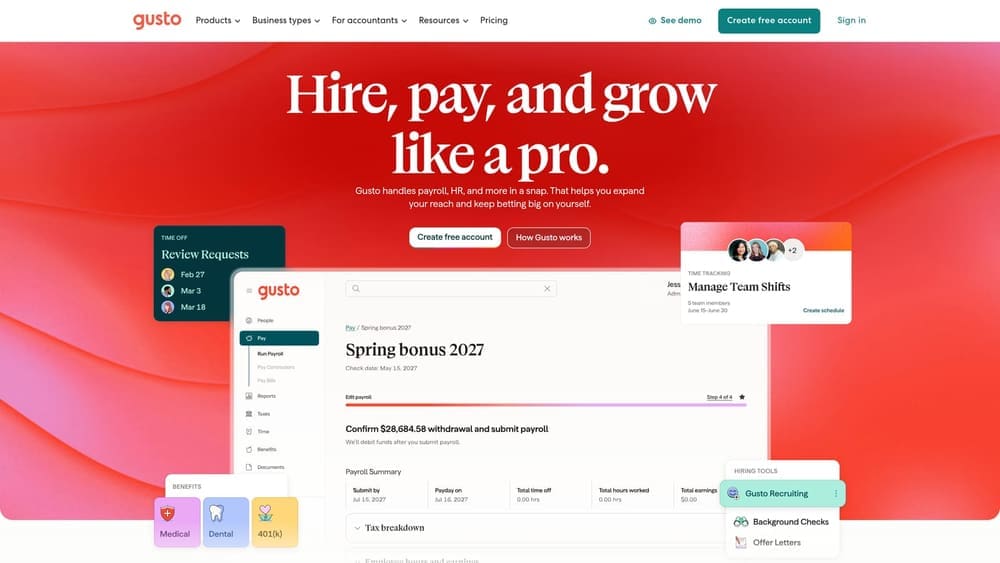
Gusto is a payroll and HR platform with transparent, published pricing, making it a practical cost reference for smaller oilfield services companies evaluating a payroll-only or lighter HR approach against a full PEO arrangement.
Where This Tool Shines
Gusto’s published pricing is genuinely useful in the PEO evaluation context. One of the harder parts of comparing PEO costs to in-house costs is that the in-house side often gets underestimated. Gusto gives you a real number for payroll processing and basic HR administration, which you can then stack against benefits administration, workers’ comp, and compliance costs to build a more complete in-house model.
It’s worth noting that Gusto is a payroll and HR platform, not a PEO. The distinction matters for oilfield companies: Gusto does not assume co-employment, which means workers’ comp, compliance liability, and benefits sourcing remain entirely with your company. That’s a meaningful difference when your workforce operates in elevated-risk environments.
Key Features
Payroll Processing: Handles payroll runs and tax filing across states.
Benefits Administration: Offers benefits options, though the breadth varies by plan and location.
Transparent Pricing: Published tiers make it one of the easier tools to use as a cost reference point.
In-House Baseline: Helps model the payroll and basic HR cost component of the non-PEO path.
Best For
Smaller oilfield services companies with simpler payroll structures who want to understand what a non-PEO HR software approach would cost before deciding whether a full PEO arrangement is worth the investment.
Pricing
Published pricing is available on the Gusto website. Verify current tiers and features at the time of your evaluation.
5. OSHA Compliance Tools (OSHA.gov)
Best for: Mapping the compliance obligations a PEO or in-house HR team would need to manage
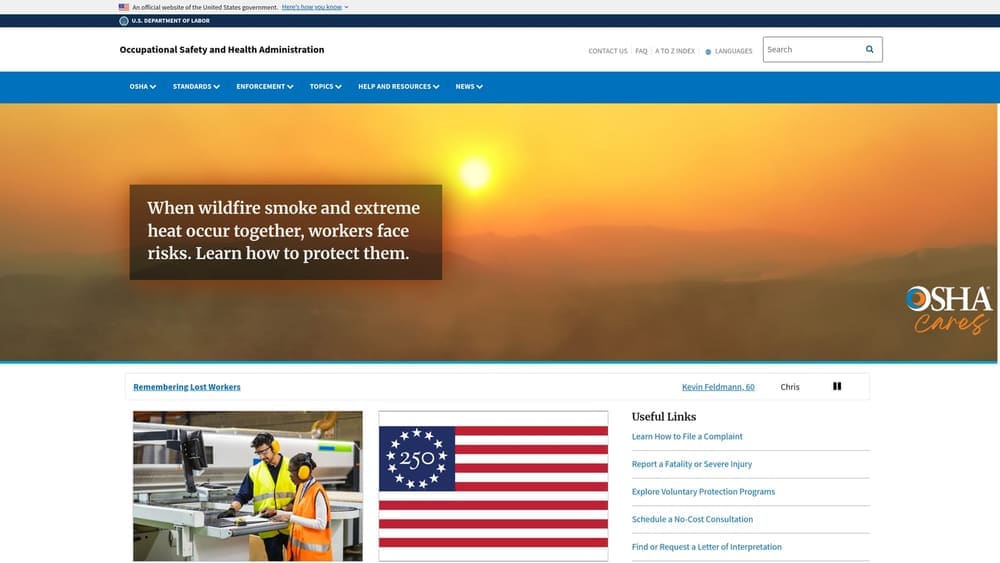
OSHA.gov provides free online resources including the OSHA 300 log system, industry-specific eTools, and a dedicated Oil and Gas Industry Safety and Health Topics page covering the standards most relevant to oilfield worksites.
Where This Tool Shines
Before you can evaluate whether a PEO handles your compliance needs adequately, you need to know what those needs actually are. OSHA’s oil and gas resources give you a direct view of the standards that apply to your worksites under 29 CFR 1910 and 1926, including training requirements, PPE standards, and incident reporting obligations. That’s the baseline against which any PEO’s compliance support should be measured.
This is also useful for the in-house side of the comparison. If you’re considering building internal HR capability, the OSHA resources help you scope what a compliance function would actually need to cover, which affects staffing, training costs, and ongoing management burden.
Key Features
Oil and Gas Safety Resources: Industry-specific guidance covering hazards, standards, and compliance requirements relevant to oilfield operations.
OSHA 300 Log Guidance: Recordkeeping requirements and instructions for maintaining injury and illness logs.
eTools for Hazard Identification: Interactive tools relevant to common oilfield worksite hazards.
Free and Authoritative: Maintained directly by the federal agency responsible for enforcement.
Best For
HR leaders and operations managers who need to understand the specific OSHA obligations their company carries before evaluating whether a PEO’s compliance support is adequate or whether in-house capability can realistically cover the same ground.
Pricing
Free.
6. NCCI Workers’ Comp Class Code Lookup
Best for: Understanding your workers’ comp class code exposure before comparing PEO and standalone insurance pricing
NCCI maintains the classification system used by most states to assign workers’ comp rates, including the elevated-rate codes that apply to oilfield services work.

Where This Tool Shines
Workers’ comp is often the single largest cost variable in the PEO vs in-house comparison for oilfield services companies. PEOs typically offer access to a master workers’ comp policy with risk pooling, which can affect pricing significantly for companies whose workforce falls under high-rate class codes. But to evaluate whether that’s actually advantageous, you need to know your codes and understand how they’re rated.
NCCI’s class code definitions give you the authoritative basis for that analysis. If you’re comparing a PEO workers’ comp quote against a standalone insurance quote, both should be referencing the same class codes. Discrepancies in how codes are assigned can produce misleading cost comparisons, and understanding the NCCI system helps you catch those discrepancies. For more context on how PEOs handle risk in high-exposure industries, PEO Metrics covers PEO risk management services in detail.
Key Features
Authoritative Class Code Definitions: The source most insurers and PEOs reference when pricing workers’ comp coverage.
Relevant to Elevated-Rate Codes: Oilfield services work typically falls under codes with higher base rates than general industry.
Cost Modeling Input: Helps HR and finance leaders build accurate workers’ comp cost projections for both HR models.
Used Industry-Wide: Insurers and PEOs both reference NCCI classifications when pricing coverage.
Best For
HR leaders and CFOs who are building a genuine cost comparison between PEO workers’ comp pricing and a standalone insurance quote. Also useful for companies that have never formally audited their class code assignments and want to verify they’re being rated correctly.
Pricing
Basic class code information is publicly available. Some advanced tools and data require NCCI membership or a subscription. Verify access requirements directly with NCCI.
7. Rippling
Best for: Understanding what a fully built in-house HR and IT infrastructure would require
Rippling is a modular HR and IT platform covering payroll, benefits, compliance, and workforce management in a single system, with pricing available on request.

Where This Tool Shines
Rippling is useful in the PEO vs in-house comparison not necessarily as a tool you’ll deploy, but as a reference for understanding what a fully built in-house HR stack actually looks like. Its modular structure makes visible the layers of capability that a mature in-house HR function requires: payroll, compliance tracking, benefits administration, device management, and more. That scope is often underestimated when companies model the in-house path.
For oilfield services companies operating across multiple states, Rippling’s multi-state payroll and compliance capabilities are worth examining. Multi-state payroll is one area where in-house HR complexity increases significantly, and understanding what software is required to manage it properly helps you build a more realistic cost and capability comparison against a PEO that handles multi-state compliance as part of its standard offering.
Key Features
Modular Platform: Covers HR, payroll, IT, and compliance in one system, making the full scope of in-house infrastructure visible.
Multi-State Payroll: Handles payroll and compliance across multiple jurisdictions, relevant to oilfield companies with distributed workforces.
In-House Complexity Benchmark: Useful for understanding the configuration and ongoing management burden of a fully in-house approach.
Third-Party Integrations: Connects with a wide range of external tools, which also illustrates how many integrations a full in-house stack typically requires.
Best For
Companies seriously evaluating the in-house HR path who want to understand the full infrastructure investment required, not just the software cost but the configuration, administration, and ongoing management that comes with it.
Pricing
Pricing is available on request from Rippling. Verify current pricing directly with the vendor at the time of your evaluation.
8. IRS CPEO Registry
Best for: Verifying whether a PEO holds IRS Certified Professional Employer Organization status
The IRS CPEO Registry is a public database of PEOs that have received Certified Professional Employer Organization status under IRC Section 3511.
Where This Tool Shines
CPEO certification affects how federal employment tax liabilities are treated in a co-employment arrangement. Under IRC Section 3511, a CPEO assumes sole liability for federal employment taxes on wages it pays to covered employees, which simplifies the tax treatment for the client company. For oilfield services companies with complex payroll structures, that distinction can be meaningful.
Checking the IRS registry is a straightforward due diligence step that takes minutes and confirms whether a PEO actually holds the certification it may claim. Not every PEO that mentions CPEO in its marketing materials is currently certified. The registry reflects current status, not historical certification. If you want a deeper understanding of what CPEO certification means in practice, PEO Metrics has a CPEO guide that covers the distinction in detail, and their CPEO IRS requirements page covers the certification criteria specifically.
Key Features
Official IRS Registry: The authoritative source for current CPEO certification status, not a third-party list.
Free and Searchable: No account required to verify whether a specific PEO appears on the registry.
IRC Section 3511 Relevance: Confirms whether a PEO meets the IRS certification requirements that affect federal employment tax treatment.
Due Diligence Step: A quick verification that belongs in any final PEO selection process.
Best For
Companies in the final stages of PEO selection who want to verify CPEO status before signing a service agreement. Also useful for companies whose accountants or tax advisors have flagged federal employment tax treatment as a factor in the decision.
Pricing
Free.
Choosing the Right Tools for Your Evaluation Stage
The oilfield services sector carries workers’ comp class codes and compliance obligations that most general-purpose HR tools aren’t built around. That industry-specific context is what separates a useful evaluation from one that produces a misleading cost comparison. These tools work best when used together rather than in isolation.
If you’re at the start of the PEO vs in-house evaluation, begin with PEO Metrics to structure the comparison and with the OSHA and NCCI tools to map your compliance and workers’ comp exposure. Those three together give you the industry-specific foundation that a credible comparison requires.
If you’re leaning toward in-house HR, BambooHR, Gusto, and Rippling give you concrete cost and capability benchmarks for that path. The goal is to model the in-house side with real numbers, not estimates, so the comparison is honest.
If you’re narrowing down PEO providers, the NAPEO PEO Finder and the IRS CPEO Registry help you build and verify a credentialed shortlist. Knowing whether a provider holds current CPEO status is a basic due diligence step that costs nothing and takes minutes.
PEO Metrics provides side-by-side provider comparisons with pricing analysis designed for industries like yours. If you’re ready to move from research to actual provider comparison, [LINK CHECK: PEO Metrics solutions page] is a practical next step.
Before you sign that PEO renewal, make sure you’re not leaving money on the table. Many businesses unknowingly overpay because of bundled fees, hidden administrative markups, and contracts designed to limit flexibility. PEO Metrics gives you a clear, side-by-side breakdown of pricing, services, and contract terms so you can see exactly what you’re paying for and choose the option that truly fits your operation. Don’t auto-renew. Make an informed, confident decision.
