

If you manage a small or mid-size law firm, the choice between a PEO and a payroll company comes down to how much HR, benefits and compliance work you want to hand off, and whether you’re willing to accept co-employment to do it. The options below were selected for fit with small and mid-size firms, model type (PEO, payroll-only or comparison service), pricing transparency, benefits reach, and how each handles confidential staff data. Vendor details change often, so confirm current terms on each official site before you decide.
Quick Comparison of the Options
- PEO Metrics: firms weighing PEO quotes; see website for pricing; compares several PEOs side by side, but does not run payroll or HR itself.
- Justworks: small firms wanting a low-friction PEO; see website for pricing; tiered per-employee pricing that is published rather than hidden.
- Insperity: mid-size firms with no in-house HR; quote-based; an assigned HR representative.
- TriNet: growing firms wanting industry-oriented packaging; quote-based; plan packages built around professional services and other industries.
- ADP TotalSource: established firms wanting payroll depth; quote-based; a PEO backed by one of the largest payroll providers.
- Gusto: small firms that want payroll without co-employment; see website for pricing; keeps the firm as sole employer with its own broker.
- Paychex Flex: firms wanting a payroll vendor that can grow into HR support; quote-based; modular add-ons, with PEO services sold separately by the same vendor.
- Rippling: tech-forward firms; see website for pricing; ties onboarding to app and device access controls.
1. PEO Metrics
PEO Metrics is our own service, so read this entry with that in mind. It is a PEO comparison service, not a PEO or a payroll provider. It helps businesses compare and select PEO providers side by side, using detailed metrics and pricing analysis.
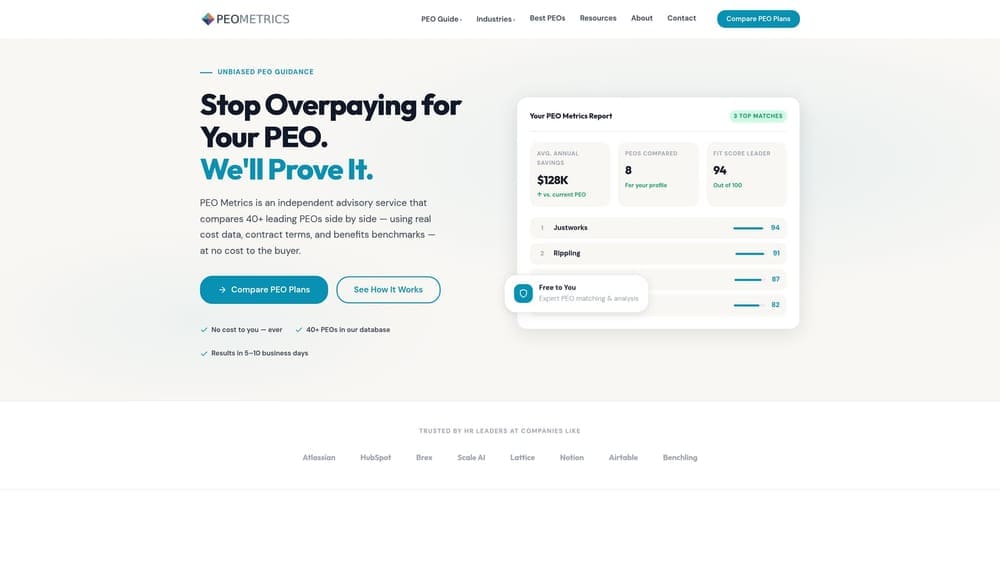
Its distinct value on this list is that it looks across several PEOs at once. Most PEOs quote on a case-by-case basis, so a firm that talks to one vendor at a time has little to measure the quote against. A side-by-side view lets a managing partner or office manager judge pricing and contract terms before committing to co-employment.
- Side-by-side PEO provider comparisons, so you can see differences in services and terms in one place.
- Pricing analysis, which helps you see what you would pay and what is bundled into the fee.
- Detailed provider metrics that go beyond a brochure feature list.
- Guidance on selecting a provider once the comparison narrows the field.
There is nothing to install and nothing to integrate, because this is an advisory service and not software. Setup is a conversation about your headcount, states and benefits goals.
The limits are plain. PEO Metrics does not run payroll or HR, and it only helps with PEO selection, so a firm that has already decided on a payroll-only route gets little from it. PEOMetrics may also receive vendor placement fees, which you should factor into how you weigh any recommendation. Pricing details are on the website.
Best for: Firms weighing PEO quotes that want a structured comparison before signing.
2. Justworks
Justworks is a PEO aimed at small businesses, combining payroll, benefits and compliance support in one platform. For a law firm with a handful of attorneys and staff, it is one of the easier PEOs to evaluate because its pricing is published and tiered per employee. Confirm current rates on the website, as they change.
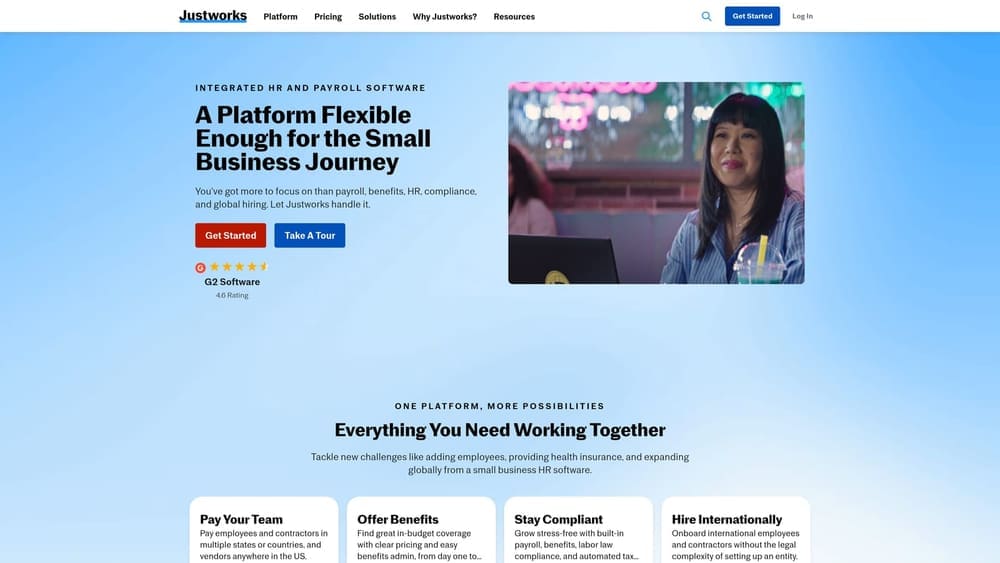
Its distinguishing strength is simplicity. A self-service platform means an office administrator can run most tasks without a dedicated HR contact, which suits firms that don’t want a heavy service relationship.
- Payroll and tax filing handled inside the platform, so the firm isn’t stitching together separate tools.
- Group health and other benefits offered through the PEO’s pooled arrangement.
- HR compliance support to help a small firm with employer obligations.
- An employee self-service portal so staff can handle their own paperwork and information.
Justworks lists accounting and time-tracking integrations; verify the current list against whatever billing or practice software you use. Day-to-day, an office manager typically runs it.
It is less suited to firms that want a dedicated HR advisor or heavily customized benefits. As with any PEO, you enter co-employment, and partners generally are not treated as ordinary W-2 employees, so ask how owner-employees are handled. Pricing moves with headcount and the tier you choose.
Best for: Small law firms wanting a low-friction PEO with visible pricing.
3. Insperity
Insperity is a PEO known for assigning HR support staff to its clients, alongside payroll, benefits and compliance services. It is built for firms that would otherwise hire an HR manager and want a person to call instead.
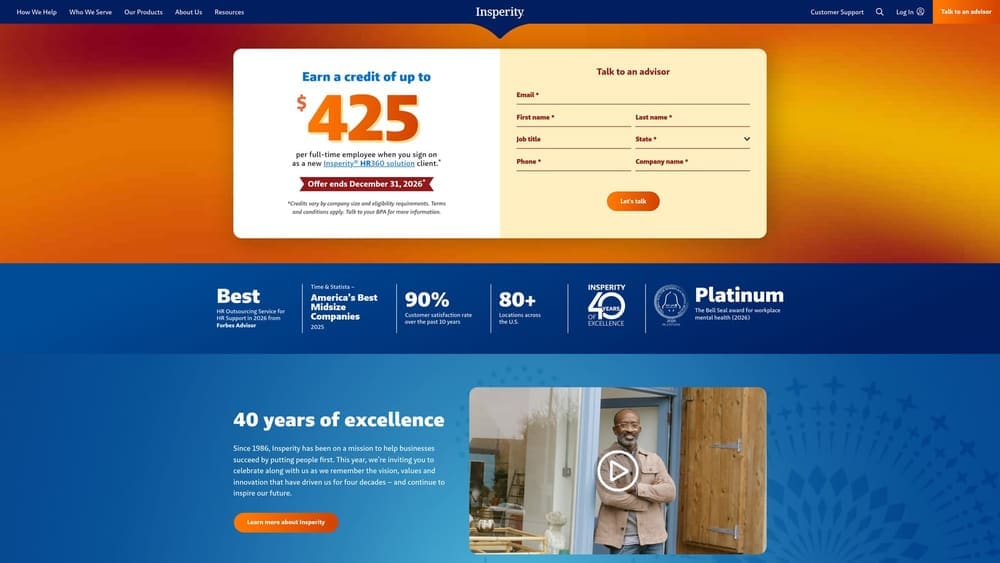
The hands-on advisory relationship is what separates it from the more self-service options here. A firm dealing with a difficult termination, a leave request or a handbook rewrite has a named contact to talk through it, which matters when nobody in the firm owns HR.
- An assigned HR representative for questions on employee issues and policy.
- Payroll and tax administration, so filings don’t fall to your office staff.
- Benefits and workers’ comp handled through the PEO instead of separate broker and carrier relationships.
- Employee handbook and compliance support to keep policies current.
Verify current integrations on the website. Setup is more involved than with a self-service tool, since the service model relies on onboarding and a working relationship with your rep.
Pricing is quote-based, which makes it harder to compare against published-price competitors, and the service level may be more than a very small firm needs. Quotes generally reflect headcount and the services and benefits you select. This is a case where a side-by-side comparison helps.
Best for: Mid-size firms wanting a service-heavy PEO in place of an HR hire.
4. TriNet
Limitations first: TriNet is a PEO, so it is not a fit if you only need payroll, and its minimums and tier options vary and must be confirmed with the vendor. Within those bounds, it offers industry-focused packages, including for professional services, plus payroll, benefits and HR compliance.
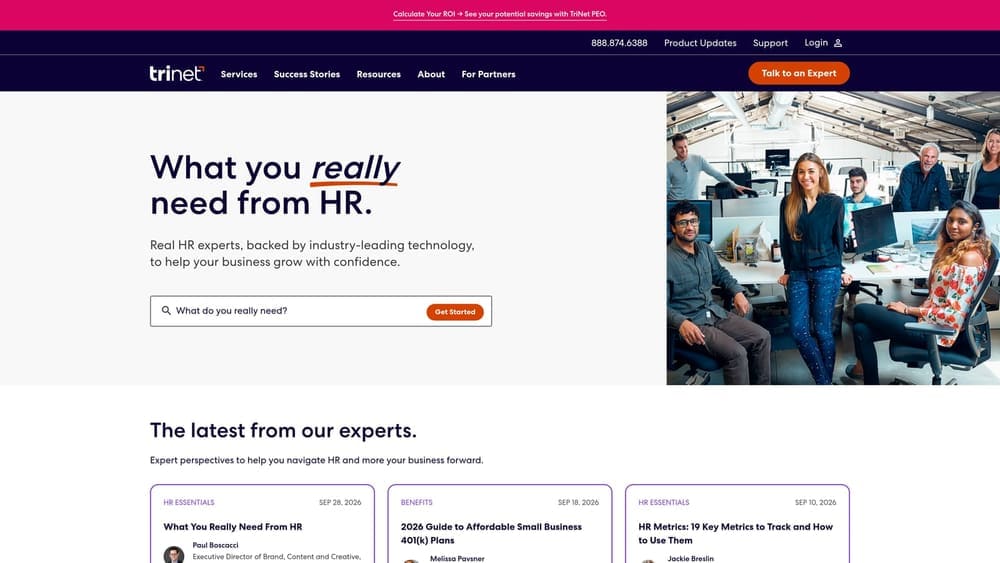
The packaging is its distinguishing point. Rather than a single generic bundle, TriNet organizes its offering around industries, which may appeal to a firm that wants a setup already oriented to professional services work. Ask exactly what the professional services package includes, since the labels alone don’t tell you.
- Industry-specific plan packages that group services around how your type of business operates.
- A benefits marketplace giving employees a choice of plans.
- Payroll and tax filing handled through the PEO.
- Compliance support for employer obligations across the firm’s locations.
Verify current integrations on the website. Implementation typically involves the firm’s administrator working with TriNet on onboarding, benefits enrollment and data transfer.
Pricing is quote-based, and what you pay depends on factors such as headcount, the tier and the benefits selected. Get any quote in writing and compare it with others.
Best for: Growing firms that want a PEO with an industry-oriented setup.
5. ADP TotalSource
ADP TotalSource is ADP’s PEO offering, combining payroll, benefits, workers’ comp and HR support under co-employment. Its differentiator is the parent: a PEO backed by a large payroll provider, which suits firms that value payroll depth.
One item to check directly: whether ADP TotalSource currently holds IRS CPEO certification. A CPEO is a PEO certified by the IRS, and certification affects how payroll tax responsibilities are treated. Confirm status on the IRS list and with ADP instead of relying on any summary, including this one.
- Payroll and tax administration run on ADP’s payroll foundation.
- Benefits offerings sold through the PEO’s pooled plans.
- Workers’ comp coverage included, so you don’t manage a separate policy.
- HR compliance support for policies and employer obligations.
Its ecosystem integrates naturally with other ADP products; verify third-party integrations against your accounting and practice tools. Expect a structured onboarding, usually led by the firm’s administrator or finance lead.
Pricing is quote-based, and there may be size or state eligibility limits, so confirm your firm qualifies. It can also be too large for a tiny practice.
Best for: Established firms that want payroll depth inside a PEO.
6. Gusto
Gusto is a cloud payroll company for small businesses with optional benefits administration. It is not a PEO, so there is no co-employment: the firm stays the sole employer of its people.
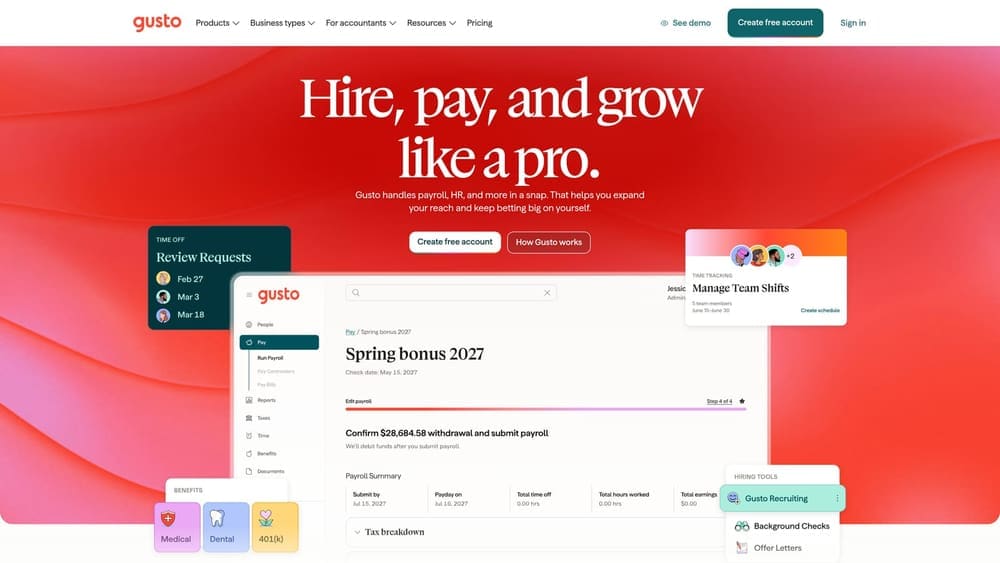
That is its distinguishing feature for this comparison. You keep your own broker and your own workers’ comp policy, which preserves control over carriers and plan design, and avoids sharing the employer role with a third party.
- Automated payroll and tax filing that removes manual calculations and deposits.
- Contractor payments for outside experts, consultants or contract staff.
- Benefits administration to manage enrollment for plans you buy through your own broker.
- Onboarding tools for new-hire paperwork.
Gusto lists accounting, time tracking and other integrations; verify the current list. Setup is light and an office manager can usually run it.
The tradeoff: there is no pooled PEO benefits purchasing, and compliance coverage is lighter, so the firm carries more of the HR burden itself. Pricing is tiered, with a monthly base plus a per-person charge; verify current rates on the website.
Best for: Small firms that want payroll without co-employment.
7. Paychex Flex
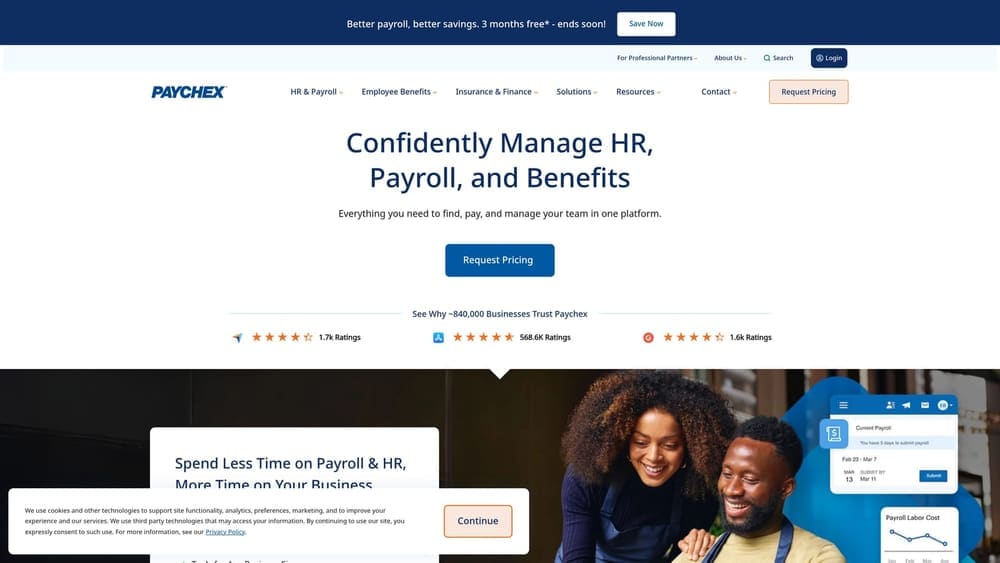
Paychex Flex is Paychex’s payroll and HR platform, built around add-on modules. Paychex also sells PEO services separately, so it is a payroll product, not a PEO, in this entry.
Where the modular model helps
A firm can start with payroll, add HR advisory or time tracking as it grows, and later move to a PEO with the same vendor. That path avoids changing systems at each stage, which is the main reason to pick it.
- Payroll and tax filing as the base service.
- Time and attendance add-ons for hourly staff and support teams.
- HR advisory options when questions outgrow the office manager.
- Benefits administration to support plans the firm sources.
Where it gets complicated
Modules can add cost and complexity, and the total depends on what you stack. Pricing is quote-based, so the price moves with headcount and the modules chosen. Verify current integrations on the website. Day-to-day, an office manager runs payroll, while advisory features depend on the modules purchased.
Best for: Firms wanting a payroll vendor that can grow into HR support.
8. Rippling
Rippling’s unified platform covers HR, payroll and IT, and it can be used for payroll-only or PEO arrangements, so confirm which model you are actually buying. That distinction determines whether co-employment applies.
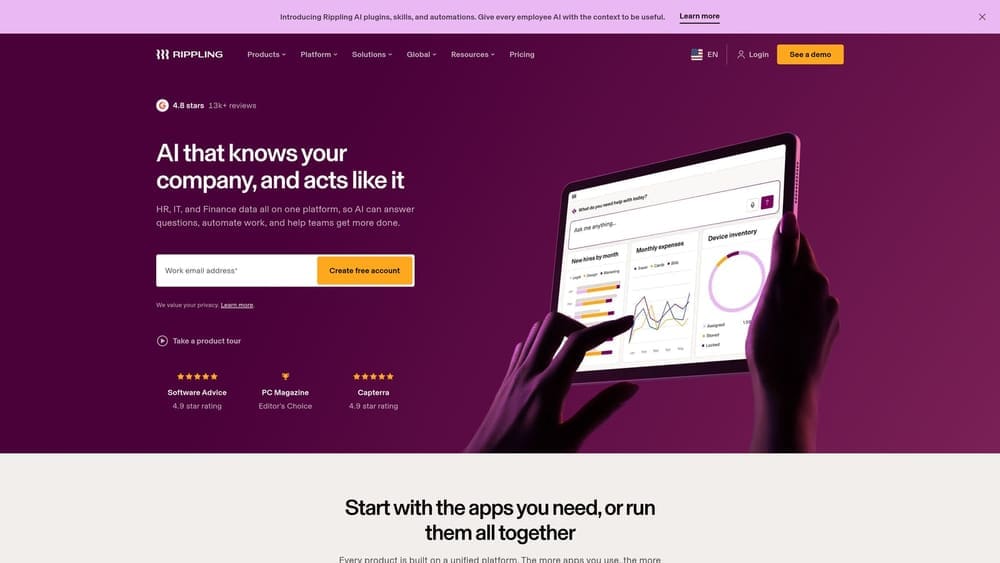
What sets it apart for a law firm is the link between onboarding and access control. Because employee records tie to app and device management, a firm can grant and remove access to systems as people join or leave, which supports confidentiality practices. Whether that meets your ethics obligations, including supervision of non-lawyer staff and protection of client information under rules such as ABA Model Rules 1.6 and 5.3, is a question for your ethics counsel.
- Payroll, HR and onboarding in one system.
- Device and app management to control who reaches firm systems.
- Benefits administration alongside payroll.
- A large integration library; verify the current list against your tools.
Setup takes more planning than a payroll-only tool, since IT and HR functions are configured together, and it may suit a firm with someone technical in the loop. It can be more than a very small firm needs, and costs grow as modules are added. Pricing is modular and per employee; check the website for current figures.
Best for: Tech-forward firms that want HR, payroll and IT access in one system.
Matching the Model to Your Firm
The real question is who acts as employer for benefits, compliance and risk. In a PEO, you share that role through co-employment. With a payroll company you remain the sole employer, and you handle benefits and compliance with your own broker and advisers. A PEO does not remove all employer liability, and the two models are not interchangeable. Partners generally aren’t ordinary W-2 employees, so check owner eligibility with any vendor and a tax adviser.
- Comparing PEO quotes: start with PEO Metrics to see pricing and terms side by side before you commit.
- Handing off benefits and compliance: look at a PEO such as Justworks, Insperity, TriNet or ADP TotalSource. Justworks suits the smallest teams, Insperity firms that want a named HR contact.
- Keeping HR in-house: a payroll company such as Gusto, Paychex Flex or Rippling. Gusto is the simplest, Paychex Flex offers a growth path, and Rippling adds IT access control.
This article is informational, not legal or tax advice, and vendor terms change, so verify details with each provider. PEOMetrics may receive vendor placement fees.
Before you sign that PEO renewal, make sure you’re not leaving money on the table.
Many businesses unknowingly overpay because of bundled fees, hidden administrative markups, and contracts designed to limit flexibility. We give you a clear, side-by-side breakdown of pricing, services, and contract terms, so you can see exactly what you’re paying for and choose the option that truly fits your business.
