

If you’re weighing a PEO against a payroll company, you’re also deciding who will hold Social Security numbers, bank details, and benefits records, and who answers when something goes wrong. The two models split that responsibility differently. The providers below were chosen because they represent both models, publish security information buyers can check, and cover different company sizes. Each entry says what to confirm on the vendor’s own trust documentation.
Some definitions first. A PEO enters a co-employment relationship with you and typically runs payroll, benefits, and HR administration under its own umbrella. A CPEO is a PEO certified by the IRS, a status you can check on the IRS list. An ASO provides administrative services while you remain the sole employer. A payroll-only provider processes pay and taxes, and you keep everything else.
Quick Comparison of the Eight Providers
- PEO Metrics: buyers shortlisting PEOs with security questions built in; see website for pricing; compares providers on contract and security-related questions alongside price, but is not a PEO or payroll processor.
- ADP TotalSource: mid-size employers wanting an established PEO; quote-based; a payroll-processor heritage inside a PEO.
- TriNet: technology and professional services firms; quote-based; industry-specific plan packages.
- Justworks: small teams wanting one platform; see website for pricing; a single employee-facing platform that reduces personal data sent by email.
- Insperity: companies wanting hands-on HR service; quote-based; assigned HR specialists.
- Paychex: buyers undecided between models; quote-based; both a payroll-only and a PEO route from one vendor.
- Gusto: small businesses staying the sole employer; see website for pricing; a payroll-only model with no shared employer liability.
- Rippling: companies managing HR and IT access together; quote-based; device and app access tied to HR status changes.
1. PEO Metrics
PEO Metrics is a PEO comparison and consulting service, and it is the only entry here that is neither a PEO nor a payroll processor. It’s designed for HR leaders and owners who want to compare PEO providers side by side before they commit, with metrics and pricing analysis rather than a sales pitch from one vendor at a time.
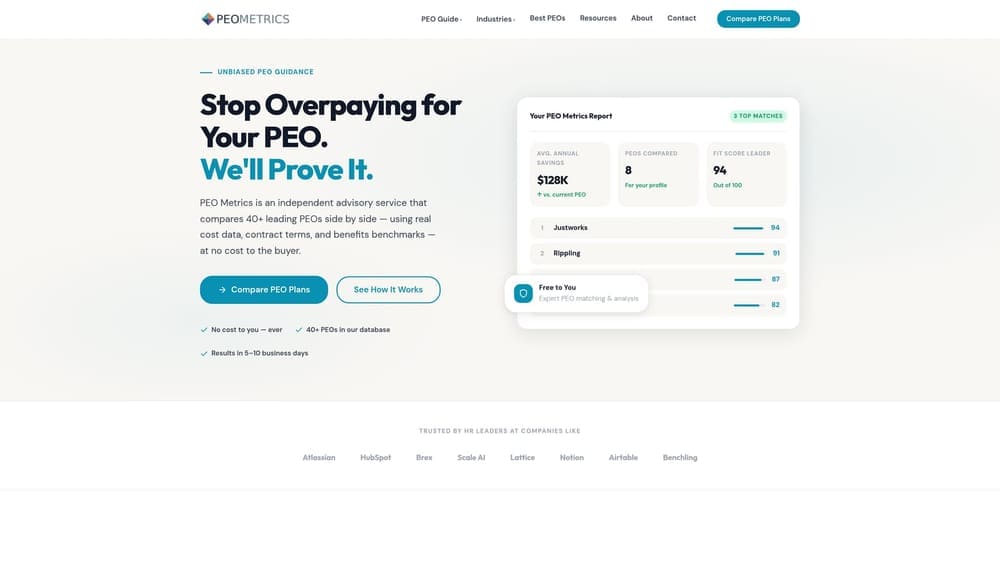
What sets it apart on this list is where it sits in the process. Security questions can be part of the comparison itself: contract terms, data-handling commitments, and exit provisions can be put next to price, so a low quote doesn’t hide a weak contract. Every other tool here is something you’d evaluate; this is what helps you structure the evaluation.
- Side-by-side PEO provider comparisons, so differences in services and terms are visible in one place.
- Pricing analysis that shows what you’d pay and what the bundle includes.
- Consultative guidance on provider selection, useful if nobody on your team has bought a PEO before.
- Detailed metrics for decision-making, so the choice rests on data rather than brand recognition.
Integrations don’t apply, since it’s an advisory service. Setup is a conversation rather than an implementation, and no one on your staff has to administer anything.
Limitations are plain. PEO Metrics does not audit a vendor’s security or process payroll, so you still need to read each vendor’s SOC reports and trust documentation yourself. It may also receive vendor placement fees, which you should factor in when weighing any recommendation. Pricing and starting cost: see the website.
Best for: Buyers who want to shortlist PEOs with security questions built into the comparison.
2. ADP TotalSource
ADP TotalSource is ADP’s PEO offering, combining payroll, benefits, and HR administration under a co-employment relationship. It targets mid-size employers that want a big, established name behind their employee records.
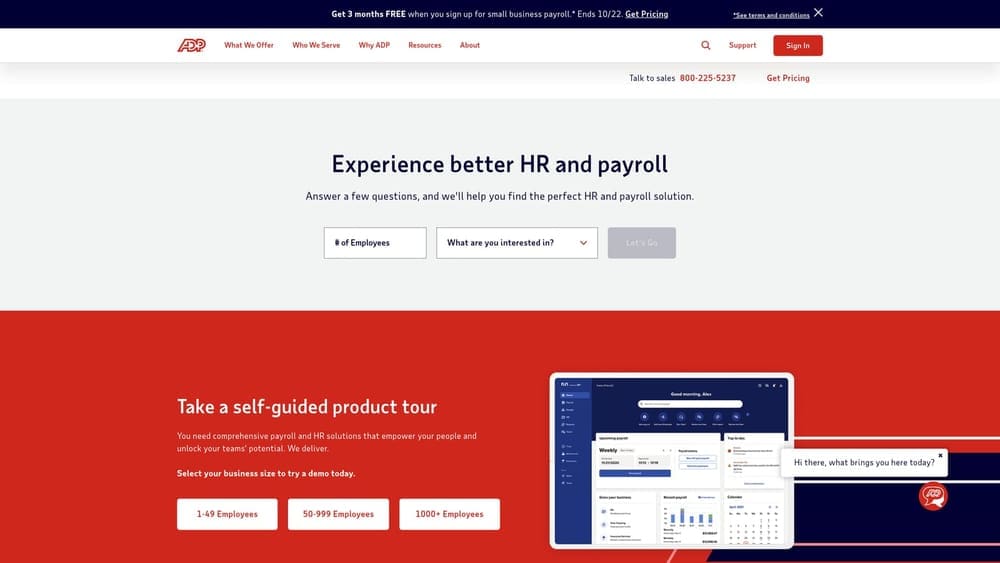
Its distinguishing trait is the payroll-processor heritage. ADP has long run payroll at scale, so a buyer evaluating it is reviewing a large vendor’s security program rather than a startup’s. That helps with documentation depth, but size alone proves nothing. Ask for the SOC 1 and SOC 2 Type II reports under NDA and read the scope: which systems, which controls, and which period the report covers.
- Co-employment PEO model, which moves some employer responsibilities to ADP and means ADP holds more of your records.
- Payroll and benefits administration in one relationship, reducing the number of vendors touching employee data.
- HR support for day-to-day questions.
- Compliance support for employment-related obligations.
Integrations vary, so verify current options on ADP’s site. Setup is typically vendor-led with an implementation team, and your HR lead usually becomes the day-to-day administrator.
Pricing is quote-based and moves with headcount and the benefits and services selected. Fit for very small teams is a question to raise early, and you should verify any minimums directly with ADP.
Best for: Mid-size employers wanting a large established PEO with payroll roots.
3. TriNet
TriNet is a PEO with industry-tailored plans, including options aimed at technology and professional services companies. Those firms often hold intellectual property and sensitive employee data, which makes the industry packaging relevant to a security-minded buyer.
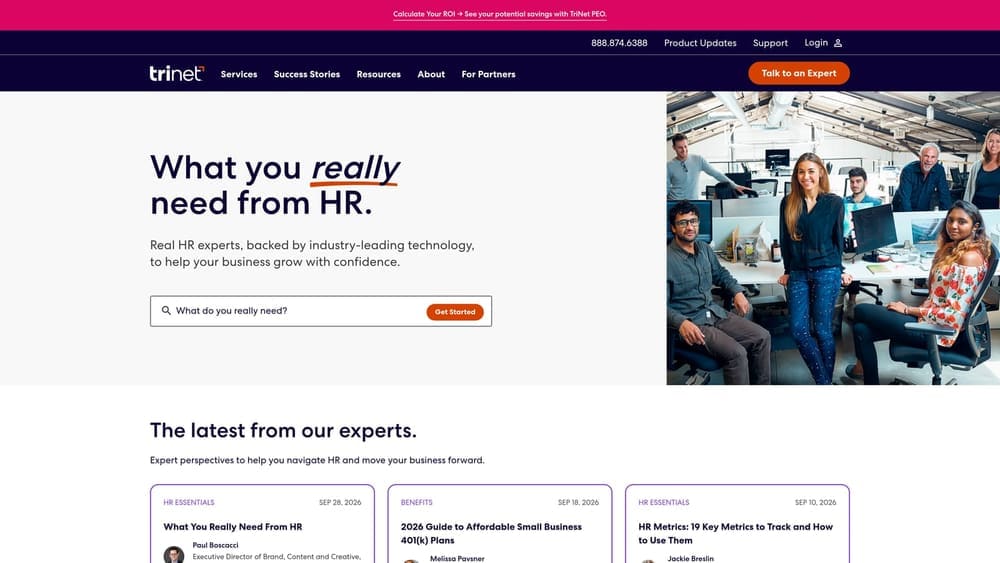
The limitation to front-load: contract and renewal terms need careful review, and pricing isn’t published. Read the agreement for data-return provisions at exit, breach notification timing, and any renewal mechanics before you sign, not after.
What you get
- Co-employment PEO model, with TriNet acting as employer for specified purposes.
- Industry-specific plan options, so benefits and services fit a tech or professional services workforce.
- Benefits and payroll administration under one contract.
- HR advisory support for policy and employee-relations questions.
Setup, integrations, and cost
Verify current integrations on TriNet’s site, particularly if your engineering or finance stack needs to connect to payroll data. Implementation is vendor-assisted, and an HR lead or operations manager typically owns the relationship afterward. Pricing is quote-based and depends on headcount, plan selections, and services. It isn’t suited to buyers who want published, self-serve pricing.
Best for: Technology and professional services firms wanting an industry-tailored PEO.
4. Justworks
Justworks is a PEO built around a single employee-facing platform for payroll, benefits, and HR tasks. It’s aimed at small and growing teams that want one place for everything.
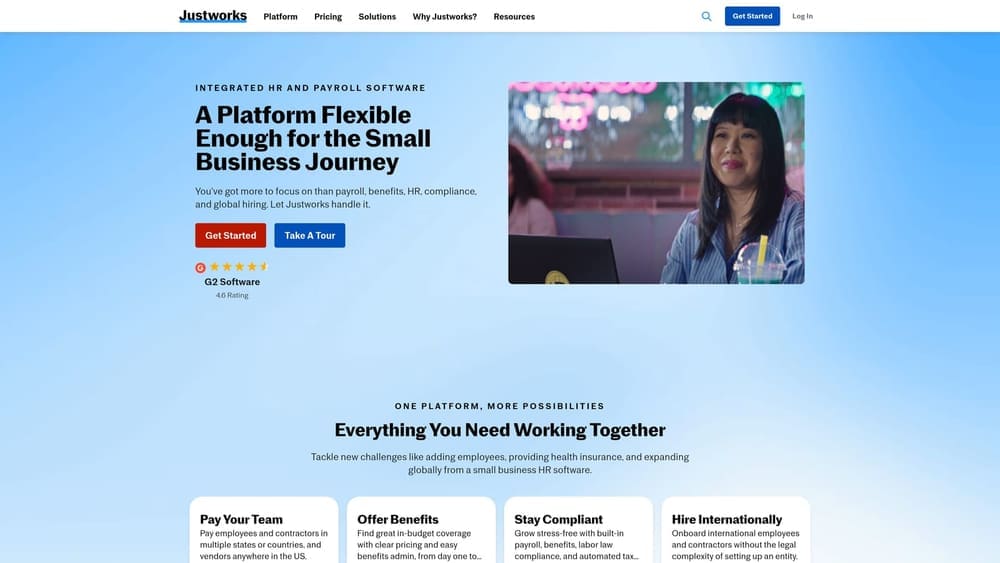
The security-relevant advantage is practical: when onboarding, benefits enrollment, and time-off requests happen in one platform, fewer sensitive documents travel by email or spreadsheet. That reduces one common leak path, though you should still ask about MFA support, role-based access, and breach notification terms.
- PEO co-employment model, giving small employers access to group-style benefits and shared compliance support.
- A single platform for payroll and benefits, so there’s one login surface to secure.
- Employee self-service, which cuts the HR inbox traffic that often carries personal data.
- Onboarding tools that collect new-hire information in the system instead of by attachment.
Verify current integrations on Justworks’ site. Setup is generally light enough for a small team, and an office manager or HR generalist can often run it day to day.
The main limit is scale. Large employers with custom benefits may outgrow it. Starting price and what drives it (typically headcount and plan choices): see the website.
Best for: Small teams wanting a simple, single-platform PEO.
5. Insperity
Insperity is a PEO with a service-oriented model that assigns HR specialists to client companies. It suits employers who want a person to call rather than a ticket queue.
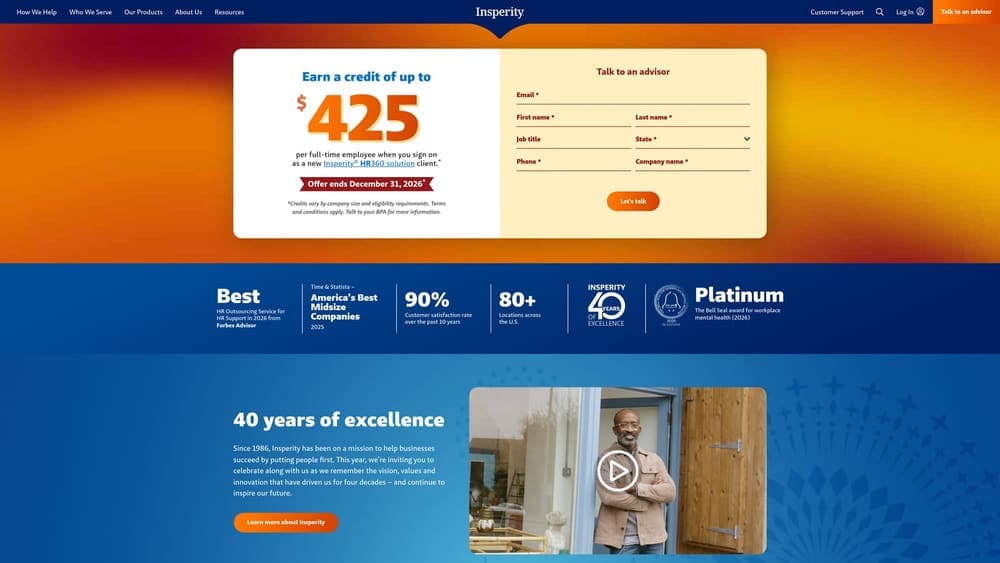
That model has a security angle. More human touchpoints means more people who can see employee records, so ask how access is granted, logged, and revoked, and whether specialists work under role-based permissions. This isn’t a flaw; it’s a question the service model makes worth asking.
- Co-employment PEO model with shared employer responsibilities.
- Assigned HR support, giving you a consistent point of contact.
- Benefits administration handled inside the same contract.
- Payroll and compliance support, reducing separate vendor relationships.
Verify current integrations on Insperity’s site. Setup is service-led, and your internal HR contact works alongside the assigned specialist rather than administering a tool alone.
Pricing is quote-based and service-heavy, so insist on a written proposal that itemizes what’s included. It’s not the best match for a buyer wanting a low-touch, self-serve product.
Best for: Companies that want hands-on HR service and will vet access controls closely.
6. Paychex
Paychex offers both payroll (Paychex Flex) and PEO services, which makes it the cleanest way to see how each model treats your data without changing vendors.
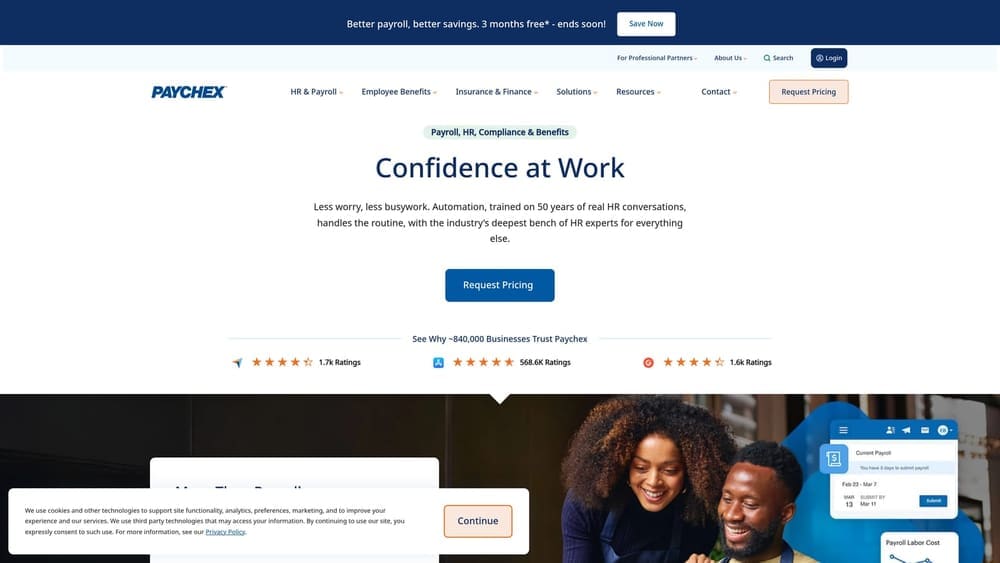
The warning comes first: you must be clear which product you are evaluating, because responsibilities differ. Under payroll-only, you remain the employer and keep more of the compliance and administrative security work. Under the PEO route, co-employment shifts some duties to the vendor, and the vendor holds a broader set of records. Make sure the SOC reports, contract, and security terms you receive match the product you’re actually buying.
- A payroll platform for buyers who want to stay sole employer.
- A PEO option for buyers who want shared employer responsibilities.
- HR and benefits services that can be scoped to either route.
- Tax filing support, which matters because tax data is among the most sensitive you’ll hand over.
Verify current integrations on Paychex’s site. Setup effort differs by product, with payroll-only typically lighter than a PEO onboarding. Pricing is quote-based for both and depends on headcount, pay frequency, and services selected.
Best for: Buyers undecided between payroll-only and PEO who want to compare within one vendor.
7. Gusto
Gusto is a payroll and HR platform where your company remains the employer of record. It is not a PEO, and that distinction is the reason it’s on this list.
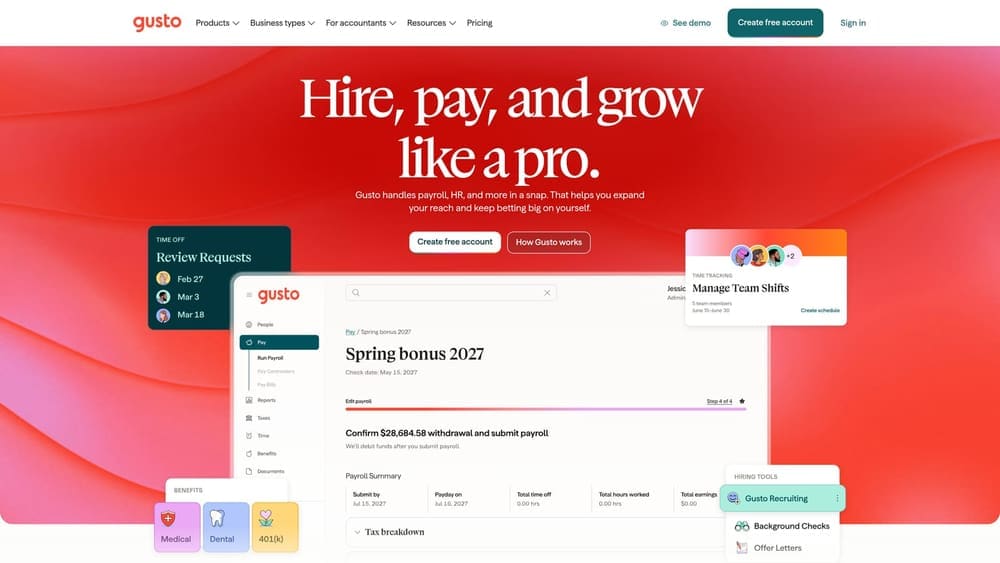
For a security-focused buyer, the payroll-only model has a narrower data footprint: the vendor processes payroll and related records but doesn’t co-employ your staff or share employer liability. The trade-off lands on you. There is no co-employment, so no master health plan and no shared compliance responsibility, and you manage admin access yourself. Who gets admin rights, whether MFA is enforced, and how offboarding works are your policies to set and enforce.
- Payroll processing, so pay runs and the associated bank details sit in one system.
- Benefits administration, though you buy benefits as your own employer.
- Onboarding tools that collect new-hire data in the platform.
- Tax filing, which removes a manual process that often involves sensitive documents.
Verify current integrations on Gusto’s site. Setup is usually manageable for a small business, and an owner or office manager often runs it. For starting price and what moves it (typically plan tier and headcount), see the website.
Best for: Small businesses wanting payroll and HR tools while staying the sole employer.
8. Rippling
Rippling combines HR, IT, and payroll in one platform and also offers PEO services through an affiliated entity. Confirm the exact structure and legal entities on its site before you sign.
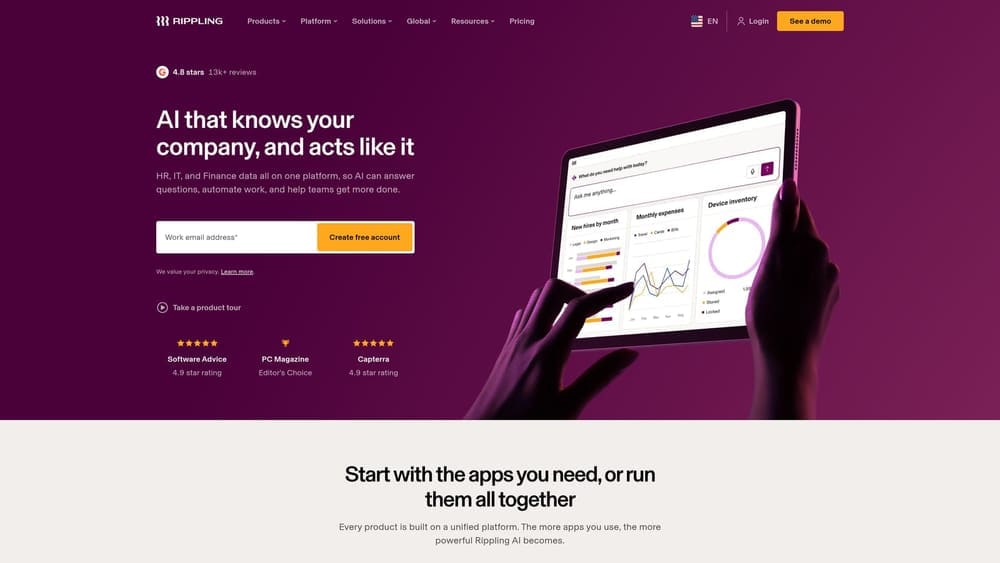
Its distinctive strength is connecting identity to employment status. Device and app access controls sit in the same system as HR records, so a termination or role change can trigger access changes without a separate IT ticket. For companies where lingering accounts are the real breach risk, that’s a meaningful difference from every other tool here.
- A payroll and HR platform covering core employment data.
- Device and app management, so laptops and software logins follow HR status.
- A PEO option for buyers who want co-employment, subject to availability.
- Workflow automation that can trigger onboarding and offboarding steps.
Verify current integrations on Rippling’s site, and verify PEO availability by state. Setup is broader than a payroll-only tool, since IT and HR both have a stake, so expect both teams in implementation. Breadth may exceed what a payroll-only buyer needs. Pricing is quote-based and depends on which modules and how many employees you add.
Best for: Companies that want HR and IT access controls managed together.
Matching the Model to Your Security Priorities
If you want one accountable partner for HR data, a PEO fits: ADP TotalSource, TriNet, Justworks, or Insperity, with Paychex and Rippling as options if you also want a payroll-only comparison or tighter IT integration. Expect the vendor to hold more records, so scrutinize access and audit scope. If you want control kept in-house, a payroll-only route such as Gusto narrows the vendor’s footprint, but admin security and compliance stay with you.
Whichever you choose, request these in writing:
- SOC 1 and SOC 2 Type II reports under NDA, and read the scope and period covered, since a report only speaks to the defined controls it tested.
- MFA support for both administrators and employees.
- Breach notification timelines and who bears which obligations.
- A subprocessor list.
- Data return and deletion terms at exit.
Also check each vendor’s current CPEO status on the IRS list and confirm minimums, state availability, and pricing directly, since these change. This article is informational, not legal, tax, or benefits advice.
Before you sign that PEO renewal, make sure you’re not leaving money on the table. Many businesses unknowingly overpay because of bundled fees, hidden administrative markups, and contracts designed to limit flexibility. PEO Metrics gives you a clear, side-by-side breakdown of pricing, services, and contract terms, so you can see exactly what you’re paying for and choose the option that fits your business. PEO Metrics may receive vendor placement fees. Don’t auto-renew. Make an informed, confident decision.
