

If you run salons, clinics, home service crews, restaurants, or gyms across several locations, you’re really choosing between two operating models: sharing employer duties with a PEO, or keeping them and buying payroll software. The options below were picked for how they handle multi-state payroll, compliance support, benefits access, and the co-employment tradeoff. They’re ordered so you can see which model each one represents: an advisory service first, then PEOs, a payroll-to-PEO hybrid, and two payroll platforms.
Pricing, minimums, state availability, and industry eligibility change often, so confirm each one with the vendor before you rely on it. PEO Metrics may receive vendor placement fees, and that applies to the first entry on this list.
Quick Comparison of Each Option
- PEO Metrics: best for buyers still deciding between a PEO and payroll; pricing on its website; compares providers on data before you commit to any model.
- ADP TotalSource: best for larger multi-state employers wanting one vendor for payroll and HR risk; quote-based; a PEO built directly on a major payroll platform.
- Insperity: best for multi-location employers whose site managers need hands-on HR help; quote-based; assigned HR advisor support.
- Justworks: best for small multi-site teams comfortable managing HR in software; pricing on its website; software-first administration.
- TriNet: best for employers in industries it specifically targets; quote-based; vertical-specific packaging.
- Paychex: best for employers who want room to move between payroll and PEO; quote-based; one vendor spanning payroll-only through PEO.
- Gusto: best for owners who want control of carriers and HR decisions; pricing on its website; payroll with benefits access and no co-employment.
- Paycom: best for hourly-heavy multi-site businesses with an internal HR team; quote-based; scheduling and time tracking tied directly to payroll.
1. PEO Metrics
PEO Metrics is a comparison and advisory service, not a payroll or HR vendor. It’s designed for owners and HR leads who haven’t settled whether co-employment makes sense and want to see providers lined up against each other before talking to sales teams.
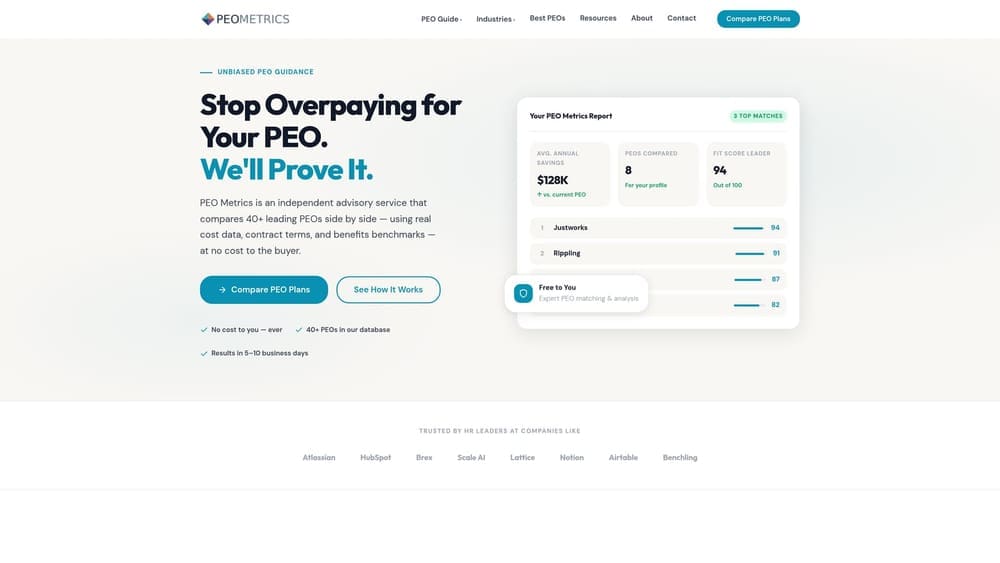
Its distinguishing trait on this list is that it doesn’t sell a single model. Every other entry has a product to place; this one compares providers on data before you commit, which matters when the real question is PEO versus payroll rather than which PEO.
- Side-by-side provider comparison, so you can weigh service scope and contract terms in one view.
- Pricing analysis, which helps you spot bundled fees and administrative markups in a quote.
- Provider metrics that give you data to question a sales pitch with.
- Guidance on model selection, covering whether a PEO, ASO, or payroll-only setup fits your footprint.
There’s nothing to integrate and no software to run, since it’s an advisory service. Your time goes into sharing your headcount, state footprint, and benefits needs, then reviewing the comparison.
The limits are plain. PEO Metrics doesn’t run payroll, administer benefits, or carry workers’ comp, so you still need a vendor at the end. It may also receive vendor placement fees, so you should weigh its guidance with that in mind and check any shortlisted provider’s terms directly. Pricing details are on its website.
Best for: Buyers still deciding between a PEO and payroll and wanting data on providers.
2. ADP TotalSource
ADP TotalSource is ADP’s PEO, combining payroll, benefits, and HR support under a co-employment model. It’s aimed at larger multi-state employers that want one vendor holding both the payroll engine and the shared employer risk.
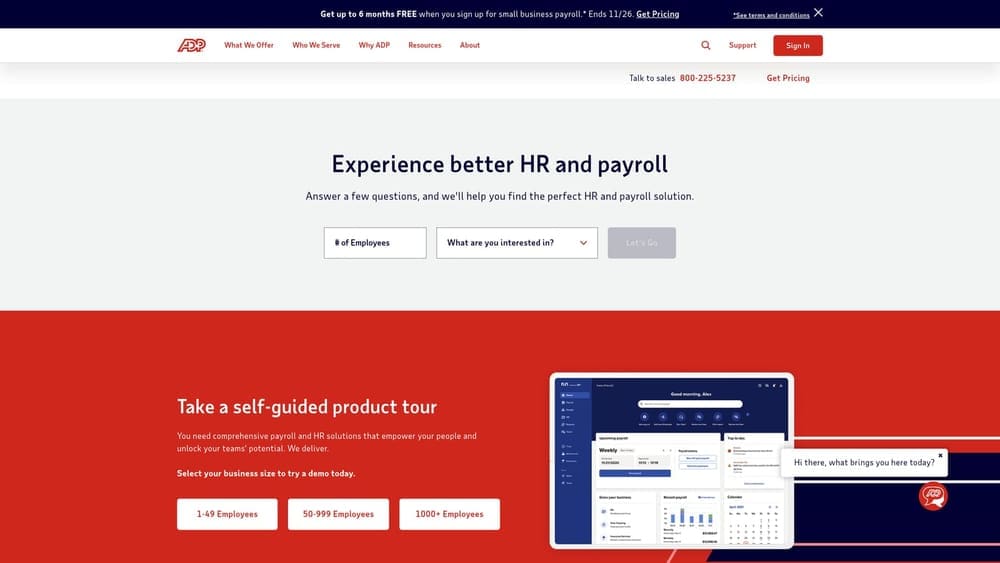
What sets it apart here is that the PEO sits directly on a major payroll platform. If your locations already run on ADP payroll, the move into co-employment may involve fewer system changes than switching to a PEO built elsewhere, though you should confirm that with ADP.
- Co-employment structure that shifts certain employer responsibilities to the PEO.
- Integrated ADP payroll, so pay runs across states come from one system.
- Pooled benefits access, which can give smaller sites plan options they might not reach alone.
- Workers’ comp administration, relevant for physically demanding service roles.
- HR compliance support across the states you operate in.
Integrations center on the ADP ecosystem; verify third-party connections, such as scheduling or point-of-sale tools, on the vendor site. Day-to-day, expect HR or an office lead to work inside the platform, with ADP handling filings and carrier administration.
The tradeoff is the pooled plan structure, which may limit how much you can customize benefits, and you should verify client minimums before assuming your headcount qualifies. Co-employment also means giving up some control over carriers and policies. Pricing is quote-based and typically moves with headcount, benefit selections, and the risk profile of your roles.
Best for: Larger multi-state employers wanting one vendor for payroll and HR risk.
3. Insperity
Insperity is a PEO known for assigning HR advisors who support managers and employees directly. For a business where each site has a manager but no HR person, that model addresses the daily problems: discipline, leave questions, and onboarding.
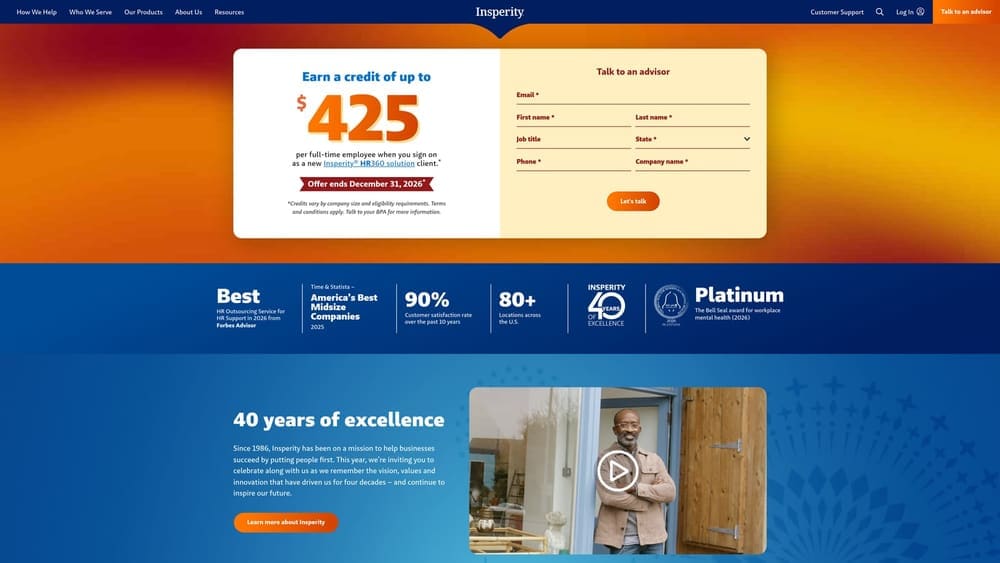
Among the PEOs here, this is the high-touch option. Where Justworks leans on software and ADP leans on platform scale, Insperity’s pitch is a person you can call, which suits sites without on-site HR.
What you get
- Co-employment PEO coverage for shared employer responsibilities.
- An assigned HR advisor model, so managers have a named contact for people issues.
- Benefits administration, which takes enrollment and carrier handling off your plate.
- Compliance support for the states where your locations operate.
- Payroll services bundled into the same relationship.
Fit and limits
Verify integrations on the vendor site, especially with scheduling and time systems your locations use. Setup typically involves a transition of payroll, benefits, and workers’ comp onto the PEO, so ask about timing around your open enrollment.
It’s less suited to teams that want self-service only and little human contact. Verify minimums, and ask how pricing scales with headcount and benefit choices; it’s quote-based.
Best for: Multi-location employers whose site managers need hands-on HR help.
4. Justworks
Justworks is a technology-led PEO focused on smaller employers that want to run administration through self-service software. For a small group of locations with a lean office team, it can reduce the amount of HR paperwork handled by hand.
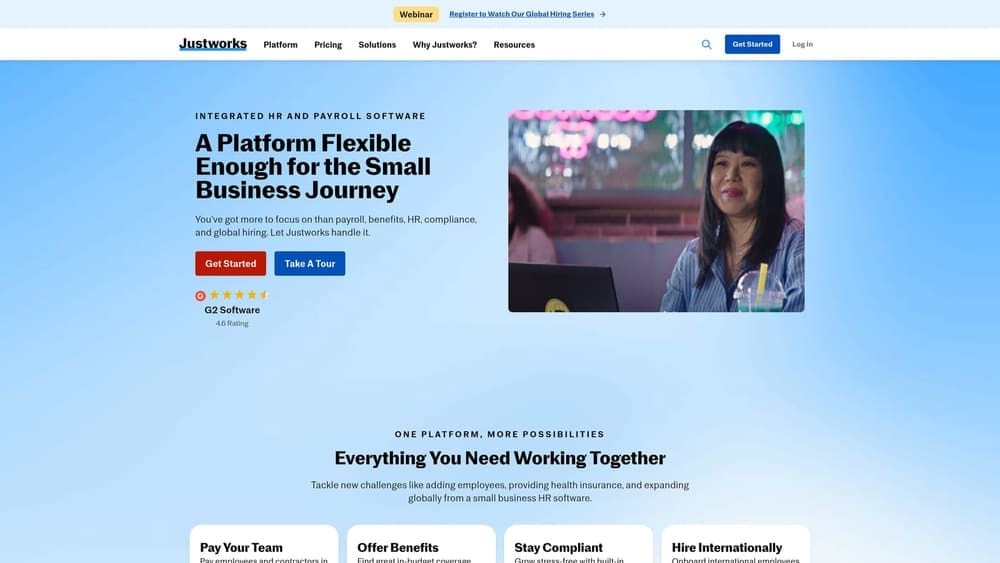
Its distinguishing angle is software-first onboarding and administration, along with a pricing structure published on its website that you should verify. Most PEOs on this list route you to a sales conversation first.
Limitation up front: check industry eligibility before going far. Higher-risk service trades, such as some home services or physically intensive work, may not be accepted, and workers’ comp class codes by state can affect that. Confirm directly with Justworks.
- Co-employment PEO coverage for shared employer duties.
- Self-service software where employees handle onboarding and changes themselves.
- Benefits access through the PEO’s plans, useful for small sites with few options on their own.
- Payroll and compliance handled in one system.
- A support team for questions the software can’t answer.
Verify integrations on the vendor site, particularly for scheduling and time tracking. Day-to-day, one admin or owner typically runs it. Starting price and what moves it, such as headcount and plan choices, are on the website; confirm current figures there.
Best for: Small multi-site teams comfortable managing HR through software.
5. TriNet
TriNet is a PEO that packages its offering by industry, alongside payroll, benefits, and risk services. The idea is that a business in a supported vertical gets a setup shaped around its sector’s norms rather than a generic bundle.
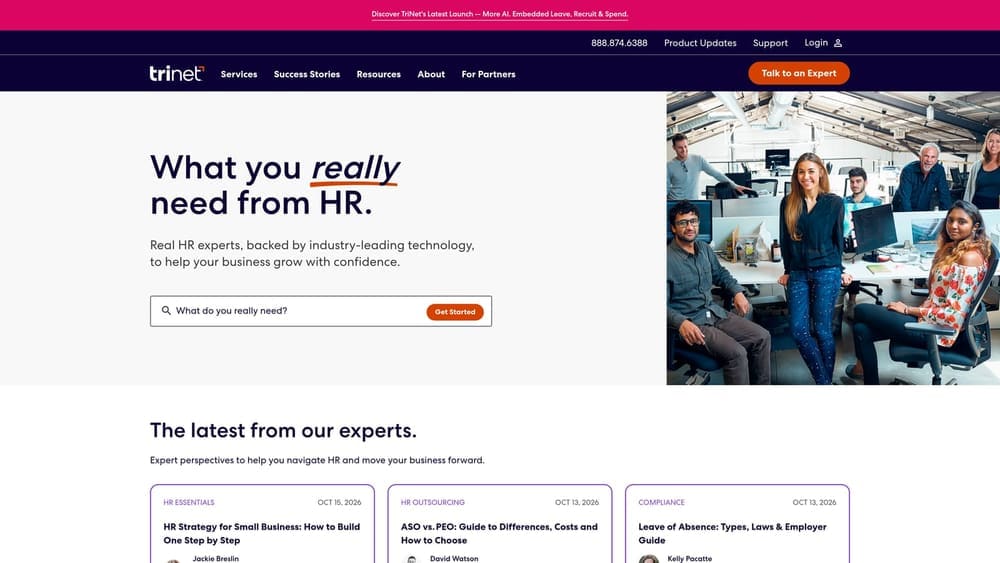
That vertical packaging is what distinguishes it here. The question is whether your service category lines up with one of TriNet’s targeted industries, so check that before requesting a quote.
- Co-employment PEO coverage for shared employer responsibilities.
- Industry-specific offerings that tailor the package to certain sectors.
- Benefits access through the PEO’s plan options.
- Payroll handled within the same service.
- Compliance support for multi-state operations.
Verify integrations on the vendor site. Setup follows the usual PEO transition of payroll, benefits, and comp coverage, with an HR lead or office manager as the main contact afterward.
The main limitation is fit: if salons, clinics, restaurants, or home services aren’t among its supported verticals, the industry advantage disappears and you’re comparing a general PEO. Verify eligibility, state availability, and minimums. Pricing is quote-based and generally depends on headcount, benefits, and role risk.
Best for: Employers in industries TriNet specifically targets.
6. Paychex
Paychex sells payroll, HR outsourcing, and PEO services across product tiers. It’s the only entry here where you can start with payroll and later move into a PEO without changing vendors.
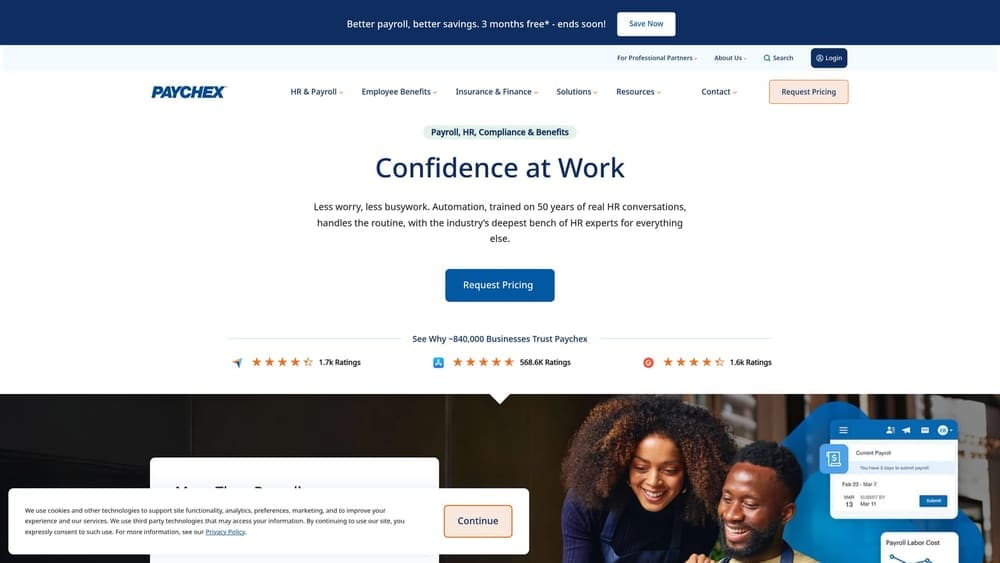
That flexibility suits a growing multi-location business that isn’t sure it needs co-employment yet. You can begin with a lighter service and shift as locations, states, or risk exposure increase.
- Payroll services for multi-state pay runs and tax filings.
- A PEO offering for businesses wanting shared employer responsibilities.
- ASO-style HR services, which provide HR support without co-employment.
- Benefits administration across tiers.
- Time and attendance tools for hourly staff.
Verify integrations on the vendor site. Setup effort varies by tier, and the person who runs it day to day depends on how much HR you keep in-house.
The limitation is the tier structure itself. With payroll, ASO-style, and PEO options under one name, it’s easy to assume a tier covers compliance or workers’ comp when it doesn’t. Ask in writing who is the employer of record, who holds the comp policy, and who is responsible for filings under the specific tier quoted. Pricing is quote-based and varies by tier, headcount, and services.
Best for: Employers who want room to move between payroll and PEO.
7. Gusto
Gusto is a payroll and HR platform where you remain the sole employer of record. There’s no co-employment, so you choose your own carriers and set your own HR policies.
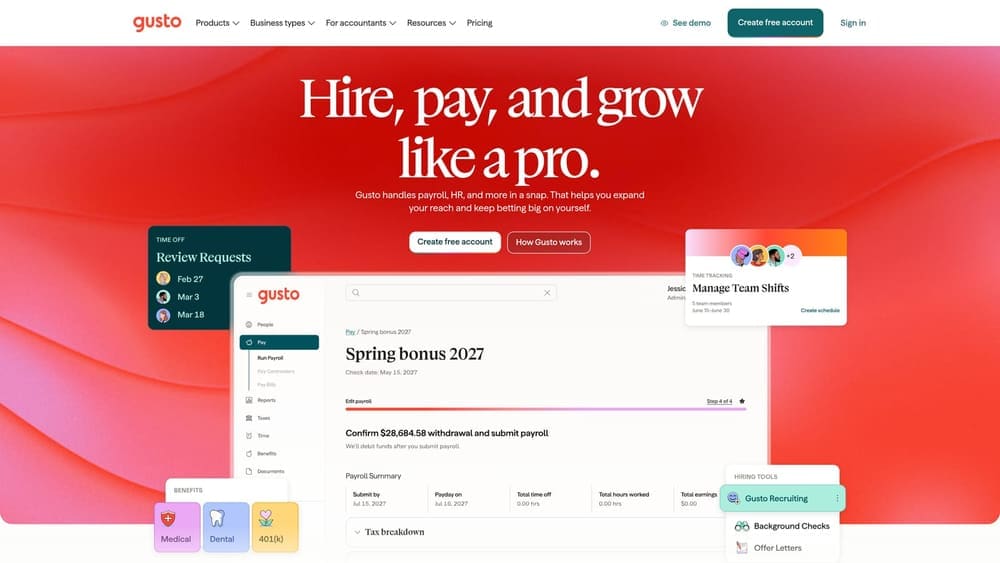
Its place on this list is as the clearest payroll-model example: payroll with benefits access, without sharing employer liability. If control matters more to you than pooled purchasing, this is what that choice looks like.
- Multi-state payroll and tax filing, so each location’s withholding is handled in one run.
- Benefits administration that lets you offer coverage while keeping your own carriers.
- Onboarding tools that cut new-hire paperwork at each site.
- Time tracking for hourly employees.
- Contractor payments for stylists, trainers, or technicians paid that way.
It connects with accounting and time tracking tools; verify the current list on the vendor site. A single owner or office manager can usually run it, though that person owns the HR decisions.
The limitation is what you don’t get: no pooled workers’ comp and no shared employer liability. You buy comp coverage yourself, and you stay responsible for compliance, including state-by-state class codes. Starting price and per-employee or tier factors are on the website; confirm current figures there.
Best for: Owners wanting control of carriers and HR decisions.
8. Paycom
Paycom is a single-database HR and payroll platform built for employers that have HR capacity in-house. It isn’t a PEO, so you remain the employer and carry the compliance responsibilities.
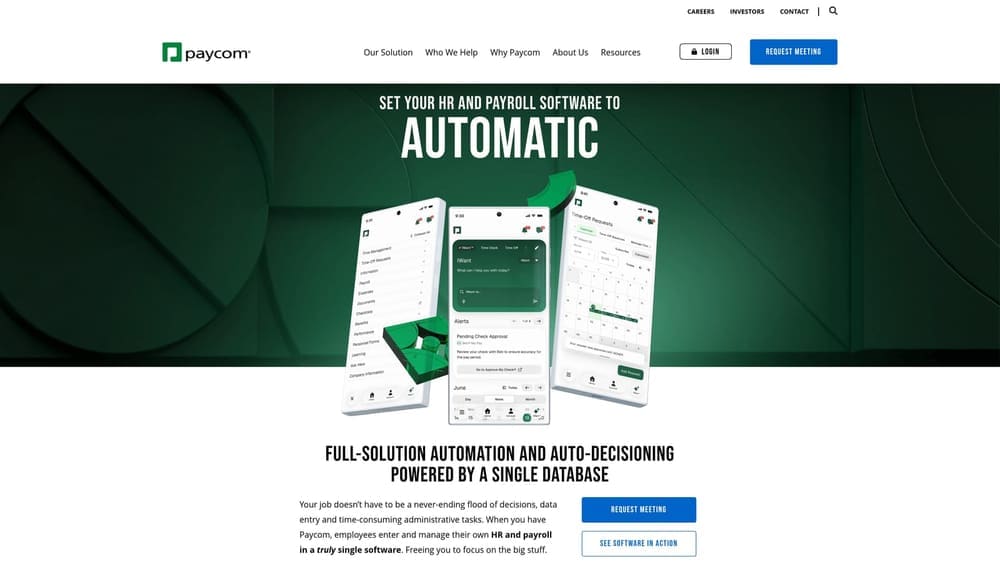
Where it stands apart is scheduling and time tracking tied directly to payroll. For restaurants, fitness studios, or clinics with shifting hourly rosters, that link means hours worked flow into pay without re-keying.
- Payroll processed from the same database as HR records.
- Time and labor management that captures hours by location.
- Scheduling that connects shifts to pay.
- Benefits administration to manage enrollment.
- Employee self-service so staff handle their own changes.
Verify integrations on the vendor site. Implementation takes real effort, and someone on your team needs to own configuration and ongoing administration.
It assumes you have HR capacity, so a group of sites with managers but no central HR will feel the gap. It also offers no pooled benefits or shared workers’ comp. Pricing is quote-based and usually reflects employee count and the modules you choose.
Best for: Hourly-heavy multi-site businesses with an internal HR team.
Matching the Model to Your Locations
Three situations cover most buyers. If your sites have no HR staff, or you want pooled benefits and workers’ comp, a PEO such as ADP TotalSource or Insperity fits, with Justworks for smaller software-comfortable teams and TriNet if your industry is one it targets. If you want control and have in-house HR, a payroll company such as Gusto or Paycom is the better match. Paychex suits those who want to start light and keep the option open.
Whichever way you lean, check the same items: client minimums, state-by-state workers’ comp class codes, and exit terms. Remember that a payroll company doesn’t take over your compliance, and not every PEO is alike.
If you’re still undecided, PEO Metrics can lay providers side by side. It may receive vendor placement fees, which is worth weighing, and it’s one input among your own checks. For more background, see the [LINK CHECK: PEO Metrics hub and PEO vs payroll guide].
Before you sign that PEO renewal, make sure you’re not leaving money on the table.
Many businesses unknowingly overpay because of bundled fees, hidden administrative markups, and contracts designed to limit flexibility. We give you a clear, side-by-side breakdown of pricing, services, and contract terms, so you can see exactly what you’re paying for and choose the option that truly fits your business.
