

If you run a gym or studio with part-time instructors, front-desk shifts, class-based pay, and a few people you may or may not be allowed to call contractors, you’re really choosing between two models: co-employment through a PEO, or payroll software with benefits and HR bought separately. The vendors below were chosen for relevance to hourly and mixed-pay fitness workforces, for how clearly they separate what they cover from what they don’t, and for how easily you can verify pricing and terms with the vendor directly.
Pricing, state availability, and minimums change, so treat anything here as a starting point and confirm it with each provider. PEOMetrics may receive vendor placement fees from providers.
Quick Comparison of the Options
- PEO Metrics: owners weighing PEO against payroll who want comparison data first; pricing on request via the website; helps you decide between the PEO and payroll models before you commit to a vendor.
- Gusto: small studios wanting payroll control; see website for pricing; self-serve payroll with benefits carriers you choose and no co-employment.
- Justworks: studios with a core W-2 team seeking pooled benefits; see website for pricing; bundled benefits and compliance support in a small-business-oriented PEO.
- TriNet: growing multi-location operators; quote-based; wide range of benefits plan options.
- Insperity: studios with turnover and management challenges; quote-based; hands-on HR advisory with a human contact.
- ADP (TotalSource and Run): studios expecting to outgrow payroll-only; quote-based; both a PEO and a payroll product under one vendor.
- Paychex: studios tracking many hourly shifts; quote-based; time and attendance tools alongside payroll.
- OnPay: very small studios with a handful of trainers; see website for pricing; published pricing that makes a payroll-only baseline easy to compare against PEO fees.
1. PEO Metrics
PEO Metrics is a comparison and consulting service, not a PEO and not a payroll processor. It’s built for owners who haven’t settled the model question yet: do your instructors and front-desk staff fit better under a co-employment arrangement, or under a payroll platform where you keep the employer role?
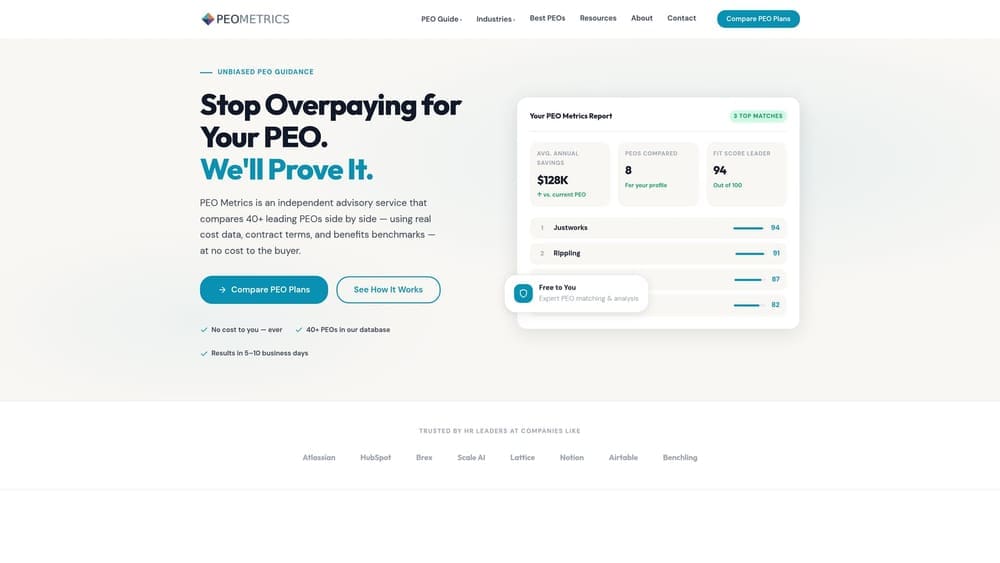
What sets it apart on this list is sequence. Every other entry is a vendor you’d sign with. PEO Metrics helps you decide whether to sign with a PEO at all, and it does so by putting providers side by side with pricing analysis, so bundled fees and administrative markups are visible before a contract is.
- Side-by-side PEO provider comparison, so you can weigh services and terms against each other instead of reading one sales deck at a time.
- Pricing analysis that shows what you’d pay under a PEO model, useful as a check against a payroll-only quote.
- Consultative guidance on PEO versus alternatives such as payroll-only services, which matters when your workforce mixes W-2 part-timers with possible 1099 trainers.
There’s nothing to integrate and no software to run. You supply headcount, pay structure, and locations, and you make the decision yourself. The limitations are plain: it doesn’t process payroll, doesn’t provide co-employment, and doesn’t hold your workers’ comp or benefits. As disclosed above, PEOMetrics may receive vendor placement fees, so you should still verify any quote directly with the provider. It also can’t tell you whether a given instructor is an employee or a contractor. Classification follows IRS, DOL, and state rules, and that question belongs with employment counsel.
Pricing: see the website for current details.
Best for: Owners weighing PEO against payroll who want comparison data first.
2. Gusto
Gusto is a payroll and HR platform with benefits administration. It is not a PEO, so there’s no co-employment: your studio remains the employer of record and carries the full set of employer responsibilities.
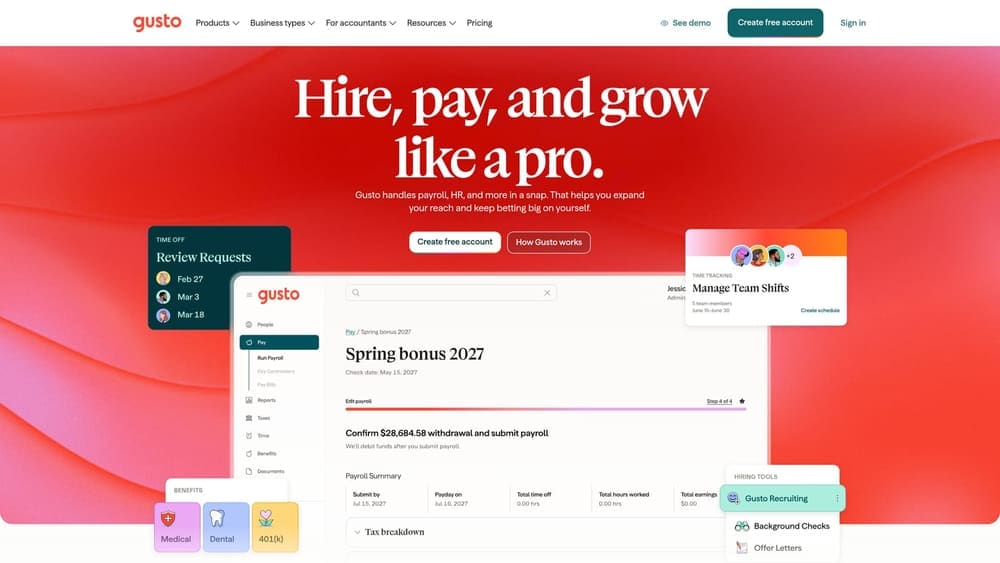
That’s the trade. You get self-serve control, including the ability to pick your own benefits carriers or broker, in exchange for handling compliance decisions yourself. For a studio with a few part-time instructors and a manager, that flexibility is often the point.
- Payroll for W-2 employees, which covers hourly front-desk staff and per-class instructors you’ve classified as employees.
- Contractor payments, so 1099 trainers can be paid in the same system, provided they’re properly classified.
- Benefits administration for plans you source yourself, rather than a pooled PEO plan.
- Hiring and onboarding tools that cut paperwork when seasonal or part-time staff turn over.
Gusto connects with accounting and time-tracking apps, but the list changes, so verify that your scheduling or class-booking software is supported before you commit. Setup is typically owner-run or handled by whoever does your books.
It’s not a fit if you want a PEO’s pooled benefits purchasing or want to share employer responsibilities. Pricing: see the website; cost generally moves with plan tier and employee or contractor count.
Best for: Small studios wanting payroll control and flexibility.
3. Justworks
Limitations first: Justworks is a PEO, which means you give up some of the carrier choice a standalone payroll setup allows. In exchange, you get payroll, group benefits access, and compliance support under a co-employment model.
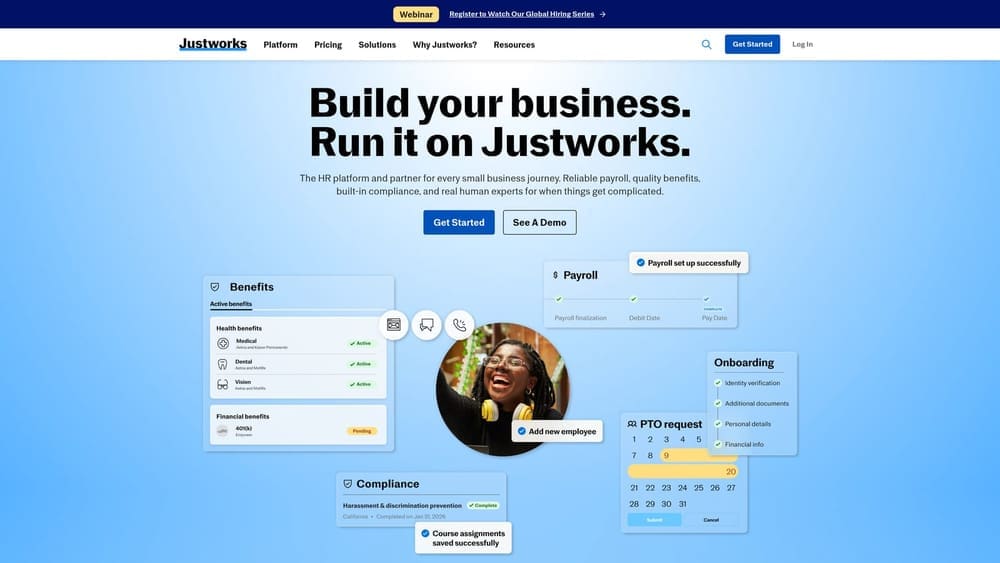
What distinguishes it here is that it bundles benefits and compliance help in a package oriented toward small businesses. For a studio with a stable core of W-2 staff, such as managers, full-time coaches, and front desk leads, pooled benefits can be easier to administer than sourcing plans yourself.
- Co-employment PEO model, so certain employer responsibilities are shared with the PEO, though you remain responsible for your workplace and your people decisions.
- Payroll processing for your W-2 team.
- Access to group benefits through the PEO’s plans, which may suit you if you can’t easily buy small-group coverage alone.
- Compliance support that gives you a resource for questions on employer obligations.
Check the current integration list on the vendor’s site against your scheduling and accounting tools. Setup involves moving employees and benefits into the PEO’s structure, so plan around open enrollment timing. A PEO doesn’t remove your compliance liability, and it won’t settle whether an instructor can be a contractor.
Pricing: see the website; PEO fees usually move with headcount and the benefits you select.
Best for: Studios with a core W-2 team seeking pooled benefits.
4. TriNet
TriNet is a PEO that provides HR, payroll, and benefits services, with offerings shaped around specific industries. Its main strength against this list is the breadth of benefits plan options, which becomes useful when you have several locations, differing employee groups, or staff who expect more than a basic plan.
What you get
- PEO co-employment, with shared employer responsibilities for payroll and HR administration.
- A range of benefits plan options, so you can offer different tiers to full-time managers and part-time staff where eligible.
- Payroll that sits inside the same system as your benefits.
- Compliance support for employers expanding into new locations or states.
Fit and limits
Pricing is quote-based, and minimums or quote structures may not suit a very small studio, so ask about minimums and state availability up front. Implementation is more involved than a payroll app, and you’ll want an owner or operations lead managing the relationship. Verify the integration list against your tools.
It’s a poor match for a one-room studio with a few instructors that only needs payroll. Cost moves with headcount, plan selection, and the services you add.
Best for: Growing multi-location fitness operators.
5. Insperity
Insperity is a PEO built around an advisory, high-touch HR model. If you’d rather call a person than search a help center, that’s the differentiator: it’s the most hands-on HR option in this group.
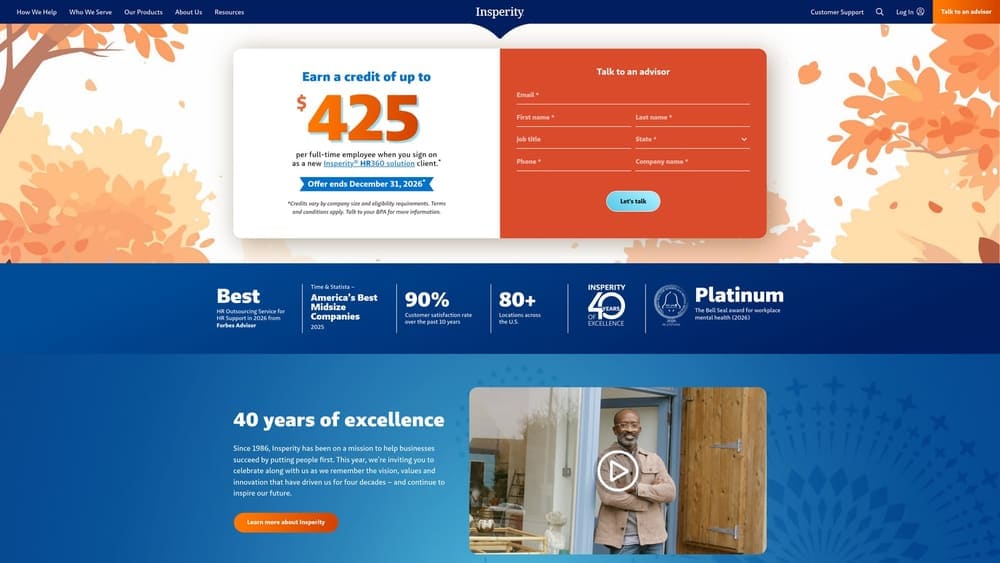
That matters in fitness more than it might seem. High turnover among instructors and front-desk staff, scheduling disputes, and manager conflicts generate a steady stream of HR questions, and many studio owners have no HR person to ask.
- PEO co-employment, sharing certain payroll and employer administration duties.
- Assigned HR support, giving you a point of contact for hiring, discipline, and policy questions.
- Benefits access through the PEO’s plans.
- Payroll integrated with the HR and benefits services.
Expect a sales and onboarding process rather than a self-serve signup, and verify integrations against your existing software. The limitation is scale: if all you need is accurate payroll for a handful of trainers, this is likely oversized and you’d be paying for service you won’t use.
Pricing is quote-based and typically depends on headcount and the services selected; ask for an itemized quote.
Best for: Studios with turnover and management challenges wanting HR guidance.
6. ADP (TotalSource and Run)
ADP sells two distinct models, and it’s worth keeping them separate. TotalSource is its PEO, with co-employment. Run is its payroll product, where you remain the sole employer. Many buyers conflate them because the brand is the same.
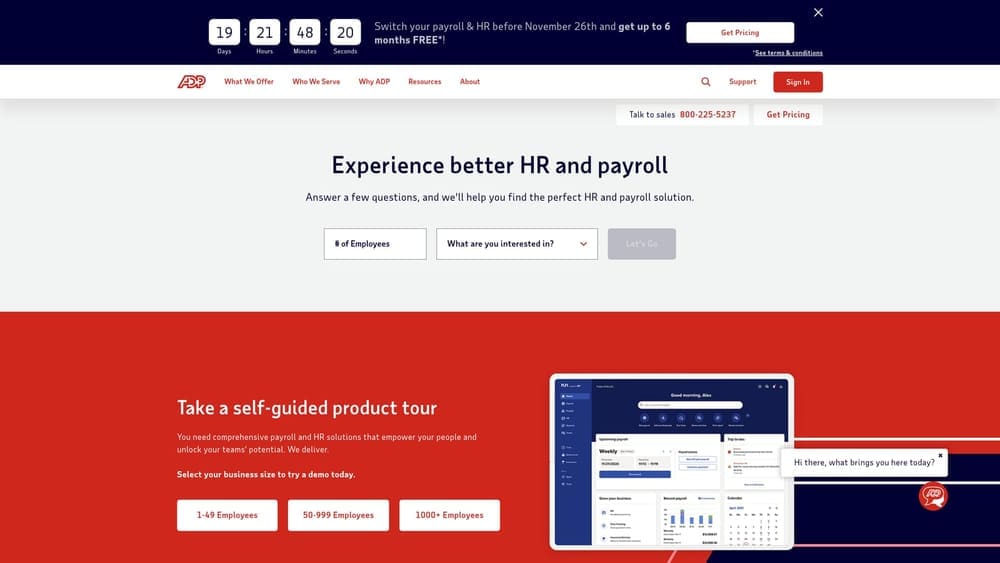
The advantage is the upgrade path. A studio can start on payroll and move to a PEO as headcount, locations, or benefits needs grow, without changing vendors entirely, though you should confirm how the transition works in practice.
- TotalSource PEO for owners who want shared employer responsibilities and bundled benefits.
- Run payroll for owners who want to stay in control of benefits and HR.
- Tax filing, which removes a recurring deadline burden.
- Benefits options available in the offering you choose.
Pricing is quote-based, and add-ons need an itemized review so you can see what’s included in the base fee and what’s extra. Verify integrations, state availability, and any minimums on the vendor’s site. Setup is guided by a sales and implementation team, and it will likely need a manager to own it.
It’s less suited to owners who want published, self-serve pricing. Cost moves with headcount, product selection, and modules.
Best for: Studios that expect to outgrow payroll-only and want a path to PEO.
7. Paychex
Paychex provides payroll (Flex) alongside a PEO option, so, like ADP, it covers both models. What sets it apart in this list is time and attendance tooling paired with payroll, which matters when your pay depends on tracking many short shifts.
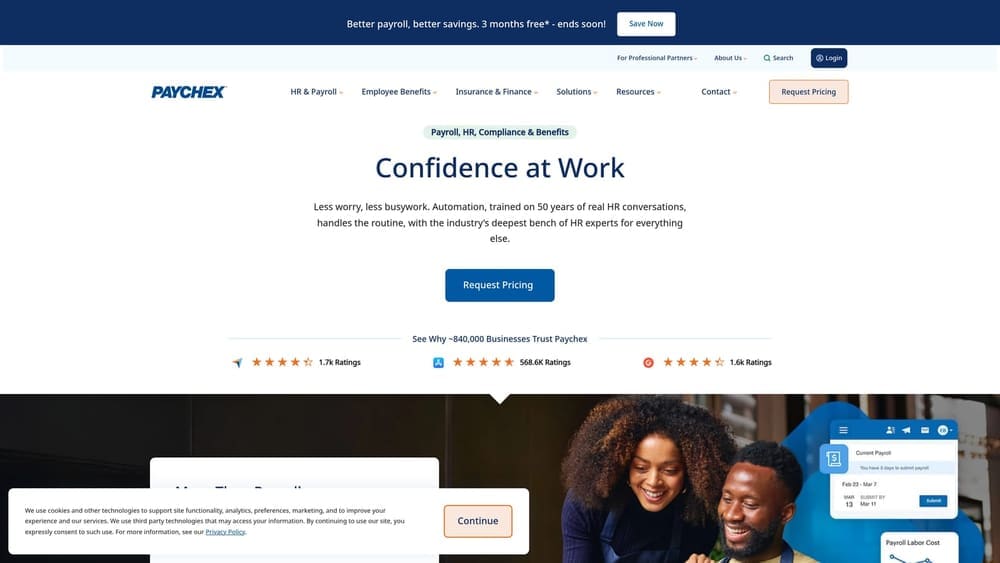
Consider a studio where front-desk staff clock in across opening and closing shifts and coaches are paid for sessions plus admin time. Getting hours captured accurately before payroll runs is half the battle, and having that in the same vendor reduces handoffs.
- Payroll processing for hourly and salaried employees.
- A PEO option if you later want co-employment and bundled benefits.
- Time and attendance tools that feed hours into pay.
- Tax filing to handle recurring payroll tax deadlines.
Pricing is quote-based, and add-on modules can raise total cost, so ask for a line-by-line quote that includes time tracking, tax filing, and any HR add-ons. Verify integrations and the exact product names for your size. Setup typically involves a sales rep and an implementation process.
It’s a weaker fit for owners who want a published price list. Cost moves with headcount, pay frequency, and the modules you add.
Best for: Studios tracking many hourly front-desk and trainer shifts.
8. OnPay
OnPay is a payroll-only service for small businesses, and its published pricing is the reason it earns a spot. When you’re trying to figure out what a PEO’s fees are buying you, a transparent payroll baseline is the best comparison point.
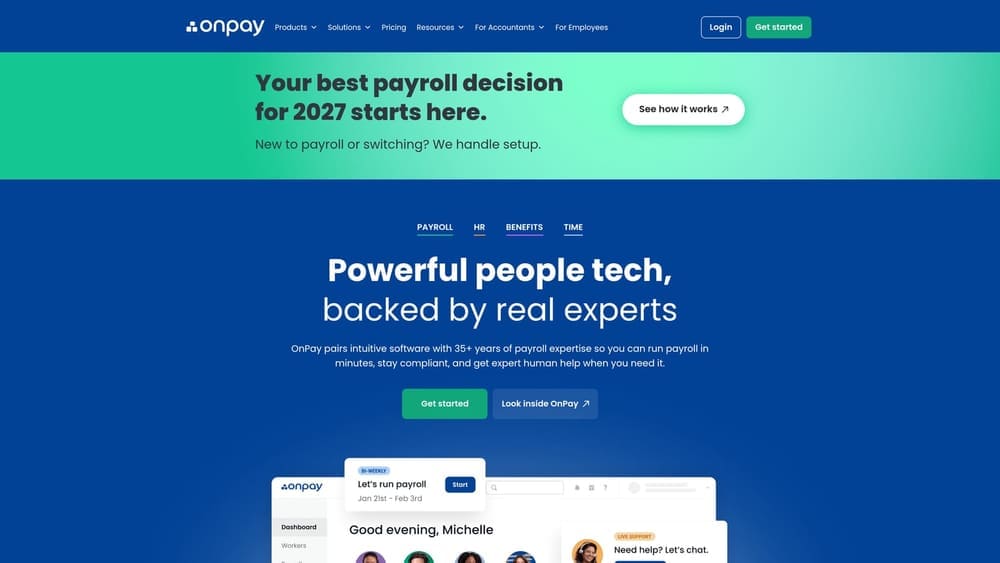
- Payroll for W-2 and 1099 workers, so employees and properly classified contractors can run through one system.
- PTO policies, which help when part-time staff accrue leave.
- Benefits administration for plans you arrange yourself.
- Tax filing that handles recurring payroll tax work.
Integrations should be verified on the vendor’s site against your accounting and scheduling tools. Setup is owner-run and light, which suits a studio with a handful of trainers and no HR staff.
The limitation is categorical: no PEO, no co-employment, and no pooled benefits. You keep the full employer role and any HR questions stay with you or your counsel. If you want shared employer responsibilities or bundled benefits purchasing, look elsewhere. Pricing: see the website; it generally moves with a base fee plus a per-employee or per-contractor amount.
Best for: Very small studios with a handful of trainers.
Matching the Model to Your Studio Before You Sign
Three situations cover most fitness operators. A single-location studio with mostly part-time instructors usually fits a payroll-only service such as OnPay or Gusto, since a small team rarely gains much from pooled benefits. A growing multi-location operator is the typical PEO candidate: TriNet suits expansion, Insperity suits owners who want an HR advisor, and ADP or Paychex give you a payroll-to-PEO path. An owner who wants benefits without carrier-choice limits should compare Gusto’s owner-selected approach against a PEO like Justworks to see what the pooled plans actually offer.
Whichever way you lean, compare total cost, not the headline rate. Ask each provider for an itemized quote covering fees, add-ons, minimums, state availability, and workers’ comp handling, and confirm terms directly with them. Remember that a PEO doesn’t erase your compliance liability, and contractor status for instructors is decided by IRS, DOL, and state rules, so check classification with counsel. For more on the model question, see our [LINK CHECK: PEO vs payroll guide] and [LINK CHECK: PEO comparison hub].
Before you sign that PEO renewal, make sure you’re not leaving money on the table.
Many businesses unknowingly overpay because of bundled fees, hidden administrative markups, and contracts designed to limit flexibility. We give you a clear, side-by-side breakdown of pricing, services, and contract terms, so you can see exactly what you’re paying for and choose the option that truly fits your business.
