
If you run an architecture firm, you’ve probably hit the moment where basic payroll software stops cutting it. Maybe you’re dealing with multi-state licensed staff, project-based billing cycles that make benefits administration a headache, or workers’ comp classifications that don’t map cleanly to what your insurer expects.
At that point, two options usually come up: a Professional Employer Organization (PEO) or a standalone payroll company. They’re not the same thing — not even close — and picking the wrong one has real cost and operational consequences.
A PEO enters a co-employment relationship, becoming the employer of record for tax and benefits purposes while you retain day-to-day management control. A payroll company processes payroll and may offer HR tools, but doesn’t assume co-employment liability. That distinction matters a lot when you’re dealing with workers’ comp classifications across principal architects, draftspeople, and field-visiting staff, or when you’re trying to offer benefits competitive enough to retain licensed talent.
Here are the top tools worth evaluating — covering PEO comparison resources, full-service PEOs, and standalone payroll platforms — so you can make the right call for your firm’s current stage.
1. PEO Metrics
Best for: Architecture firms evaluating whether a PEO is cost-justified before talking to sales reps
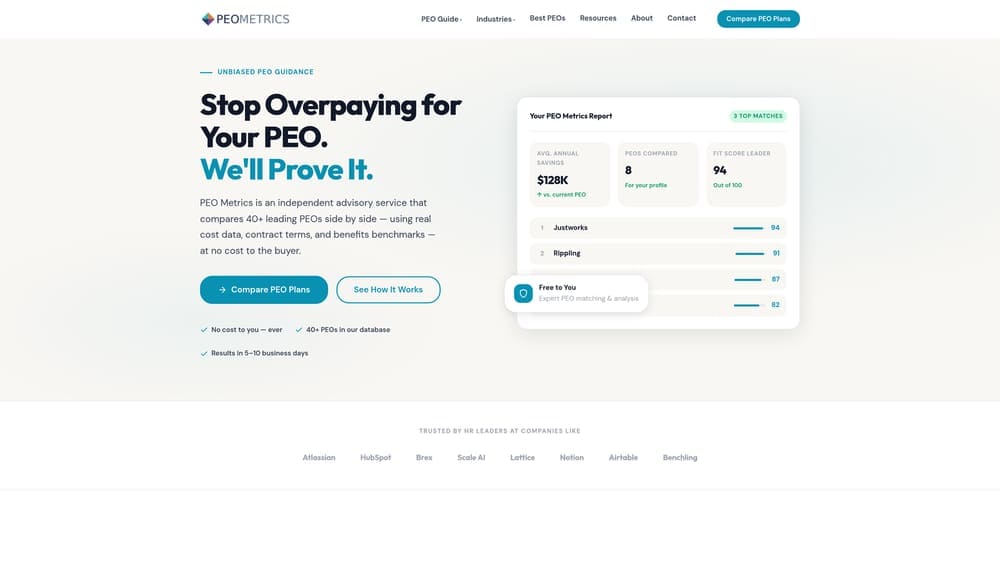
PEO Metrics is a vendor-neutral comparison platform that helps firms evaluate and compare PEO providers side-by-side using real pricing data and service metrics.
Where This Tool Shines
Most architecture firms considering a PEO for the first time face the same problem: you can’t easily compare providers without going through a sales process at each one. PEO Metrics exists to solve that. It surfaces relevant providers based on your firm’s size and needs, gives you pricing context before you engage a single rep, and helps you understand what you’d actually be paying for.
For architecture firms specifically, this matters because PEO pricing structures vary significantly — some charge a percentage of payroll, others charge per-employee fees — and those differences compound quickly when your headcount fluctuates with project cycles. Having a clear picture upfront prevents you from signing a contract that looks reasonable in a slow quarter and becomes expensive when you staff up for a large commission.
Key Features
Side-by-Side Provider Comparisons: Compare PEO providers on pricing, services, and contract terms without going through individual sales conversations at each firm.
Unbiased Guidance: PEO Metrics is not affiliated with any PEO provider, so the comparisons aren’t shaped by referral relationships or commission incentives.
Cost-Justification Analysis: Helps firms determine whether a PEO makes financial sense before committing to a co-employment relationship.
Firm-Size Filtering: Surfaces relevant providers based on headcount and complexity, which is particularly useful for smaller architecture practices that many enterprise PEOs aren’t well-suited for.
Time Savings: Consolidates research that would otherwise require multiple vendor calls, demos, and proposals.
Best For
Architecture firms evaluating a PEO for the first time, or firms currently in a PEO contract who want to verify they’re not overpaying. Also useful for firms that aren’t sure whether a PEO or payroll company is the right fit — the comparison data helps clarify the decision before you commit.
Pricing
Free to use comparison tools; consult the site for current service tiers and any premium features.
2. Justworks
Best for: Small to mid-size architecture firms that want PEO benefits with upfront pricing transparency
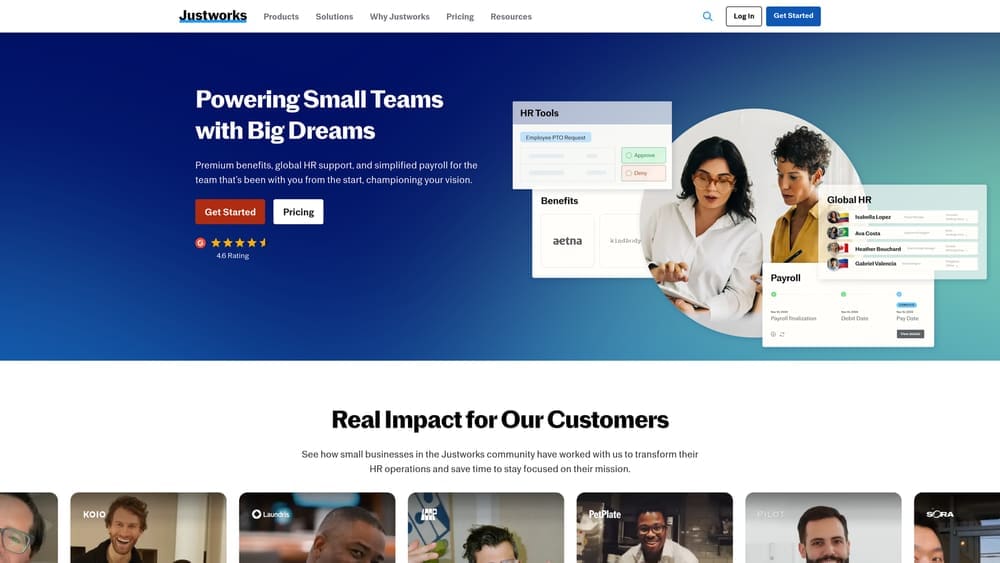
Justworks is an IRS-certified PEO with publicly listed, per-employee pricing and solid benefits access for employers under 100 people.
Where This Tool Shines
Justworks is one of the few PEOs that actually publishes its pricing online. For architecture firms trying to model costs before a sales conversation, that transparency is genuinely valuable. You can run rough numbers based on your current headcount without committing to a demo first.
The co-employment model gives smaller firms access to large-group health insurance rates they couldn’t access independently. For architecture practices competing for licensed talent against larger firms and corporate real estate departments, that benefits leverage is a real retention tool — not just a back-office convenience.
Key Features
Transparent Per-Employee Pricing: Pricing tiers are publicly listed, making cost modeling straightforward before you engage sales.
Large-Group Health Insurance Access: Co-employment gives small firms access to benefit rates typically reserved for much larger employers.
Full Payroll Tax and Compliance Handling: Payroll tax filing, workers’ comp, and HR compliance are managed under the co-employment structure.
IRS-Certified PEO Status: Certification signals a higher standard of compliance and operational rigor.
Clean Platform and Onboarding: User-friendly interface with strong onboarding support, which reduces the internal lift when transitioning from a standalone payroll setup.
Best For
Architecture firms with 10 to 100 employees that want a straightforward PEO experience without opaque pricing. Particularly useful for firms that have outgrown basic payroll software but aren’t yet large enough to justify an enterprise-tier PEO relationship.
Pricing
Per-employee monthly fee; pricing tiers are publicly listed on Justworks’ website, which makes it easier to evaluate before any sales engagement.
3. TriNet
Best for: Architecture firms with complex HR needs, multi-state staff, or dedicated professional services requirements
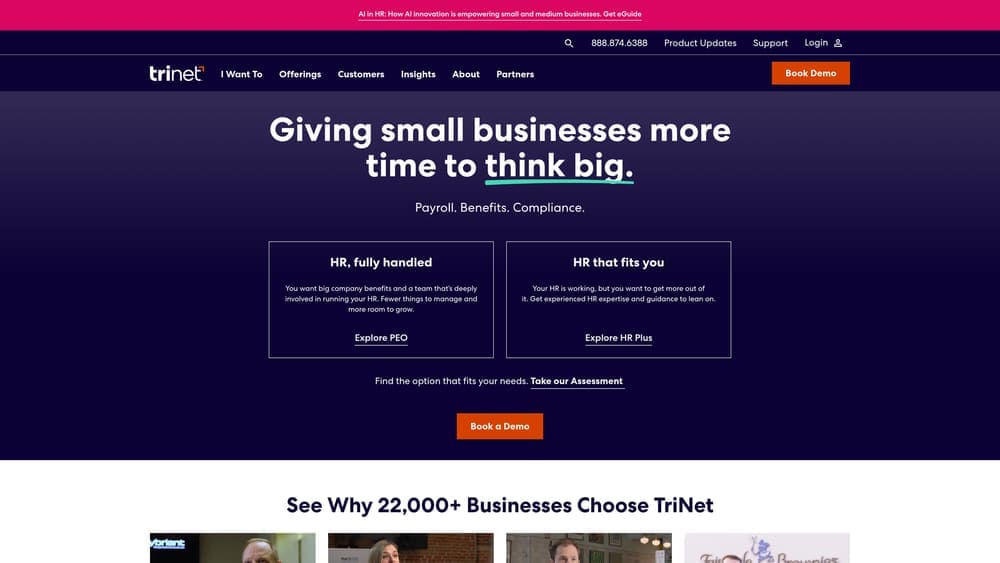
TriNet is a full-service IRS-certified PEO with vertical-specific HR teams and dedicated support built for professional services environments.
Where This Tool Shines
TriNet’s differentiator is the depth of HR support, not just payroll processing. For architecture firms with senior staff, complex employee classification scenarios, or teams spread across multiple states, having a dedicated HR team with professional services experience is meaningfully different from a self-service platform.
Multi-state compliance is a real pressure point for architecture practices that take on projects across state lines. TriNet handles multi-state payroll tax and compliance under the co-employment umbrella, which reduces the risk of misclassification or filing errors that can create liability for the firm.
Key Features
Dedicated HR Support Teams: Assigned HR specialists with professional services experience, not just a general support queue.
Multi-State Payroll and Compliance: Handles the complexity of employees working or residing in multiple states under co-employment.
Broad Benefits Carrier Options: Medical, dental, vision, and 401(k) options with access to large-group rates.
Workers’ Comp and Risk Management: Included under co-employment, which matters for firms with field-visiting architects under different classification codes than office staff.
Complex Classification Handling: Better equipped than most platforms to manage the layered classification scenarios common in architecture firms.
Best For
Mid-size architecture firms with 25 or more employees, multi-state project work, or HR complexity that a lighter-touch PEO can’t adequately support. Firms that prioritize HR advisory depth over pricing transparency will find TriNet a stronger fit than more self-service options.
Pricing
Quote-based; pricing is not publicly listed and requires a sales conversation. Budget additional time for the evaluation process compared to platforms with published rates.
4. ADP TotalSource
Best for: Larger or more complex architecture firms already operating in the ADP ecosystem
ADP TotalSource is an enterprise-grade PEO with a large carrier network, deep compliance infrastructure, and broad integrations across ADP’s platform suite.
Where This Tool Shines
ADP TotalSource brings the full weight of ADP’s compliance infrastructure to the co-employment relationship. For architecture firms operating across multiple states, managing diverse employee types, or dealing with detailed reporting requirements, that infrastructure is genuinely useful — not just a marketing claim.
The integration with ADP’s broader ecosystem (time tracking, HR tools, analytics) is also a practical advantage for firms that have already standardized on ADP products. Switching costs are real, and staying within one vendor relationship reduces administrative friction.
Key Features
Full Co-Employment Model: Comprehensive HR, payroll, and benefits administration under a single co-employment structure.
Extensive Multi-State Compliance Support: Deep compliance resources across jurisdictions, relevant for architecture firms with project-based multi-state exposure.
Large Insurance Carrier Network: Competitive benefits pricing through a broad carrier network.
ADP Ecosystem Integration: Connects with ADP’s time-tracking, HR, and analytics tools for firms already using the platform.
Reporting and Analytics: Strong reporting capabilities for firms that need detailed workforce data for project cost allocation or billing analysis.
Best For
Architecture firms with 50 or more employees, significant multi-state complexity, or existing ADP infrastructure. Less compelling for very small practices where the pricing structure may not be cost-effective relative to lighter PEO options.
Pricing
Quote-based; typically structured as a percentage of payroll or per-employee fee. Pricing is not publicly listed and varies significantly by firm size and configuration.
5. Insperity
Best for: Architecture firms that want PEO services combined with genuine HR advisory depth and employee development support
Insperity is one of the largest PEOs in the U.S., known for combining standard co-employment services with strong HR advisory support and employee development tools.
Where This Tool Shines
Insperity positions itself above basic PEO administration. Each client gets a dedicated HR specialist, not just access to a platform. For architecture firm principals who are managing a practice, not a HR department, having a real advisor on call for employee relations issues, performance management, or hiring decisions has practical value.
The employee development and training resources are also worth noting for architecture firms. Retaining licensed staff is expensive to replace, and firms that invest in professional development tend to see better retention. Insperity includes those tools as part of the engagement rather than as add-ons.
Key Features
Dedicated HR Specialists: Each client is assigned a dedicated HR advisor, not routed through a general support queue.
Employee Training and Development: Professional development resources included as part of the standard service, not priced separately.
Full Benefits Administration: Large-group rate access for health, dental, vision, and retirement benefits under co-employment.
Workers’ Comp and Risk Management: Managed under the co-employment structure with risk mitigation support included.
Performance Management and HR Strategy: Goes beyond basic admin to support organizational development and HR planning.
Best For
Architecture firms that want a PEO relationship that functions more like an outsourced HR department than a payroll processor. Best suited to firms where the principals are actively involved in talent strategy and want advisory support, not just compliance handling. Pricing reflects the premium positioning.
Pricing
Quote-based; generally positioned as a premium PEO option. Expect pricing to reflect the depth of HR advisory services included.
6. Gusto
Best for: Small architecture firms that need clean, affordable payroll without co-employment complexity
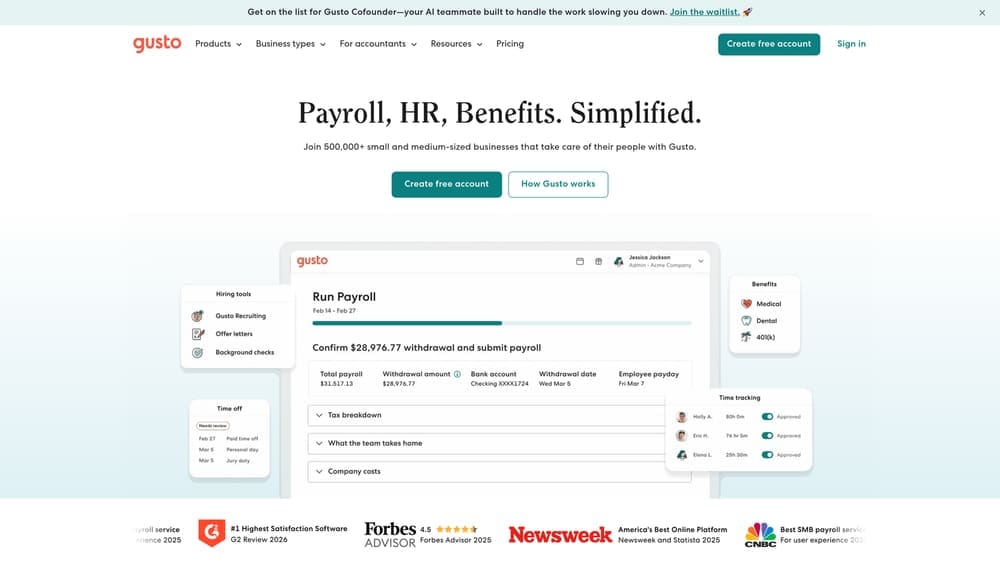
Gusto is a payroll and HR platform for small businesses — not a traditional PEO, but a capable standalone payroll solution with benefits add-ons for firms not yet ready for co-employment.
Where This Tool Shines
Gusto is the right tool when you need payroll to work reliably without a lot of overhead. The interface is clean, tax filing is automated, and the onboarding experience is straightforward. For a small architecture practice with a stable, local team and no immediate need for co-employment benefits, it’s a practical and cost-effective choice.
It’s worth being clear about what Gusto is not: it’s not a PEO in the traditional co-employment sense. You remain the employer of record. That means workers’ comp rates, benefits access, and compliance exposure stay with you. For firms where those aren’t yet active pressure points, that’s fine. For firms dealing with classification complexity or multi-state obligations, Gusto will hit its limits.
Key Features
Automated Payroll Processing: Clean payroll runs with automated federal and state tax filing built in.
Optional Health Benefits Administration: Benefits can be added through Gusto, though this is not a co-employment arrangement — the firm remains the employer of record.
Onboarding and HR Document Management: Basic onboarding workflows and document storage for smaller teams.
Accounting Platform Integrations: Connects with QuickBooks, Xero, and other common tools used by architecture firms.
Tiered Pricing: Multiple plan levels make it accessible for very small firms without paying for features they don’t need.
Best For
Architecture firms with fewer than 25 employees, straightforward payroll needs, and no immediate multi-state or workers’ comp complexity. A solid starting point before a firm’s HR needs grow into PEO territory.
Pricing
Starts at a base monthly fee plus a per-employee charge; tiered plans are listed publicly on Gusto’s website.
7. QuickBooks Payroll
Best for: Architecture firms already managing their books in QuickBooks who want payroll in the same system
QuickBooks Payroll is a payroll processing tool natively integrated with QuickBooks accounting — the lowest-friction option for firms already on the QuickBooks platform.
Where This Tool Shines
The core value here is integration. If your project billing, expense tracking, and general ledger already live in QuickBooks, adding payroll in the same system eliminates a meaningful amount of manual reconciliation. For small architecture firms where the principal or office manager is handling both accounting and payroll, that friction reduction matters.
QuickBooks Payroll is not a PEO and doesn’t try to be. It’s a payroll processor with solid tax filing automation and direct deposit handling. The HR features are limited compared to dedicated HR platforms, but for firms that primarily need payroll to work correctly and sync with their books, it delivers on that narrow use case effectively.
Key Features
Native QuickBooks Integration: Payroll data syncs directly with QuickBooks accounting — no manual data transfer or reconciliation needed.
Automated Tax Calculations and Filings: Federal and state payroll tax calculations handled automatically with filing included on higher tiers.
Same-Day or Next-Day Direct Deposit: Faster deposit options available on higher-tier plans, useful for project-driven firms with irregular payroll timing.
Basic HR Features: Available on higher-tier plans, though limited in scope compared to dedicated HR platforms.
Workers’ Comp Pay-As-You-Go Integration: Available through partner carriers, which can help with cash flow management for project-based billing cycles.
Best For
Small architecture firms already using QuickBooks for accounting that want a simple, integrated payroll solution. Not a fit for firms needing co-employment benefits, multi-state compliance support, or HR advisory services.
Pricing
Monthly subscription plus a per-employee fee; multiple tiers are listed on Intuit’s site with pricing varying by feature set.
8. Paychex Flex
Best for: Architecture firms that want to start with payroll and retain the option to move into a PEO relationship without switching vendors
Paychex Flex is a payroll platform from Paychex that also offers a separate PEO product — giving firms the option to scale into co-employment without changing vendors.
Where This Tool Shines
Paychex is one of the few vendors that offers both a standalone payroll product and a full PEO under the same brand. For architecture firms that aren’t sure whether they’ll need co-employment in the next few years, that pathway matters. Starting with Paychex Flex for payroll and later transitioning to Paychex PEO avoids the disruption of a full vendor switch — employee records, payroll history, and integrations carry over.
The dedicated payroll specialist support is also a practical differentiator. For firms dealing with irregular payroll schedules tied to project milestones or retainer billing, having a real person available to handle edge cases is more useful than a self-service help center.
Key Features
Payroll Processing with Tax Filing: Full payroll processing with federal and state tax filing and compliance tools included.
PEO Upgrade Path: Option to transition to Paychex PEO under the same vendor relationship if co-employment becomes the right fit.
Time and Attendance Integrations: Connects with time-tracking tools, useful for architecture firms tracking billable hours across projects.
HR Library and Compliance Resources: Included with payroll plans, providing basic HR guidance without requiring a full PEO engagement.
Dedicated Payroll Specialist: Assigned support contact for payroll questions and edge cases, available on certain plan tiers.
Best For
Architecture firms at an inflection point — currently managing payroll independently but anticipating growth that may eventually require co-employment. Also useful for firms that value vendor continuity and want to avoid the disruption of switching platforms as their needs evolve.
Pricing
Quote-based; pricing varies significantly by configuration and headcount. Expect meaningful variation depending on which features and support tiers are selected.
9. Rippling
Best for: Tech-forward architecture firms that want deep automation and system consolidation alongside HR and payroll management
Rippling is a unified HR, IT, and payroll platform with an optional PEO product — built for firms that want to automate administrative workflows and consolidate systems rather than manage them separately.
Where This Tool Shines
Rippling’s differentiator is automation depth. Onboarding a new employee triggers not just payroll enrollment but also device provisioning, software access, and benefits enrollment — all from a single workflow. For architecture firms with remote or hybrid staff, or firms that rely heavily on software tools like Revit, AutoCAD, or project management platforms, that level of system integration reduces the manual overhead of bringing people on and off projects.
The optional PEO product means firms that want co-employment benefits don’t have to leave the platform to get them. That said, Rippling is a more complex implementation than Gusto or QuickBooks Payroll. The payoff is real if you have the operational complexity to justify it — but smaller firms with simple payroll needs may find it more than they need.
Key Features
Unified HR, Payroll, and IT Platform: Manages HR, payroll, device provisioning, and software access from a single system — particularly useful for firms managing remote staff across multiple tools.
Optional PEO Product: Co-employment benefits and compliance support available as an add-on within the same platform.
Onboarding and Offboarding Automation: Automated workflows that trigger across HR, IT, and payroll simultaneously, reducing manual steps when staff rotate with project cycles.
Multi-State Payroll with Compliance Tracking: Handles multi-state payroll complexity, relevant for architecture firms with staff working across jurisdictions.
Modular Pricing: Pay for the modules you actually use, which can be cost-effective for firms that need some but not all features.
Best For
Architecture firms with remote or hybrid teams, significant software tool overhead, or a strong preference for automation. Also a good fit for firms that want the option to add PEO co-employment later without migrating platforms. Less ideal for small, simple practices where the implementation complexity outweighs the benefit.
Pricing
Quote-based; modular pricing means cost depends on which product modules are activated. Get a detailed quote based on your specific configuration before comparing against simpler alternatives.
Which Option Actually Fits Your Firm?
The honest answer is that this decision depends less on which tools are “best” and more on where your firm is right now.
If you’re still figuring out whether a PEO makes financial sense for your practice, start with PEO Metrics. It gives you a realistic picture of what you’d pay and what you’d get before you talk to a single sales rep — which is exactly the right sequence for a decision this consequential.
If you’re a small firm under 25 people with straightforward payroll needs and no immediate multi-state complexity, Gusto or QuickBooks Payroll are the pragmatic choice. They’re affordable, easy to implement, and don’t come with co-employment overhead you’re not ready to use.
If you’re ready for a PEO and want pricing you can actually evaluate upfront, Justworks is worth a serious look. For mid-size firms with multi-state staff, complex benefits requirements, or layered classification scenarios, TriNet and Insperity both bring genuine HR depth that lighter platforms can’t match.
If you’re already embedded in the ADP or Paychex ecosystem, their PEO products deserve a real evaluation. Switching costs are real, and staying with a known vendor isn’t a bad decision when the product is genuinely capable.
The broader point: a PEO makes the most financial sense for architecture firms when workers’ comp classifications, benefits costs, or multi-state compliance are actively creating overhead. If none of those apply yet, a solid payroll company is probably enough — and cheaper. The decision isn’t permanent. Most firms start with payroll and move to a PEO as headcount or complexity grows.
Before you sign a PEO renewal or lock into a new contract, make sure you’re not leaving money on the table. Many firms overpay because of bundled fees, hidden administrative markups, and contracts designed to limit flexibility. Don’t auto-renew. Make an informed, confident decision.
Before you sign that PEO renewal, make sure you’re not leaving money on the table.
Many businesses unknowingly overpay because of bundled fees, hidden administrative markups, and contracts designed to limit flexibility. We give you a clear, side-by-side breakdown of pricing, services, and contract terms—so you can see exactly what you’re paying for and choose the option that truly fits your business.
