

Comparing PEOs is not like comparing project management software. You need to understand fee structures, co-employment terms, and CPEO status, not just star ratings from a general software directory. Most HR leaders start their search with a browser tab full of “best PEO” lists that turn out to be thin marketing pages, so the real work is figuring out which resources actually help you evaluate pricing and fit versus which ones just collect your contact information for a sales call.
The tools below were chosen for how directly they help with PEO-specific comparison work: pricing structure, fee mechanics, credential verification, or peer feedback from people who have actually used these providers. Some are review platforms, some are directories, and one is a dedicated comparison service. Knowing which type you’re looking at matters more than any single rating.
Quick Comparison
- PEO Metrics: best for HR teams wanting a data-driven, PEO-specific pricing comparison; pricing available on the website; the only listed option built specifically around PEO fee structure analysis rather than general review scoring.
- G2: best for checking peer sentiment on well-known PEOs; free to use; large volume of verified user reviews across HR categories.
- Capterra: best for buyers ready to request quotes quickly; free to use; direct request-a-quote routing to vendor sales teams.
- Software Advice: best for HR teams that want to talk it through by phone; free to use; guided advisor consultations alongside self-serve pages.
- TrustRadius: best for detailed, narrative feedback; free to use; structured pros/cons reviews organized by use case.
- SelectSoftware Reviews (SSR): best for a curated editorial shortlist; free to read; practitioner-written buyer’s guides instead of raw user reviews.
- NAPEO PEO Directory: best for verifying credentials; free to use; the only resource focused on confirming NAPEO membership and CPEO status.
- Forbes Advisor PEO Guide: best for first-time buyers needing background; free to read; plain-language education on how the PEO model works.
1. PEO Metrics
PEO Metrics is a comparison service built specifically for buyers trying to make sense of PEO pricing before they sign a contract. Instead of star ratings or generic feature checklists, it organizes data around how PEOs actually charge, including fee mechanics that are often buried in proposals, so HR teams can see what they’re really being asked to pay.
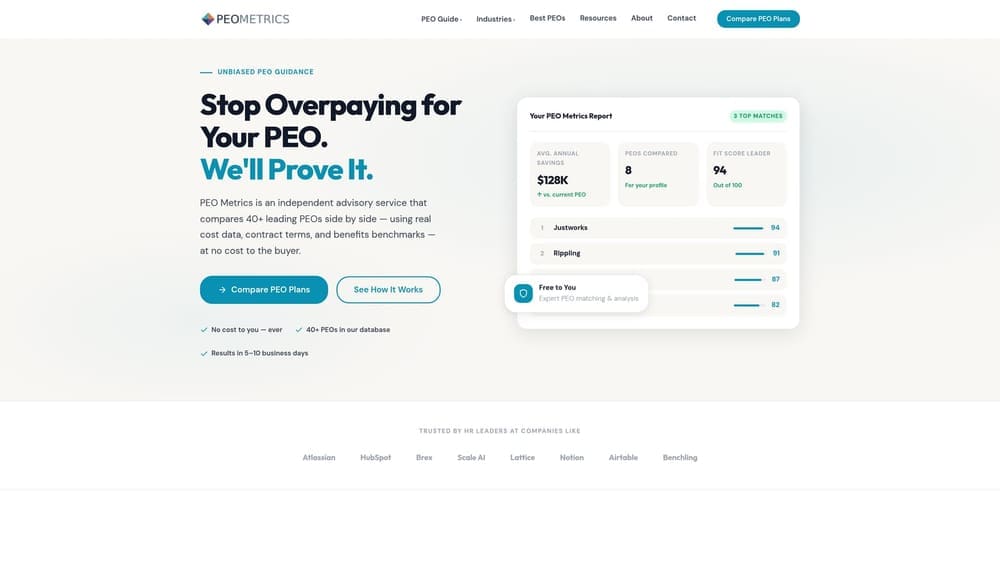
What sets it apart from the review sites and directories later in this list is its focus. It isn’t trying to cover every HR software category. It exists to answer one question: how does this PEO’s pricing and service structure compare to the alternatives you’re considering.
- Side-by-side data comparisons across PEO providers, built around pricing structure rather than star ratings
- Fee analysis that surfaces administrative markups and bundled costs that are easy to miss in a sales proposal
- Guidance oriented specifically around co-employment decisions rather than software purchasing in general
There’s no software to integrate since this is a comparison and advisory service rather than a platform you log into daily. Setup effort is minimal: you engage with PEO Metrics directly rather than configuring an account.
One thing to know going in: like several other resources in this space, PEO Metrics may receive placement fees from PEO vendors. That’s worth asking about directly, specifically how that funding relates to which providers show up in your comparison, so you understand the full picture before you rely on the data. It’s also not a general software review site, so if you’re looking for broad peer sentiment across dozens of vendors rather than a focused pricing comparison, you’ll want to pair it with one of the review platforms below.
Pricing details are available directly on the website, since engagement models can vary by the scope of the comparison you need.
Best for: HR teams that want a data-driven, PEO-specific pricing comparison rather than a general software review.
2. G2
G2 is one of the most widely used B2B software review platforms, and it maintains a category for PEO and HR outsourcing built entirely from user-submitted reviews. For HR leaders who want to know what actual customers say about day-to-day service quality, onboarding, and support responsiveness, it’s a natural first stop.
G2’s advantage is scale. Because it covers software and services across nearly every business category, PEOs on the platform are reviewed by people who often compare their experience against other categories of HR tools too, which can surface honest complaints that a vendor’s own case studies would never mention.
- Verified reviews from users who confirm employment or purchase, reducing the risk of fake feedback
- Comparison grids that let you place two or three PEOs side by side on feature checklists
- Filtering by company size and industry so the reviews you read reflect businesses similar to yours
There’s nothing to integrate or set up. It’s a browser-based directory that any HR lead can use without IT involvement, and it’s free for buyers as of 2026.
The catch is coverage depth. PEO review volume on G2 is thinner than categories like CRM or project management software, so a smaller or regional PEO may have only a handful of reviews, or none at all. That makes it a good sentiment check for well-known national and regional PEOs, but not a substitute for a pricing-focused comparison.
Best for: HR teams wanting peer sentiment on well-known PEOs before shortlisting.
3. Capterra
Capterra, owned by Gartner, works similarly to G2 but leans harder into helping buyers move from browsing to action. Its PEO listings can be filtered by rating, price range, and business size, and each listing includes a path to request a quote directly.
What makes Capterra distinct on this list is that request-a-quote routing. If you’ve already done your homework and want to get proposals in front of you quickly, Capterra shortens the distance between research and outreach more than most of the other resources here.
- Verified user reviews with filters for rating, business size, and industry
- A directory structure that groups PEOs by category so you can compare like against like
- Request-a-quote functionality that connects you to vendor sales teams from the listing page
No setup or integration is required, and it’s free to use as of 2026. Anyone on your HR team can browse listings without an account.
The tradeoff is that placement at the top of category pages can be sponsored. Capterra discloses this, but it means the PEOs you see first aren’t necessarily the best-reviewed or best-fit, they may simply be the ones paying for visibility. Treat prominent placement as a paid position rather than a ranking of quality, and read the underlying reviews rather than relying on list order.
Best for: Buyers who want to move quickly from browsing reviews to requesting vendor quotes.
4. Software Advice
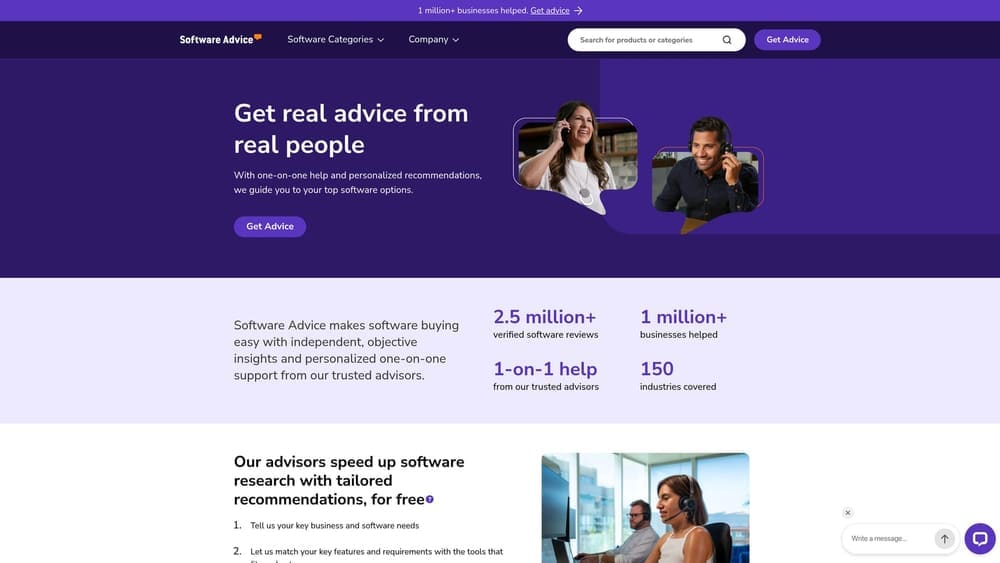
Also Gartner-affiliated, Software Advice pairs self-serve comparison pages with something the other review sites on this list don’t offer: a phone call with a human advisor who will ask about your needs and suggest PEOs that might fit.
How the advisory model works
You submit basic information about your company (headcount, state, priorities like benefits or compliance support) and an advisor calls to walk through options. It’s a useful option if you’d rather talk through the tradeoffs out loud than sift through comparison grids on your own.
Where it falls short
The advisory service is lead-gen driven. Advisors are matching you to vendors that participate in that referral channel, which means the recommendations you get by phone may lean toward PEOs paying for that placement rather than reflecting an exhaustive, unbiased market scan. It’s a helpful starting conversation, not a substitute for your own pricing comparison.
- Phone consultations with an advisor who narrows options based on your stated requirements
- Comparison pages summarizing PEO features for self-serve research
- Shortlist matching intended to save time versus browsing every listing yourself
There’s no software integration involved and no cost to use the service, as of 2026. Any HR lead can request a call without going through procurement.
Best for: HR teams that prefer talking through options with an advisor instead of researching independently.
5. TrustRadius
TrustRadius takes a different approach to reviews than G2 or Capterra. Rather than emphasizing star ratings, it publishes long-form, structured reviews with explicit pros and cons, often organized by specific use case, such as multi-state payroll compliance or benefits administration for a particular headcount range.
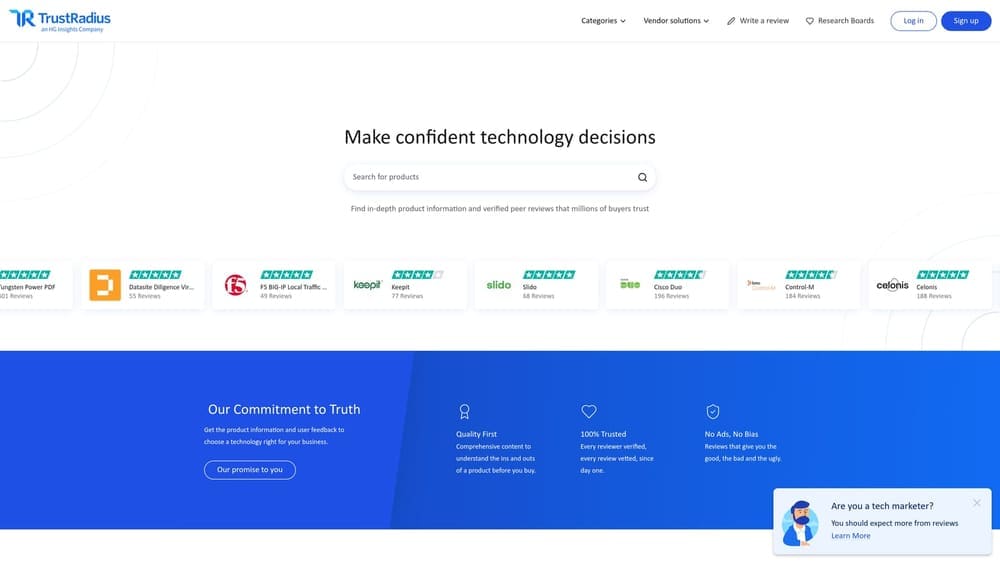
That structure is the appeal. A star rating tells you almost nothing about why a PEO scored well or poorly. A TrustRadius review that walks through a reviewer’s actual onboarding experience or a specific complaint about billing accuracy gives you something you can actually weigh against your own priorities.
- Pros-and-cons format that surfaces specific strengths and complaints rather than a single number
- Use-case based organization so you can find reviews from businesses with needs similar to yours
- A reviewer verification process intended to filter out low-quality or incentivized submissions
No integration or setup is needed, and access is free for buyers as of 2026.
The main limitation is volume. PEO review counts on TrustRadius run lower than in more common software categories, so for some vendors you may find only a small handful of detailed reviews. That’s still useful information, but treat a sample of three or four reviews as anecdotal rather than statistically representative.
Best for: Buyers who want detailed narrative feedback rather than quick star-rating comparisons.
6. SelectSoftware Reviews (SSR)
SelectSoftware Reviews takes an editorial approach rather than an aggregated-review approach. Its writers publish buyer’s guides and shortlists covering PEOs alongside broader HR software categories, aimed at practitioners who want a curated starting point rather than dozens of individual reviews to sift through.
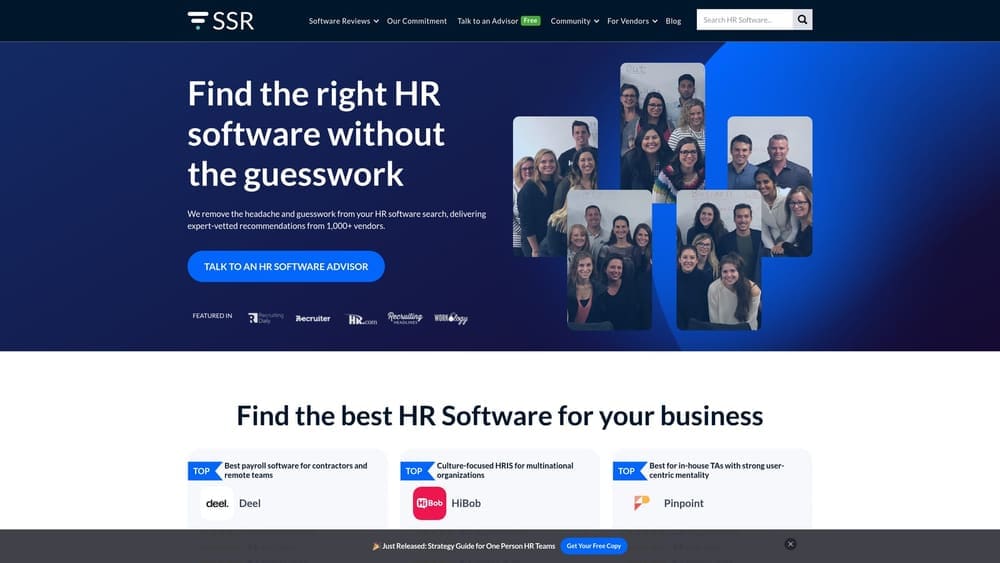
The distinction that matters here is voice. G2, Capterra, and TrustRadius aggregate what users say. SSR’s content is written by editors who position themselves as HR practitioners explaining tradeoffs in plain language, closer to what you’d get from a knowledgeable colleague than from a review database.
- Editorial buyer’s guides that explain what to look for before you start requesting quotes
- Category shortlists that narrow a broad market down to a handful of options worth investigating
- Explainer content written for HR practitioners rather than a general software-buying audience
There’s no account or integration required, and content is free to read as of 2026.
Because it’s editorial rather than continuously updated user data, content can lag behind vendor changes. A PEO’s pricing model or feature set as described in an SSR guide may not reflect what that provider offers today, so treat it as a starting framework and verify specifics directly with any PEO before shortlisting it.
Best for: HR teams that prefer a curated editorial shortlist over browsing raw user reviews.
7. NAPEO PEO Directory
The NAPEO member directory, maintained by the National Association of Professional Employer Organizations, exists for a different job than everything else on this list. It’s not built for pricing or feature comparison at all. It’s a credentialing resource that helps you confirm whether a PEO is a NAPEO member and where it stands on CPEO status with the IRS.
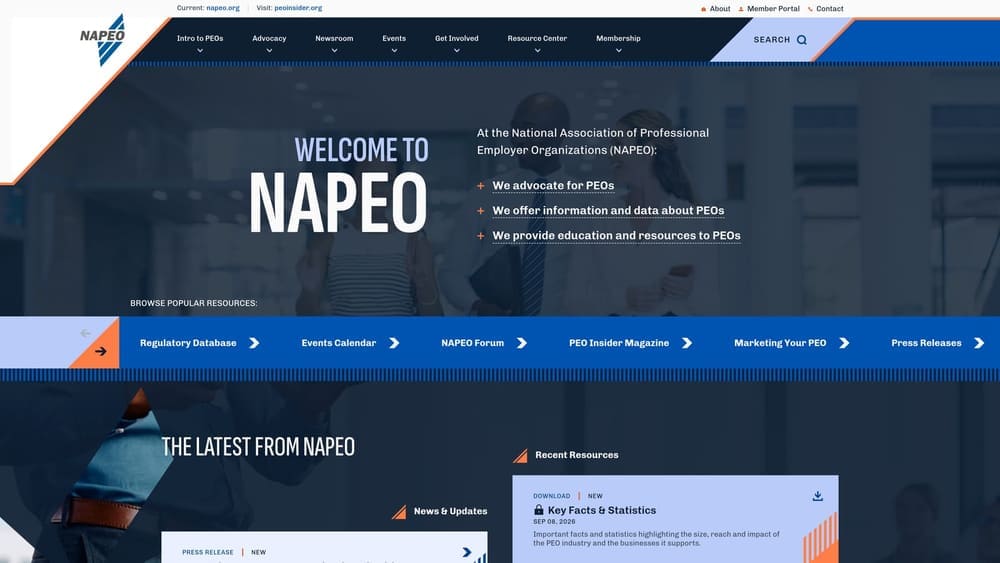
This distinction trips up a lot of first-time buyers. A NAPEO listing tells you a provider meets certain industry standards and reporting requirements. It says nothing about whether that provider’s pricing is competitive or whether its service model fits your company, so don’t mistake directory presence for a comparison result.
- A searchable directory of NAPEO-affiliated PEOs organized by state and specialty
- Credential and standards information relevant to CPEO certification
- Educational resources explaining how the co-employment model and PEO structure work generally
There’s no setup involved, it’s a public directory, free to use as of 2026, and it works best as a verification step rather than a discovery tool.
The limitation is exactly what makes it useful for its actual purpose: no pricing data, no fee structures, and no side-by-side feature comparisons. Use it to confirm a shortlisted provider’s standing, not to build your shortlist in the first place.
Best for: Confirming a shortlisted PEO’s credentials before finalizing a decision made using other comparison tools.
8. Forbes Advisor PEO Guide
The Forbes Advisor PEO guide is an editorial resource aimed squarely at readers who are new to the PEO model and need background before they start comparing specific vendors. It walks through how co-employment works, what a PEO does versus an ASO or payroll-only provider, and offers a curated, narrative-style list of providers with pros and cons.
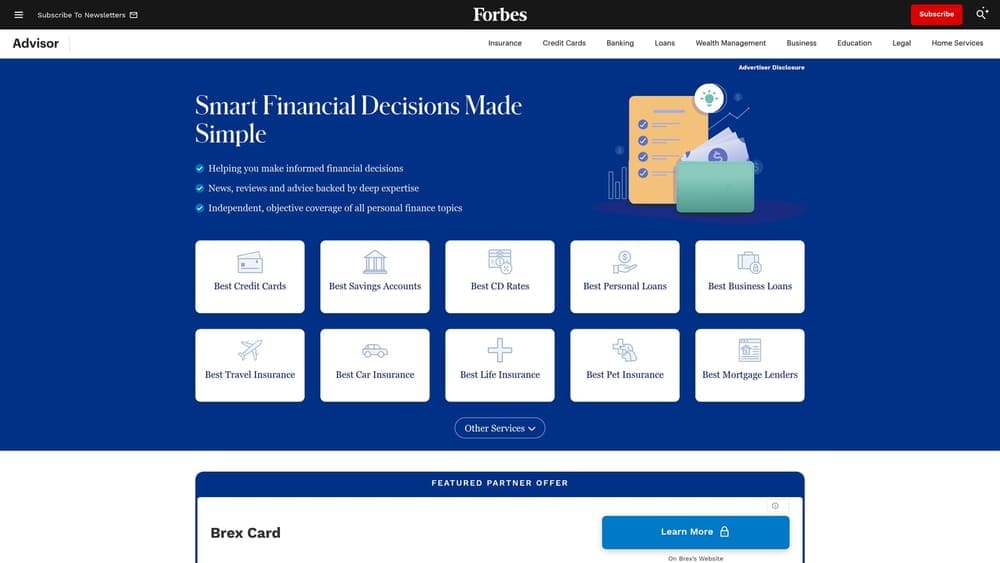
Its value is educational breadth rather than comparison depth. If you’re not yet sure what questions to ask a PEO sales rep, or you’re trying to explain the model to a colleague or your CFO, this kind of plain-language framing does that job well.
- Editorially curated rankings that introduce a handful of well-known PEOs
- Narrative explanations of how the PEO model works, useful for readers or stakeholders new to the concept
- General educational framing rather than a deep pricing or feature comparison
No setup or integration applies, and the guide is free to read as of 2026.
Because it’s editorial content published at a point in time, rankings and vendor descriptions reflect Forbes’s judgment when the piece was last updated, not real-time data. Pricing, features, and even which PEOs are included can shift, so treat it as orientation reading and verify anything specific directly with the providers themselves before you compare quotes.
Best for: First-time PEO buyers who need background education before comparing specific vendors.
Matching the Tool to Where You Are in the Process
If you’re early in the process and just need to understand how PEOs work, start with an editorial guide like Forbes Advisor or SSR. Once you know the basics, peer review platforms like G2, Capterra, and TrustRadius are the right stop for sentiment on specific providers, keeping in mind their review volume for PEOs is smaller than for mainstream software categories. Before you sign anything, run the shortlisted providers through the NAPEO directory to confirm membership and CPEO status.
When you’re ready for the harder part, actually comparing what each PEO will charge you and how those fees are structured, that’s where a dedicated pricing comparison like PEO Metrics does work the review sites and directories aren’t built to do. None of these resources are free of vendor influence in some form, including PEO Metrics, so ask direct questions about how any comparison is funded before you rely on it.
Before you sign that PEO renewal, make sure you’re not leaving money on the table. Many businesses unknowingly overpay because of bundled fees, hidden administrative markups, and contracts designed to limit flexibility. We give you a clear, side-by-side breakdown of pricing, services, and contract terms, so you can see exactly what you’re paying for and choose the option that truly fits your business. Don’t auto-renew. Make an informed, confident decision.
