

If you run a managed service provider with a mix of help desk, field, and engineering staff, the question of PEO versus in-house HR usually shows up once headcount passes the point where the owner can no longer handle HR between tickets. This list is for MSP owners and ops leads at roughly 10 to 100 employees. The tools were chosen for fit with small technical service teams, how clearly they support the PEO versus in-house tradeoff, how they handle multi-state and remote staff, and how verifiable their public claims are. They fall into three groups: a decision tool, PEOs (outsourced), and HR software (in-house).
Quick Comparison of the Tools
- PEO Metrics: MSPs sizing up PEO options before deciding against in-house HR; pricing on its website; compares several PEO providers on the same metrics before you commit.
- TriNet: salaried-heavy MSPs with engineers and account managers; quote-based; long positioning toward tech and professional-services employers.
- Justworks: small MSPs that want benefits access without HR hires; see website for pricing; self-serve interface built for small teams.
- Insperity: owners who want a human advisor for discipline and termination calls; quote-based; a named HR advisor model.
- ADP TotalSource: multi-state MSPs already on ADP payroll; quote-based; tied into ADP’s payroll infrastructure.
- Rippling: MSPs that want HR and IT onboarding in one system; see website for pricing; links HR records to device and app provisioning.
- Gusto: small MSPs pairing payroll software with an outside HR consultant; see website for pricing; payroll-first with no co-employment.
- BambooHR: MSPs hiring a dedicated HR person; quote-based; a dedicated HR system of record.
1. PEO Metrics
PEO Metrics is the company publishing this article, so weigh this entry accordingly. It is a PEO comparison service, not a PEO. It helps businesses compare and select PEO providers side by side using detailed metrics and pricing analysis, and it is built for owners who are still deciding whether a PEO makes sense at all.
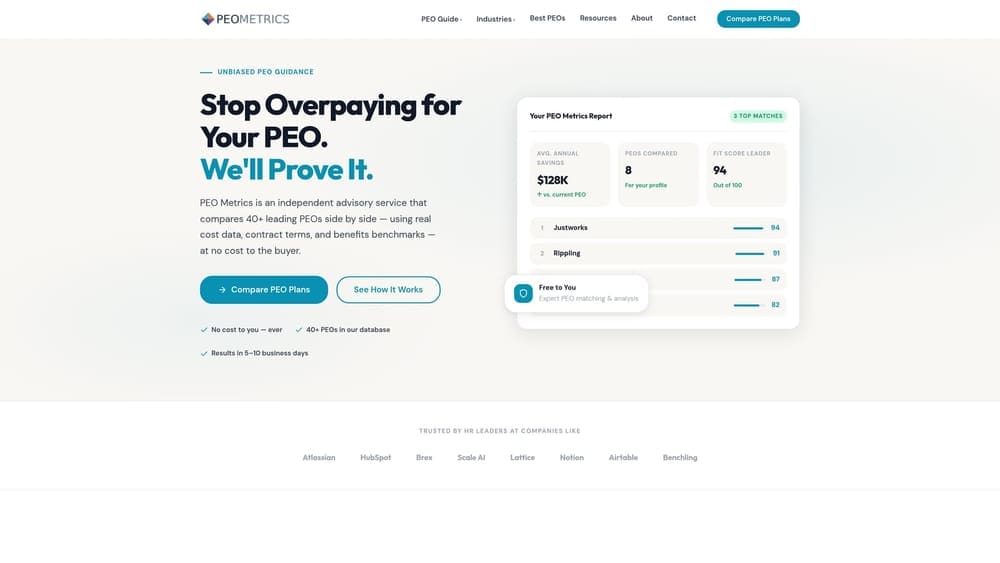
Its distinctive value on this list is sequence. Every other PEO here will present its own quote in its own format. PEO Metrics puts multiple providers on the same metrics before you commit, which gives you a real number to hold against the cost of an in-house HR hire, HRIS, and outside counsel.
- Side-by-side provider comparisons, so differences in services and terms show up in one view.
- Pricing analysis, which helps you spot bundled fees and administrative markups.
- Detailed provider metrics that go beyond marketing pages.
- Selection guidance for narrowing the field to the few worth quoting.
There is nothing to integrate, since it is an advisory service. Setup is a conversation and some data about your headcount, states, and current costs, and the owner or ops lead usually handles it.
The limits are plain. PEO Metrics does not run payroll, benefits, or HR; it only informs the choice. It also may receive placement fees from vendors, so you should factor that into how you read any recommendation. For pricing, see the website.
Best for: MSPs that want to size up PEO options before deciding against in-house HR.
2. TriNet
TriNet is a PEO that has historically targeted technology and professional-services employers. Under a co-employment model it provides HR, benefits, payroll, and risk services. The buyer it suits is an MSP whose payroll is mostly salaried engineers, account managers, and vCIOs.
What sets it apart here is that tech and professional-services positioning. A provider that has long sold into those industries is more likely to understand a workforce of certified engineers and client-facing staff than one built around hourly trades, though you should confirm current industry-focused plans directly.
- Co-employment, so the PEO takes on certain payroll tax and administrative responsibilities alongside you.
- Benefits access through group arrangements a 20-person firm could not negotiate alone.
- Payroll and compliance support that covers multi-state filings.
- Industry-focused plans, which you should verify as current.
Integrations are not confirmed here, so ask which PSA, accounting, and identity tools it connects to. Day-to-day, someone internal still handles employee questions and approvals.
The main drawback is quote-based pricing, which makes early comparison harder. Confirm minimums and exit terms before signing. A PEO also does not remove all employer liability. Pricing moves with headcount, benefits selections, and location, as of October 2026.
Best for: Salaried-heavy MSPs with engineers and account managers.
3. Justworks
Justworks is a PEO built around a simple employee experience for smaller employers. It bundles payroll, benefits, and compliance support under co-employment.
Its edge over the other PEOs on this list is a published plan structure and a self-serve interface that a small team can use without a dedicated HR person. For a 12-person MSP where the owner also approves invoices, that matters more than a deep service bench.
- Co-employment PEO, giving a small team access to pooled benefits and shared compliance responsibilities.
- Payroll and benefits administration in one place, so new hires enroll without paperwork chasing.
- An employee self-service app, which cuts routine questions to whoever is acting as HR.
- Compliance support for state registrations and filings.
Check integrations on the vendor site, particularly for accounting and time tracking. Setup is mostly data migration and benefits enrollment, usually handled by the owner or office manager.
It is less suited to larger MSPs that want customized benefits design. If your help desk includes hourly staff with overtime and on-call pay, confirm how time and overtime are handled before committing. Starting price and what drives it are on the website; expect per-employee factors and plan choices to move the total.
Best for: Small MSPs that need benefits access without hiring HR staff.
4. Insperity
Insperity is a PEO known for assigning HR advisors to client accounts. It covers payroll, benefits, and compliance guidance, with workers’ compensation support as well.
The distinguishing feature is a named person to call. For an MSP owner facing a performance problem with a senior technician, or deciding how to handle a termination, a human advisor can be worth more than a portal. Verify the current advisor model and how it is staffed for your account size.
- A dedicated HR advisor (verify), for employee-relations questions as they come up.
- Payroll and benefits administration under one contract.
- Compliance guidance when you hire in a new state.
- Workers’ comp support, relevant when office staff and field technicians carry different class codes and risk profiles.
Integrations should be verified on the vendor site. Implementation involves an onboarding team, and day-to-day contact is generally the advisor plus an internal point person.
The higher-touch service may not suit very small teams, and minimums should be confirmed. Pricing is quote-based and typically varies with headcount, benefits, and risk class, as of October 2026.
Best for: Owners who want a human advisor for discipline and termination decisions.
5. ADP TotalSource
ADP TotalSource is ADP’s PEO offering, built on its payroll platform with benefits and HR compliance services. Because ADP also sells standalone payroll, be clear which product you are being quoted: a PEO involves co-employment, while ADP’s payroll-only products do not.
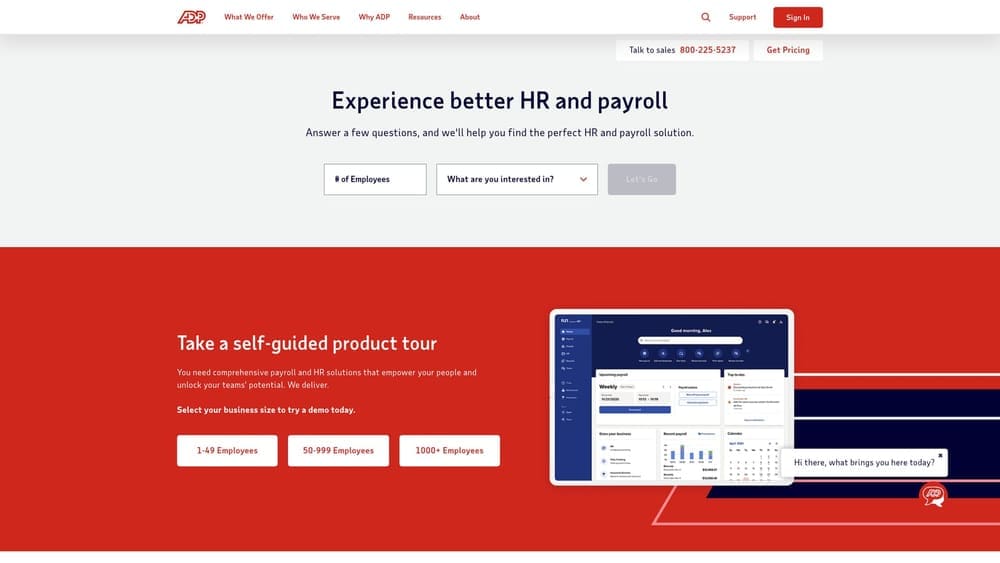
Its strength is infrastructure. It sits on a large payroll system and carrier relationships, which can help an MSP with technicians in several states that needs consistent tax handling across them.
- PEO co-employment, shifting part of the administrative and tax-filing burden.
- ADP’s payroll platform, which suits multi-state and remote payroll.
- Benefits access through the PEO’s plans.
- Compliance services for registrations and notices.
Integrations center on the ADP ecosystem; verify connections to your other tools. If you already use ADP payroll, migration should be less disruptive, though that is worth confirming in writing.
It is aimed at mid-size employers, so confirm current eligibility and minimums for a smaller firm. Pricing is quote-based and depends on headcount, benefits, and location, as of October 2026.
Best for: Multi-state MSPs already on ADP payroll.
6. Rippling
Rippling is a workforce platform combining HR, payroll, IT, and device management. A PEO option may be available, but check current states and terms yourself before treating it as one.
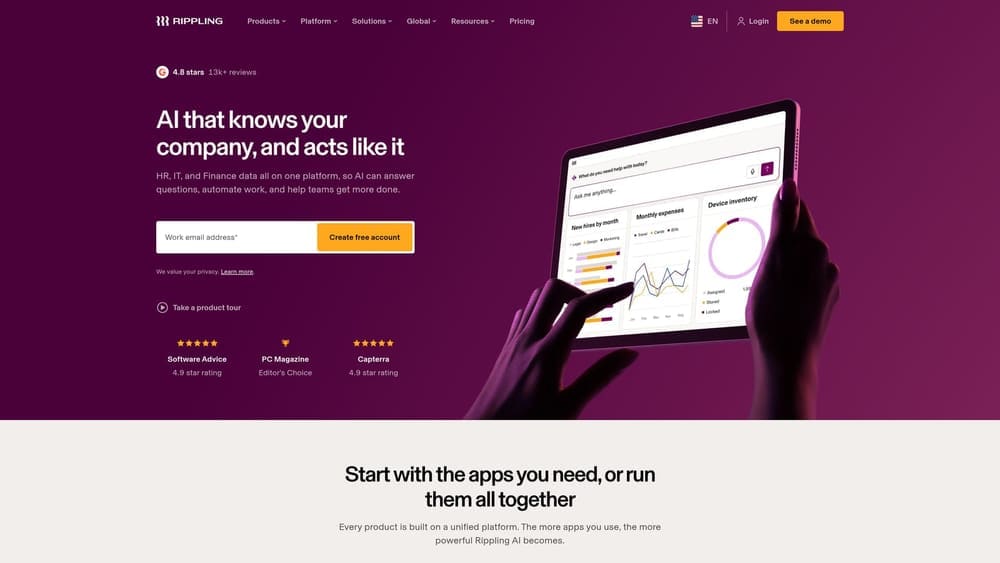
For an MSP, the unusual part is that HR and IT live in one system. A new hire record can drive laptop assignment and app access, which matters for a business that audits its own offboarding because clients ask about it.
What it does for you
- HRIS and payroll in a single record set.
- IT and device management tied to employee status.
- App provisioning that can grant or revoke access on hire or exit.
- A PEO option (verify availability and terms).
Where the work lands
Pricing is modular, and setup takes real effort, so admin work can slide back in-house. Integrations should be verified on the vendor site. Someone technical, often the ops lead, tends to own configuration. Costs move with the modules you add and your headcount; see the website for starting price.
Best for: MSPs that want HR and IT onboarding in one system.
7. Gusto
Gusto is a payroll and HR platform for employers that keep their own employer-of-record status. It is not a PEO, and that distinction drives everything else about it.
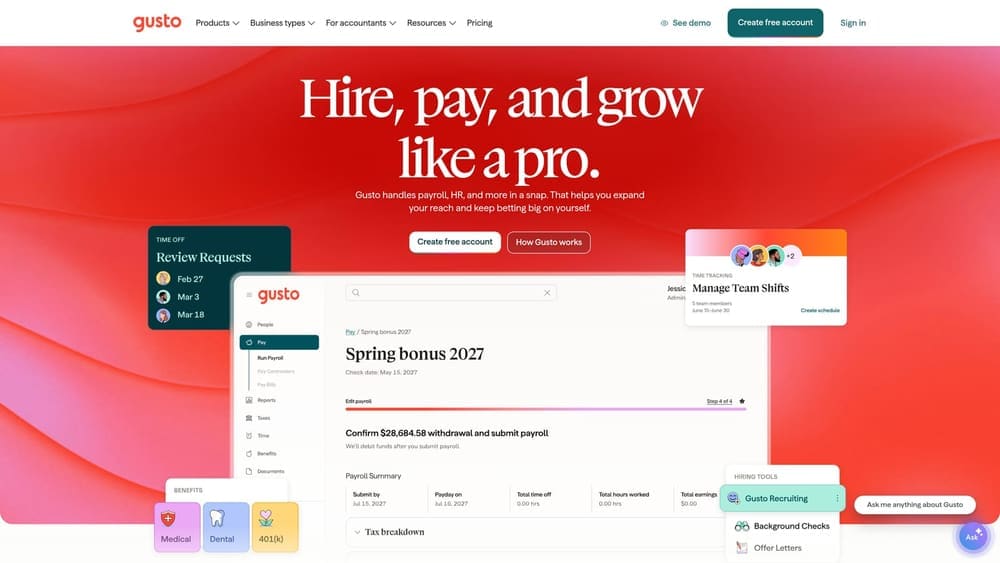
It is the payroll-first in-house option on this list: no co-employment, no shared liability arrangement, just software you run. The MSP remains responsible for compliance decisions and filings, so the work most owners want to outsource stays with you unless you hire help.
- Payroll, so you can pay hourly help desk staff and salaried engineers in one run.
- Benefits administration, with the MSP selecting and sponsoring its own plans.
- Onboarding, which replaces scattered forms.
- Time tracking, useful for overtime tracking, though classification decisions remain yours.
Integrations cover accounting and time tools; verify the full list. Setup is light, and the owner or office manager usually runs it.
The practical risk is judgment. Help desk wage and overtime classification under the FLSA, on-call pay, and multi-state remote technicians all need someone who knows the rules. That is why the pairing with an outside HR consultant is common. Starting price is on the website, and it varies with plan tier and headcount.
Best for: Small MSPs pairing payroll software with an outside HR consultant.
8. BambooHR
BambooHR is an HRIS, meaning a human resources information system, for in-house HR teams. It covers employee records, onboarding, time off, and performance.
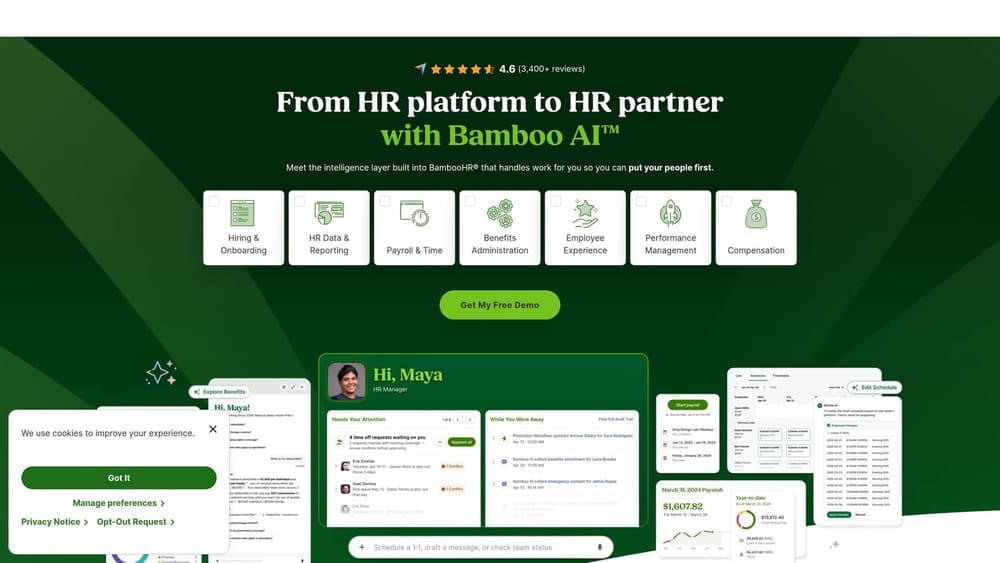
It is the clearest example of the in-house path here. If you decide to hire an HR generalist, this is the kind of system of record that person would live in. It does not pay anyone or sponsor benefits.
- Employee records in one place, useful for audits and client security questionnaires that ask about personnel controls.
- Onboarding workflows to standardize hires across help desk, field, and engineering.
- Time off tracking, so PTO balances stop living in spreadsheets.
- Performance management for review cycles and documentation.
It connects to payroll and other HR apps; verify the list against your payroll provider. Someone in HR runs it day to day, so without that person it will sit half-configured.
It is not a PEO and does not outsource compliance or benefits plan sponsorship. You still need payroll and benefits arranged elsewhere. Pricing is quote-based and generally scales with headcount.
Best for: MSPs hiring a dedicated HR person who need a system of record.
Matching the Tool to Your MSP’s Size and Stage
A PEO is not payroll software, and Gusto and BambooHR are not PEOs, so compare them on what they actually do. Also verify any CPEO status on the IRS list rather than assuming it.
For a small MSP with no HR staff, lean toward a PEO. Justworks suits the smallest teams, and TriNet or Insperity fit firms with more salaried staff or a need for an advisor. ADP TotalSource makes sense if you already run ADP. Larger or fast-changing MSPs, especially those crossing 50 employees where FMLA and ACA large-employer rules begin to apply (confirm with DOL and IRS guidance), often do better with in-house tools such as Rippling, Gusto, or BambooHR plus a dedicated hire.
Whatever you choose, get quotes before deciding. Minimums, exit terms, and fee structures differ, and quote-based vendors will not show them upfront.
Before you sign that PEO renewal, make sure you’re not leaving money on the table. Many businesses unknowingly overpay because of bundled fees, hidden administrative markups, and contracts designed to limit flexibility. We give you a clear, side-by-side breakdown of pricing, services, and contract terms, so you can see exactly what you’re paying for and choose the option that truly fits your business. Don’t auto-renew. Make an informed, confident decision.
