
If you run a nonprofit and you’re weighing a PEO against a payroll company, you’re deciding who carries your HR, benefits and compliance work. A PEO shares employer responsibilities with you. A payroll company processes pay and taxes, and the rest stays with your team. The right answer turns on headcount, grant restrictions on indirect costs, and how much HR capacity you already have in-house.
The options below were chosen for how well they help a nonprofit make that choice or carry out either path, judged on nonprofit fit, pricing transparency, compliance coverage and the buyer each suits. Prices and features change, so confirm everything with current vendor quotes. PEO Metrics may receive vendor placement fees.
Quick Comparison of the Options
- PEO Metrics: best for nonprofits deciding whether a PEO is worth pursuing; pricing on its website; compares several PEOs on one set of metrics before you sign anything.
- Justworks: best for small nonprofits wanting a self-serve PEO; pricing on its website; publishes its PEO pricing.
- TriNet: best for mid-size nonprofits needing benefits scale; quote-based; industry-specific PEO packaging.
- Insperity: best for nonprofits without HR staff; quote-based; an assigned HR advisor model.
- Paychex: best for nonprofits that may start with payroll and add HR later; quote-based; payroll and PEO under one vendor.
- ADP: best for larger or multi-state nonprofits; quote-based; payroll, HCM and PEO (via ADP TotalSource) at broad scale.
- Gusto: best for small nonprofits with a capable in-house administrator; tiered pricing on its website; payroll-only without co-employment.
- QuickBooks Payroll: best for very small nonprofits prioritizing accounting integration; tiered pricing on its website; native tie to QuickBooks books.
1. PEO Metrics
PEO Metrics is a comparison and consulting service, and it’s the one entry here that doesn’t process a single paycheck. It helps organizations line up PEO providers side by side, with detailed metrics and pricing analysis, so you can see what each one would cost and cover before you request contracts. It’s built for the nonprofit that hasn’t yet settled the PEO question and wants data before talking to sales teams.
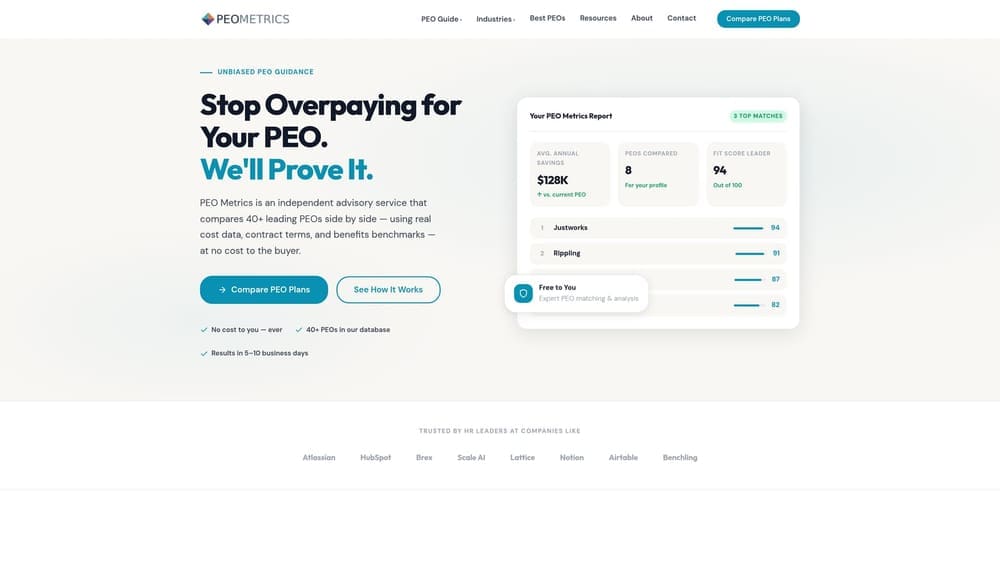
What sets it apart on this list is the order of operations. Every other option asks you to evaluate a single vendor’s pitch. Here, several PEOs are measured against the same set of metrics, which matters for common nonprofit mistakes: assuming a PEO always saves money, overlooking per-employee fees and minimums, and not accounting for how admin costs interact with grant limits on indirect costs.
- Side-by-side PEO provider comparisons, so you aren’t reconciling differently formatted quotes yourself.
- Pricing analysis that shows what sits behind bundled fees and administrative charges.
- Consultative guidance on provider selection, useful when no one on your team has bought a PEO before.
- Detailed metrics for decision-making, which gives a board or finance committee something concrete to review.
Integrations don’t apply, since it’s an advisory service rather than software. Setup is a conversation, and the person who runs it day to day is whoever owns the decision, typically an executive director, finance lead or HR generalist.
The limits are plain. PEO Metrics is not a PEO or a payroll provider, and it can’t run payroll or hold employer responsibilities for you. It may also receive vendor placement fees, so you should weigh its guidance with that in mind and verify the final quotes directly with providers. If you already know you want payroll-only, a comparison of PEOs is a detour. Pricing details are on the website.
Best for: Nonprofits deciding whether a PEO is worth pursuing and which providers to quote.
2. Justworks
Justworks is a PEO that bundles payroll, benefits and compliance support, and its main distinction is that it publishes its pricing. For a nonprofit that dreads the opaque quote process, that visibility lets you build a rough budget, including a per-employee comparison against a payroll-only tool, before anyone calls you.
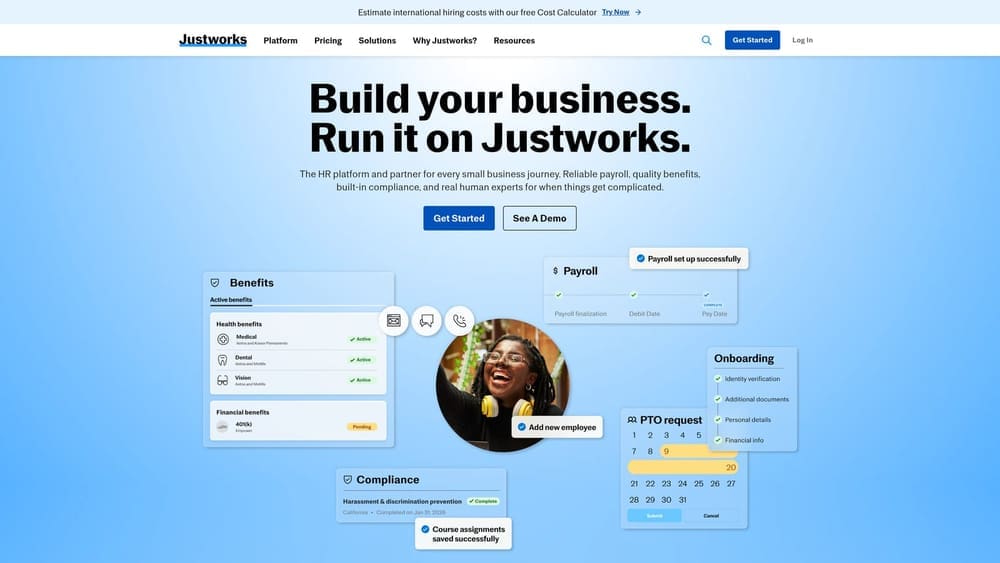
It’s aimed at small organizations that want a self-serve experience rather than a heavy relationship with an account team. Under the co-employment model, Justworks shares certain employer responsibilities with you, which can lighten the compliance load for a team with no dedicated HR person.
- PEO co-employment, which shifts part of the employer-of-record burden off your small staff.
- Payroll built into the same platform, so pay, taxes and benefits aren’t managed in separate systems.
- Benefits administration, which gives a small team access to plans it might struggle to source alone.
- Compliance support to help you stay on top of employment requirements.
Check current accounting and HR integrations on the vendor site, particularly whether it connects with the accounting system your nonprofit uses for fund or class tracking. Also verify state availability and whether it fits larger organizations, since its self-serve design may suit a 15-person group better than a 150-person one. You’d also want to confirm 403(b) support if you offer a retirement plan.
Pricing is published on its website; as of any given date it can change, and what moves the cost is generally headcount and the plan you choose. Confirm the current figures directly.
Best for: Small nonprofits wanting a self-serve PEO with visible pricing.
3. TriNet
TriNet is a PEO offering HR, payroll, benefits and compliance services, and it packages some of them by industry. That industry-specific framing is its distinguishing trait here: instead of a one-size plan, you can explore whether it has an offering that suits how your sector operates.
It tends to fit mid-size nonprofits that need benefits scale and compliance depth, such as an organization with several programs, a mix of full-time staff and part-timers, and a board that wants documented HR practices.
What you get
- PEO co-employment, sharing employer duties so your staff isn’t handling every filing alone.
- Access to benefits through a larger pooled arrangement, which can widen plan choices for a mid-size team.
- Compliance support for employment requirements across the jurisdictions you operate in.
- Industry-focused plans, worth asking about to see whether a nonprofit-relevant option exists.
What to watch
Pricing is quote-based, which makes early cost comparison harder. You can’t sketch a budget from a public rate card, so you’ll need to request quotes and ask for per-employee fees, any minimums and administrative charges itemized. That’s exactly where a side-by-side view helps.
Verify current integrations on the vendor site, including accounting and any fund tracking needs. It’s a heavier implementation than a payroll tool, usually involving HR and finance together. Cost depends on headcount, benefit selections and the services you include.
Best for: Mid-size nonprofits needing benefits scale and compliance depth.
4. Insperity
Insperity is a PEO built around service. Its defining feature on this list is the assigned HR advisor model, where clients are paired with HR support staff rather than being pointed to a help center. For a nonprofit whose executive director also acts as HR manager, that human contact is the product.
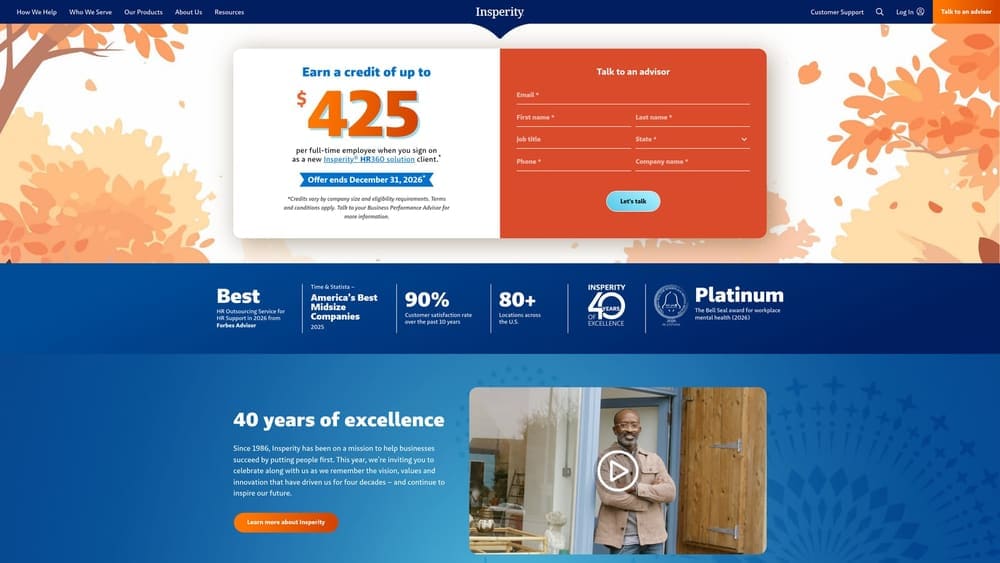
It suits organizations that have no HR staff and want hands-on guidance on hiring, employee relations and policies, along with payroll and benefits under a co-employment arrangement.
- PEO co-employment, so some employer responsibilities are shared instead of resting solely on your team.
- Dedicated HR support, which gives you a person to ask when a personnel issue comes up.
- Benefits access, useful when you’re trying to compete for staff against larger employers.
- Payroll in the same relationship, avoiding a separate vendor.
The trade-off is cost transparency. Pricing is quote-based, and there may be minimums, so verify headcount fit before investing time in a full evaluation. A very small nonprofit may find the model is more service than it needs or can justify against grant-limited admin budgets.
Confirm current integrations on the vendor site, particularly with your accounting software. Setup involves onboarding into the PEO’s systems, and day-to-day ownership usually sits with an administrator who works with the assigned advisor. Price will vary with headcount and the services selected, so ask for an itemized quote.
Best for: Nonprofits without HR staff that want hands-on guidance.
5. Paychex
Paychex sits in the middle of the payroll-versus-PEO question, because it offers payroll, HR services and a PEO under one vendor. That makes it useful for a nonprofit that isn’t sure which path it needs: you can evaluate both with the same company and, if your needs grow, move up without changing providers.
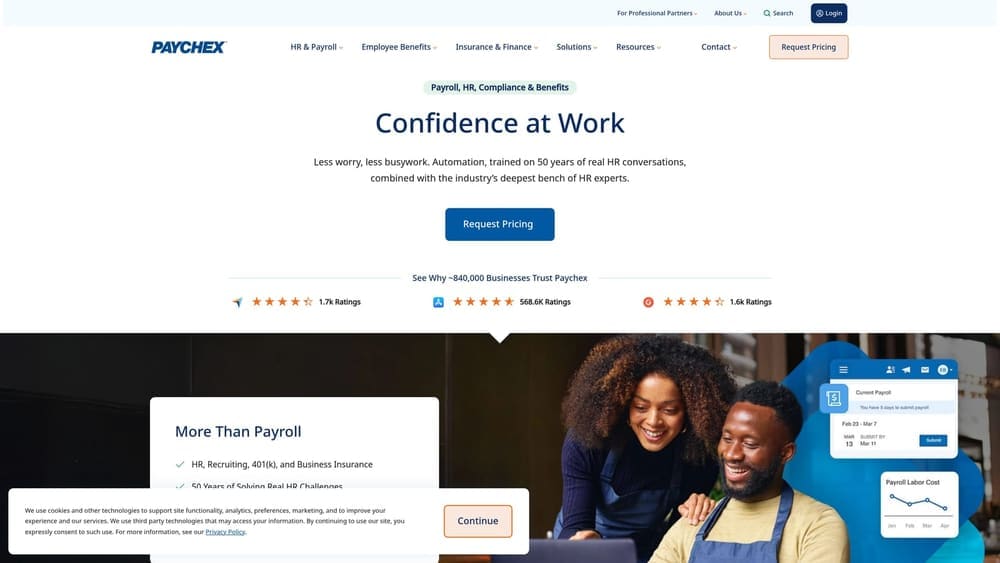
Its upgrade path is the distinctive point. A small organization might begin with payroll and benefits administration, then add HR support, or shift into co-employment, as headcount and complexity rise.
- Payroll processing as the entry point, appropriate when you retain your own HR responsibilities.
- HR services that can be added as your needs outgrow payroll-only.
- A PEO offering for when you want shared employer responsibilities.
- Benefits administration to help manage plan enrollment and updates.
The caution is packaging. Tiered packages can obscure total cost unless you ask for itemized quotes, so you may not know what you’re really paying for until you compare line by line. Pricing is quote-based, and the cost depends on headcount, the package tier and the add-ons.
Verify current accounting integrations on the vendor site, especially if you need to map payroll to funds or programs. Implementation effort rises as you move from payroll-only to PEO. Also keep the distinction straight: Paychex’s payroll product is not co-employment, while its PEO is.
Best for: Nonprofits that may start with payroll and add HR support later.
6. ADP
ADP covers payroll, a broader HCM suite, and a PEO offering through ADP TotalSource. What it does that smaller vendors on this list don’t is span all three at scale, which matters if your organization is multi-state, growing, or expects reporting demands that outpace a lightweight tool.
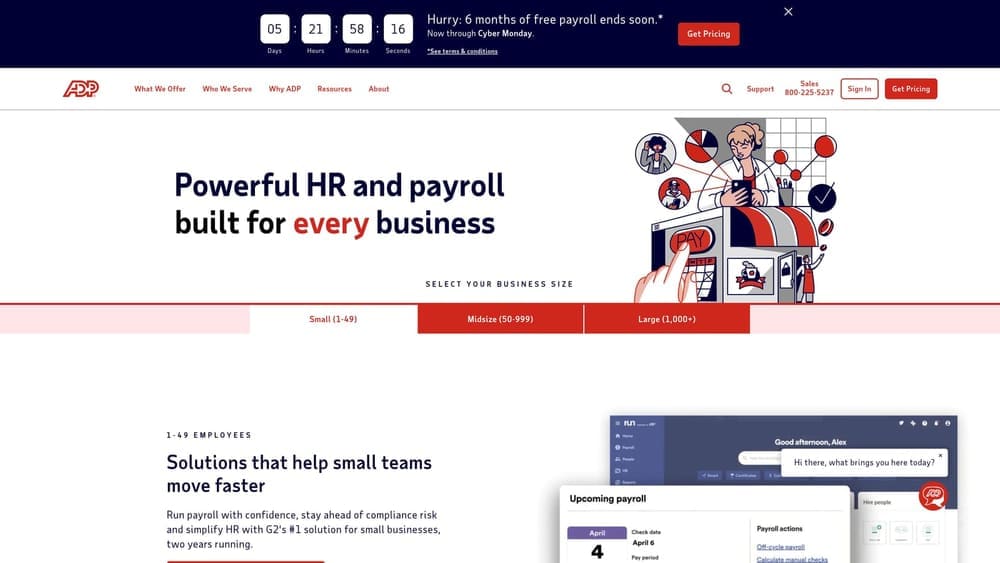
It’s most relevant to larger nonprofits, such as federations, health or education organizations, and groups with staff in several states that want one platform they won’t outgrow.
- Payroll that handles multi-location tax and pay complexity.
- An HCM suite that brings HR functions into the same system as payroll.
- A PEO route via TotalSource for organizations that want co-employment.
- Reporting that helps finance and program leaders see labor costs by the categories they track.
The limitation is cost clarity. Add-on modules can raise total cost, and pricing is quote-based, so build your comparison around a full list of modules you actually need rather than the base product. A small nonprofit with a handful of employees may find the platform more than it requires.
ADP has a large integration marketplace, but verify specifics for your accounting system on the vendor site. Setup is a proper implementation project, and day-to-day ownership usually involves HR and finance staff. Distinguish carefully between ADP’s payroll products and TotalSource, because only the latter is a PEO. Price varies by headcount, product line and add-ons.
Best for: Larger or multi-state nonprofits needing a scalable platform.
7. Gusto
Gusto is a payroll-first platform with HR and benefits administration add-ons, and it is not a PEO. There is no co-employment: your nonprofit stays the sole employer, which means it keeps its own HR and compliance responsibility. In exchange you get an approachable, comparatively light setup.
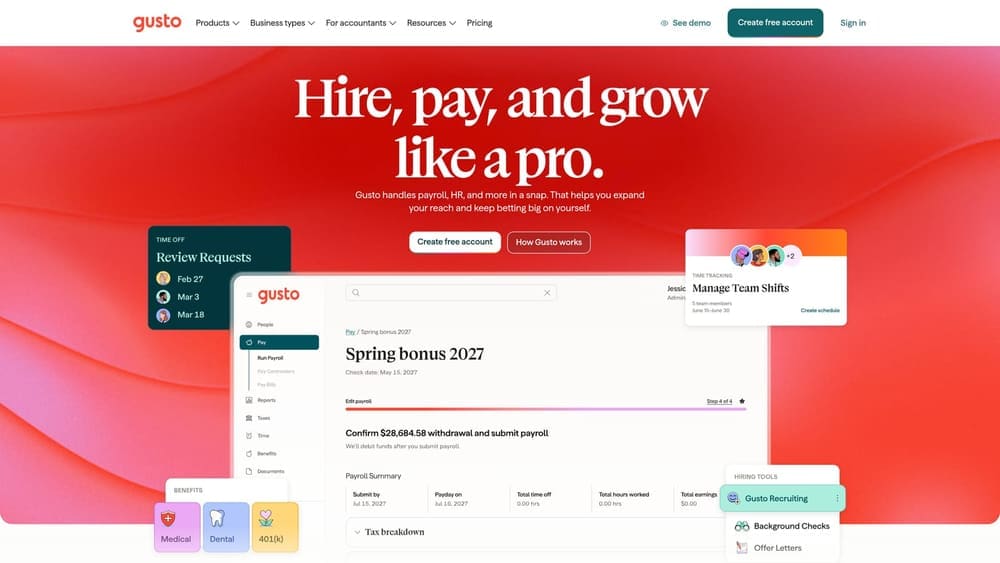
That’s the real trade-off in the nonprofit PEO versus payroll company question. If someone on staff can handle onboarding, policies, benefit decisions and compliance questions, a payroll-only tool may be all you need and can keep overhead lean when grants limit indirect costs.
- Payroll that runs pay and tax filings without a co-employment arrangement.
- Benefits administration to manage enrollment, without pooling you into a PEO’s plans.
- Onboarding tools that cut paperwork for new hires.
- Time tracking that feeds hours into payroll, helpful for hourly and part-time staff.
Who it doesn’t suit: a nonprofit with no one capable of owning HR and compliance, or one that wants a PEO’s shared liability and bundled benefits. Gusto won’t shoulder those duties.
It offers accounting integrations; verify the current list on the vendor site, along with any support for fund or class tracking and 403(b) administration. Pricing is tiered and listed on its website, and it generally moves with the plan tier and the number of people paid. Confirm current figures directly.
Best for: Small nonprofits with a capable in-house administrator.
8. QuickBooks Payroll
QuickBooks Payroll is a payroll add-on to QuickBooks accounting software, and it is not a PEO. Its advantage is the native tie to your books: if your nonprofit already keeps its accounting in QuickBooks, payroll entries flow into the same system you use for reporting.
It’s the lightest option here, which fits a very small organization where cost and simplicity outrank HR services.
- Payroll processing that handles regular pay runs for a small team.
- Tax filing support so deposits and forms don’t depend on manual work.
- Accounting sync that reduces re-keying between payroll and your ledger.
- Direct deposit, which saves staff time on check handling.
The limit is scope. It offers lighter HR and benefits support than a PEO, so you’ll carry compliance, policies and benefit sourcing yourself or through other vendors. It also assumes you’re in the QuickBooks ecosystem; without that, its main advantage disappears.
Integration is with QuickBooks accounting, and setup is typically quick for existing users, with the bookkeeper or finance lead running it. Pricing is tiered and listed on the website, and it generally varies with the plan and the number of employees. Check how it handles class or fund tracking for your reporting needs.
Best for: Very small nonprofits prioritizing accounting integration and low cost.
Matching the Option to Your Nonprofit’s Situation
Start with the question of who will carry HR, benefits and compliance. If you aren’t sure whether a PEO justifies its fees, begin with PEO Metrics, which compares providers on one set of metrics before you request contracts. Our guides on PEOs versus payroll providers and nonprofit PEO decisions are also worth reading alongside it. [LINK CHECK: PEOMetrics PEO vs payroll guide] [LINK CHECK: PEOMetrics nonprofit PEO guide]
If you need bundled benefits and compliance support, the PEOs on this list fit different profiles: Justworks for small teams that value published pricing, TriNet for mid-size organizations, Insperity for hands-on advisory help, and ADP TotalSource for scale. If you have a small team and someone capable of owning HR, a payroll platform like Gusto or QuickBooks Payroll may be enough, and Paychex offers a path between the two.
Confirm all pricing, minimums, state availability and nonprofit features, such as fund tracking and 403(b) support, with current vendor quotes. This article is informational and not legal, tax or benefits advice.
Before you sign that PEO renewal, make sure you’re not leaving money on the table.
Many businesses unknowingly overpay because of bundled fees, hidden administrative markups, and contracts designed to limit flexibility. We give you a clear, side-by-side breakdown of pricing, services, and contract terms, so you can see exactly what you’re paying for and choose the option that truly fits your business.
