
Accounting firms occupy a strange middle ground when it comes to HR infrastructure. You’re processing payroll for clients every day, but your own firm’s setup often runs on whatever was implemented years ago and never seriously revisited. When the question surfaces — PEO or payroll company? — the answer isn’t clean. A payroll company handles transactions. A PEO enters a co-employment arrangement, bundles benefits, and absorbs a portion of your HR liability. For accounting firms, the tradeoffs are genuinely different than they are for a restaurant or a construction crew. Partner compensation structures, seasonal headcount swings around tax season, and the very real risk of using the same platform for client work and internal payroll all change the calculus. Here are the top tools and services worth comparing before you make a decision.
1. PEO Metrics
Best for: Accounting firms that want unbiased clarity before entering a vendor sales cycle
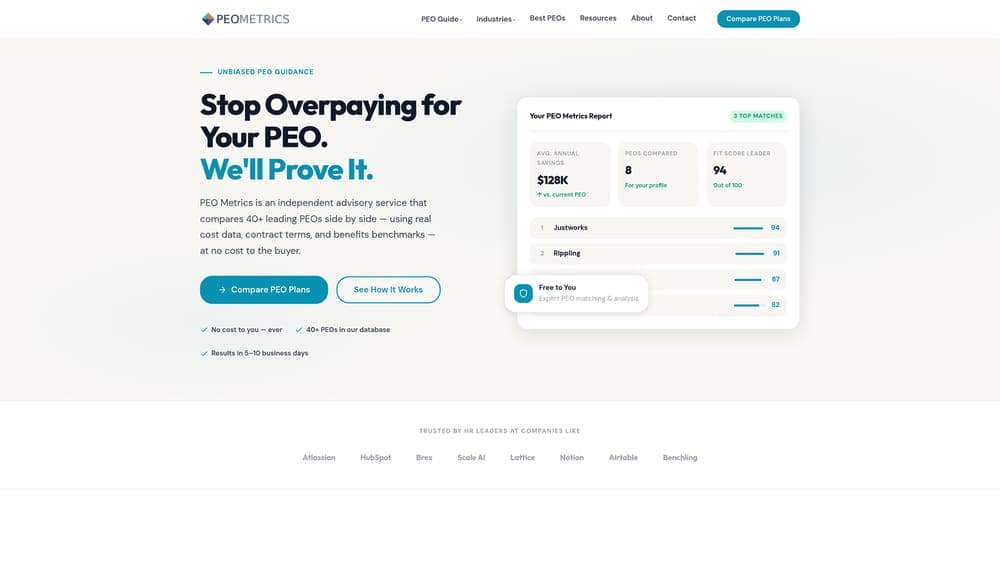
PEO Metrics is a vendor-neutral comparison service that helps businesses evaluate PEO providers side by side — before anyone tries to sell you something.
Where This Tool Shines
Most accounting firm owners approaching this decision end up in a sales cycle before they’ve had a chance to figure out what they actually need. PEO Metrics sits upstream of that. It’s not a PEO, and it doesn’t sell payroll software. It gives you a structured way to compare providers on pricing, contract terms, and service structure so you’re not evaluating proposals in a vacuum.
This matters more for accounting firms than most people realize. If you’ve already received quotes from two or three PEOs and the numbers don’t quite add up, a second opinion on the structure of those proposals can save you real money. The comparison framework also helps you answer a more fundamental question first: does your firm actually need a PEO, or would a payroll-only solution serve you just as well?
Key Features
Side-by-Side Provider Comparisons: Evaluate PEO providers on pricing, benefits access, contract terms, and service model without relying on each vendor’s own sales materials.
No Commission Incentive: PEO Metrics doesn’t earn a referral fee for pushing you toward a specific vendor — which is rarer in this space than you’d expect.
Fit Assessment: Helps determine whether a PEO or payroll-only solution makes sense given your firm’s size, structure, and headcount patterns.
Proposal Review: Useful for firms that have already received PEO quotes and want a clearer read on whether the numbers are competitive.
Best For
Accounting firms at the beginning of the evaluation process, or those that have received PEO proposals and aren’t sure how to interpret the pricing. Also valuable for firms that have been auto-renewing a PEO contract and haven’t benchmarked it recently.
Pricing
Free comparison resources available on the site. Custom analysis available — contact PEO Metrics directly for firm-specific guidance.
2. Justworks
Best for: Small accounting firms that want predictable, flat-rate PEO pricing without percentage-of-payroll surprises
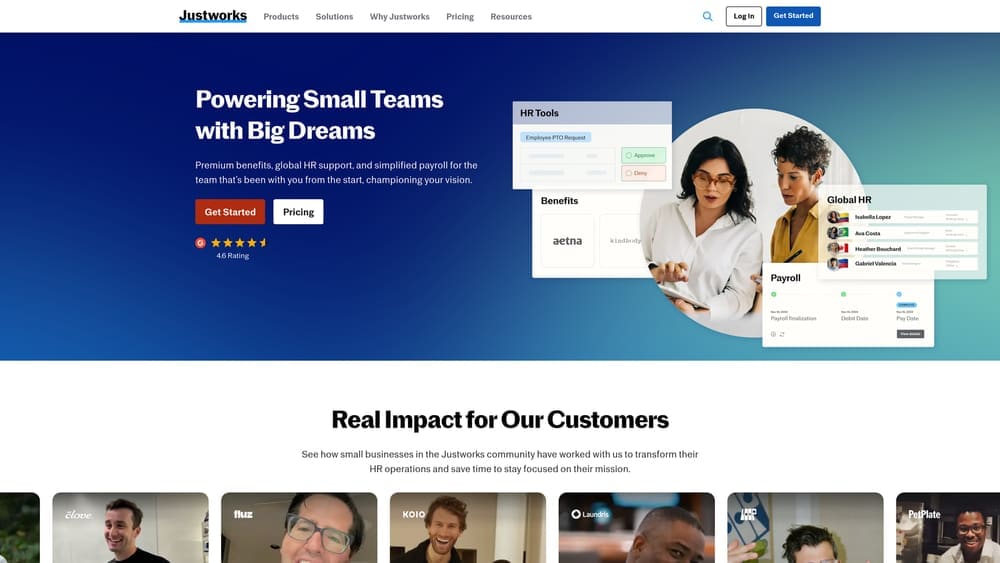
Justworks is a PEO with a transparent pricing model that’s genuinely unusual in an industry that tends to obscure costs.
Where This Tool Shines
Most PEOs price as a percentage of payroll, which creates an uncomfortable dynamic for accounting firms: your costs go up as you give raises or bring on senior staff, even if the service doesn’t improve. Justworks charges a flat per-employee-per-month rate, which makes budgeting more straightforward and removes that perverse incentive.
For small accounting firms — say, under 20 employees — Justworks is one of the more honest entry points into the PEO space. The benefits access is a genuine advantage at that size. Small firms typically can’t access large-group health plan rates on their own, and Justworks pools employees across its client base to offer coverage that would otherwise be out of reach.
Key Features
Flat PEPM Pricing: Per-employee-per-month pricing is publicly listed, which makes it easy to model costs before you ever talk to sales.
Large-Group Health Benefits: Access to health, dental, and vision plans at rates typically unavailable to firms with fewer than 50 employees.
Bundled Compliance and Payroll: Payroll processing, tax filings, and HR compliance are included under the co-employment arrangement.
Simple Onboarding: Designed for small teams — setup isn’t a months-long implementation project.
Best For
Small professional services firms with stable headcount that want the benefits of a PEO without the pricing opacity. Less ideal if your firm has significant seasonal headcount swings, since you’re paying per head even during slower months.
Pricing
Publicly listed pricing starting around $59–$99 per employee per month depending on plan tier. Verify current pricing directly on Justworks’ site.
3. TriNet
Best for: Multi-state accounting firms that want industry-specific HR support and rich benefits options
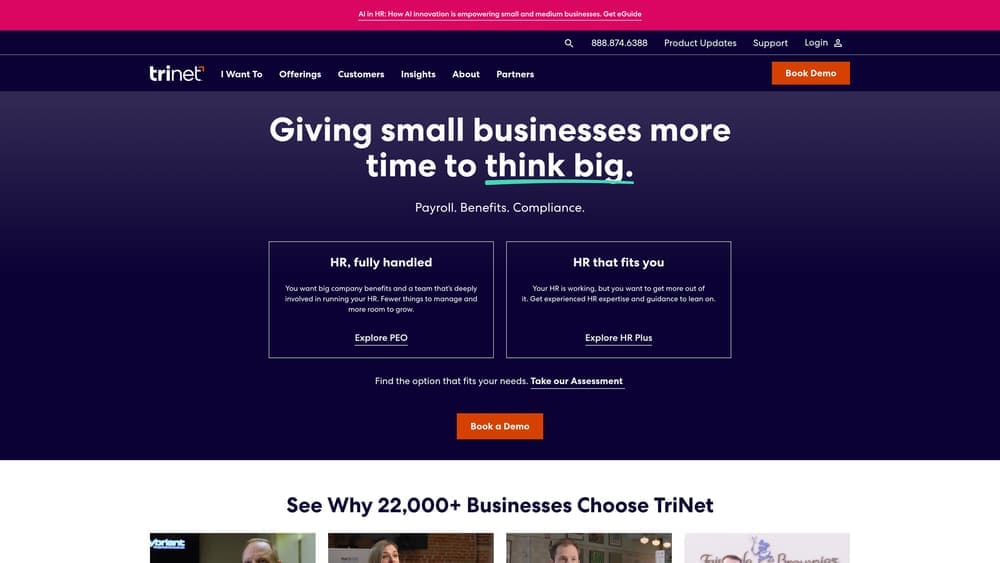
TriNet is a full-service PEO with a track record in professional services, financial services, and tech verticals.
Where This Tool Shines
TriNet has positioned itself around industry-specific HR packages rather than a one-size-fits-all model. For accounting firms with employees across multiple states — or firms that anticipate opening additional offices — their multi-state compliance infrastructure is a practical advantage. State-level payroll tax compliance, unemployment insurance, and benefits administration across jurisdictions is genuinely complex, and TriNet handles that without requiring you to build internal expertise.
The benefits offerings are comprehensive. If attracting and retaining experienced CPAs is a priority, having access to competitive health plans, dental, vision, and 401(k) administration through a PEO can matter more than the fee structure in the short term.
Key Features
Professional Services HR Packages: Industry-specific configurations rather than generic SMB templates.
Multi-State Compliance Management: Payroll tax, benefits, and compliance across multiple states handled centrally.
Rich Benefits Suite: Medical, dental, vision, life insurance, and 401(k) administration included.
Dedicated HR Support: Access to HR professionals rather than just a software platform.
Best For
Accounting firms with 15 or more employees, multi-state operations, or a strong need to compete on benefits packages for talent. Less ideal for very small firms where the cost-benefit of a full-service PEO doesn’t pencil out.
Pricing
Quote-based. TriNet typically prices as a percentage of payroll or per employee per month depending on firm size. Contact TriNet directly for current rates.
4. ADP TotalSource
Best for: Accounting firms already operating within the ADP ecosystem who want to add co-employment without switching platforms
ADP TotalSource is ADP’s full-service PEO product, designed to layer co-employment onto an existing ADP infrastructure.
Where This Tool Shines
If your firm already uses ADP Workforce Now or another ADP product for internal payroll, TotalSource is the natural upgrade path. The integration is deep — employee data, payroll history, and HR records don’t need to be migrated to a new system. That continuity has real operational value, especially for firms that have staff who know the existing interface.
One consideration specific to accounting firms: if you’re also using ADP for client payroll, moving your internal payroll to TotalSource keeps everything under one vendor relationship. That can simplify billing and support. It can also create dependency. Worth thinking through before you commit.
Key Features
ADP Ecosystem Integration: Deep compatibility with ADP Workforce Now and related ADP products — no duplicate data entry or migration headaches.
Co-Employment Model: Full PEO structure with access to large-group benefits and shared employer liability.
Risk Management and Workers’ Comp: Included as part of the PEO arrangement.
Multi-State Compliance Infrastructure: ADP’s compliance resources are substantial, particularly for firms operating across multiple jurisdictions.
Best For
Firms already in the ADP ecosystem looking to add PEO-level benefits and compliance support without a platform change. Also a reasonable fit for mid-size accounting firms with 20 or more employees.
Pricing
Quote-based. Contact ADP directly for pricing — it varies based on headcount, location, and benefits selections.
5. Paychex PEO
Best for: Accounting firms that want a dedicated HR contact rather than a support ticket queue
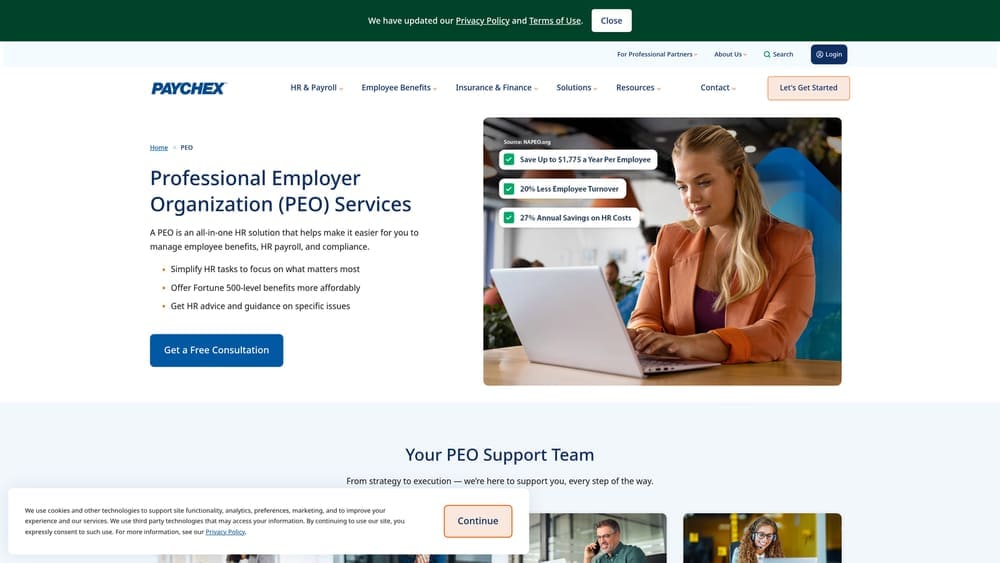
Paychex PEO differentiates itself by assigning a dedicated HR generalist to each account — a meaningful distinction from platforms where support means submitting a ticket and waiting.
Where This Tool Shines
For accounting firms that don’t have internal HR staff, having a real person assigned to your account changes the day-to-day experience significantly. When a compliance question comes up mid-tax season, or when you need to handle a termination carefully, a dedicated HR generalist who knows your firm is more useful than a generic helpdesk.
Paychex has a long track record with small and mid-size businesses in professional services. Their PEO product isn’t the flashiest in the market, but it’s operationally solid and the support model is a genuine differentiator for firms that aren’t large enough to justify an in-house HR hire.
Key Features
Dedicated HR Generalist: A named HR professional assigned to your account — not a rotating support team.
Bundled HR, Payroll, and Benefits: Full PEO scope under one arrangement with one point of contact.
SMB Professional Services Track Record: Paychex has deep experience with firms in the 5–100 employee range.
Workers’ Comp and Risk Management: Included in the PEO structure.
Best For
Accounting firms without in-house HR staff that want human support, not just software. Particularly useful for firms navigating a compliance issue or a period of growth where HR questions are frequent.
Pricing
Quote-based. Contact Paychex directly for current pricing — it varies by headcount and benefits selections.
6. Gusto
Best for: Accounting firms that want a clean, modern payroll solution without co-employment complexity
Gusto is a payroll platform — not a PEO — that has built specific tooling for accountants managing multiple payroll accounts.
Where This Tool Shines
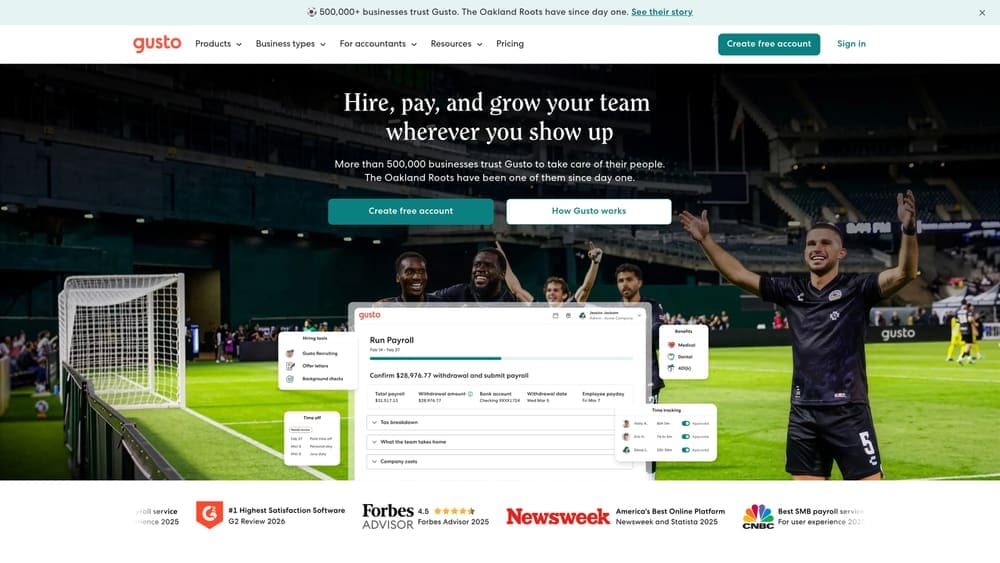
Here’s where the accounting-specific context matters. Many accounting firms already use Gusto to process payroll for clients. Gusto’s accountant dashboard lets you manage multiple client accounts from a single login, which is a genuine workflow advantage. The question for internal use is whether running your own firm’s payroll through the same platform creates any complications — with client visibility, licensing terms, or simply the awkwardness of being both a Gusto partner and a Gusto customer.
For firms that don’t use Gusto for client work, or that are comfortable with the dual role, it’s a genuinely strong payroll platform. Clean interface, automated tax filings, and benefits administration without co-employment. It doesn’t offer the liability transfer a PEO provides, but for firms that don’t need that, it’s a simpler and often cheaper path.
Key Features
Accountant-Specific Dashboard: Manage multiple payroll accounts — client and internal — from one interface.
Automated Tax Filings: Federal, state, and local payroll tax filings handled automatically.
Benefits Administration: Health, dental, and 401(k) available without entering a co-employment arrangement.
Contractor and Direct Deposit Support: Handles W-2 employees, 1099 contractors, and time tracking in one platform.
Best For
Small accounting firms that want payroll without PEO complexity. Also a natural fit for firms already using Gusto for client payroll who want operational consistency — with the caveats noted above.
Pricing
Starts around $46/month base plus per-employee fees. Check Gusto’s site for current plan tiers and accountant partner pricing.
7. QuickBooks Payroll
Best for: Accounting firms running QuickBooks Online internally who want to eliminate a data layer
QuickBooks Payroll is the native payroll solution inside the QBO ecosystem — straightforward, transactional, and tightly integrated with your books.
Where This Tool Shines
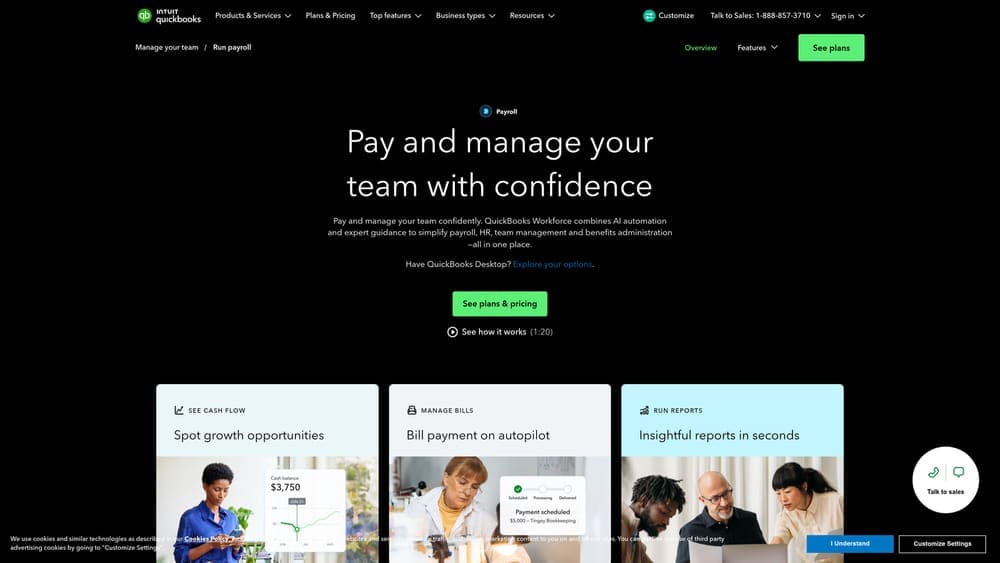
If your firm uses QuickBooks Online for internal accounting, adding QuickBooks Payroll eliminates the reconciliation step between your payroll system and your general ledger. Payroll entries post directly to QBO — no manual journal entries, no import/export process. For a small firm where the bookkeeper and the payroll processor might be the same person, that efficiency is real.
The same caveat applies here as with Gusto: if you’re also using QuickBooks Payroll to process client payroll, think carefully about whether running your own firm through the same platform creates any conflicts. Intuit’s accountant programs handle this through separate client accounts, but it’s worth understanding before you set it up.
Key Features
Native QBO Integration: Payroll syncs directly to your chart of accounts — no duplicate data entry.
Automated Tax Filings: Federal and state payroll tax filings and year-end forms handled automatically.
Same-Day and Next-Day Direct Deposit: Faster deposit options available depending on plan tier.
HR Add-Ons: Some HR features available but limited compared to dedicated HR platforms or PEOs.
Best For
Small accounting firms that run QBO internally and want the simplest possible payroll setup. Not a fit if you need co-employment benefits, robust HR support, or benefits pooling.
Pricing
Plans start around $45–$125/month plus per-employee fees depending on tier. Verify current pricing on Intuit’s site.
8. Rippling
Best for: Tech-forward accounting firms that want payroll, HR, and IT management consolidated in one platform
Rippling is broader than most tools in this list — it covers payroll, HR, onboarding, and IT device management, with a PEO option available for firms that want co-employment.
Where This Tool Shines
Rippling’s differentiation is automation across the full employee lifecycle. When you hire someone, Rippling can simultaneously set up payroll, enroll them in benefits, provision their laptop, and create their software accounts. When someone leaves, it reverses all of that. For accounting firms with frequent hiring and offboarding — common during tax season — that automation has real operational value.
The modular structure is worth understanding. You can use Rippling for payroll only, or add HR modules, or opt into Rippling PEO for co-employment. That flexibility means you can start simple and expand without switching platforms. The tradeoff is that pricing gets complex fast as you add modules, and the platform has more surface area than most small firms actually need.
Key Features
Unified Workforce Platform: Payroll, HR, onboarding, and IT management in one system — not bolted together from separate products.
PEO Option Available: Rippling PEO offers co-employment for firms that want it, within the same platform.
Automated Onboarding and Offboarding: Employee setup and departure workflows run automatically across payroll, benefits, and IT.
Modular Structure: Start with what you need and add capabilities without migrating to a new system.
Best For
Accounting firms with 15 or more employees that value automation and want one platform to handle the full employee lifecycle. Less ideal for very small firms where the platform complexity outweighs the efficiency gains.
Pricing
Modular pricing starts around $8/user/month for core HR. PEO pricing is quote-based. Contact Rippling for a full quote based on the modules you need.
9. Insperity
Best for: Established accounting firms with 25 or more employees that want a premium, high-touch PEO relationship
Insperity is a full-service PEO that positions itself at the higher end of the market — more service depth, more compliance infrastructure, and a correspondingly higher price point.
Where This Tool Shines
Insperity isn’t trying to compete on price. Their value proposition is the depth of the service relationship — a dedicated team, robust benefits administration, and compliance support that goes beyond what most PEOs provide. For accounting firms that have grown to a size where HR complexity is real and the cost of a compliance mistake is meaningful, that premium can be justified.
The benefits access is a genuine strength. Insperity’s large-group health plan rates are competitive, and for firms with 25 or more employees trying to retain experienced staff, the benefits package can be a meaningful recruiting advantage. Below that headcount threshold, the economics are harder to justify against simpler alternatives.
Key Features
Full-Service HR Partnership: Dedicated support team with deep involvement in your firm’s HR operations — not just a software portal.
Large-Group Benefits Access: Competitive health, dental, vision, and 401(k) options typically reserved for much larger employers.
Compliance and Risk Management: Robust infrastructure for employment law compliance, workers’ comp, and risk mitigation.
Established SMB Track Record: Insperity has been in the PEO market for decades with a strong reputation in professional services.
Best For
Accounting firms with 25 or more employees that want a long-term HR partner rather than a software subscription. Not the right fit for small firms or those primarily looking to minimize cost.
Pricing
Quote-based, typically structured as a percentage of payroll. Contact Insperity directly for current rates — pricing varies significantly based on headcount and benefits selections.
Which Option Actually Fits Your Firm?
The honest answer depends on a few questions that are specific to how your accounting firm operates — not generic business advice that applies to any industry.
If your headcount swings significantly around tax season, a PEO’s per-employee pricing model will cost more during your busiest months. That’s a real consideration. A payroll-only solution like Gusto, QuickBooks Payroll, or Rippling’s base product scales more cleanly with variable headcount.
If you have partners or owners on payroll, the co-employment structure of a PEO adds complexity to how compensation is handled. It’s not necessarily a dealbreaker, but it warrants a conversation with your attorney or CPA before you sign anything.
If you’re already using a payroll platform for client work, think carefully about whether running your internal payroll through the same vendor creates complications — for your client relationships, your licensing terms, or simply the optics of being both a vendor partner and a customer.
If you’re under 15 employees and primarily need payroll processing with some basic benefits, a full-service PEO is likely more than you need. Justworks or Gusto cover most of what a firm that size requires, at a lower cost and with less contractual complexity.
If you’re over 25 employees, have multi-state operations, or want to compete on benefits for talent retention, a PEO starts to make more financial sense. TriNet, Paychex PEO, ADP TotalSource, and Insperity are all worth evaluating at that scale.
Before you get deep into any vendor’s sales process, it’s worth having an independent read on whether the quotes you’re receiving are competitive and whether the structure fits your firm. That’s exactly what PEO Metrics is built for — a comparison framework that doesn’t have a financial stake in which direction you go. You can also review the PEO service agreement breakdown to understand what you’re actually committing to before signing.
Many firms end up overpaying not because they chose the wrong category of solution, but because they evaluated proposals in isolation and had no benchmark for what competitive pricing looks like. Don’t auto-renew. Make an informed, confident decision.
Before you sign that PEO renewal, make sure you’re not leaving money on the table.
Many businesses unknowingly overpay because of bundled fees, hidden administrative markups, and contracts designed to limit flexibility. We give you a clear, side-by-side breakdown of pricing, services, and contract terms—so you can see exactly what you’re paying for and choose the option that truly fits your business.
