

If you run or manage HR for an IT managed service provider, your labor setup looks different from most small businesses: technicians who drive to client sites, engineers working remotely from several states, and labor costs that leave little room for waste. This list is for owners and HR leads deciding between a co-employment PEO and a payroll-only provider. Each option was judged on multi-state payroll, workers’ comp handling for technicians, benefits access at roughly 10 to 200 employees, depth of HR support, and IT-adjacent tooling. Each entry states whether it is a PEO or payroll-only.
A quick framing of terms. A PEO co-employs your staff, so it typically runs payroll, pools benefits and shares some employment compliance duties. A CPEO is a PEO certified by the IRS, which affects payroll tax liability; check the IRS CPEO list for any vendor you consider. An ASO provides HR services without co-employment, so it is not a PEO. A payroll-only provider processes pay and filings while you keep HR, benefits and workers’ comp. For background on the tradeoffs, see our [LINK CHECK: PEO vs payroll guide]. Pricing and features below should be verified as of October 2026.
Quick Comparison of the Eight Options
- PEO Metrics: best for MSPs weighing PEO quotes against a payroll-only setup; pricing on its website; compares several PEOs side by side before you commit to one.
- TriNet: best for mid-sized MSPs wanting a full-service PEO; quote-based; a technology and professional-services orientation.
- Justworks: best for small MSPs with remote engineers; pricing published on its website; public pricing that makes early cost modeling easier.
- Insperity: best for MSPs needing active HR help; quote-based; assigned, hands-on HR advisors.
- ADP TotalSource: best for growing or multi-state MSPs; quote-based; ADP’s scale and payroll infrastructure.
- Paychex: best for MSPs starting with payroll that may move to a PEO; quote-based; payroll-only and PEO paths under one vendor.
- Gusto: best for small MSPs with an existing broker and workers’ comp policy; tiered plans on its website; payroll-only, so you stay the sole employer.
- Rippling: best for IT-heavy MSPs; quote-based; ties payroll to device and app provisioning for new hires.
1. PEO Metrics
PEO Metrics is not a PEO and does not run payroll or benefits. It is a comparison service that helps businesses evaluate PEO providers side by side using detailed metrics and pricing analysis. It is built for an MSP owner or HR lead who has decided a PEO is a serious option and wants to see how several compare before signing with one.
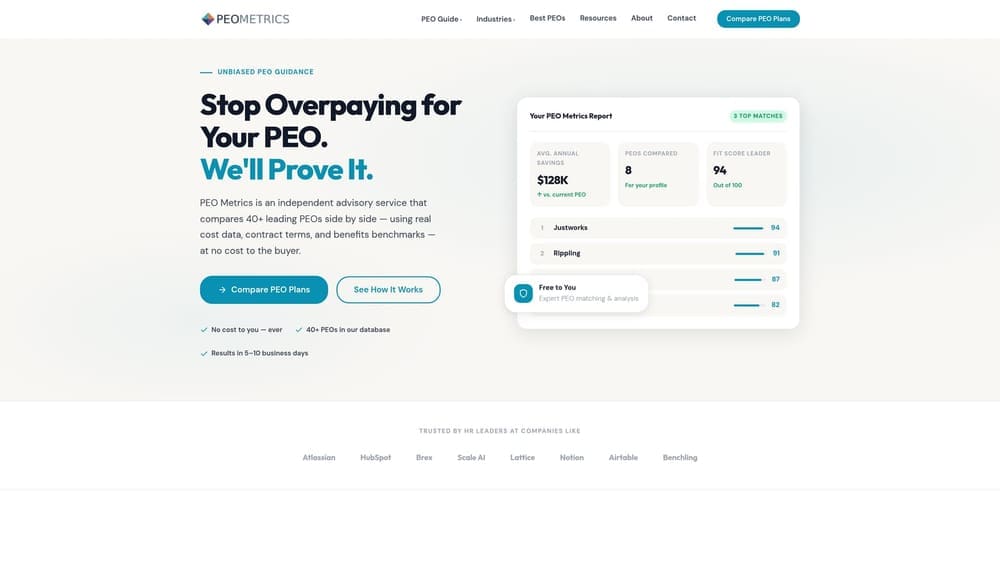
Its distinctive value on this list is neutrality across vendors. Every other entry here sells you its own service; PEO Metrics lets you look at multiple PEOs and their pricing together, which matters when bundled fees and contract terms are hard to compare from separate quotes. Full disclosure: PEO Metrics may receive vendor placement fees from providers, so weigh its guidance with that in mind and verify quotes directly.
- Side-by-side PEO comparison, so you can see differences in services and terms in one view.
- Pricing analysis, which helps you spot where fees and markups differ between providers.
- Detailed metrics that give you more to compare than a sales brochure does.
- Guidance on provider selection, useful if no one on your team has bought a PEO before.
There is nothing to integrate, since it is an advisory service, and setup is a conversation rather than an implementation. The limits are plain: it is only useful if a PEO is on the table, and it will not process a single paycheck. If you have already settled on payroll-only, you can skip it. For pricing, see the PEO Metrics website; it is not published in a form we can quote here.
Best for: MSPs weighing PEO quotes against a payroll-only setup.
2. TriNet
TriNet is a full-service PEO covering HR, benefits, payroll and compliance support, with a long history serving technology and professional-services firms. That background is its main pitch to an MSP: it is used to workforces made up of engineers and consultants rather than hourly retail or restaurant staff.
Its limitation is on the buying side. Pricing is quote-based and contract terms deserve careful reading, so request itemized quotes and compare them against other providers rather than relying on a headline rate.
- Co-employment model, which shifts a share of employer administration and compliance duties to TriNet.
- Pooled health benefits, giving a smaller MSP access to group plans it may not get alone.
- Payroll and tax filing across the states where your staff work.
- HR compliance support for policies, handbooks and employment questions.
- Industry-focused plans; verify what is currently offered for technology firms.
It offers accounting and HR system integrations, but verify the current list on its site against your stack. Setup is a managed onboarding handled mostly by the vendor, with an HR lead or owner as day-to-day contact. It suits less well a very small team wanting the lightest, cheapest option, or an MSP that already has a strong broker and compliance setup. Pricing is quote-based and typically moves with headcount, benefit selections and the services you include. Confirm anything current as of October 2026.
Best for: Mid-sized MSPs wanting a full-service, tech-oriented PEO.
3. Justworks
Justworks is a PEO aimed at small businesses, known for an employee self-service app and pricing posted on its website. For a ten-to-fifty-person MSP with engineers scattered across states, the app experience and clear pricing lower the barrier to trying a PEO.
Start with the tradeoff. HR advisory is lighter than at higher-touch PEOs, so if your managers regularly face complex employee-relations cases, you may want more hands-on support. Benefit options also vary by state, which matters with a distributed engineering team.
What you get
- PEO co-employment, with payroll and benefits administered under one roof.
- An employee self-service app, so remote staff handle pay stubs, time off and benefits without emailing HR.
- Time off and onboarding tools that cut the manual work of bringing on a new technician.
- Published pricing that lets you model cost before talking to sales.
Fit and cost
It has accounting and time tracking integrations; verify the current list. Setup is lighter than at enterprise PEOs, and a single owner or office manager can usually run it. Pricing is published on the website and generally depends on headcount and plan tier; confirm the current tiers as of October 2026.
Best for: Small MSPs with remote engineers that want transparent pricing.
4. Insperity
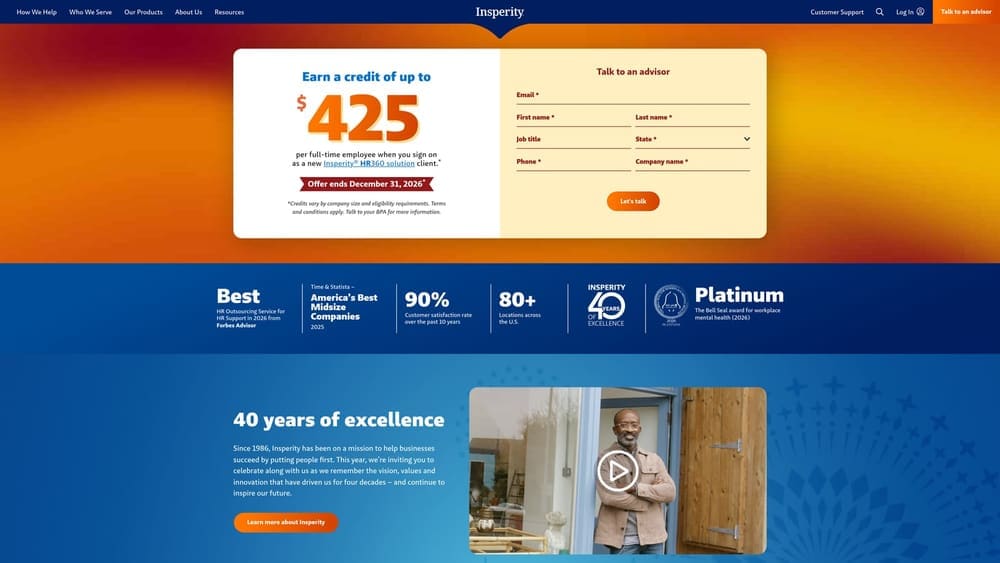
Insperity is a PEO built around assigned HR advisors, alongside payroll, benefits and compliance services. What separates it from this list is the human layer: you get a designated person to call on terminations, policy questions, and employee disputes, rather than a ticket queue.
That depth suits an MSP whose owner is also the de facto HR department and does not want to be. It is a weaker match if you want the leanest, lowest-touch arrangement, since you are paying in part for that service. Pricing is quote-based, so ask for a breakdown of what the advisor model costs relative to alternatives.
- A dedicated HR advisor model, giving managers a consistent point of contact.
- Payroll and benefits administration under the co-employment arrangement.
- Compliance support to help keep policies aligned with employment rules in the states you operate in.
- Employee relations guidance for performance and conduct issues.
Verify current integrations on its site against your accounting and time tracking tools. Setup is vendor-led, and ongoing contact usually sits with an owner or operations lead plus the assigned advisor. Pricing is quote-based and usually moves with headcount, benefit choices and service scope. Verify terms as of October 2026, including contract length and exit conditions.
Best for: MSPs needing active help with HR issues and policy.
5. ADP TotalSource
ADP TotalSource is ADP’s PEO, pairing ADP’s payroll technology with co-employment benefits and HR services. Its distinguishing trait here is scale: a large, established provider with deep payroll infrastructure, which can matter when technicians and engineers span many states.
- PEO co-employment, with shared employer responsibilities and pooled benefits.
- The ADP payroll platform, familiar to many accountants and finance teams.
- Benefits access that can be hard for a small MSP to match independently.
- Compliance support for multi-state employment questions.
Integrations run through the ADP Marketplace; verify the current list against your systems. Setup is a vendor-managed implementation, and day-to-day ownership usually sits with HR or finance. The point to check is fit for very small teams: confirm minimums and whether a ten-person MSP gets the same attention as a larger client. Pricing is quote-based and tends to depend on headcount, benefits and services selected. Confirm everything as of October 2026, and look at the IRS CPEO list if payroll tax liability matters to you.
Best for: Growing or multi-state MSPs that want a large, established provider.
6. Paychex
Paychex offers both payroll (Paychex Flex) and a PEO under one vendor. That dual path is its useful quirk: an MSP can start with payroll processing and, as headcount and benefit needs grow, consider moving to the PEO without changing vendors entirely.
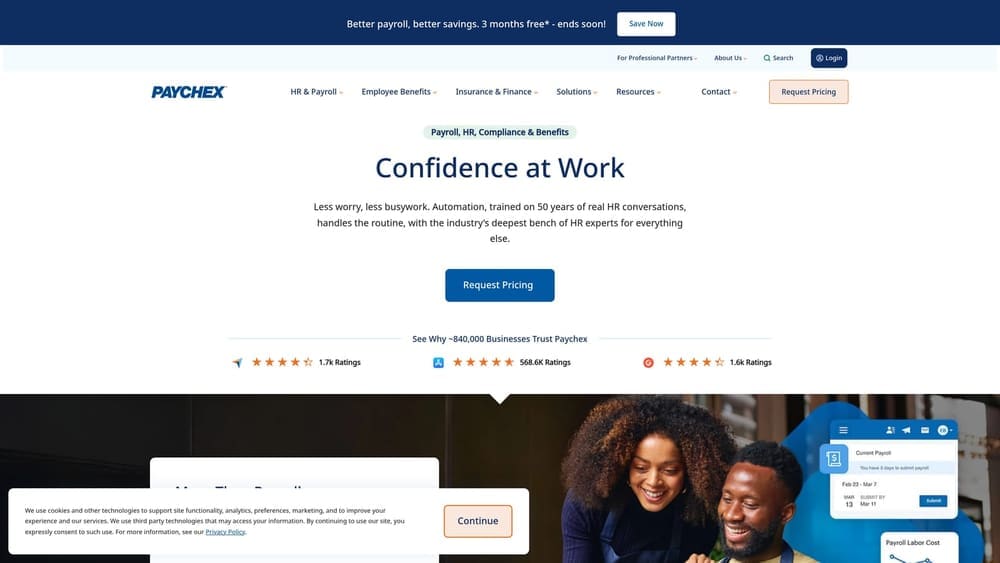
The catch is consistency. Service levels and pricing vary by product line, so a good payroll experience does not guarantee the same from the PEO, and the two arrangements carry very different legal structures. Under payroll you remain sole employer; under the PEO you share employment duties. Do not assume one maps onto the other.
- Paychex Flex payroll, which handles pay runs and tax filings while you keep HR and benefits.
- A PEO option for when you want pooled benefits and shared compliance.
- Benefits administration to cut manual enrollment work.
- HR services you can add as needs grow.
It connects with accounting and time systems; verify the current list. Setup effort differs by product, lighter for payroll and heavier for a PEO transition. Day-to-day ownership usually sits with an office manager or HR lead. Pricing is quote-based for both and depends on headcount, modules and service level. Verify as of October 2026.
Best for: MSPs starting with payroll that may move to a PEO later.
7. Gusto
Gusto is a payroll and HR platform for small businesses. It is not a PEO or co-employer. That is the whole point of including it: your MSP remains the sole employer, with no shared employment relationship, and keeps control of benefits and workers’ comp decisions.
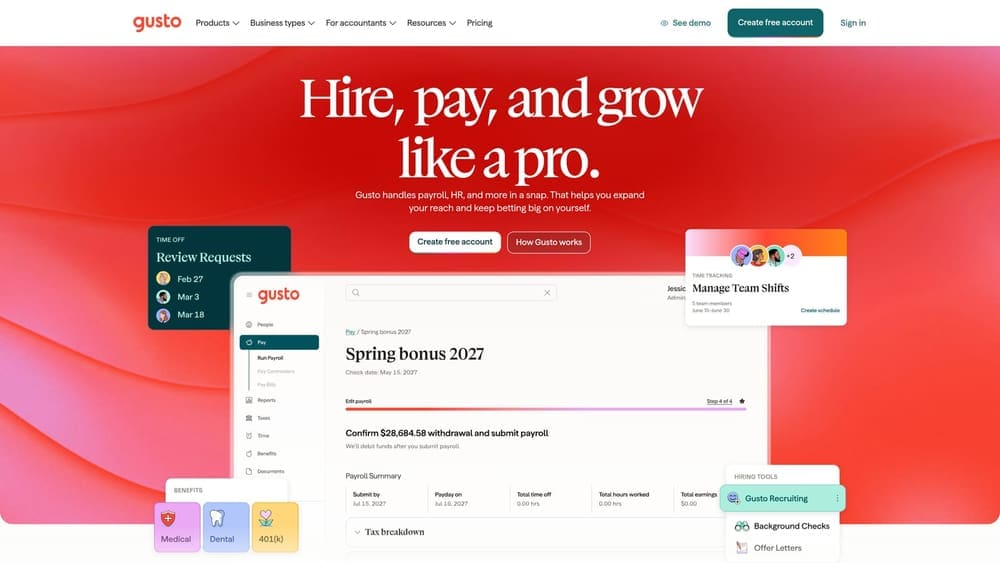
The tradeoff is direct. You do not get pooled large-group benefits or shared employment liability. If your MSP already works with a benefits broker and carries its own workers’ comp policy, that may be fine. If you were hoping the vendor would absorb compliance risk, a payroll-only product will not.
- Payroll and tax filing, so pay runs and filings happen on schedule.
- Benefits administration, which helps you manage plans you buy through your own broker.
- Onboarding tools that handle new-hire paperwork for remote engineers.
- Time tracking for technicians logging hours across client sites.
It offers accounting and time tracking integrations; verify the current list. Setup is typically light enough for an owner or office manager. Plans are tiered and priced on the website, usually moving with plan level and headcount; confirm current figures as of October 2026. Remember that technician workers’ comp class codes, including office versus on-site work, vary by carrier and state, so verify with your carrier.
Best for: Small MSPs with an existing benefits broker and workers’ comp policy.
8. Rippling
Rippling is a workforce platform combining payroll, HR, and device and app management, with a PEO option (verify current availability and structure). Its unusual angle for an MSP is tying payroll and HR records to IT provisioning, so a new technician’s laptop, accounts and apps can be set up as part of onboarding.
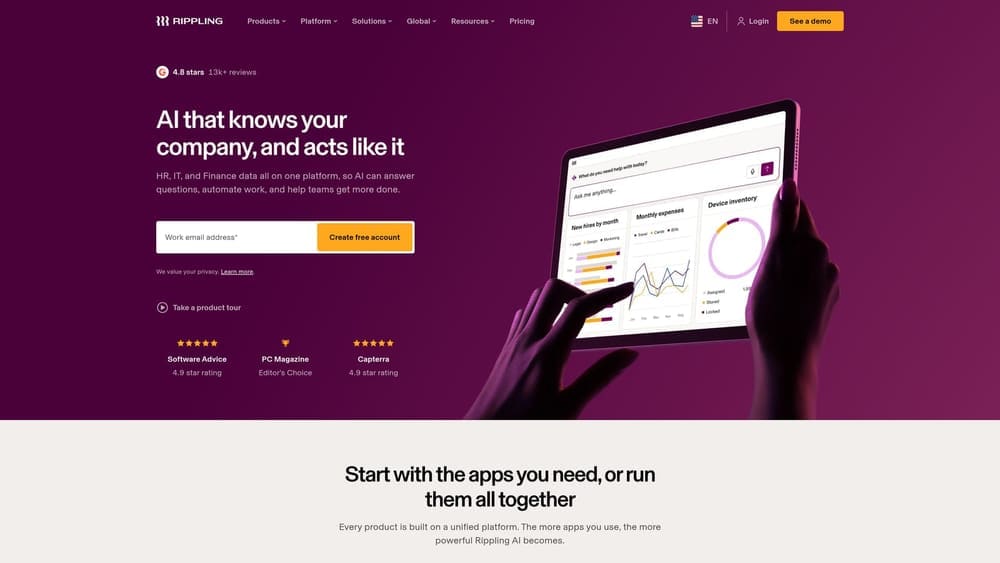
Its limits are cost creep and ownership. Pricing is modular, so adding products can raise the total, and the platform needs an internal owner to configure it well. A team with no one to run it may not get the value.
- Payroll and HR in one system, reducing double entry between tools.
- Device and app management, which fits an IT-focused business managing its own endpoints.
- Onboarding workflows that trigger tasks and access for new hires.
- A PEO option; confirm what is available and how it differs from the payroll-only product.
It has a wide app integration catalog; verify the current list. Setup is more involved than the simpler payroll tools, usually led by an IT or operations manager. Pricing is quote-based and moves with the modules you choose and your headcount. Verify as of October 2026.
Best for: IT-heavy MSPs that want HR, payroll and device management together.
Matching the Option to Your MSP
Three situations cover most MSPs. If you want pooled benefits and shared compliance, a PEO is the right category, and TriNet, Insperity or ADP TotalSource are the full-service candidates. Justworks suits the smaller end. If you have under a few dozen people and a benefits broker and workers’ comp policy already in place, payroll-only through Gusto, or Paychex Flex, keeps cost and control with you. If onboarding technicians and provisioning devices is the bottleneck, Rippling is the platform-led choice.
Whatever you pick, compare itemized quotes before signing, and verify workers’ comp classification, state coverage and CPEO status directly. A PEO does not always save money, and a payroll company does not cover HR compliance for you. For a wider view, see our [LINK CHECK: PEO comparison hub].
Before you sign that PEO renewal, make sure you’re not leaving money on the table.
Many businesses unknowingly overpay because of bundled fees, hidden administrative markups, and contracts designed to limit flexibility. We give you a clear, side-by-side breakdown of pricing, services, and contract terms, so you can see exactly what you’re paying for and choose the option that truly fits your business.
