

If you run a company of roughly 10 to 150 employees and can’t decide whether to buy a PEO or build HR yourself, you’re really comparing a bundled service against a stack of separate tools and hires. The tools below were chosen for how well they help you price each path, test the fit, or run the in-house alternative. Each is labeled by category (PEO, payroll and HR software, HRIS, or EOR) so the distinctions stay straight. For background on cost, see [LINK CHECK: related PEO cost article].
A few terms first. A PEO (professional employer organization) enters a co-employment arrangement: it becomes the employer of record for certain tax and benefits purposes while you direct the work. A SaaS PEO is a buyer’s shorthand for a tech-forward PEO with a software-first experience; it is not a separate legal category. A CPEO is a PEO certified by the IRS. An ASO (administrative services organization) handles HR administration without co-employment. An EOR (employer of record) employs workers on your behalf, typically in other countries. Payroll-only tools run pay and taxes and nothing more.
Quick Comparison of the Nine Tools
- PEO Metrics: best for buyers who want to price and shortlist PEOs before ruling in-house HR in or out; pricing on its website; compares multiple PEO providers on one set of metrics before you commit to any.
- Gusto: best for small teams keeping HR in-house on a lean software budget; pricing on its website; self-serve pricing and setup with no sales process.
- Rippling: best for growing companies hiring an HR lead who want one system of record; quote-based; links HR, payroll and IT in one modular system.
- Justworks: best for small employers who want to offload admin without hiring HR; pricing on its website; a small-business PEO whose pricing structure you can verify as of 2026.
- TriNet: best for mid-sized employers in a specific industry; quote-based; industry-specialized PEO packages.
- Insperity: best for companies wanting an HR advisor without a full-time hire; quote-based; assigned human HR advisory support.
- ADP TotalSource: best for employers already on ADP payroll; quote-based; sits in a brand family spanning payroll-only, ASO and PEO.
- BambooHR: best for companies with an HR owner who need a people-data system; quote-based; an HR-first interface rather than a payroll-first one.
- Deel: best for companies with some hires outside the US; pricing on its website; employs and pays workers in other countries on your behalf.
1. PEO Metrics
PEO Metrics is a PEO comparison service, not a PEO. It’s built for buyers who suspect a PEO might beat building HR in-house but can’t tell, because PEO quotes arrive in different shapes. Some vendors charge per employee per month, others a percentage of payroll, and benefits and workers’ comp may be folded in differently. Putting those on one footing is the hard part, and it’s what this service does.
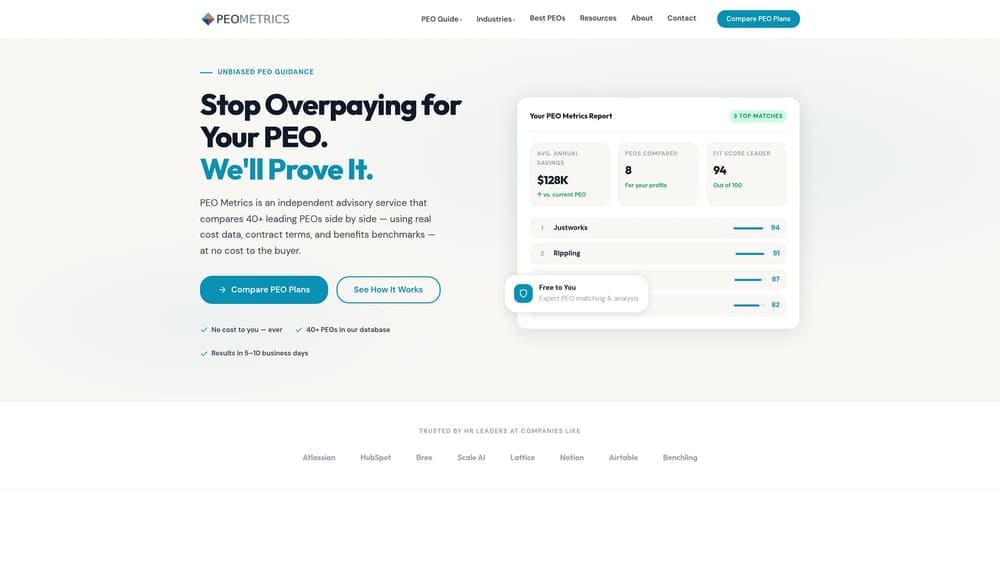
Its distinctive strength on this list is breadth before commitment: you compare multiple PEO providers on the same set of metrics before you sign with any of them. Every other entry here is a single vendor describing its own model.
- Side-by-side PEO provider comparison, so you see differences in one view instead of across separate quotes.
- Pricing analysis that helps you spot bundled fees and administrative markups.
- Detailed provider metrics that go beyond a brochure feature list.
- Guidance for selecting a PEO, useful if nobody on your team has bought one before.
There’s nothing to integrate and no software to run day to day. It’s an advisory service, so setup amounts to sharing your headcount, locations and current costs. Whoever owns HR or finance decisions typically drives it.
The limits are plain. PEO Metrics doesn’t run payroll or HR, and it doesn’t model a fully in-house build, so you’ll still need a tool from the HRIS and payroll group to price that side. It may also receive vendor placement fees, which you should weigh alongside any recommendation. Pricing details are on the website.
Best for: Buyers who want to price and shortlist PEOs before deciding against in-house HR.
2. Gusto
Gusto is a small-business payroll and HR platform, and it’s a common backbone for employers who run HR in-house. Think of it as the payroll-and-benefits-admin layer of an in-house stack rather than a PEO alternative that takes on employer responsibilities.
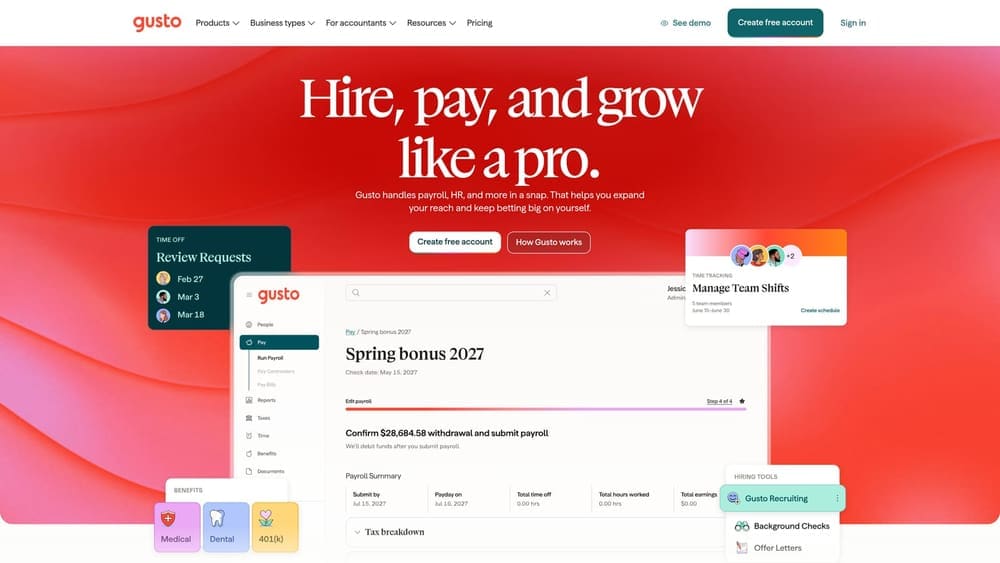
Its edge here is self-serve pricing and setup. A small team can sign up and run payroll without going through a sales process, which matters when you’re pricing the in-house path and want a number quickly.
- Payroll that handles pay runs and tax filings, so your team isn’t doing it by hand.
- Benefits administration, letting you manage enrollment for plans you buy yourself.
- Onboarding tools that collect new-hire paperwork in one place.
- Time tracking on plans that include it, which feeds hours into payroll.
It connects with accounting and time tracking tools, and setup is light enough that an office manager or founder can often run it. The tradeoff is where responsibility sits. Verify whether any plan offers co-employment; otherwise compliance and benefits purchasing stay with you, including negotiating carrier plans without a PEO’s pooled buying power. Teams without anyone to own those tasks will feel the gap.
Pricing is listed on the Gusto website and generally moves with plan tier and headcount. Confirm current figures there.
Best for: Small teams keeping HR in-house on a lean software budget.
3. Rippling
Start with the limitation: Rippling can be more system than a very small team without an HR owner needs. It’s a modular workforce platform, not a PEO, that combines HRIS, payroll, benefits and IT management. If nobody will administer it, much of the value goes unused.
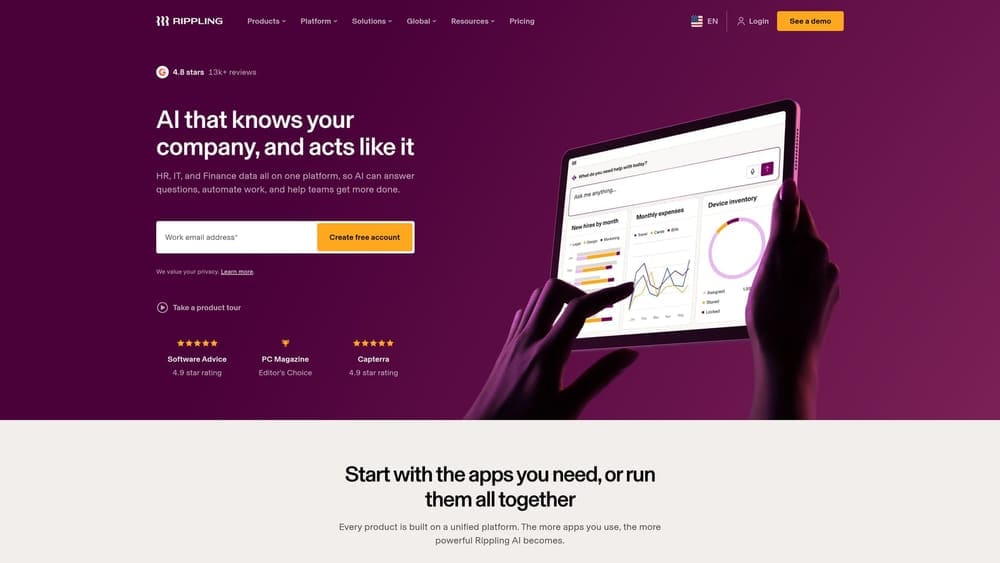
Where it stands apart is the linkage. Modular purchasing means you buy the pieces you need, and HR, payroll and IT live in one system, so onboarding a hire can trigger payroll setup and device provisioning together.
- HRIS that serves as the single employee record the rest of the stack reads from.
- Payroll tied to that record, reducing re-entry between systems.
- Benefits administration for plans you source yourself.
- Device and app management, which covers laptops and software access alongside HR tasks.
It integrates with accounting and applicant tracking tools. Implementation takes more effort than a self-serve payroll app, and day-to-day ownership usually falls to an HR lead, an operations manager or IT. As with other in-house tools, compliance and benefits purchasing remain your responsibility.
Pricing is quote-based and depends on which modules you buy and how many employees you have.
Best for: Growing companies hiring an HR lead who want one system of record.
4. Justworks
Justworks is a PEO for small businesses, offering payroll, benefits and compliance support under a co-employment model. It’s the clearest example on this list of the bundled-service side of the decision.
Its distinguishing feature, as the research notes put it, is a small-business PEO with a published pricing structure to verify as of 2026. That transparency makes it easier to model against an in-house stack than quote-only vendors.
What you get
- Co-employment, so the PEO takes on certain employer-of-record duties.
- Payroll included in the service, not bought separately.
- Benefits access through the PEO’s arrangements, without building plans yourself.
- Compliance support, helpful if no one on staff tracks employment rules.
What to weigh
Pooled benefits mean less plan customization than a self-run program. If you want to design benefits tightly around your workforce, that’s a real cost. It integrates with accounting tools, setup is mostly onboarding your employees to the platform, and a founder or office manager can typically run the admin.
Pricing is on the Justworks website. Check how fees are structured and what drives them, such as headcount, before comparing to other quotes.
Best for: Small employers wanting to offload admin without hiring HR.
5. TriNet
TriNet is a PEO providing HR, payroll, benefits and compliance services under co-employment, with packages tailored by industry. It aims at employers large enough that an HR hire is a live option but who’d rather buy the function.
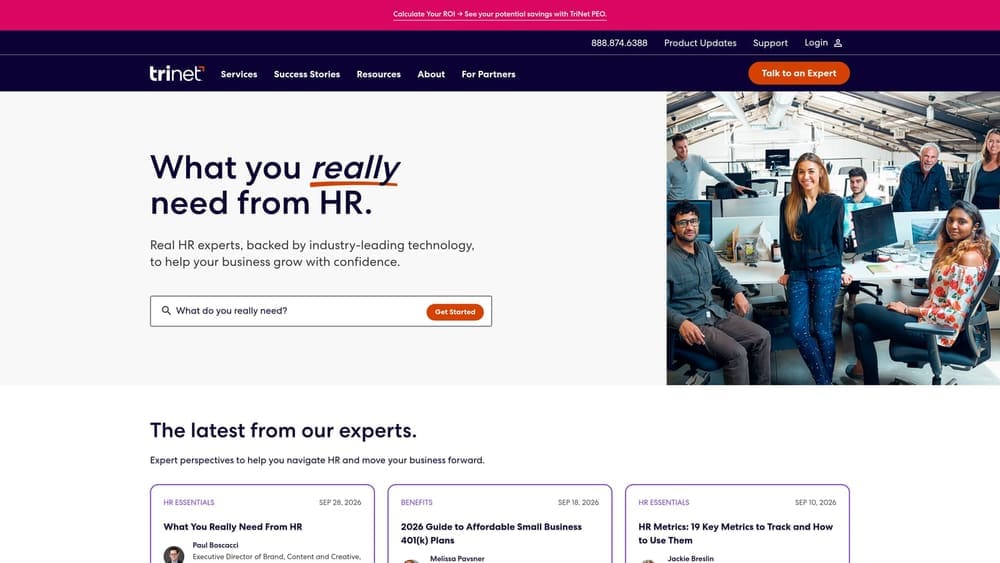
The industry focus is what separates it here. If your sector has specific benefits, risk or compliance patterns, a package built around it may fit better than a generic bundle.
- Co-employment that moves certain employer duties to the PEO.
- Industry-specific packages, so scope reflects your sector.
- Benefits administration and access without building your own program.
- Risk and compliance support to reduce what your team tracks.
It works with HRIS and accounting tools, but verify the current integration list. Implementation is a managed onboarding rather than a quick sign-up, and an HR or finance lead typically coordinates with the account team.
Be careful about fit. Confirm minimum company size and contract terms before shortlisting, since those determine whether it’s even available to you and how easily you can leave. Pricing is quote-based, so you can’t compare cost until you’ve requested one.
Best for: Mid-sized employers in a specific industry weighing a PEO against an HR hire.
6. Insperity
Insperity is a PEO built around an HR advisory model, pairing dedicated human support with payroll and benefits under co-employment. For a company debating whether to hire its first HR professional, that’s a direct substitute for part of the job.
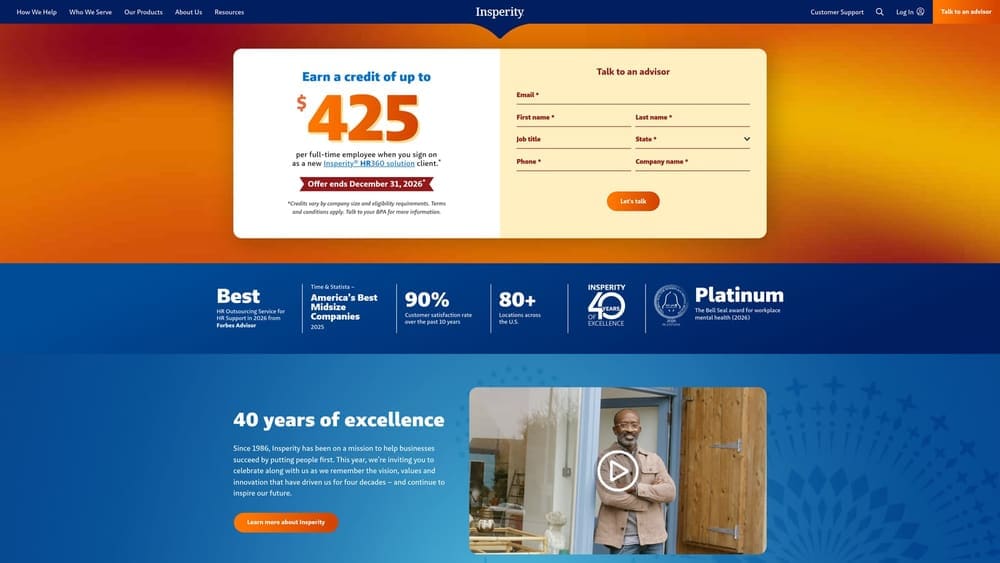
The differentiator is assigned human HR advisory support. Software-first vendors lean on self-service; Insperity’s service includes a person to call for employee relations questions and policy guidance.
- Co-employment that shifts certain employer-of-record duties off your plate.
- HR advisory support, which stands in for an in-house generalist on everyday issues.
- Payroll included, so you don’t run a separate system.
- Benefits offered through the PEO instead of purchased independently.
Verify the current integration list on the vendor site. Setup is a guided onboarding, and day-to-day contact is usually an owner or office lead working with the advisor.
The main drawback is price visibility. Pricing and minimums require a quote and should be confirmed, which makes early cost modeling harder. A human advisor model may also suit you less if you want a purely self-serve experience. Pricing is quote-based.
Best for: Companies wanting an HR advisor without a full-time HR hire.
7. ADP TotalSource
The category matters most here. ADP TotalSource is ADP’s PEO offering, separate from its payroll-only and ASO products. Buyers sometimes assume anything from ADP is a PEO; it isn’t, so confirm which product a quote covers.
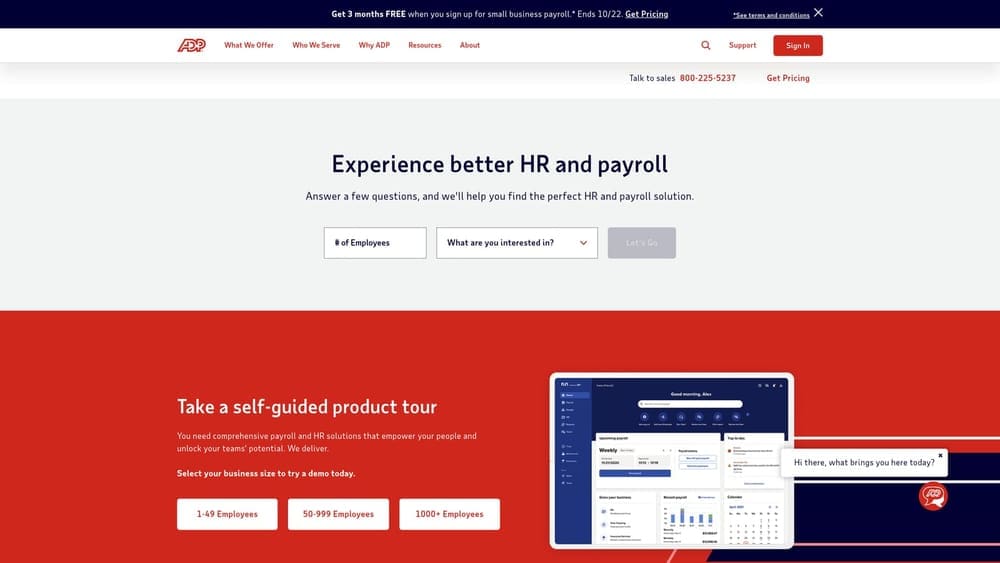
Its standout trait on this list is the brand family. Because ADP spans payroll-only, ASO and PEO, you can compare the models without switching vendors, which helps if you’re unsure how much to hand off.
- Co-employment, taking on certain employer duties.
- Payroll bundled into the PEO service.
- Benefits access through the PEO arrangement.
- Compliance support that reduces what your team tracks.
Verify the current integration list on the vendor site. Setup is a managed implementation, and it tends to suit organizations with someone in HR or finance to coordinate it. If you’re already on ADP payroll, moving to TotalSource may be simpler than starting with a new vendor, though you should still confirm what changes.
The limitation is that you can’t compare cost until a quote is requested. Pricing is quote-based.
Best for: Employers already on ADP payroll considering a move to co-employment.
8. BambooHR
BambooHR is an HRIS for employee records, onboarding and performance, used by teams running HR in-house. It isn’t a PEO, and the research notes are explicit that it offers no co-employment, workers’ comp or pooled benefits. Compliance stays with you.
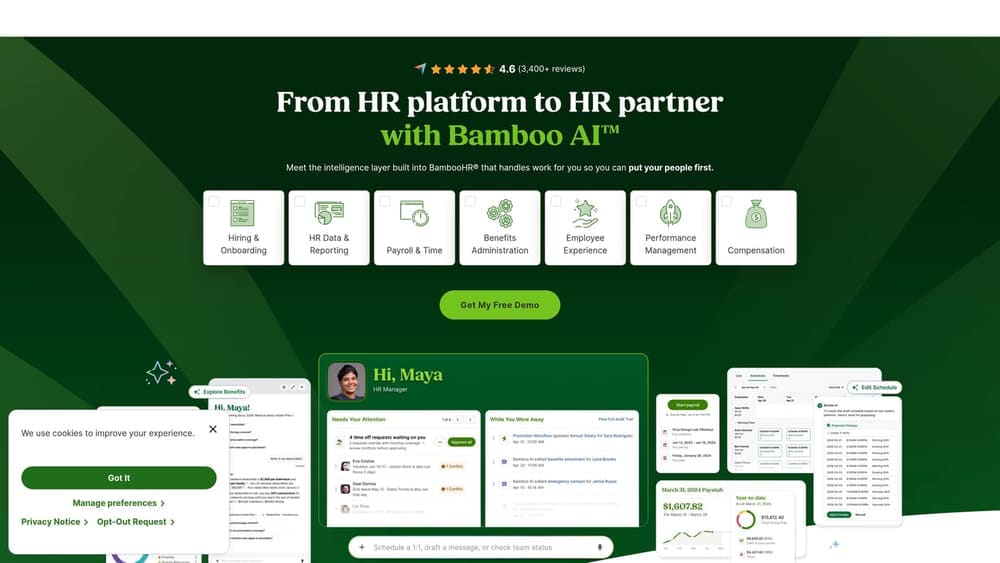
What it does best is the people side. The interface is built for HR teams rather than payroll administrators, which suits a company that has, or is about to hire, someone to own HR.
- Employee records kept in one place, replacing scattered spreadsheets.
- Onboarding workflows that keep new-hire tasks on track.
- Performance management for reviews and goals.
- Time-off tracking so leave balances don’t live in email.
It connects with payroll and applicant tracking tools; verify the current list. You’ll pair it with a payroll provider, so budget for both when modeling the in-house path. An HR manager or generalist typically runs it day to day, and rollout takes real configuration time.
Pricing is quote-based and typically moves with employee count and the features you select.
Best for: Companies with an HR owner who need a people-data system.
9. Deel
Deel is a global hiring platform offering EOR and contractor management. It is not a US PEO, so it doesn’t answer the core PEO versus in-house question for a US-only team.
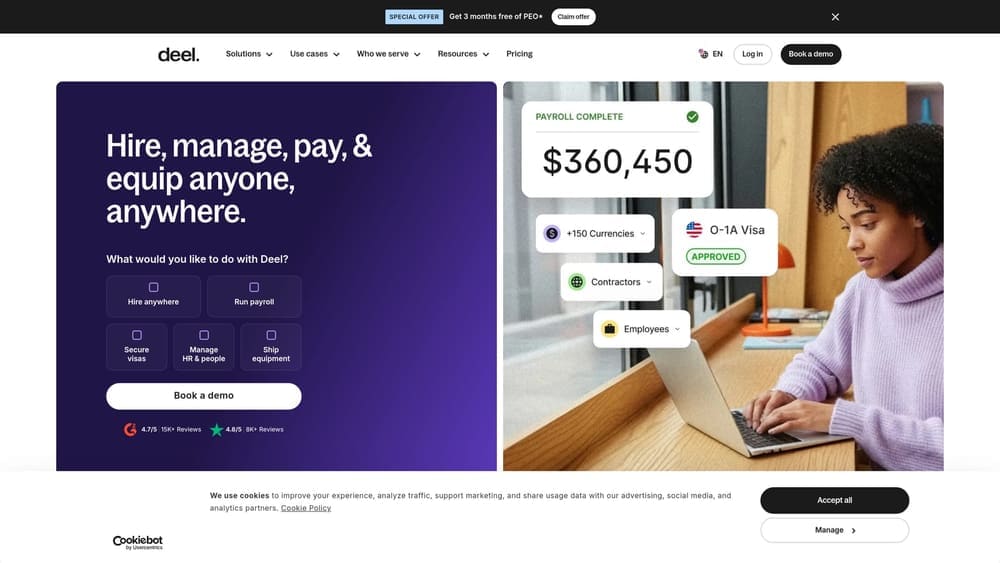
Its role in this decision is narrower but real. Deel employs and pays workers in other countries on your behalf, something neither a US PEO nor a domestic HRIS does. If part of your growth plan sits abroad, that changes the math.
- Employer of record services that employ international hires legally on your behalf.
- Contractor payments for paying non-employees across borders.
- International payroll without setting up local entities.
- Compliance support abroad, covering local rules you’d otherwise research yourself.
It works with accounting and HRIS tools; verify the current list. Setup is more involved when you’re adding workers in new countries, and operations or HR typically manage it.
Skip it if every employee is in the US. Pricing is listed on the Deel website and typically depends on worker type and country, so confirm current rates there.
Best for: Companies with some hires outside the US.
Matching the Tool to Your Situation
Three picks cover most US employers weighing this decision. If you’re leaning toward a PEO but can’t compare quotes cleanly, start with PEO Metrics and its [LINK CHECK: PEO Metrics comparison hub] to line providers up on one set of metrics. If you’d rather build in-house, pair an HRIS such as BambooHR or Rippling with a payroll tool such as Gusto, and add the cost of whoever owns HR. If you want an HR person to call without a full-time hire, an advisor-style PEO like Insperity is the closest fit.
Verify all current pricing, minimums and feature lists directly with each vendor before you decide. Fee structures differ between per-employee and percent-of-payroll models, so compare total cost, not headline rates.
Before you sign that PEO renewal, make sure you’re not leaving money on the table.
Many businesses unknowingly overpay because of bundled fees, hidden administrative markups, and contracts designed to limit flexibility. We give you a clear, side-by-side breakdown of pricing, services, and contract terms, so you can see exactly what you’re paying for and choose the option that truly fits your business.
