

When you’re locked into a PEO relationship, customer service quality isn’t a nice-to-have. It’s the difference between a smooth-running HR operation and a slow-motion disaster. Missed payroll calls, unresolved benefits questions, and vague escalation paths cost real money and erode employee trust.
Most businesses don’t evaluate PEO customer service until something breaks. By then, you’re already in damage control mode. The tools on this list help you get ahead of that problem — or at least document it clearly enough to act on it.
The range here is intentional. You’ll find PEO-specific comparison platforms alongside general-purpose helpdesk tools and DIY approaches, because that’s how most businesses actually solve this problem: cobbling together what works. We evaluated each tool based on depth of PEO-relevant service metrics, ease of setup, ability to track patterns over time, and practical value for businesses under 200 employees.
1. PEO Metrics
Best for: Businesses comparing PEO providers based on real service quality and pricing data
PEO Metrics is a PEO-specific comparison platform built to give businesses unbiased, structured analysis of provider options — including service quality and pricing transparency.

Where This Tool Shines
Most PEO comparisons rely on vendor-supplied marketing materials or generic review aggregators that don’t dig into service quality specifics. PEO Metrics is built for the evaluation use case specifically, which means the data architecture is organized around the questions buyers actually need answered: how does this provider handle escalations, what does the service model look like for a company my size, how does pricing stack up across comparable providers?
If you’re pre-contract and trying to stress-test a provider’s service reputation before signing, this is the most direct tool available. It’s also useful mid-contract if you’re building a case for renegotiation or a switch — having structured comparison data gives you something concrete to bring to the conversation.
Key Features
Side-by-side provider comparisons: Detailed breakdowns across service quality metrics and pricing, not just surface-level summaries.
Unbiased analysis: Not affiliated with any single PEO provider, which matters when you’re trying to get a straight answer.
Service quality depth: Goes beyond star ratings to surface differences in how providers actually handle client support.
Built for PEO evaluation: The tool isn’t a general vendor management platform adapted for PEOs — it’s purpose-built for this decision.
Best For
Businesses actively shopping for a PEO or approaching a contract renewal who want structured, data-driven comparison rather than relying on sales calls and anecdotal reviews. Particularly valuable for HR leaders who need to present a defensible recommendation to leadership.
Pricing
Contact for pricing. PEO Metrics operates on a consultation-based model, so reach out directly to discuss what’s relevant for your situation.
2. NAPEO Provider Directory + Accreditation Data
Best for: Establishing baseline credibility before diving deeper into a PEO provider’s service record
NAPEO is the National Association of Professional Employer Organizations, and its directory and accreditation data serve as a useful first filter when evaluating provider legitimacy.

Where This Tool Shines
NAPEO tracks two things that matter a lot before you get into service quality specifics: ESAC accreditation (which signals financial reliability and compliance with industry standards) and IRS-certified PEO status (CPEO designation). Neither guarantees great customer service, but a provider that can’t clear these bars is a red flag before you even get to a demo.
Think of NAPEO as your credibility pre-screen. It won’t tell you whether your account rep will pick up the phone, but it will tell you whether the provider has been vetted by the industry’s own standards body — which is a meaningful starting point.
Key Features
ESAC accreditation verification: Confirms financial reliability and adherence to industry operational standards.
CPEO status lookup: Identifies IRS-certified PEOs, which carry specific legal and tax implications for clients.
Industry association credibility: NAPEO membership and accreditation serve as a proxy for baseline professionalism.
Free access: No cost, no account required to search the directory.
Best For
Anyone starting a PEO evaluation who wants to quickly filter out providers that lack basic industry credibility. Also useful for verifying a current provider’s standing if you’re mid-contract and something feels off.
Pricing
Free to access.
3. Zendesk
Best for: HR teams that want to turn PEO service frustrations into documented, measurable data
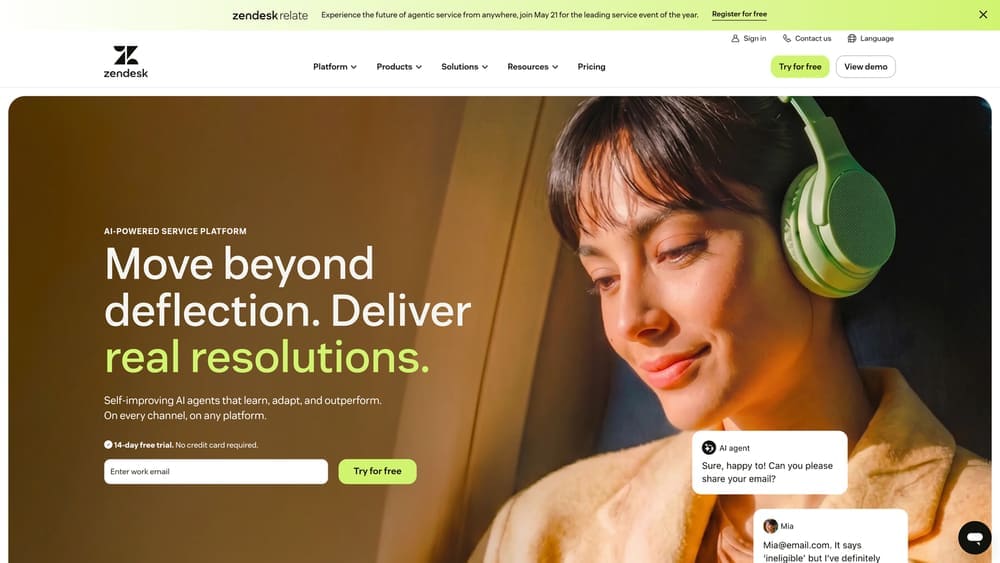
Zendesk is a full-featured customer service platform that you can repurpose to log, track, and analyze every interaction with your PEO provider.
Where This Tool Shines
The core problem with PEO service complaints is that they stay anecdotal. Someone mentions the payroll issue in a Slack message, someone else sends an email, and six months later you’re trying to reconstruct a pattern from memory. Zendesk forces structure onto that chaos. Every issue becomes a ticket with a timestamp, an owner, and a resolution status.
The SLA monitoring feature is particularly useful here. If your PEO contract specifies response time commitments, Zendesk lets you measure actual performance against those commitments over time — which is exactly the kind of documentation you need for a renegotiation or a contract exit.
Key Features
Ticket-based logging: Captures every PEO interaction with timestamps and resolution tracking for a clean audit trail.
SLA monitoring: Measures actual PEO response times against contractual commitments.
Reporting dashboards: Surfaces trends across months or quarters so you can see whether service is improving, degrading, or staying flat.
Tagging and categorization: Lets you break down issues by type — payroll, benefits, compliance, onboarding — to identify where your PEO consistently underperforms.
Best For
HR teams with enough volume of PEO interactions to justify a dedicated tool, and who need to produce defensible documentation for leadership or contract negotiations. Works best when you commit to logging consistently from day one.
Pricing
Suite Team plan starts at $19/agent/month. Pricing scales with features and agent count.
4. HubSpot Service Hub
Best for: Teams already in the HubSpot ecosystem who want to track PEO interactions alongside other vendor relationships
HubSpot Service Hub is a service tracking tool that lets you monitor PEO interactions with a usable free tier and tight CRM integration.

Where This Tool Shines
If your team is already using HubSpot CRM for sales or vendor management, Service Hub extends that infrastructure to cover PEO service tracking without spinning up a separate tool. The unified contact and company records mean you can see your PEO relationship history in context alongside other vendor data.
The customer feedback survey feature is worth calling out specifically. You can adapt it for internal PEO satisfaction tracking — sending periodic pulse checks to HR team members or managers who interact with the PEO — which gives you a structured way to capture qualitative signals alongside quantitative ticket data.
Key Features
Free tier with basic ticketing: Gets you started without budget approval, with contact management included.
HubSpot CRM integration: Unified vendor tracking across your existing HubSpot setup.
Feedback surveys: Adaptable for internal PEO satisfaction tracking across HR and management teams.
Knowledge base: Useful for documenting PEO service procedures and escalation paths for your internal team.
Best For
Teams already invested in the HubSpot ecosystem, or smaller HR operations that want a free starting point with room to grow. Less ideal if you need deep SLA monitoring out of the box.
Pricing
Free tier available with basic features. Paid plans start at $20/seat/month.
5. Freshdesk
Best for: Small HR teams that need to start documenting PEO service issues without spending anything upfront
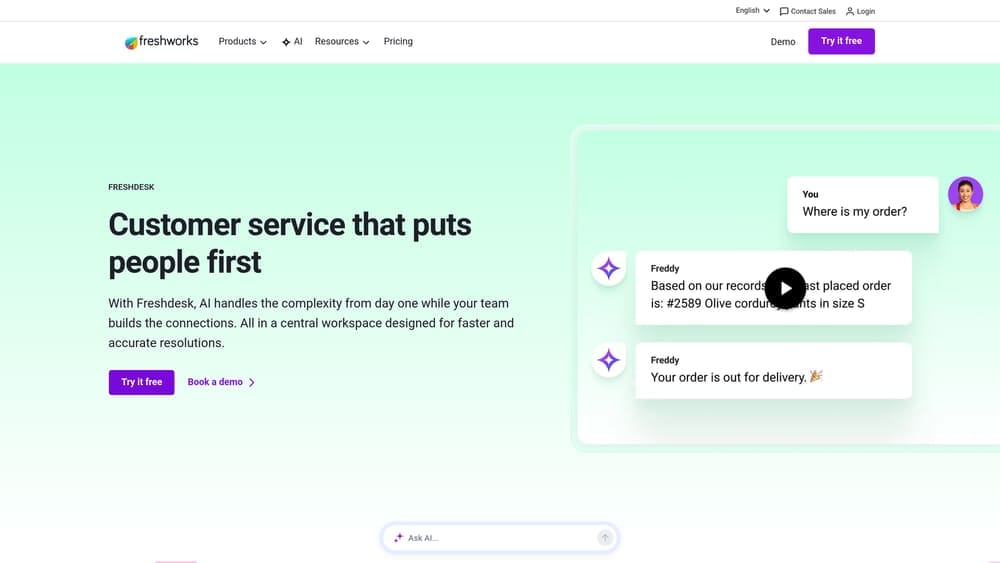
Freshdesk is a lightweight helpdesk tool with a genuinely useful free plan — practical for teams that need to get organized before they can justify a paid tool.
Where This Tool Shines
Freshdesk’s free plan is more functional than most. Two agents, basic ticketing, and email-to-ticket conversion is enough to get a small HR team logging PEO issues consistently. That consistency is what matters most early on — even imperfect data collected over six months is more useful than perfect data you never started collecting.
The SLA management feature, available on paid tiers, lets you configure expected response times and flag when your PEO misses them. For a small business that doesn’t have dedicated IT or operations staff to manage a more complex tool, Freshdesk’s interface is straightforward enough that it won’t become its own project to maintain.
Key Features
Free plan for up to 2 agents: A real starting point, not a crippled trial.
SLA management: Set expected PEO response times and track compliance on paid plans.
Simple reporting: Identifies repeat service failures and patterns without requiring a data analyst.
Email-to-ticket conversion: Automatically converts PEO email exchanges into logged tickets — low friction to adopt.
Best For
Small HR teams, often a team of one or two, who need a low-cost way to start documenting PEO service interactions systematically. Good entry point before deciding whether a more robust tool is warranted.
Pricing
Free plan available. Paid plans start at $15/agent/month.
6. Jira Service Management
Best for: Teams that want structured escalation workflows and incident tracking for PEO service failures
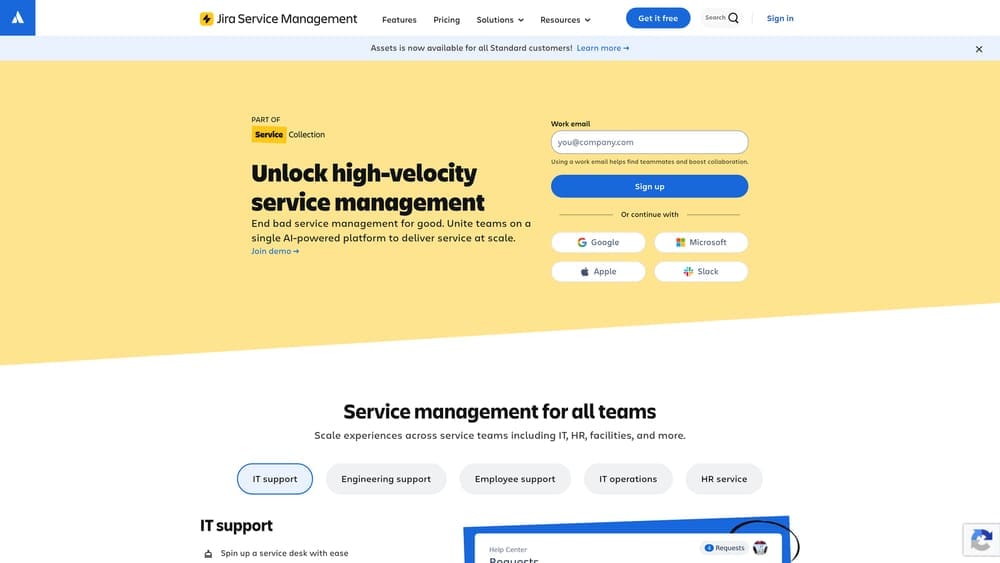
Jira Service Management brings IT service management rigor to the problem of tracking PEO service breakdowns — useful when you want to treat escalations as the formal incidents they are.
Where This Tool Shines
Most helpdesk tools track issues. Jira Service Management tracks issues with structured workflows — meaning you can define what happens at each stage of a PEO service failure, who owns it, and what constitutes resolution. For complex situations like a payroll processing error affecting multiple employees, or a benefits enrollment failure during open enrollment, that structure matters.
The change management features are an underrated fit for PEO tracking specifically. When a PEO changes its service team, shifts its support model, or updates its platform, those changes often correlate with service degradation. Logging them in Jira lets you trace a pattern between operational changes and service outcomes.
Key Features
Incident and problem management workflows: Structured escalation paths adaptable to PEO service scenarios.
SLA tracking with escalation rules: Configurable rules that trigger alerts when PEO response times slip.
Change management tracking: Logs PEO process changes that may affect service quality over time.
Free tier for up to 3 agents: Enough for a small HR team to get started without cost.
Best For
Teams with some technical comfort who want more structured workflow management than a basic helpdesk provides. Particularly useful when you’re dealing with complex, multi-step PEO service failures that involve several internal stakeholders.
Pricing
Free for up to 3 agents. Standard plan starts at $17.65/agent/month.
7. Google Forms + Google Sheets
Best for: Teams that need a zero-cost, immediate way to start collecting PEO service data
Google Forms paired with Google Sheets is the DIY approach — no frills, no setup cost, and good enough to get you from zero data to a working log in under an hour.

Where This Tool Shines
Don’t underestimate this combination. The biggest barrier to tracking PEO service quality isn’t the tool — it’s the habit. Google Forms removes every possible friction point. There’s nothing to install, no seat licenses to manage, no training required. If you can get your HR team to fill out a simple form every time they contact the PEO, you’ll have more useful data in 90 days than most businesses accumulate in years.
The Sheets side of the equation is where the analysis happens. With basic filtering and pivot tables, you can surface patterns — which issue types take longest to resolve, which months see the most failures, whether resolution rates are improving or declining. It won’t look as polished as a Zendesk dashboard, but it tells the same story.
Key Features
Completely free: No cost with any Google account, no per-seat pricing.
Custom form fields: Capture issue type, date, response time, resolution status, and any other relevant variables.
Automatic data collection: Form responses feed directly into Sheets for filtering, sorting, and analysis.
Team-shareable: Multiple team members can submit and view data without additional accounts or costs.
Best For
Any team that needs to start tracking now and can’t wait for budget approval or tool evaluation. Also a solid permanent solution for very small HR teams where the volume of PEO interactions doesn’t justify a paid platform.
Pricing
Free.
8. Power BI / Looker Studio
Best for: Turning accumulated PEO service logs into visual dashboards for trend analysis and leadership reporting
Looker Studio (and Power BI for Microsoft-aligned teams) transforms raw PEO service data into visual dashboards — the layer you add once you’ve been collecting data for a while and need to make it readable for others.
Where This Tool Shines
These tools don’t collect data — they make sense of data you’ve already collected. If you’ve been logging PEO interactions in Google Sheets, a Freshdesk export, or a Zendesk report, Looker Studio or Power BI can connect directly to those sources and turn them into charts and dashboards that are far easier to present than a raw spreadsheet.
This matters most at two moments: contract review time, when you need to show leadership a clear picture of service performance, and escalation conversations with your PEO account rep, when you want to arrive with evidence rather than complaints. A well-designed dashboard showing resolution time trends, issue frequency by category, and SLA miss rates is harder to dismiss than a list of grievances.
Key Features
Flexible data connections: Connects to Google Sheets, Excel, databases, and many helpdesk platforms.
Visual trend dashboards: Surfaces seasonal patterns, recurring issue types, and resolution time drift over time.
Shareable reports: Easy to share with leadership or bring into a PEO contract review meeting.
Looker Studio is free: Power BI has a free desktop version; the cloud version costs more.
Best For
Teams that have been collecting PEO service data for at least a few months and want to make that data actionable and presentable. Best used in combination with one of the logging tools above, not as a standalone solution.
Pricing
Looker Studio: Free. Power BI Pro: $10/user/month. Power BI Desktop: Free.
Making the Service Data Work for You
Here’s the honest picture: no single tool on this list solves the PEO customer service problem by itself. What they do is give you the data infrastructure to stop relying on memory and gut feel, and start making decisions based on documented patterns.
If you’re pre-contract and evaluating providers, start with PEO Metrics for structured comparison data and NAPEO for baseline credibility verification. Those two together give you a much cleaner picture of what you’re signing up for than a sales demo will.
If you’re mid-contract and trying to assess service quality, the logging tools are your priority. Google Forms plus Sheets if you need to start immediately at zero cost. Freshdesk or HubSpot Service Hub if you want something more structured and still affordable. Zendesk or Jira Service Management if you’re dealing with high-volume or complex service issues that need real workflow management.
Once you have a few months of data, add Looker Studio or Power BI to make that data presentable. A clean dashboard showing resolution time trends and SLA miss rates is the most effective thing you can bring to a contract renegotiation or an exit conversation.
The broader point: PEO customer service quality varies significantly by provider, and smaller clients often report less responsive service than larger ones. If you’re a 50-person company, you’re probably not getting the same attention as a 500-person client. Documenting that gap is the first step to fixing it — whether that means renegotiating your service terms or finding a provider that actually fits your size.
Before you sign that PEO renewal, make sure you’re not leaving money on the table. Many businesses unknowingly overpay because of bundled fees, hidden administrative markups, and contracts designed to limit flexibility. Don’t auto-renew. Make an informed, confident decision.
