

A PEO master service agreement is the single most consequential document you’ll sign when entering a co-employment relationship — and most business owners skim it. The MSA governs everything from liability allocation and termination penalties to how your workers’ comp rates get calculated and what happens to your benefits if you leave. Missing a single clause can cost you tens of thousands of dollars or lock you into terms that don’t match your operational reality.
The good news: you don’t have to parse 40 pages of legalese alone. A growing set of tools — from AI-powered contract analyzers to specialized PEO comparison platforms — can help you systematically review every section before you sign. Below are nine tools that help business owners, HR leaders, and their attorneys catch what matters. We evaluated each for its relevance to PEO-specific contract language, ease of use, and practical value during the negotiation window.
1. PEO Metrics
Best for: Businesses comparing MSA terms across multiple PEO providers before signing
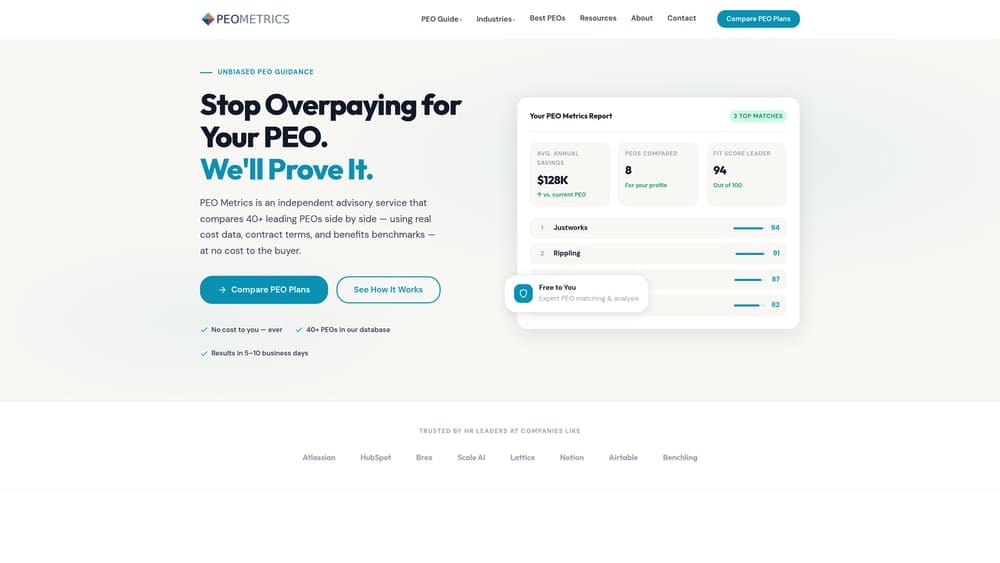
PEO Metrics is a PEO-specific comparison platform that helps businesses evaluate and compare contract terms across multiple providers with detailed, data-driven analysis.
Where This Tool Shines
Most contract review tools treat your MSA as an isolated document. PEO Metrics takes a different approach: it places your agreement in context by showing how one provider’s terms stack up against others in the market. That matters because a termination clause doesn’t exist in a vacuum — it only looks reasonable or unreasonable when you can see what competing providers are actually offering.
The platform is built specifically around PEO co-employment language, which means the analysis isn’t generic contract review — it’s grounded in the nuances that actually affect PEO buyers. Things like workers’ comp experience modifier treatment, EPLI coverage scope, benefits portability on exit, and fee structure transparency are the kinds of details that general CLM tools often miss entirely.
Key Features
Side-by-Side MSA Comparison: Compare contract terms across multiple PEO providers simultaneously, not just in isolation.
PEO-Specific Expertise: Analysis is built around co-employment contract language, not generic service agreement templates.
Pricing and Service Transparency: Identifies where providers differ on bundled fees, administrative markups, and service scope — the areas most likely to create financial surprises.
Negotiability Guidance: Helps buyers understand which MSA terms are standard across the market and which are actually negotiable, so you know where to push back.
Best For
Business owners and HR leaders actively evaluating PEO providers who want to understand not just what their MSA says, but whether it’s competitive. Particularly useful if you’re approaching a renewal and want to benchmark your current provider’s terms before auto-renewing.
Pricing
Consultation-based model — contact PEO Metrics directly for pricing. Given the cost exposure that a poorly reviewed MSA can create, most buyers find the investment straightforward to justify.
2. Ironclad
Best for: Legal and operations teams managing complex contract workflows with multiple stakeholders
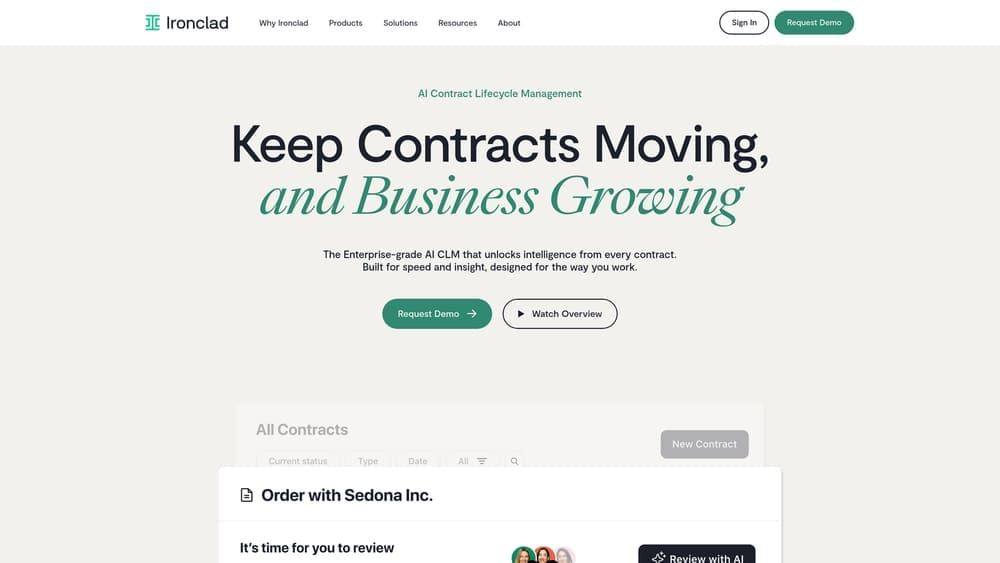
Ironclad is an AI-powered contract lifecycle management platform with workflow automation, redlining, and collaborative review tools built for complex service agreements.
Where This Tool Shines
Ironclad is one of the more mature CLM platforms on the market, and it shows in the depth of its workflow tooling. If your PEO MSA review involves multiple internal stakeholders — legal, finance, HR, and executive sign-off — Ironclad’s approval routing keeps everyone moving without the usual email thread chaos.
The AI-assisted clause extraction is genuinely useful for a first-pass review. Upload the MSA and Ironclad will surface risk-flagged clauses with scoring, giving your team a prioritized list of what to scrutinize rather than reading sequentially from page one. That said, you’ll need to configure it for PEO-specific language — it isn’t pre-loaded with co-employment context out of the box.
Key Features
AI Clause Extraction and Risk Scoring: Automatically identifies and prioritizes high-risk provisions in uploaded agreements.
Collaborative Redlining: Multiple reviewers can comment, suggest changes, and route approvals without version-control confusion.
Review Playbooks: Build template-based playbooks for recurring contract types — useful if you review PEO agreements regularly.
Tech Stack Integration: Connects with existing legal, HR, and procurement tools, reducing manual handoffs.
Best For
Mid-market to enterprise companies with a legal team or outside counsel who want a structured, auditable contract review process. Less practical for small businesses reviewing a single PEO agreement without dedicated legal resources.
Pricing
Custom pricing — typically starts in the mid-four-figures annually for mid-market teams. Worth requesting a demo to understand what’s included at each tier.
3. Juro
Best for: Teams that want clean, browser-native contract collaboration without juggling Word docs and PDFs
Juro is a browser-native contract collaboration platform that lets teams negotiate, comment, and approve contracts without switching between tools or managing file versions.
Where This Tool Shines
If you’ve ever tried to coordinate a contract review over email with tracked changes, competing PDF annotations, and three different “final_v2_REVISED” files floating around — Juro solves that specific pain point well. Everything lives in the browser, every comment is timestamped, and the audit trail is automatic.
For PEO MSA review, this is most valuable when you’re working with outside counsel or a broker who needs to weigh in on specific clauses. The real-time commenting structure keeps the conversation attached to the actual contract language rather than buried in email threads. Renewal tracking is also a standout feature — automated reminders for auto-renewal windows are exactly the kind of safeguard that prevents costly passive renewals.
Key Features
In-Browser Editing: No file format juggling — the contract lives and gets edited entirely in the browser.
Real-Time Commenting: Negotiation notes and questions are attached directly to relevant clauses, not floating in a separate document.
Renewal Reminders: Automated alerts for key dates and renewal windows — critical for avoiding unwanted PEO auto-renewals.
Full Audit Trail: Every change, comment, and approval is logged with timestamps for accountability.
Best For
Growing companies that manage multiple vendor contracts and want a cleaner collaboration process. Particularly useful if your PEO review involves external parties like attorneys or benefits brokers who need controlled access.
Pricing
Starts around $700/month for teams — custom enterprise pricing available. Individual reviewers working on a single MSA may find this more than they need.
4. SpotDraft
Best for: Getting a fast AI-powered first-pass on risk language before involving legal
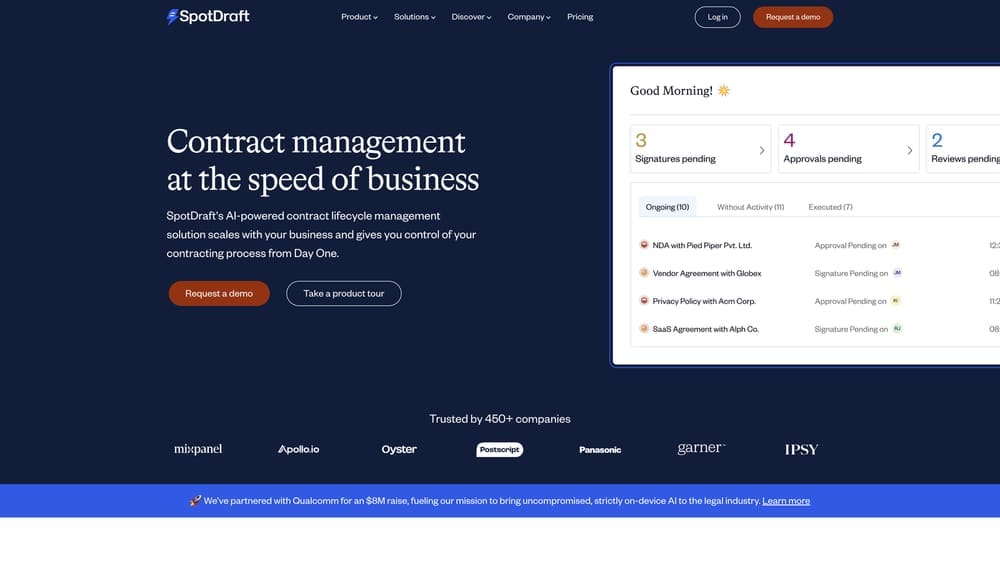
SpotDraft is an AI contract review tool that automatically flags non-standard clauses, unusual risk language, and missing provisions in uploaded agreements.
Where This Tool Shines
SpotDraft’s value proposition is speed. Upload your PEO MSA, and the AI runs a first-pass review that surfaces indemnification language, liability caps, and termination provisions that fall outside normal benchmarks. For business owners who aren’t contract attorneys, this kind of plain-language flagging can be the difference between catching a problematic clause and signing past it.
The clause comparison against configurable benchmarks is worth paying attention to. If you’ve reviewed a few PEO agreements, you can set your own acceptable thresholds and let SpotDraft flag deviations automatically. That’s a meaningful efficiency gain when you’re comparing proposals from multiple providers.
Key Features
AI Risk Analysis: Automated first-pass review flags high-risk provisions immediately on upload.
Non-Standard Clause Detection: Specifically identifies unusual indemnification, liability, and termination language.
Configurable Benchmarks: Set your own acceptable clause standards and flag deviations across multiple agreements.
Workspace Integration: Connects with Google Workspace and Microsoft 365 for easy document access.
Best For
HR leaders and business owners who want to do their own intelligent first-pass review before handing off to outside counsel. Reduces attorney time — and therefore cost — by narrowing the review to flagged sections rather than the full document.
Pricing
Custom pricing with a free trial available for initial contract reviews. The free trial makes it easy to test on an actual PEO MSA before committing.
5. ContractPodAi
Best for: Enterprise companies managing large vendor contract portfolios who need cross-contract analytics
ContractPodAi is an enterprise-grade CLM platform with deep clause-level analytics, obligation tracking, and AI extraction built for organizations managing complex vendor agreements at scale.

Where This Tool Shines
ContractPodAi earns its place here for one specific use case: companies that have signed PEO agreements across multiple entities, subsidiaries, or time periods and need to understand their aggregate contractual exposure. The cross-contract analytics capability lets you compare clause language and obligations across your entire vendor portfolio — not just a single MSA in isolation.
The obligation tracking is also genuinely useful post-signature. PEO MSAs often contain ongoing compliance requirements and reporting obligations that get buried in the original agreement and forgotten. ContractPodAi surfaces those systematically rather than relying on someone to remember them.
Key Features
AI Clause Extraction and Obligation Mapping: Automatically identifies and tracks every contractual obligation across uploaded agreements.
Cross-Contract Analytics: Compare terms and risk exposure across multiple vendor agreements simultaneously.
Enterprise Security: Built on Microsoft Azure with enterprise-grade security standards for sensitive HR and legal data.
Compliance Dashboards: Automated tracking of compliance requirements and obligation deadlines.
Best For
Enterprise legal and procurement teams managing multiple PEO relationships or a large vendor contract portfolio. Overkill for a small business reviewing a single MSA, but well-suited for complex organizational structures.
Pricing
Enterprise pricing — typically five-figure annual contracts. This is a serious investment that makes sense for organizations with proportional contract complexity.
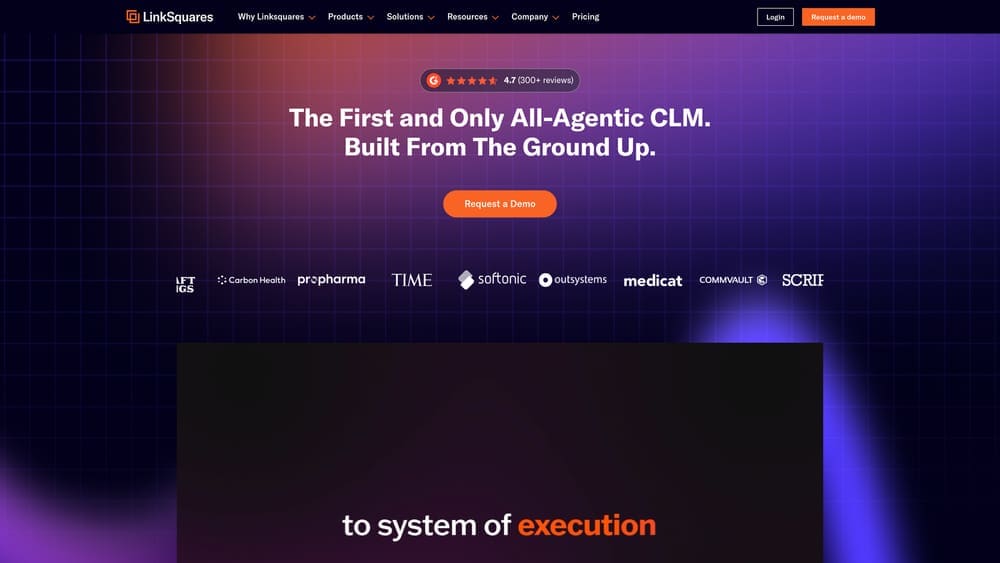
6. LinkSquares
Best for: Tracking obligations, renewal dates, and compliance requirements in already-signed PEO agreements
LinkSquares is a post-signature contract intelligence platform focused on extracting and tracking obligations, renewal windows, and financial terms across executed agreements.
Where This Tool Shines
Most contract review tools focus on the pre-signature phase. LinkSquares is built for what happens after you sign — which, in the context of a PEO MSA, is where most of the financial exposure actually lives. Auto-renewal clauses, rate adjustment triggers, and termination notice deadlines are the provisions that quietly cost businesses money, and they’re exactly what LinkSquares is designed to surface and monitor.
The searchable contract repository with clause-level filtering is particularly useful if you’re managing a PEO relationship over multiple years. When a rate adjustment dispute arises 18 months after signing, being able to pull the exact clause in seconds — rather than rereading the entire agreement — has real operational value.
Key Features
AI Obligation Extraction: Automatically pulls key dates, financial terms, and obligations from signed contracts.
Auto-Renewal Alerts: Proactive notifications for renewal windows and termination notice deadlines — the clauses most likely to create passive financial exposure.
Clause-Level Search: Searchable repository that lets you filter by specific provision types across your contract portfolio.
Pre- and Post-Signature Modules: Covers both the review phase and ongoing contract management after execution.
Best For
Mid-market companies that have already signed a PEO MSA and want to actively manage their obligations and renewal exposure going forward. Also useful for businesses approaching a renewal who want to audit their current agreement before negotiating.
Pricing
Custom pricing — generally positioned for mid-market and above. Contact LinkSquares directly for a quote based on contract volume.
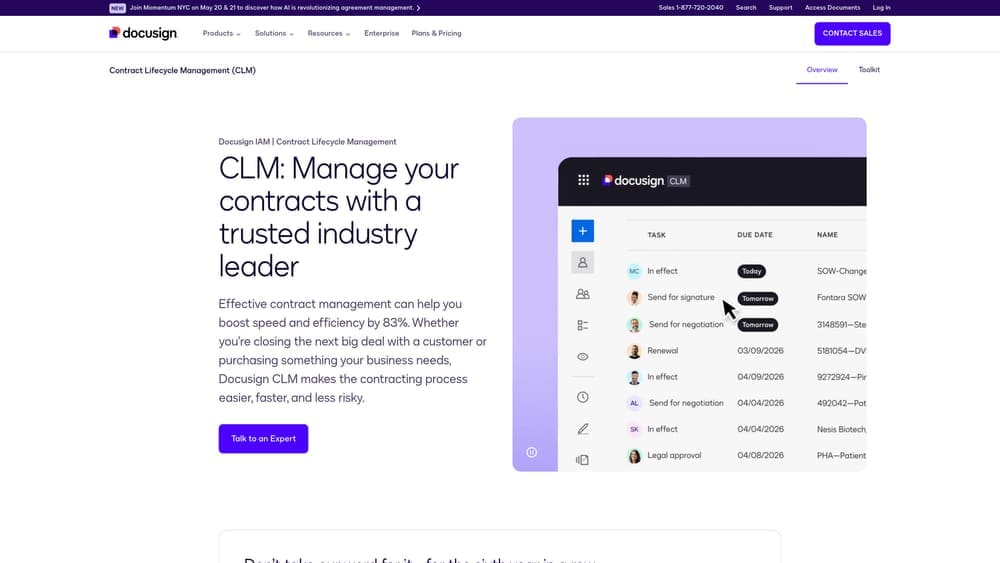
7. Docusign CLM
Best for: Existing Docusign users who want AI-powered MSA review without adopting a separate platform
Docusign CLM is a contract lifecycle management extension of the Docusign platform that uses AI to compare uploaded contracts against your negotiation playbook and preferred clause library.
Where This Tool Shines
If your organization already runs on Docusign for e-signatures, CLM is the path of least resistance to adding contract intelligence without onboarding a separate vendor. The integration is native, the learning curve is lower, and your existing Docusign workflows extend naturally into the review phase.
The clause library feature is where Docusign CLM earns its spot on this list. You can build a library of acceptable MSA terms — your preferred indemnification language, acceptable liability caps, termination notice requirements — and flag any deviation from that standard automatically. For businesses that review PEO agreements periodically, this creates a reusable review framework that improves with each contract cycle.
Key Features
Playbook-Based Clause Comparison: AI compares uploaded contracts against your custom negotiation playbook and flags deviations.
Clause Library: Build and maintain a library of acceptable terms so reviewers know immediately what’s in bounds and what isn’t.
Native Docusign Integration: Seamless connection to e-signature workflows eliminates handoff friction at execution.
Cycle Time Reporting: Tracks contract review timelines and bottlenecks across your team.
Best For
Companies already invested in the Docusign ecosystem who want to extend their existing infrastructure rather than adopt a standalone CLM. Less compelling as a first-time contract review tool if you’re not already a Docusign customer.
Pricing
Add-on to Docusign Business Pro or Enterprise plans — custom pricing. Contact Docusign for current bundling options and what’s included at each tier.
8. LegalSifter
Best for: Non-lawyers who need to understand what they’re actually signing without a full attorney review
LegalSifter is a hybrid AI-plus-attorney contract review tool that combines automated clause detection with on-demand access to licensed attorneys for context-specific guidance.
Where This Tool Shines
LegalSifter occupies a genuinely distinct position in this list: it’s built for the business owner or HR manager who isn’t a lawyer and doesn’t want to feel like they’re flying blind through a 40-page agreement. The AI flags clauses with plain-language explanations — not legal jargon — so you actually understand what each provision means before deciding whether to escalate it to counsel.
The on-demand attorney access is the differentiator. When the AI flags something and you’re not sure whether it’s a real problem or standard boilerplate, you can get a licensed attorney’s perspective without retaining outside counsel for a full review. For small businesses reviewing a PEO MSA without in-house legal, that’s a meaningful cost and time savings.
Key Features
Plain-Language Clause Explanations: AI flags provisions and explains what they mean in plain English — not legalese.
On-Demand Attorney Access: Get licensed attorney input on specific provisions without committing to a full legal engagement.
Pre-Built Sifters: Configurable clause detectors for common contract types, adaptable to service agreements like PEO MSAs.
Non-Lawyer Friendly: Designed specifically for business operators who need to understand contracts without a law degree.
Best For
Small to mid-sized business owners and HR leaders who want intelligent guidance through their PEO MSA without the cost of a full attorney review. Particularly valuable for first-time PEO buyers who aren’t familiar with co-employment contract conventions.
Pricing
Starts around $150/month for individual users — team plans available at higher tiers. One of the more accessible price points on this list for smaller organizations.
9. Notion + Custom MSA Checklist Template
Best for: Small businesses that need a structured review framework without the cost of CLM software
Notion is a free or near-free manual approach using database and checklist features to build a structured, reusable PEO MSA review framework tailored to your specific concerns.
Where This Tool Shines
Not every business needs AI-powered contract intelligence software. If you’re a 20-person company reviewing your first PEO MSA, what you actually need is a clear checklist of what to look for — not a five-figure CLM platform. Notion gives you the structure to build that without the overhead.
A well-designed Notion template can cover every critical MSA section: co-employment structure and liability allocation, fee transparency and rate adjustment triggers, termination provisions and notice periods, workers’ comp treatment, benefits portability, data handling, and dispute resolution. The database view lets you track review status across multiple provider proposals side by side, which is genuinely useful when you’re comparing two or three PEO options simultaneously.
Key Features
Fully Customizable Structure: Build a checklist that maps directly to PEO-specific MSA sections — no generic template forcing you to adapt.
Multi-Provider Tracking: Database views let you track review status across several provider proposals at once.
Accessible Pricing: Free for individual use, making it viable for any business regardless of budget.
Collaborative Sharing: Share your review workspace with attorneys, brokers, or internal stakeholders without adding software seats.
Best For
Small businesses, solo HR managers, and founders who want a practical, organized approach to MSA review without software procurement overhead. Also a solid complement to any of the AI tools above — use Notion to track your review progress while a tool like SpotDraft or LegalSifter handles the clause analysis.
Pricing
Free for personal use. The Plus plan runs $10/month per user for teams — one of the lowest-cost options on this list by a significant margin.
Picking the Right Review Approach
The right tool depends on where you are in the process and what you’re actually trying to solve.
If you’re actively comparing PEO providers and want to understand how their MSA terms differ from each other — not just from some generic standard — PEO Metrics is the starting point. It’s the only tool on this list built specifically for that comparison context, and MSA review without provider comparison misses half the picture.
If you have in-house legal or outside counsel and need to manage a structured, multi-stakeholder review process, Ironclad or Docusign CLM will serve you well depending on your existing tech stack. Both handle complex workflows and approval routing at a level the lighter tools don’t.
If you’re a small business owner or HR leader who doesn’t have legal resources and needs to understand what you’re signing in plain language, LegalSifter is the most practical option. The combination of AI flagging and on-demand attorney access is well-suited to that specific gap. For businesses with no software budget at all, a well-built Notion checklist is a legitimate, underrated option.
One thing worth emphasizing regardless of which tool you use: the MSA review window is your negotiation window. Once you’ve signed, the leverage disappears. Auto-renewal clauses, rate adjustment triggers, and termination penalties are exactly the provisions that create financial exposure for businesses that didn’t read carefully the first time.
Don’t auto-renew. Make an informed, confident decision. Many businesses unknowingly overpay because of bundled fees, hidden administrative markups, and contracts designed to limit flexibility. A clear, side-by-side breakdown of pricing, services, and contract terms gives you the visibility to see exactly what you’re paying for — and choose the provider that actually fits your business.
